

Follow a glucose repeatability study from setup to report.
Follow a single-run repeatability study of one glucose control. Set the CV limit, import the readings, exclude a transcription error and review the calculated results and report.
-
Set up
Name the analyte and set the CV limit.
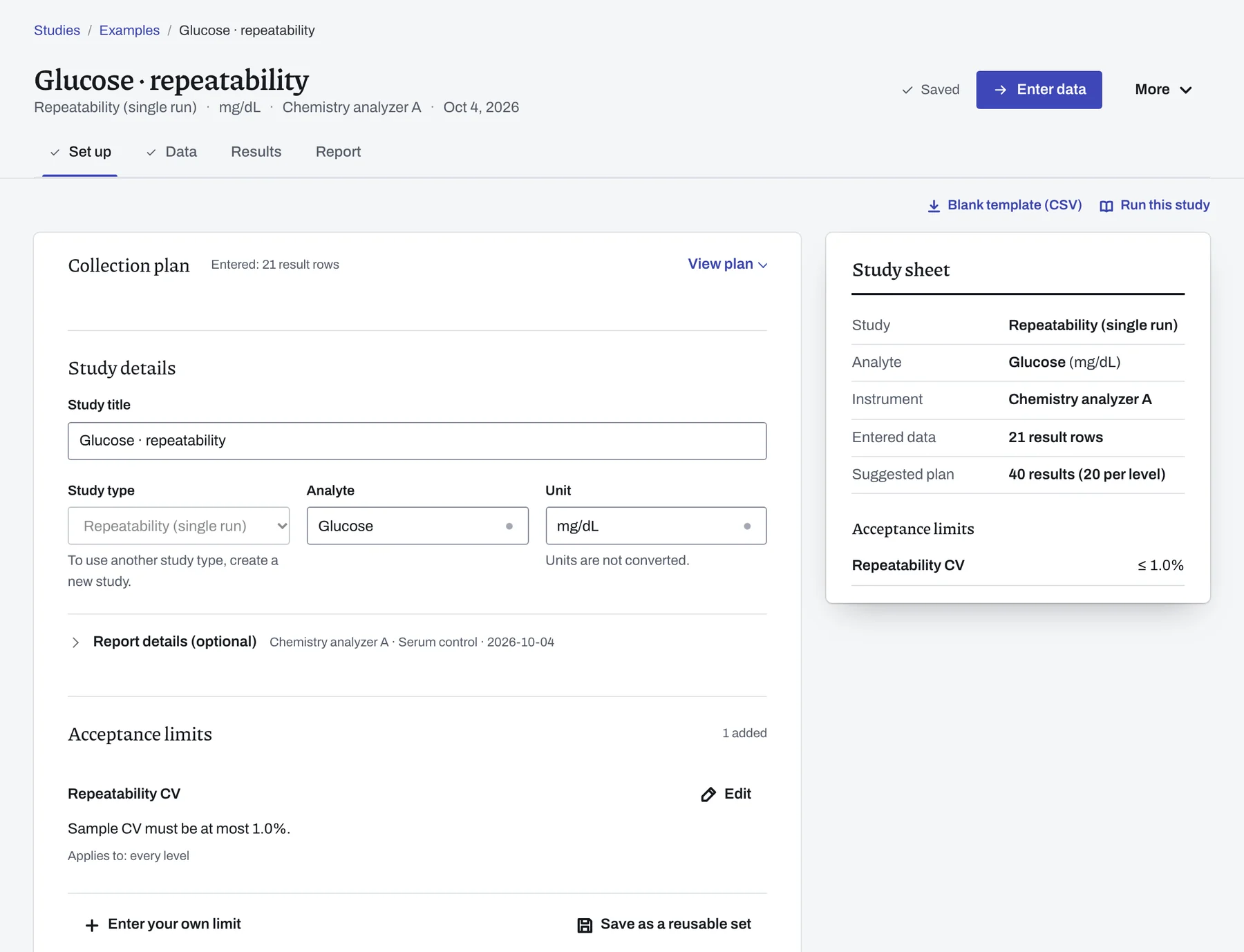
Choose New study, select Repeatability and enter the analyte, Glucose, and the unit, mg/dL. Under Acceptance limits, add the laboratory's limit for the repeatability CV, ≤ 1%.
-
Data
Import the run and exclude the transcription error.
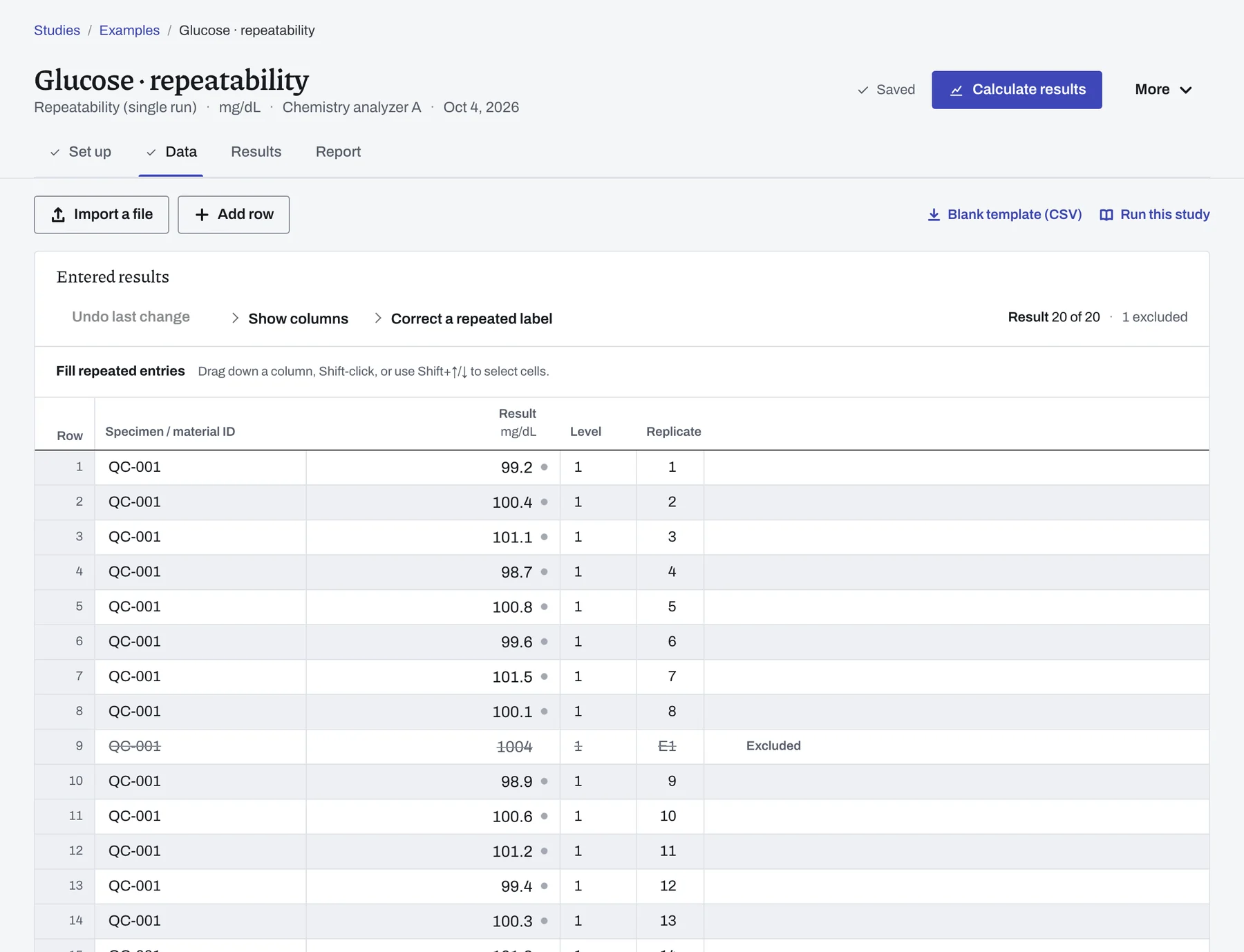
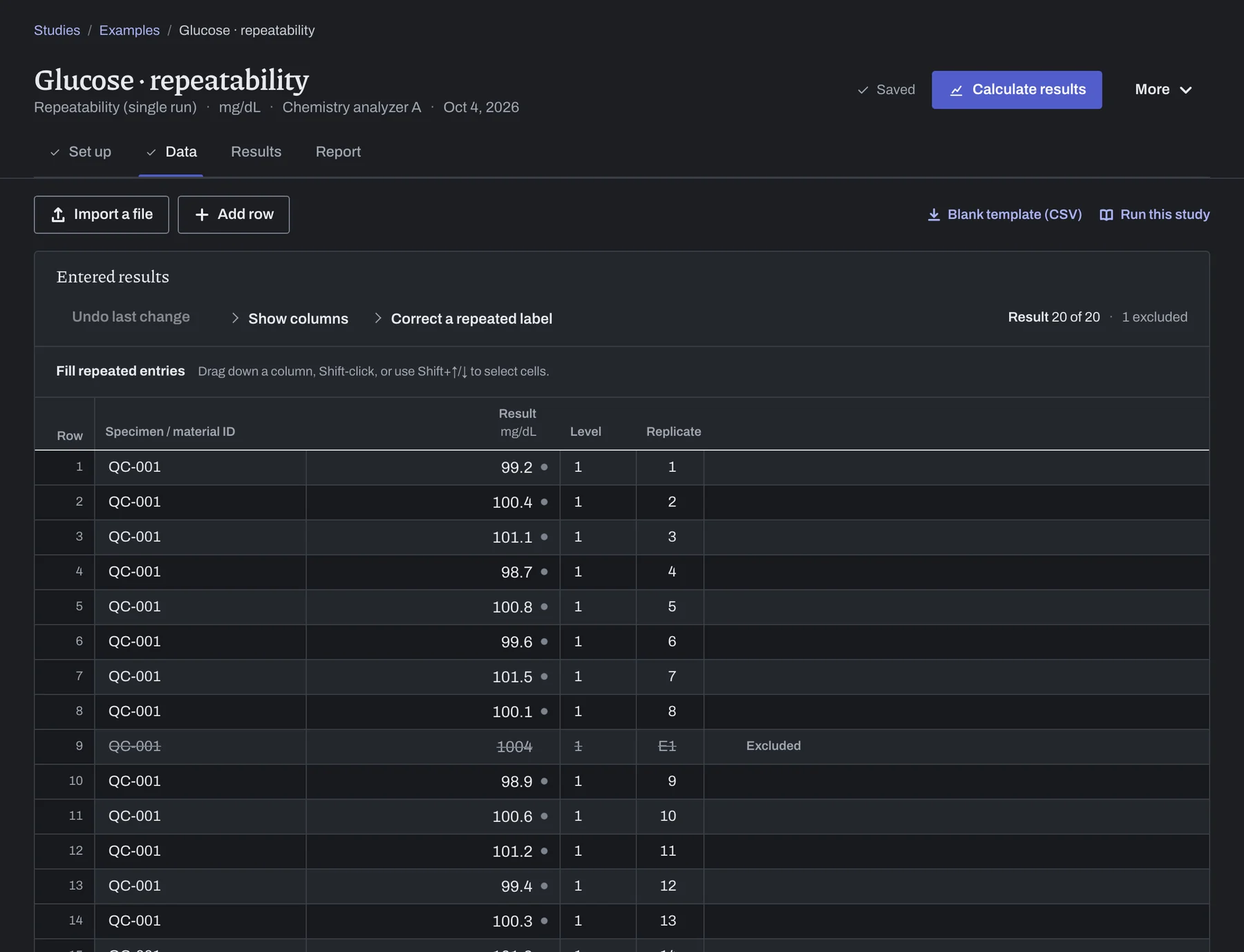
Import repeatability.csv, which holds 21 readings of control QC-001 from one run.
On Data, row 9 reads 1004, a transcription error. The row is excluded with that reason, so it stays in the study and is left out of the calculation.
-
Results
Calculate the CV against your limit.
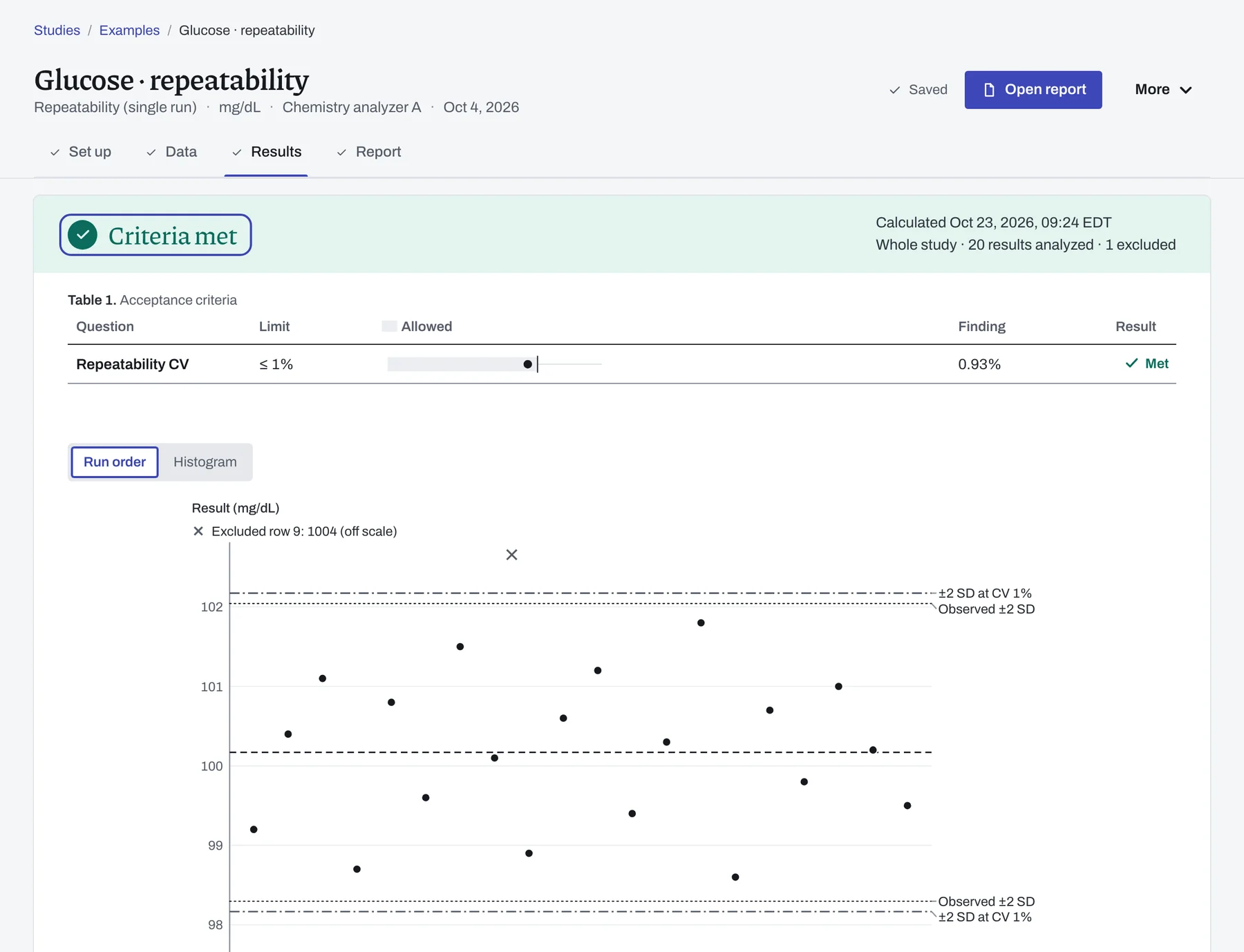
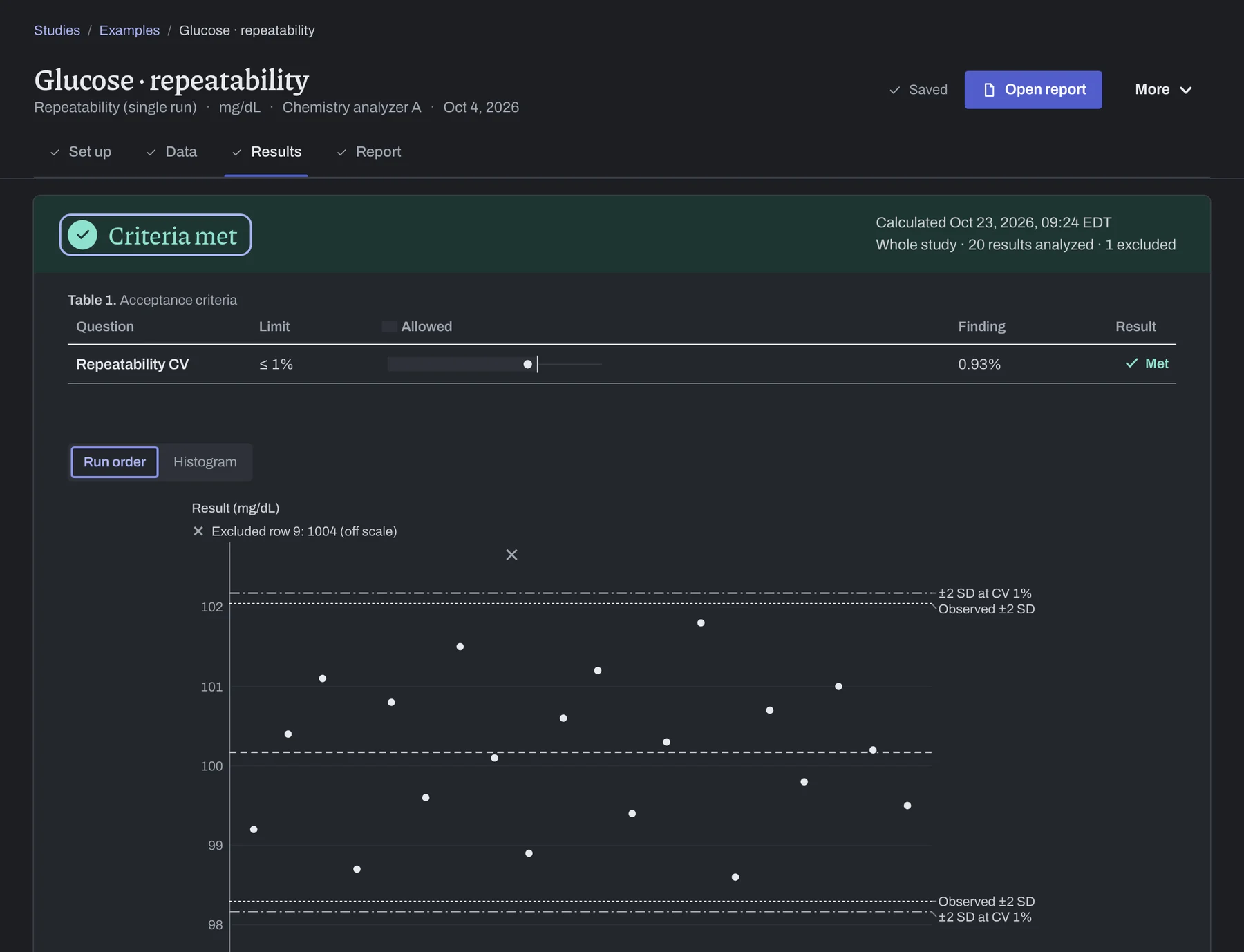
Choose Calculate results. The study reads Criteria met, with 20 analyzed and 1 excluded: CV 0.93% against the limit of ≤ 1%, Met.
Key results give the mean, 100.17 mg/dL (95% CI 99.73–100.61), and the SD, 0.936 mg/dL. The run-order plot marks the excluded 1004 off scale.
-
Report
Download, print or sign off the report.
On Report you can Download PDF, Print or, if your procedure calls for it, Sign off.
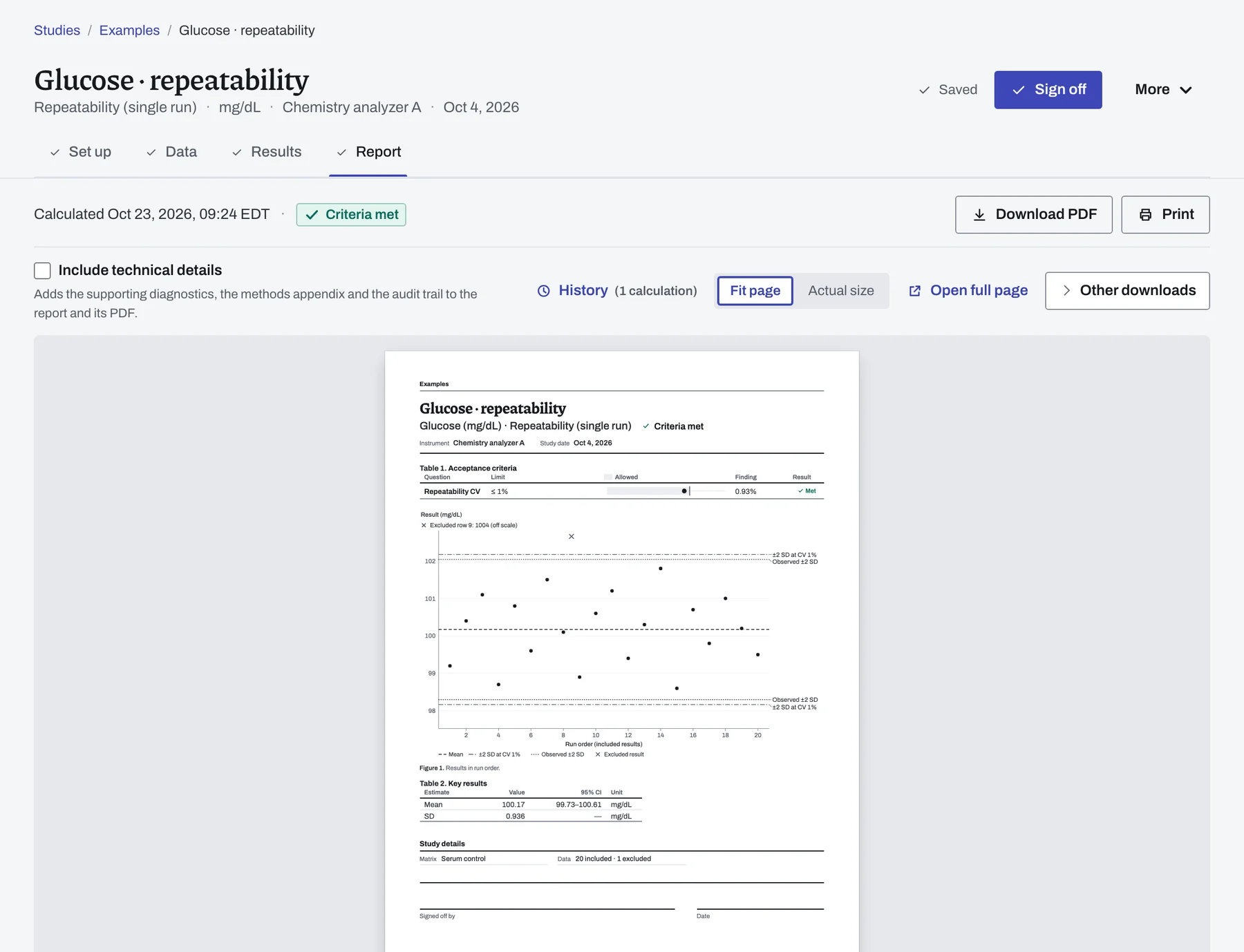
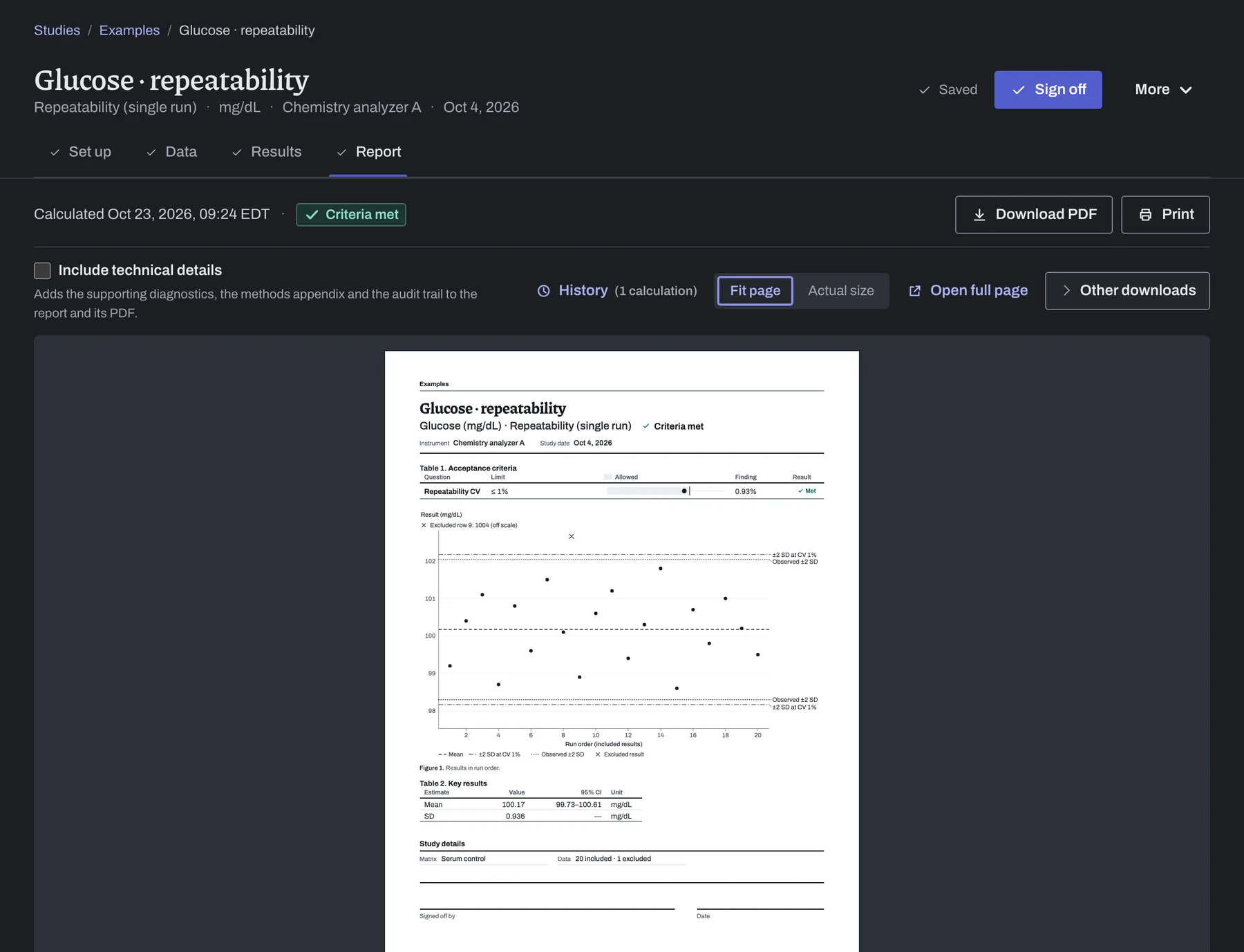

Read the finished report.
Page 1 gives the decision, and the data listing starts on page 2, showing every row, including the excluded 1004 with its reason.
Open the report in a new tabOpen your own copy.
Open the example in your workspace and choose Calculate results to get the same numbers. To see how different readings affect the CV and outcome, try the interactive example.