

Verify an analyzer in LabRuns and build its inspection binder.
Prepare an inspection binder with signed reports for precision, linearity, calibration verification, method comparison and reagent lots. Each report compares the results with your laboratory's limits. Explore this glucose binder for one chemistry analyzer to see the studies, imports and reviews used to prepare it.
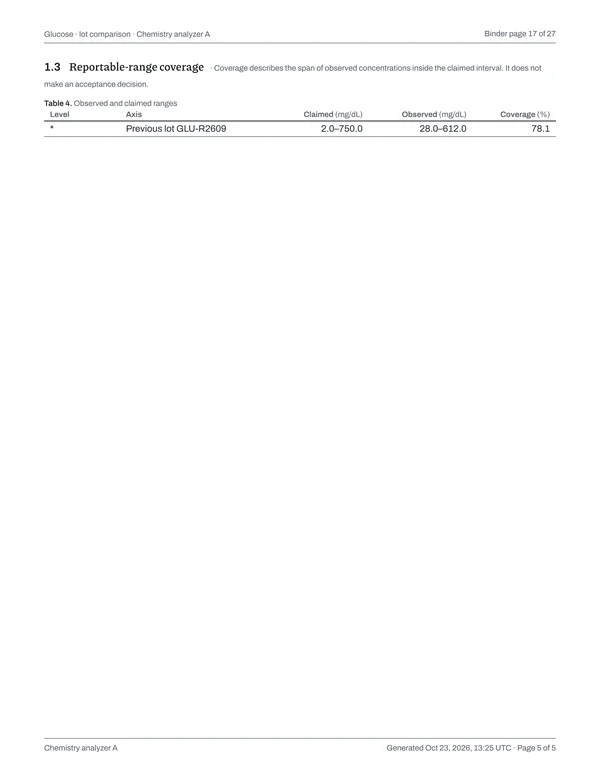
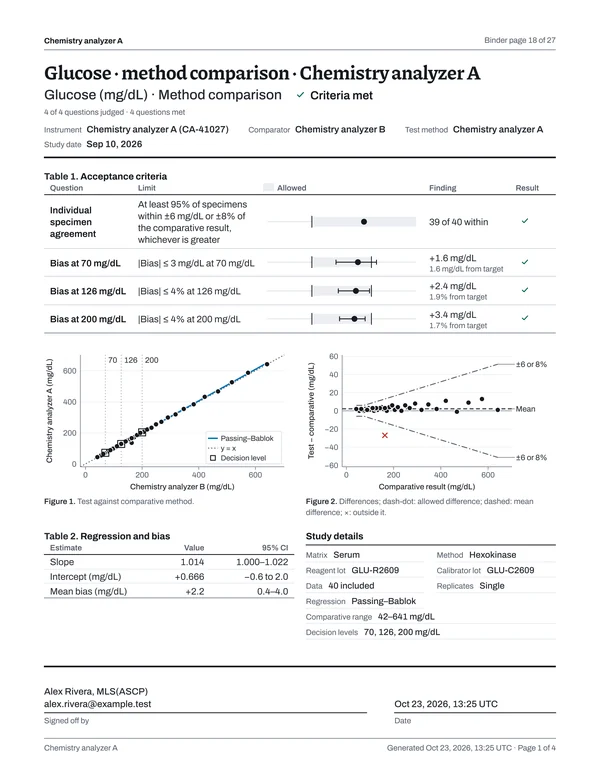
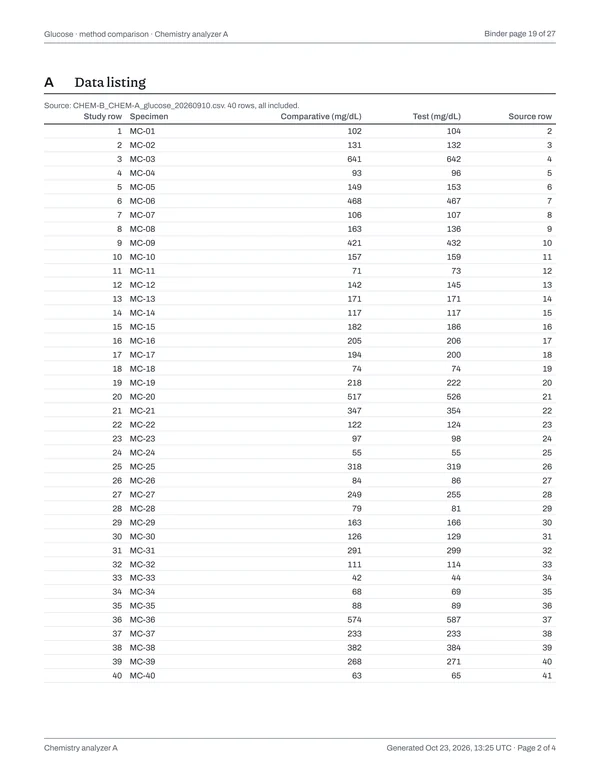
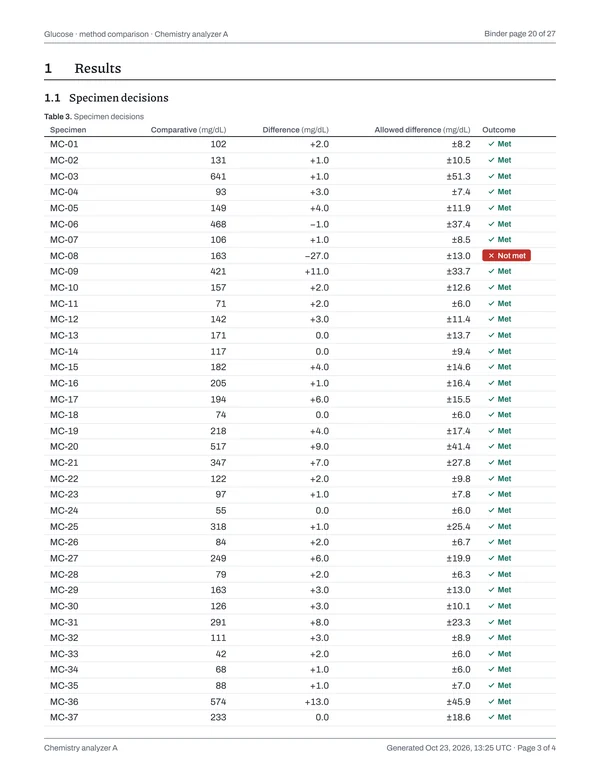
Page 1 of 27Cover
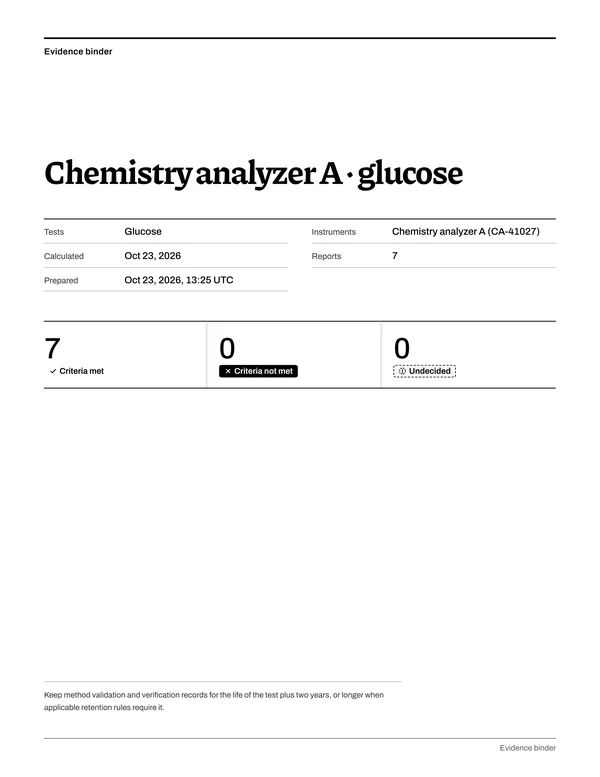
Chemistry analyzer A · glucose
Grouped by analyzer · built Oct 23, 2026
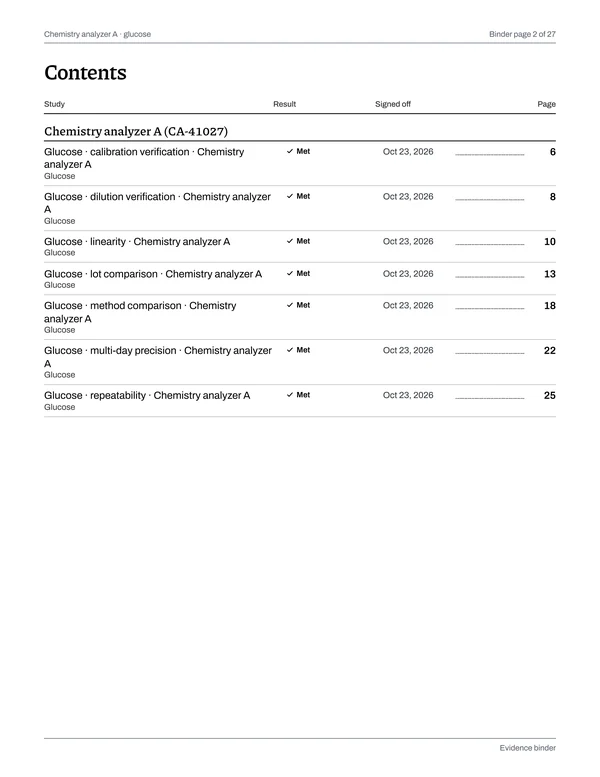
- Chemistry analyzer A (CA-41027)
-
Data 3 · report 1Calculated Oct 23, 2026, 13:25 UTC · signed off by Alex Rivera, MLS(ASCP)
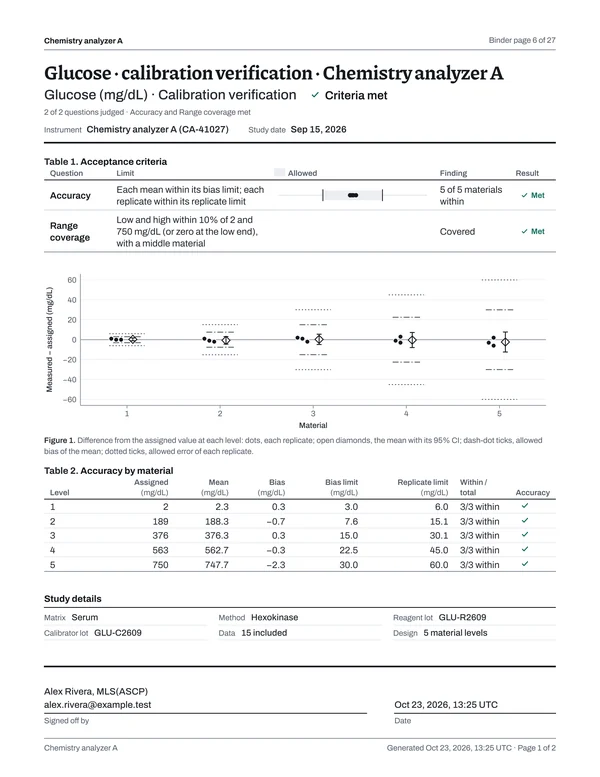
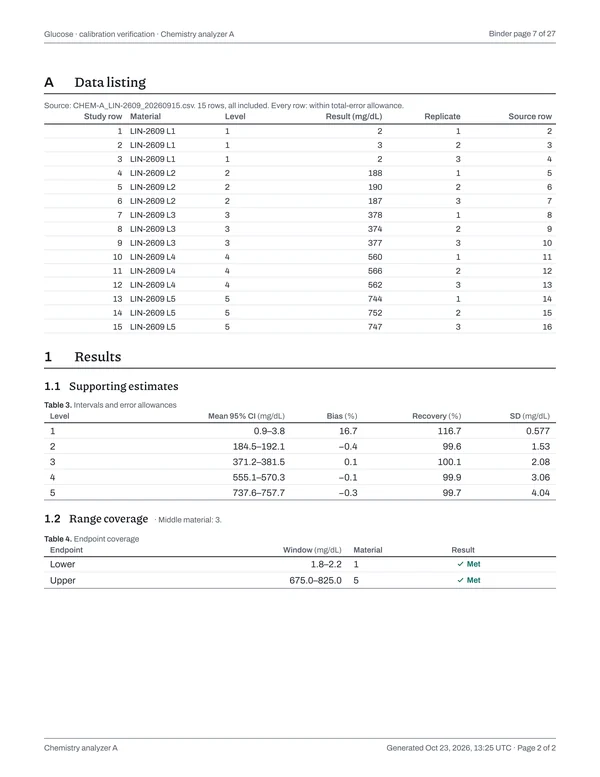
Pages 6–7Open this report (PDF)
-
Data 4 · report 1Calculated Oct 23, 2026, 13:25 UTC · signed off by Alex Rivera, MLS(ASCP)
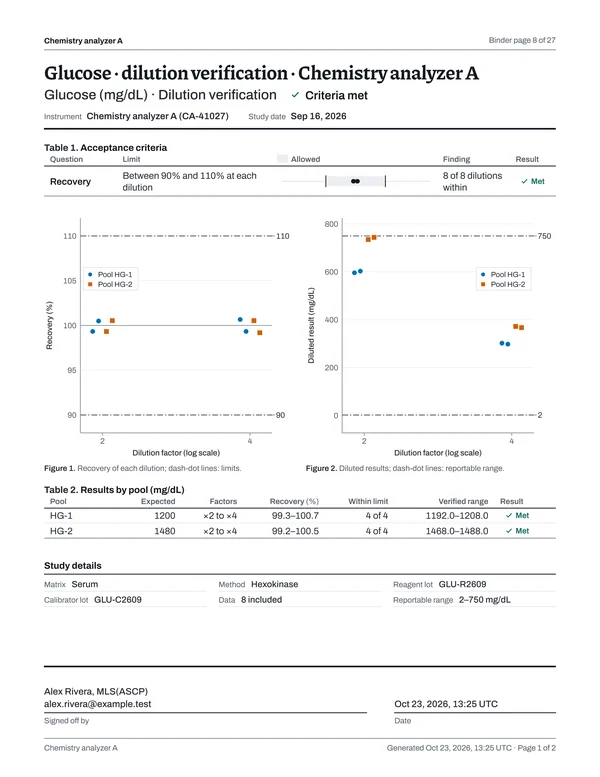
Pages 8–9Open this report (PDF)
-
Data 3 · report 1Calculated Oct 23, 2026, 13:25 UTC · signed off by Alex Rivera, MLS(ASCP)
Pages 10–12Open this report (PDF)
-
Data 3 · report 1Calculated Oct 23, 2026, 13:25 UTC · signed off by Alex Rivera, MLS(ASCP)
Pages 13–17Open this report (PDF)
-
Data 3 · report 1Calculated Oct 23, 2026, 13:25 UTC · signed off by Alex Rivera, MLS(ASCP)
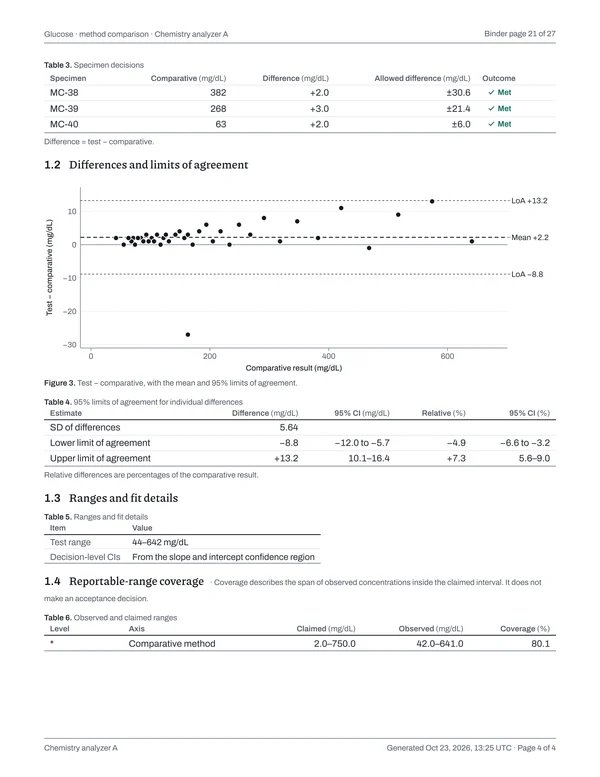
Pages 18–21Open this report (PDF)
-
Data 2 · report 1Calculated Oct 23, 2026, 13:25 UTC · signed off by Alex Rivera, MLS(ASCP)
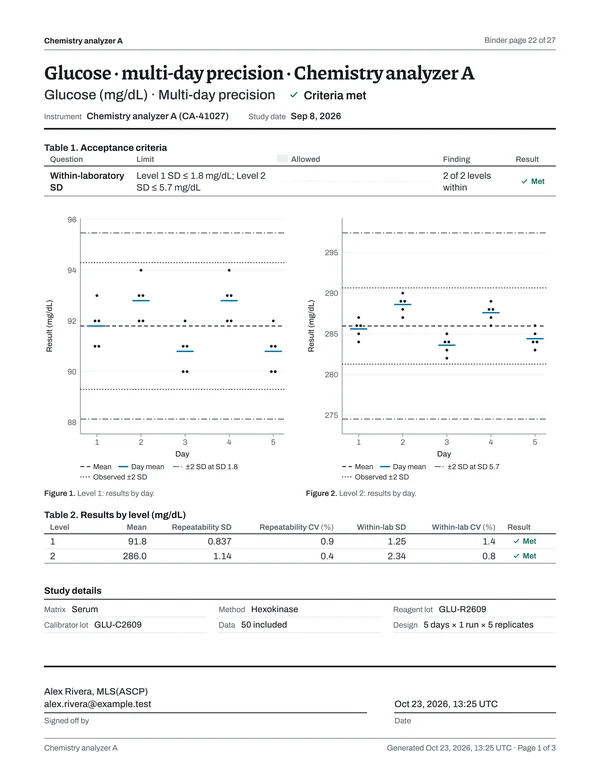
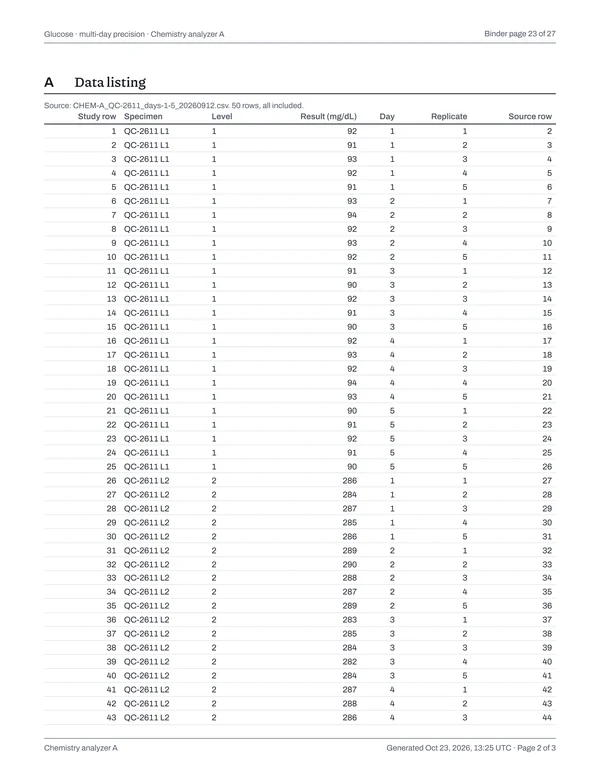
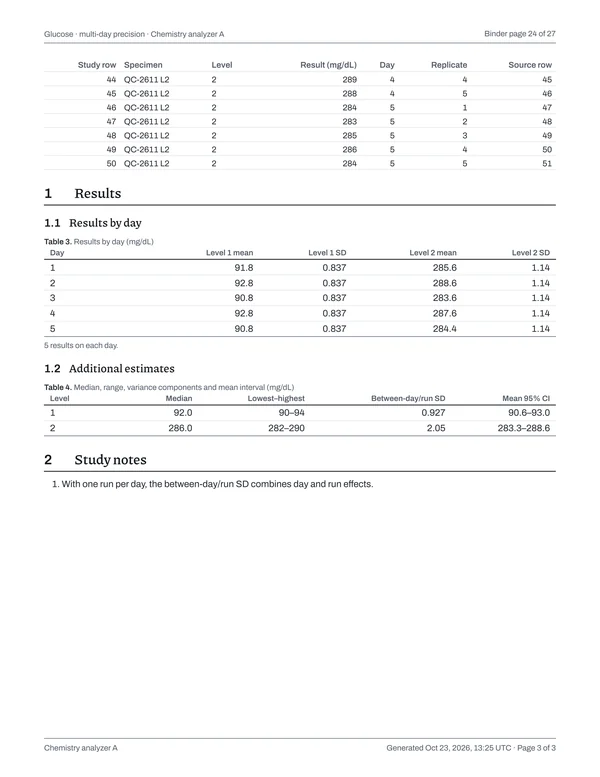
Pages 22–24Open this report (PDF)
-
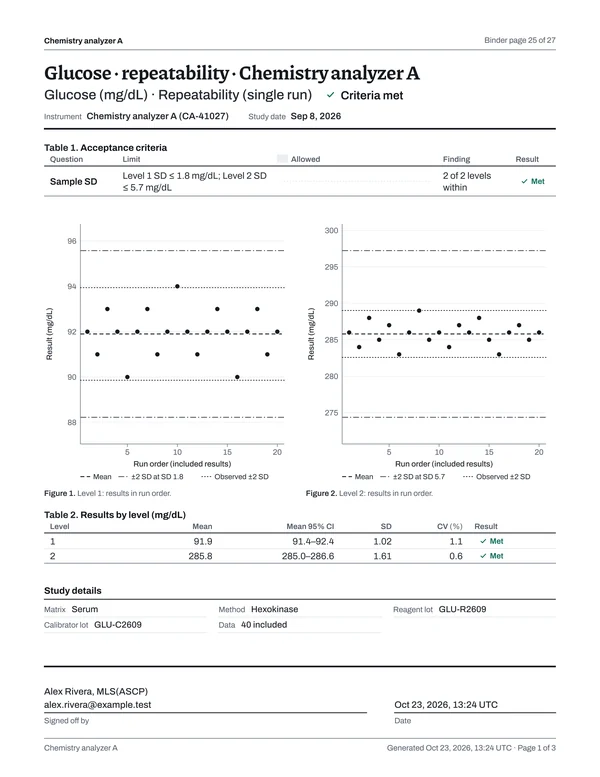
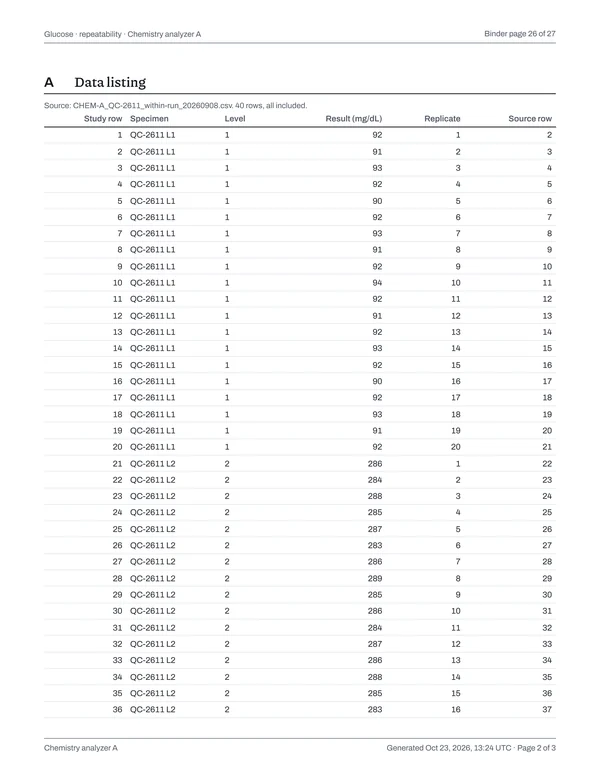
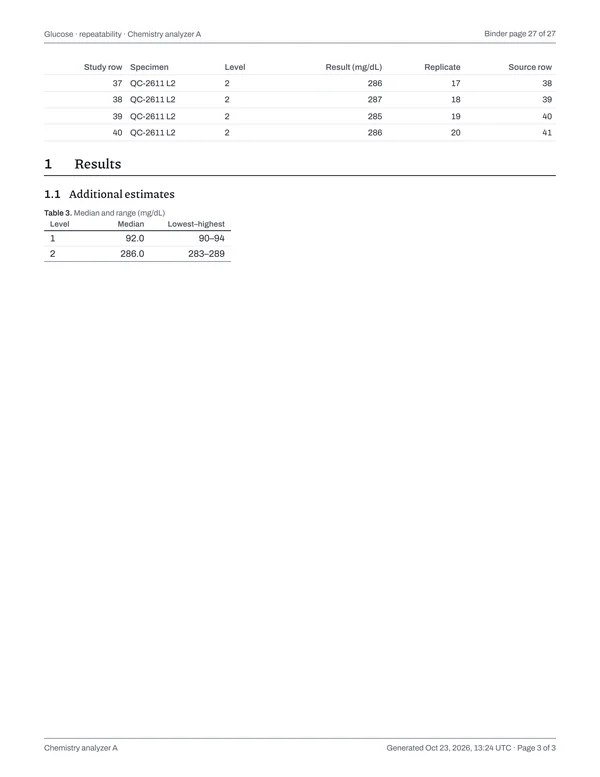
Data 2 · report 1Calculated Oct 23, 2026, 13:24 UTC · signed off by Alex Rivera, MLS(ASCP)
Pages 25–27Open this report (PDF)
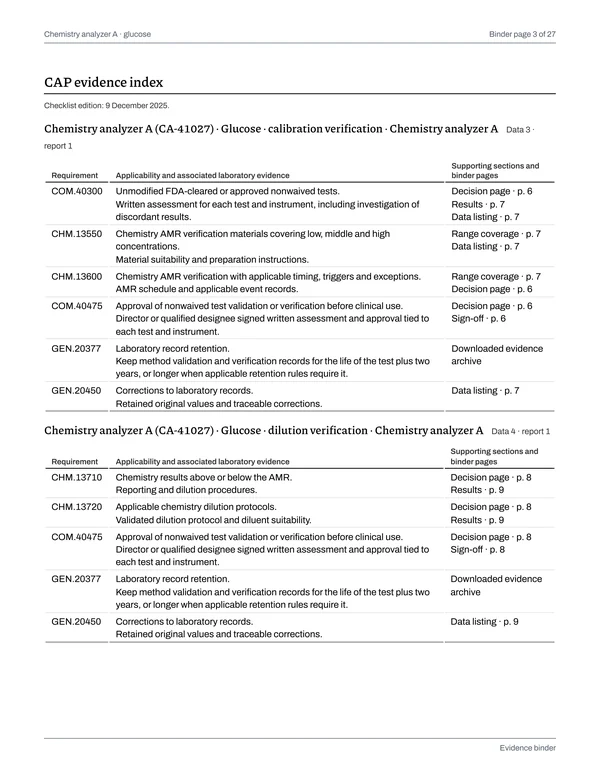
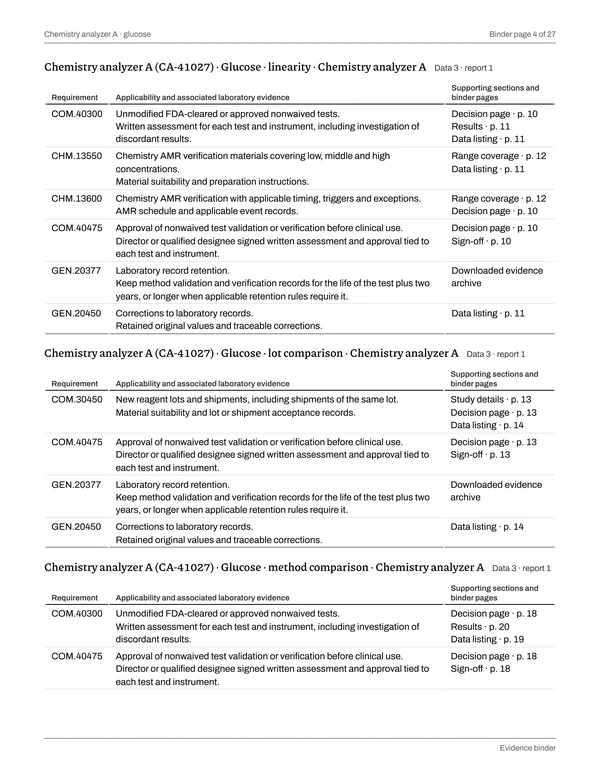
CAP checklist edition 9 December 2025 · 9 requirements
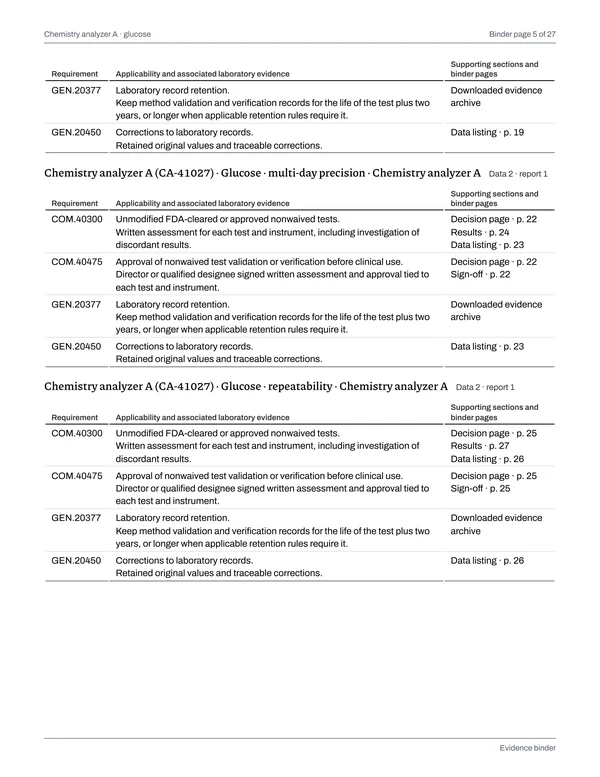
COM.40300Unmodified FDA-cleared or approved nonwaived tests.
Laboratory recordsWritten assessment for each test and instrument, including investigation of discordant results.
- Glucose · calibration verification · Chemistry analyzer A
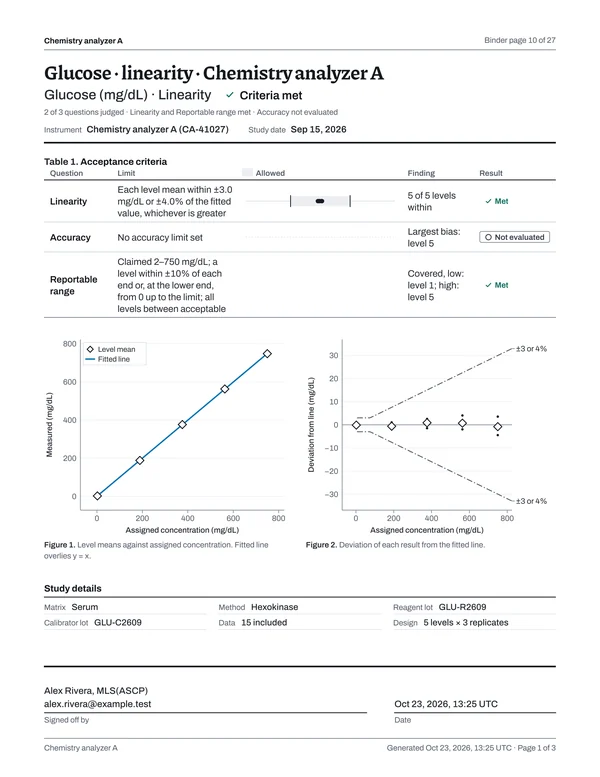
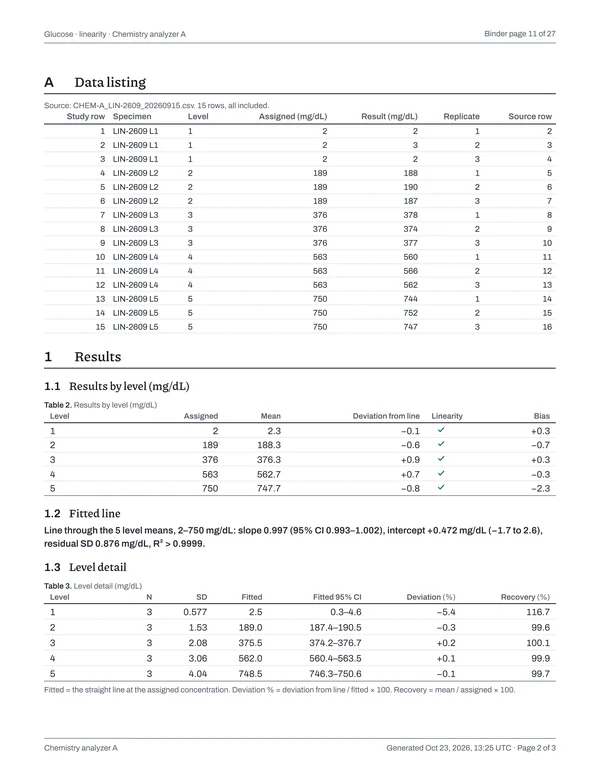
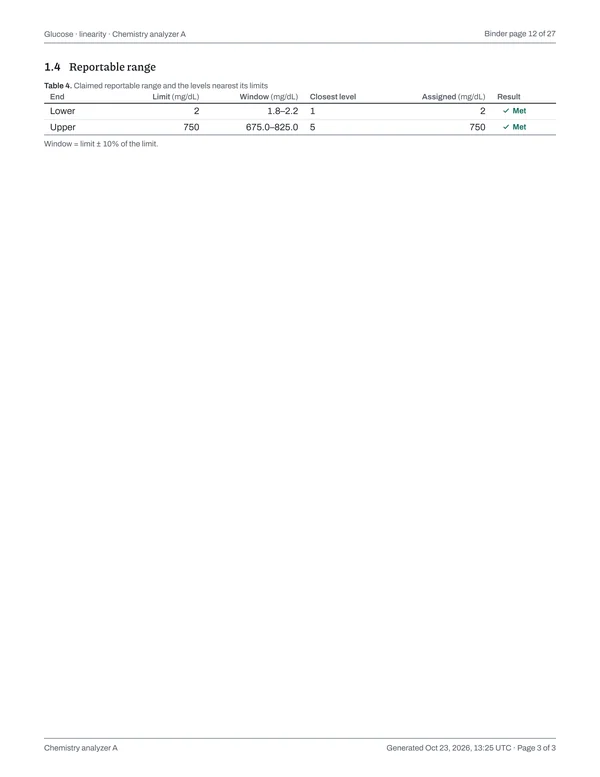
- Glucose · linearity · Chemistry analyzer A
- Glucose · method comparison · Chemistry analyzer A
- Glucose · multi-day precision · Chemistry analyzer A
- Glucose · repeatability · Chemistry analyzer A
CHM.13550Chemistry AMR verification materials covering low, middle and high concentrations.
Laboratory recordsMaterial suitability and preparation instructions.
- Glucose · calibration verification · Chemistry analyzer A
- Glucose · linearity · Chemistry analyzer A
CHM.13600Chemistry AMR verification with applicable timing, triggers and exceptions.
Laboratory recordsAMR schedule and applicable event records.
- Glucose · calibration verification · Chemistry analyzer A
- Glucose · linearity · Chemistry analyzer A
COM.40475Approval of nonwaived test validation or verification before clinical use.
Laboratory recordsDirector or qualified designee signed written assessment and approval tied to each test and instrument.
- Glucose · calibration verification · Chemistry analyzer A
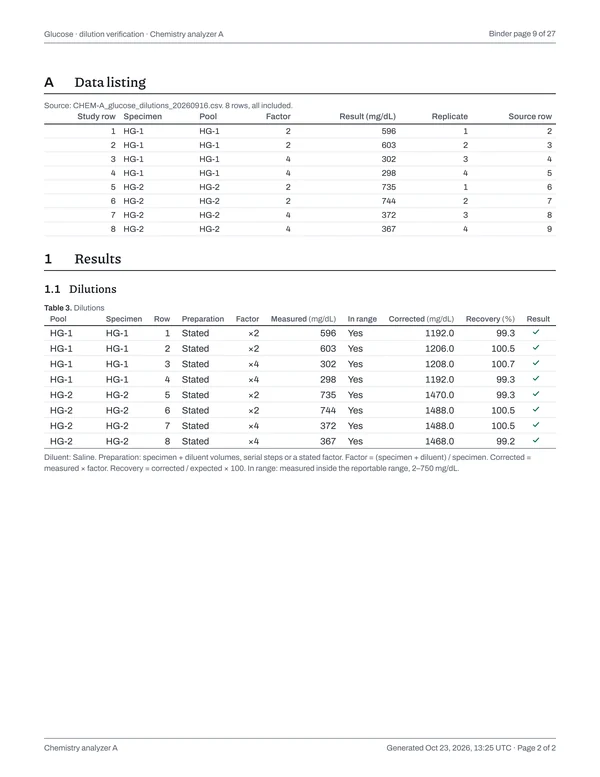
- Glucose · dilution verification · Chemistry analyzer A
- Glucose · linearity · Chemistry analyzer A
- Glucose · lot comparison · Chemistry analyzer A
- Glucose · method comparison · Chemistry analyzer A
- Glucose · multi-day precision · Chemistry analyzer A
- Glucose · repeatability · Chemistry analyzer A
GEN.20377Laboratory record retention.
Laboratory recordsKeep method validation and verification records for the life of the test plus two years, or longer when applicable retention rules require it.
- Glucose · calibration verification · Chemistry analyzer A
- Glucose · dilution verification · Chemistry analyzer A
- Glucose · linearity · Chemistry analyzer A
- Glucose · lot comparison · Chemistry analyzer A
- Glucose · method comparison · Chemistry analyzer A
- Glucose · multi-day precision · Chemistry analyzer A
- Glucose · repeatability · Chemistry analyzer A
GEN.20450Corrections to laboratory records.
Laboratory recordsRetained original values and traceable corrections.
- Glucose · calibration verification · Chemistry analyzer A
- Glucose · dilution verification · Chemistry analyzer A
- Glucose · linearity · Chemistry analyzer A
- Glucose · lot comparison · Chemistry analyzer A
- Glucose · method comparison · Chemistry analyzer A
- Glucose · multi-day precision · Chemistry analyzer A
- Glucose · repeatability · Chemistry analyzer A
CHM.13710Chemistry results above or below the AMR.
Laboratory recordsReporting and dilution procedures.
- Glucose · dilution verification · Chemistry analyzer A
CHM.13720Applicable chemistry dilution protocols.
Laboratory recordsValidated dilution protocol and diluent suitability.
- Glucose · dilution verification · Chemistry analyzer A
COM.30450New reagent lots and shipments, including shipments of the same lot.
Laboratory recordsMaterial suitability and lot or shipment acceptance records.
- Glucose · lot comparison · Chemistry analyzer A
example-binder-evidence.zip · 66 files · 13.1 MB · SHA-256 checksum for every file
- binder.pdf4.5 MB
- included-records.json18 KB
- checksums.json10 KB
- studies/001-Glucose - calibration verification - Chemistry analyzer A/9 files
- calculation.json63 KB
- revision.json8 KB
- study-data.csv4 KB
- results-summary.csv170 KB
- imports/a5a9be64…/CHEM-A_LIN-2609_20260915.csv406 bytes
- imports/a5a9be64…/mapping.json65 bytes
- imports/a5a9be64…/settings.json432 bytes
- report.html1.6 MB
- report.pdf459 KB
- studies/002-Glucose - dilution verification - Chemistry analyzer A/9 files
- calculation.json39 KB
- revision.json6 KB
- study-data.csv3 KB
- results-summary.csv51 KB
- imports/ed5de511…/CHEM-A_glucose_dilutions_20260916.csv266 bytes
- and 4 more
- studies/003-Glucose - linearity - Chemistry analyzer A/9 files
- studies/004-Glucose - lot comparison - Chemistry analyzer A/9 files
- studies/005-Glucose - method comparison - Chemistry analyzer A/9 files
- studies/006-Glucose - multi-day precision - Chemistry analyzer A/9 files
- studies/007-Glucose - repeatability - Chemistry analyzer A/9 files
Keep precision, accuracy and linearity reports in one binder.
Choose the signed reports for an analyzer or an analyte, and LabRuns binds them into one PDF with a contents page and a CAP evidence index. You also get an archive of the data, calculations and imports behind every result.
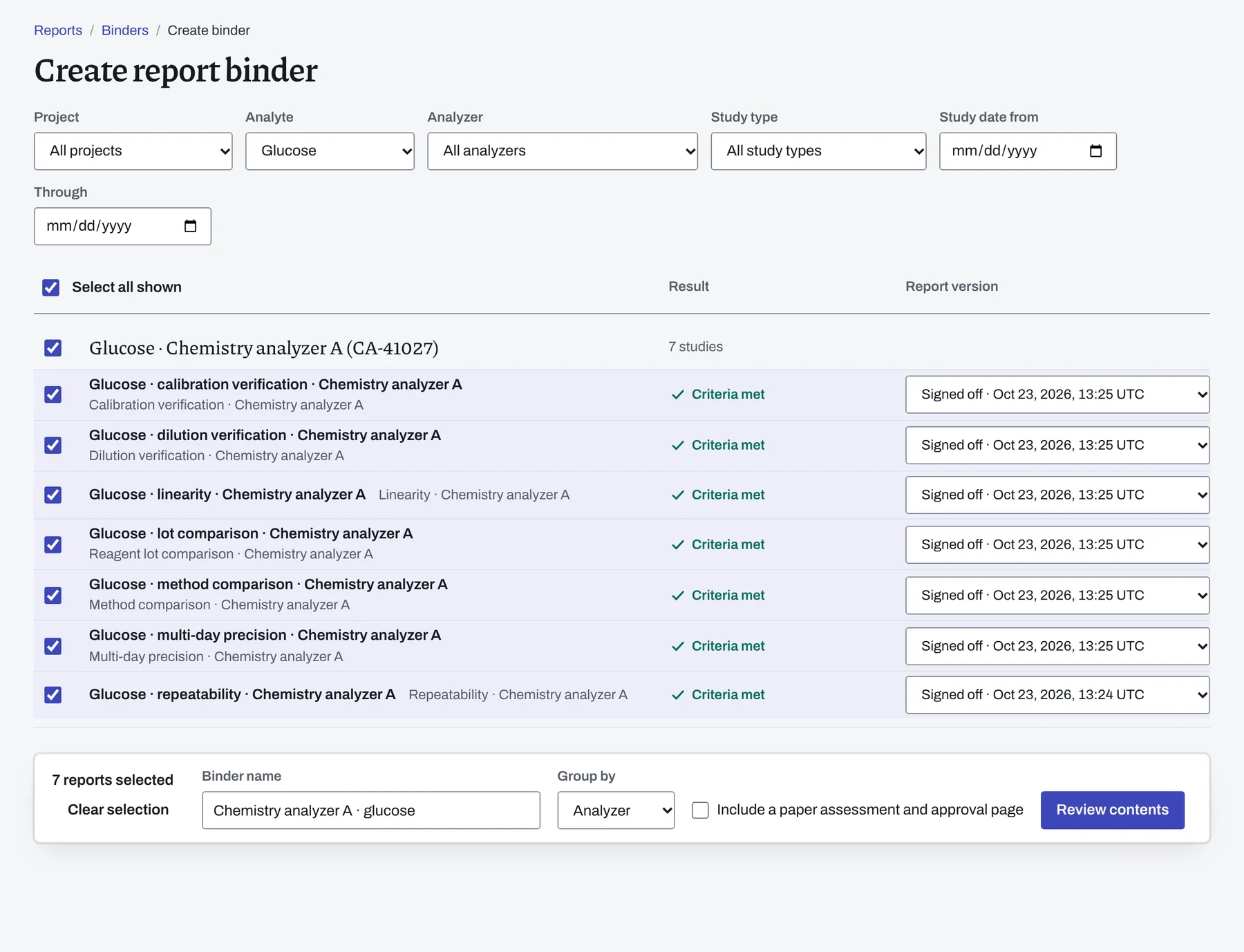
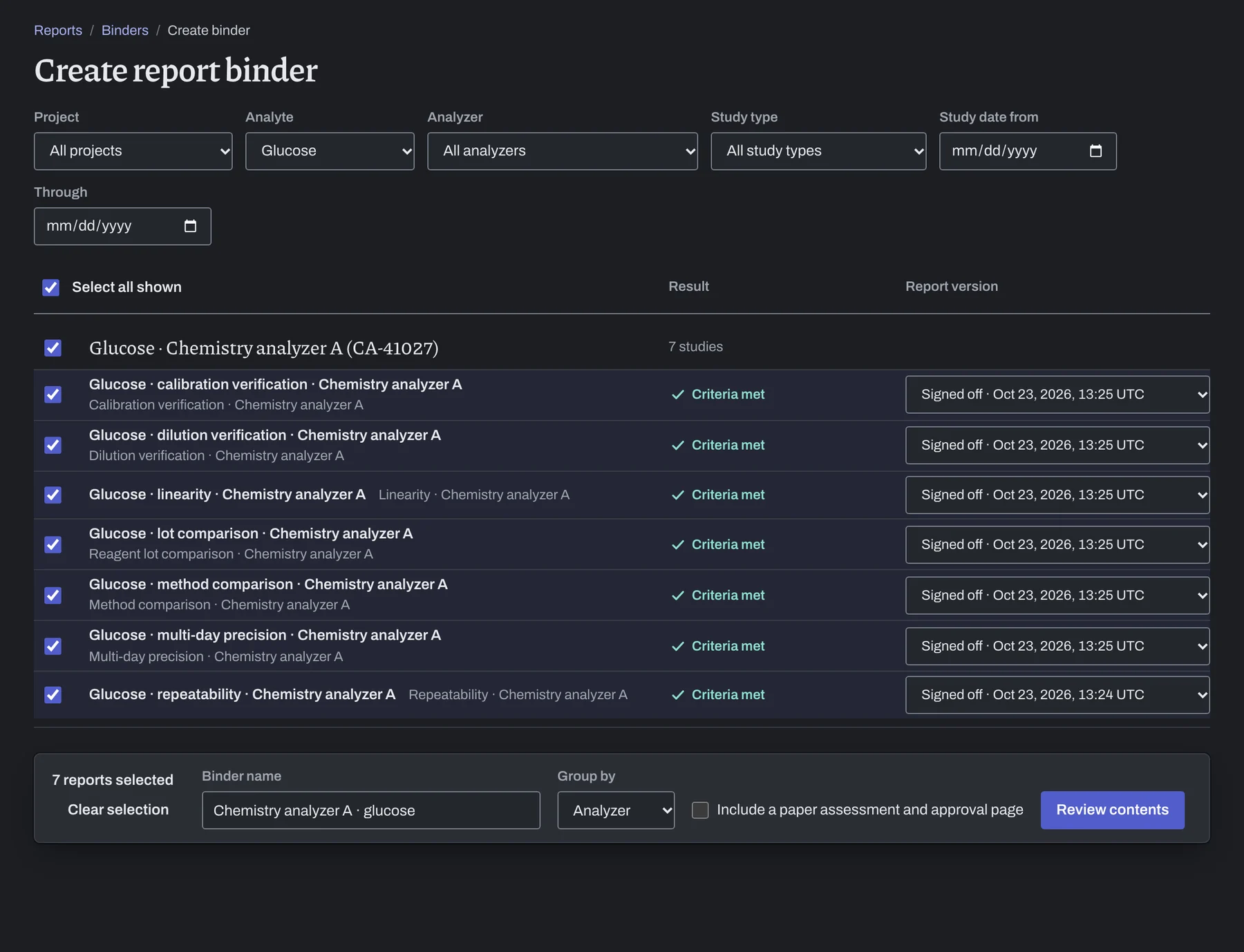
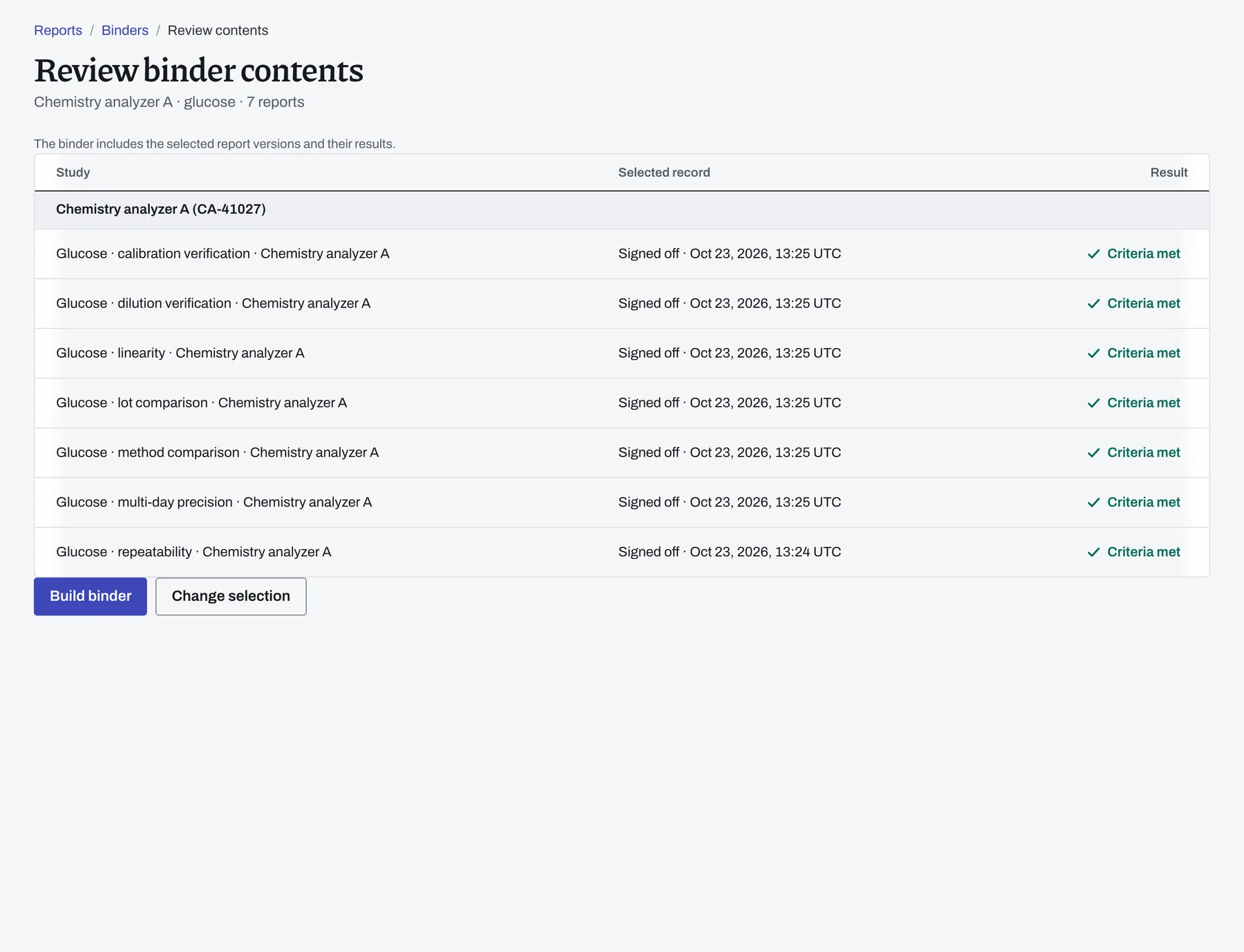
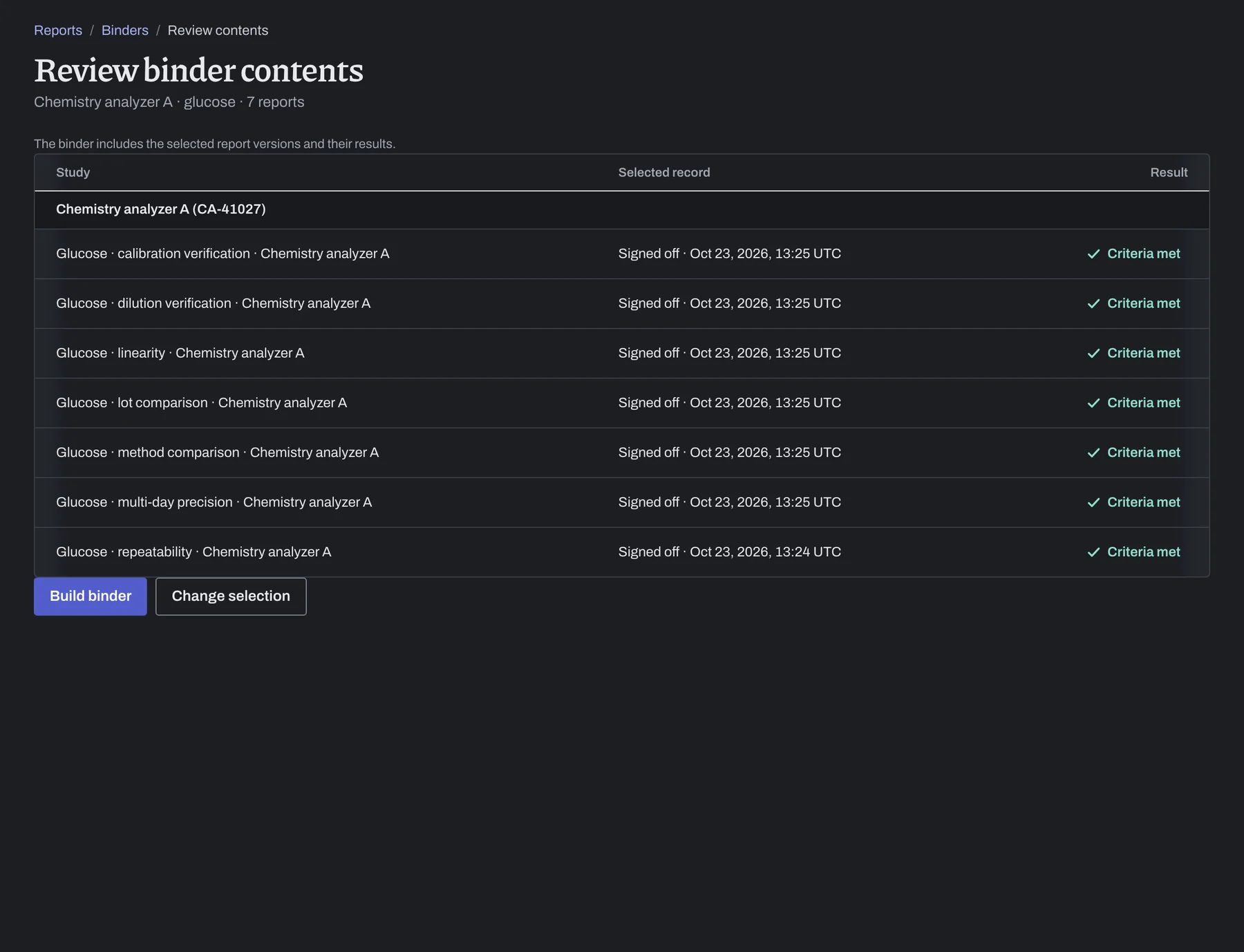
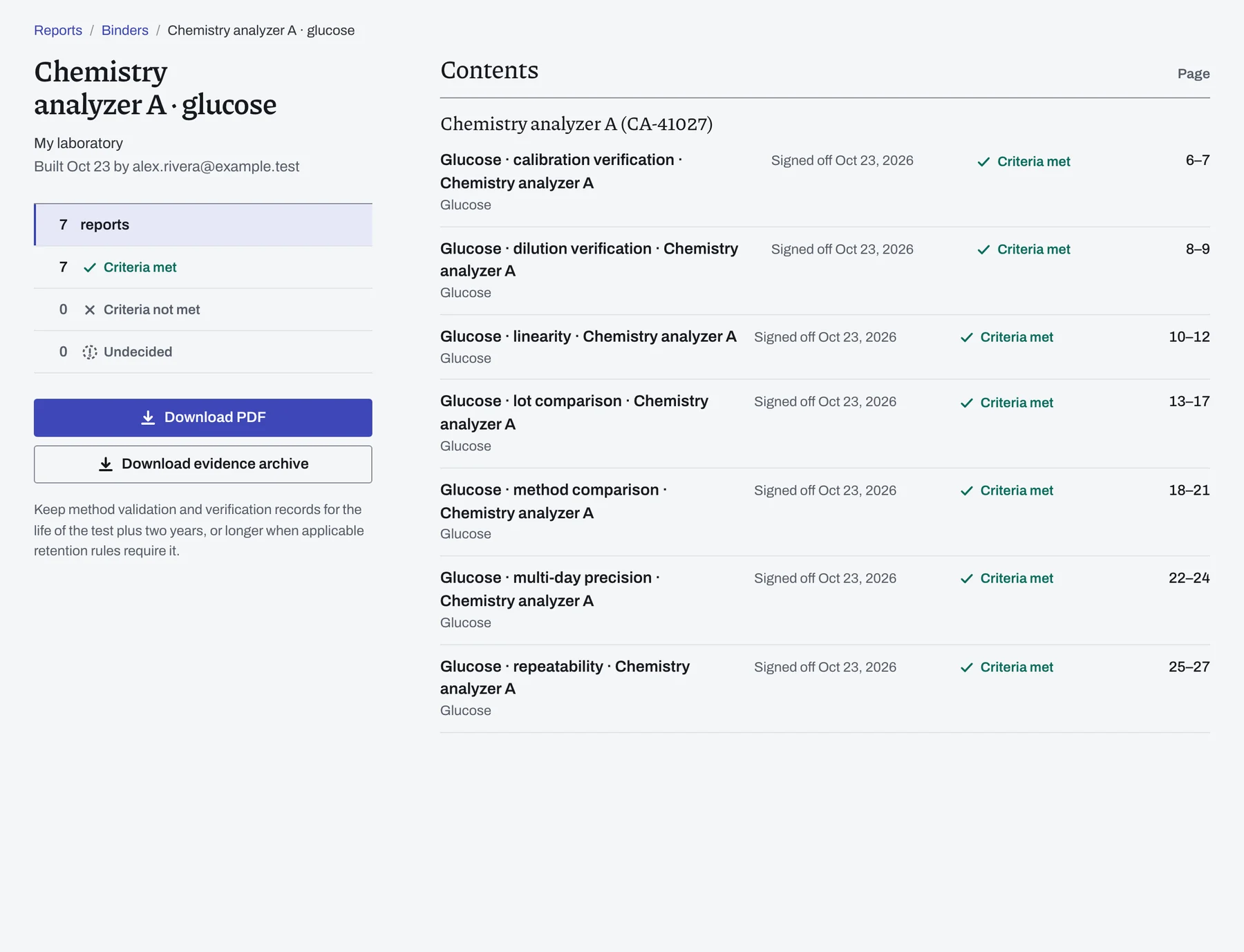
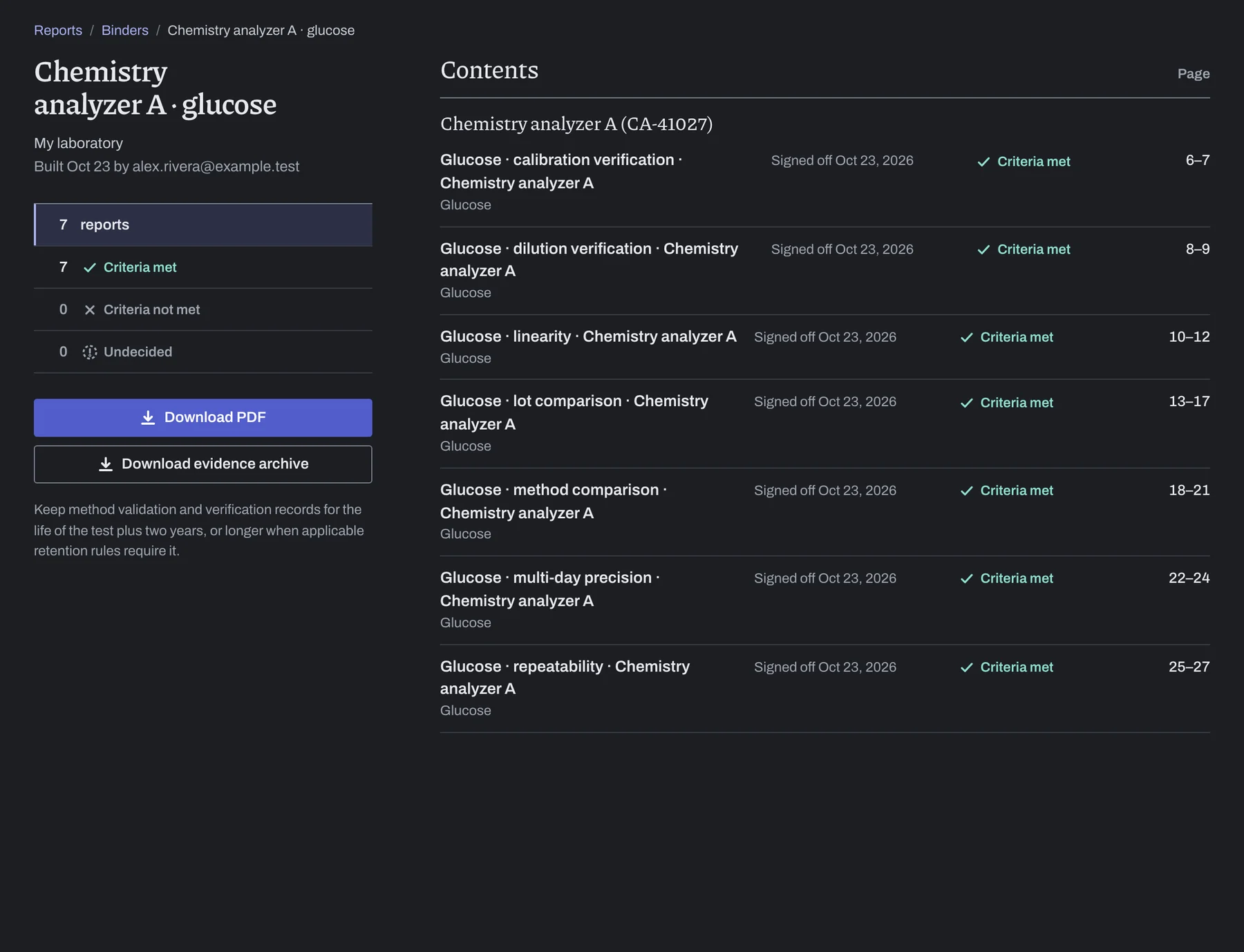
The binder includes each report as signed. A later correction produces a new report, and the binder retains the version you chose.
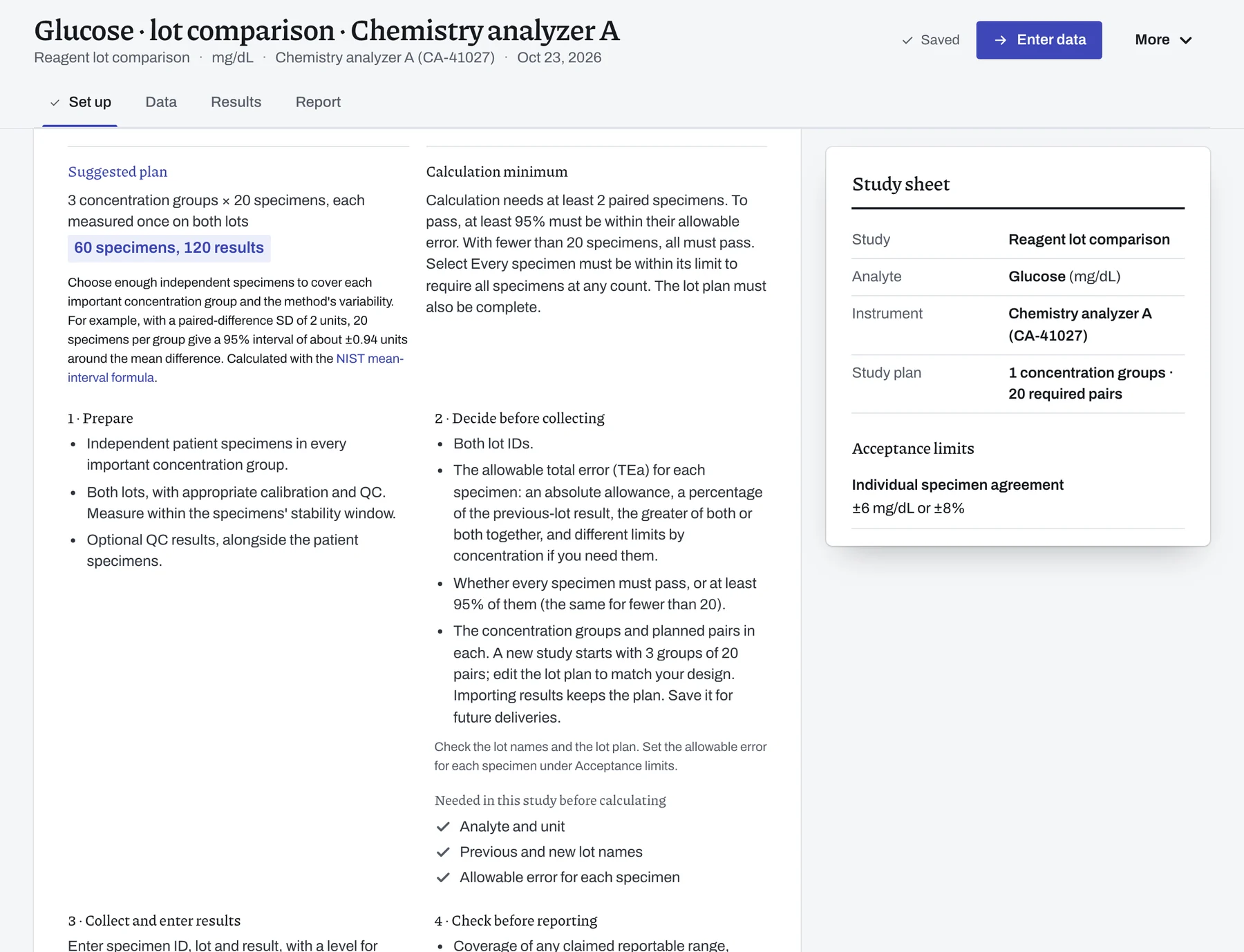
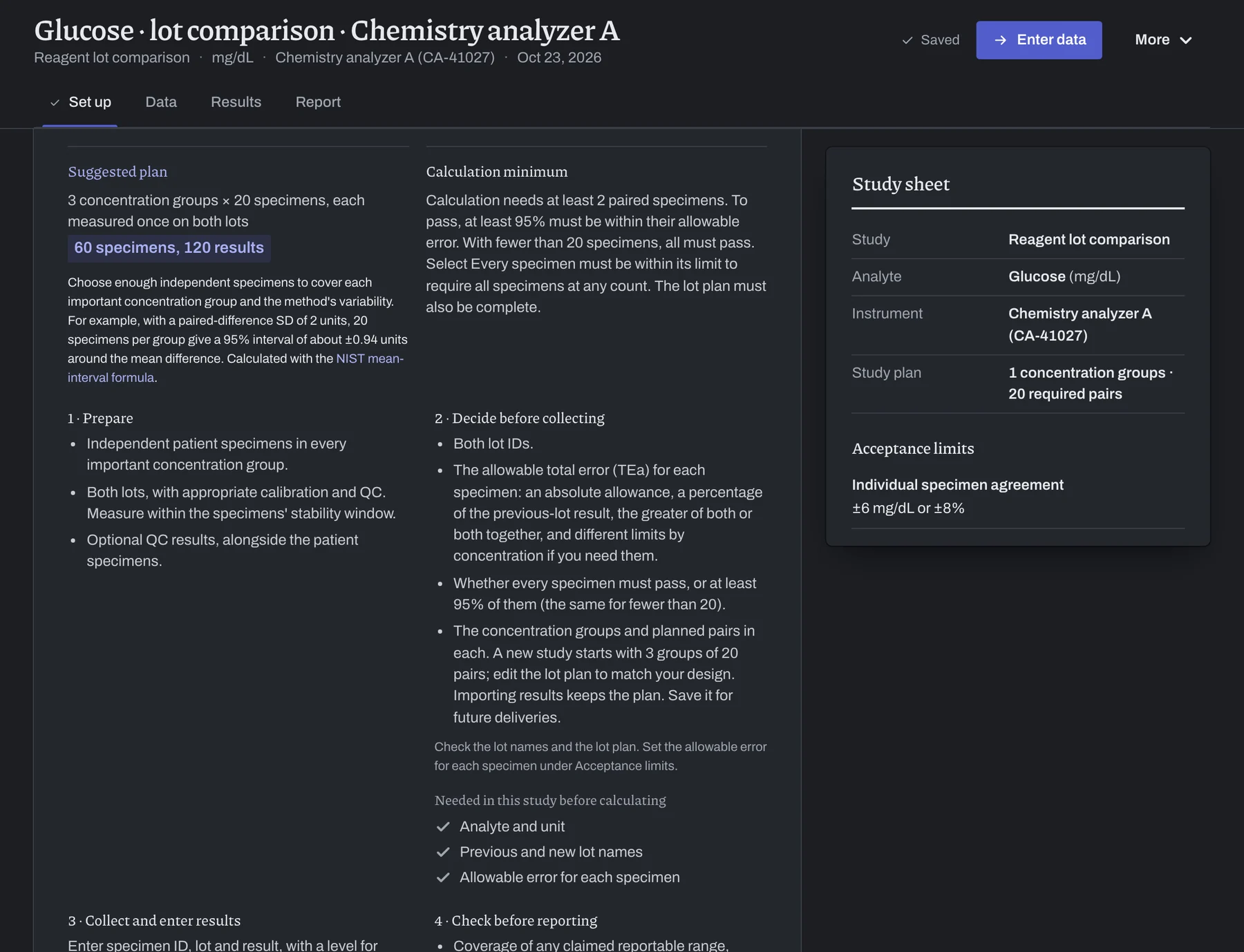
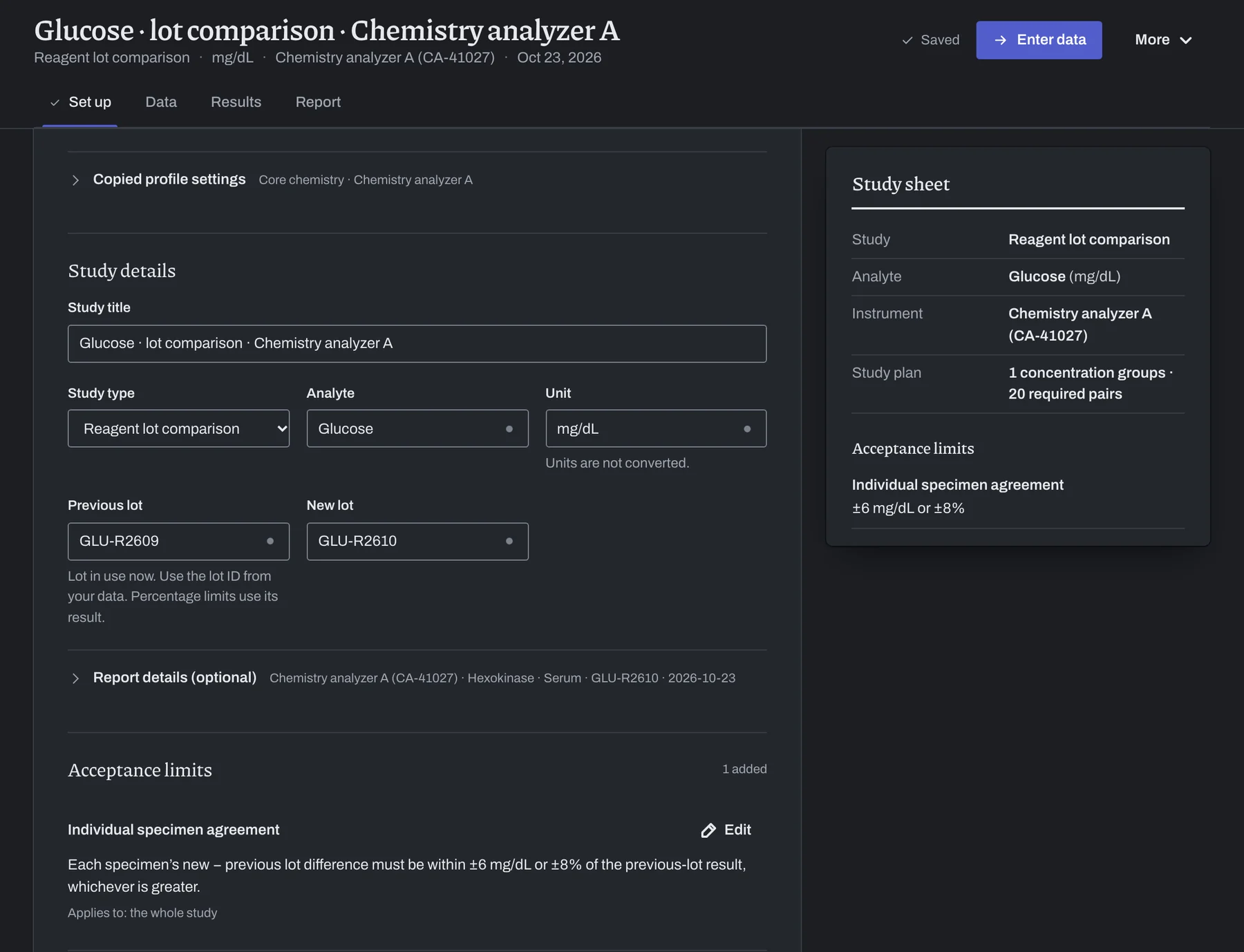
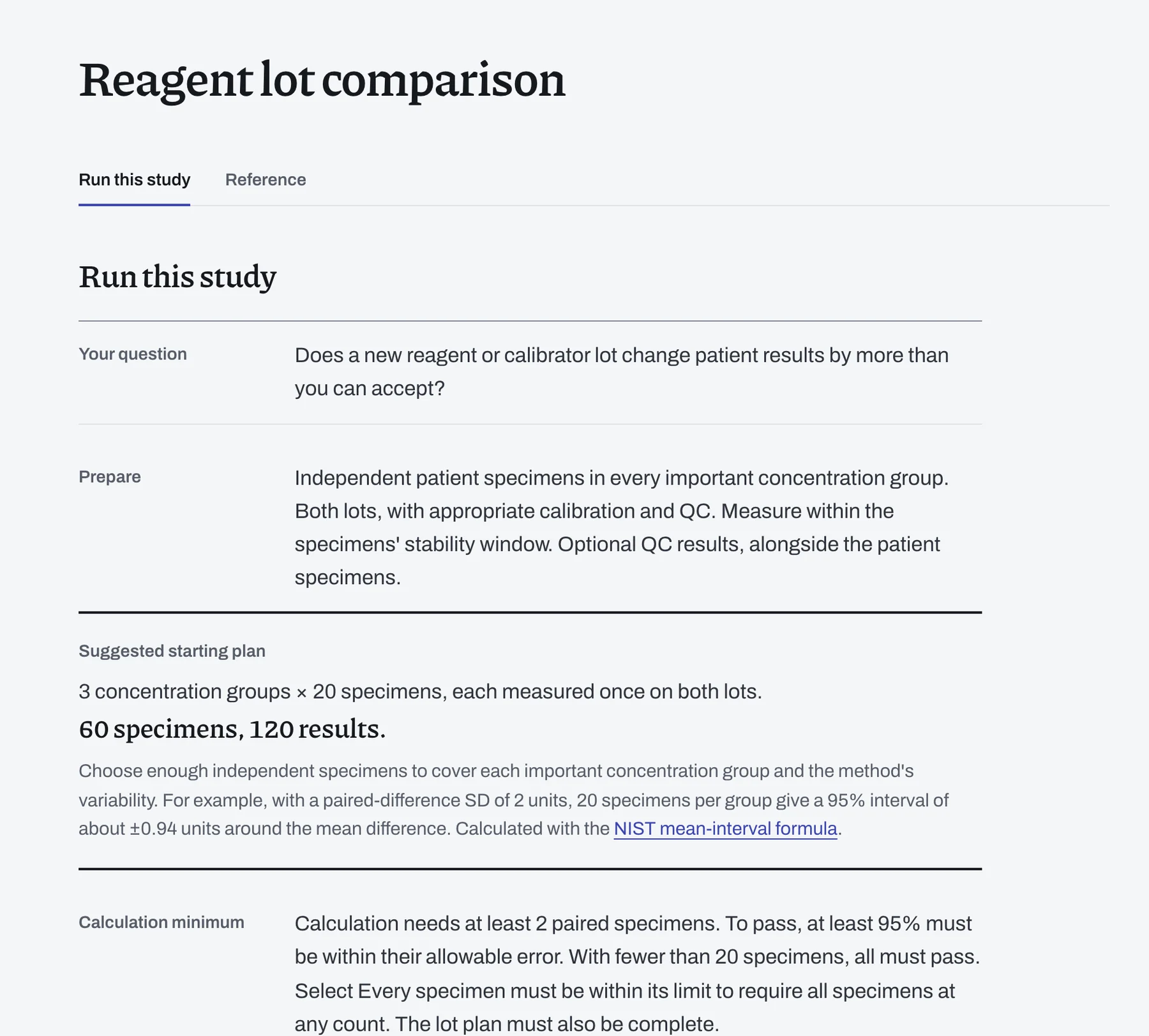
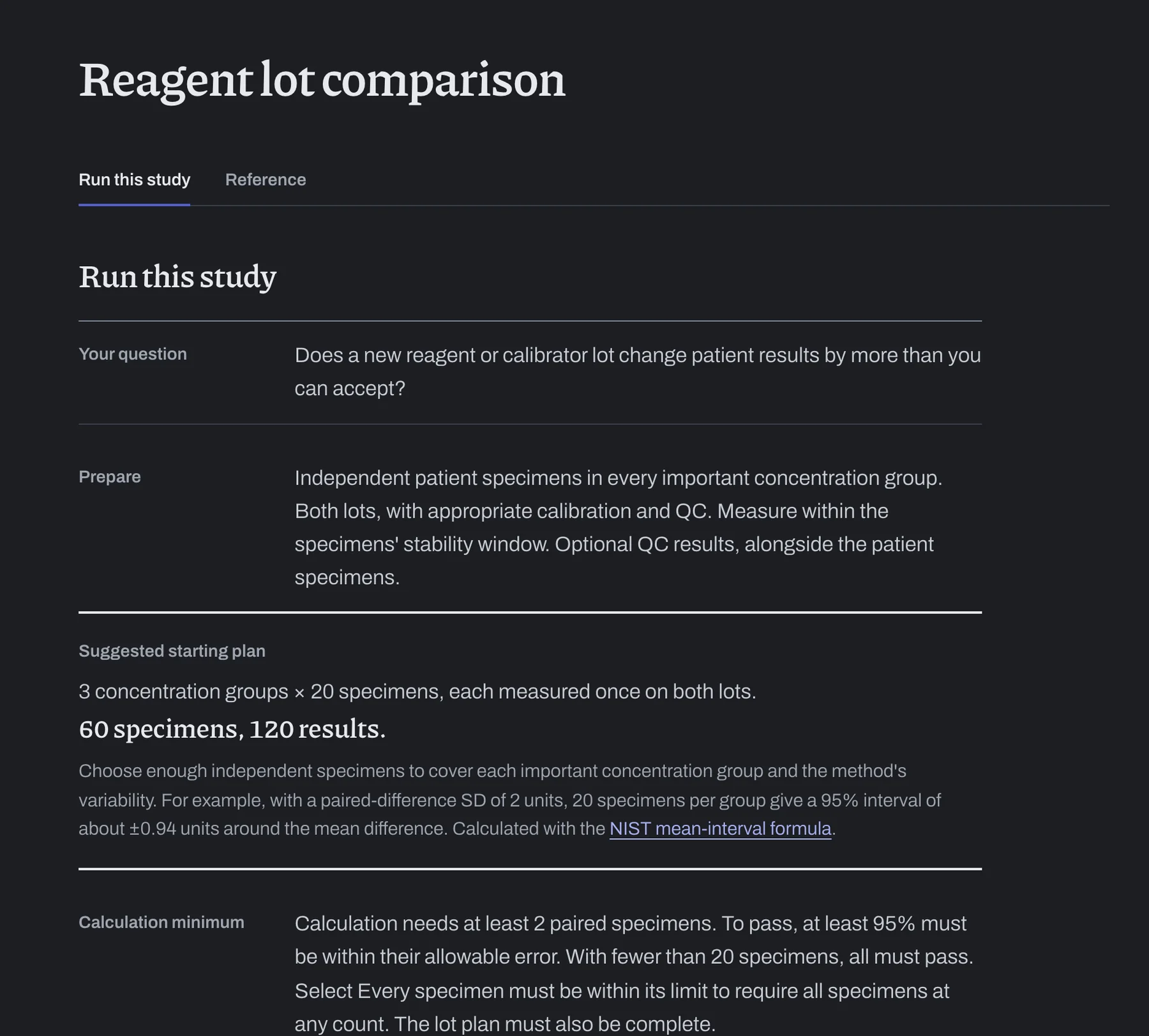
Start each study with a suggested collection plan.
Each Run this study guide explains what to prepare at the bench and how many specimens, runs or replicates the suggested design uses.
Import your analyzer's results.
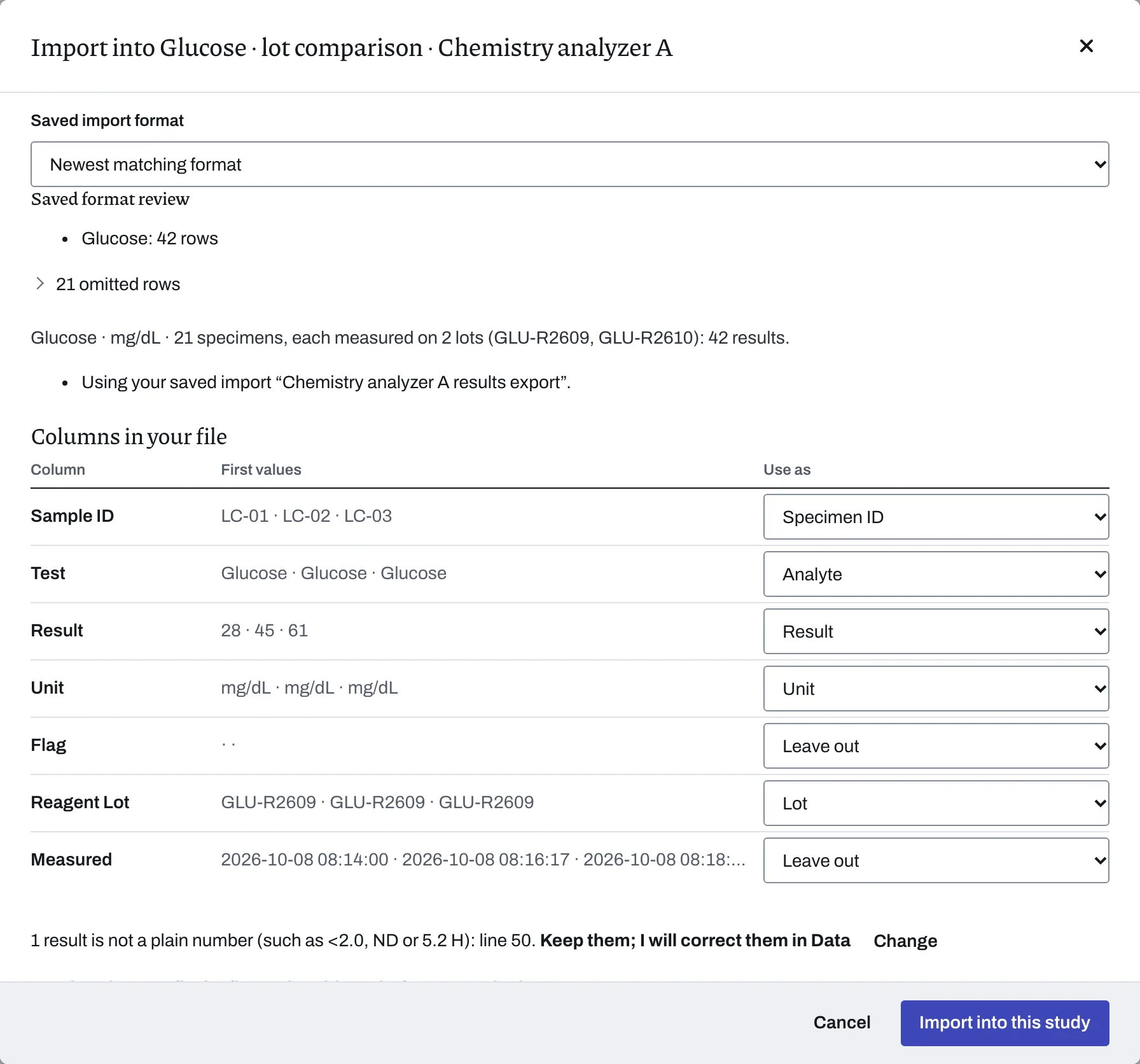
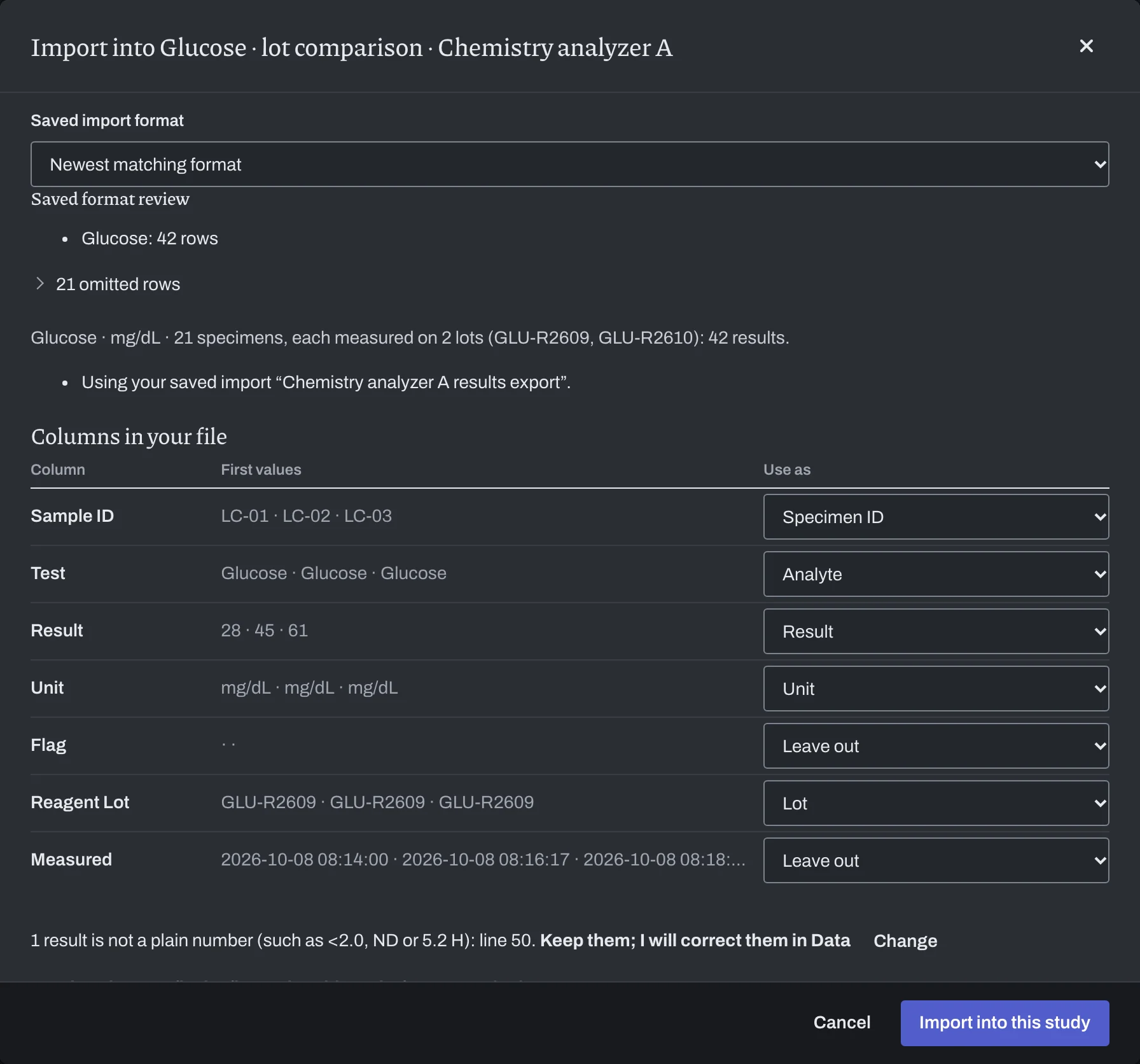
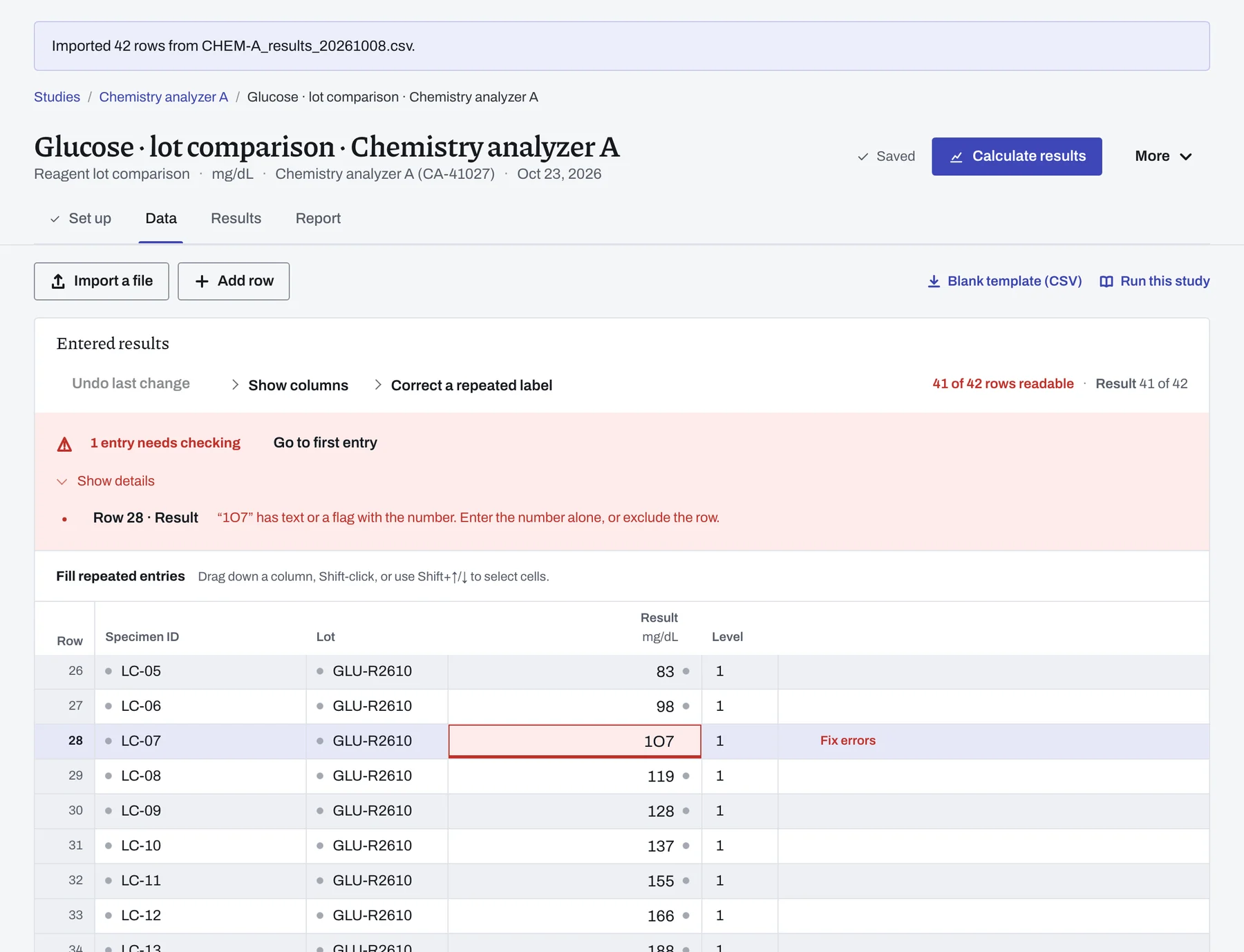
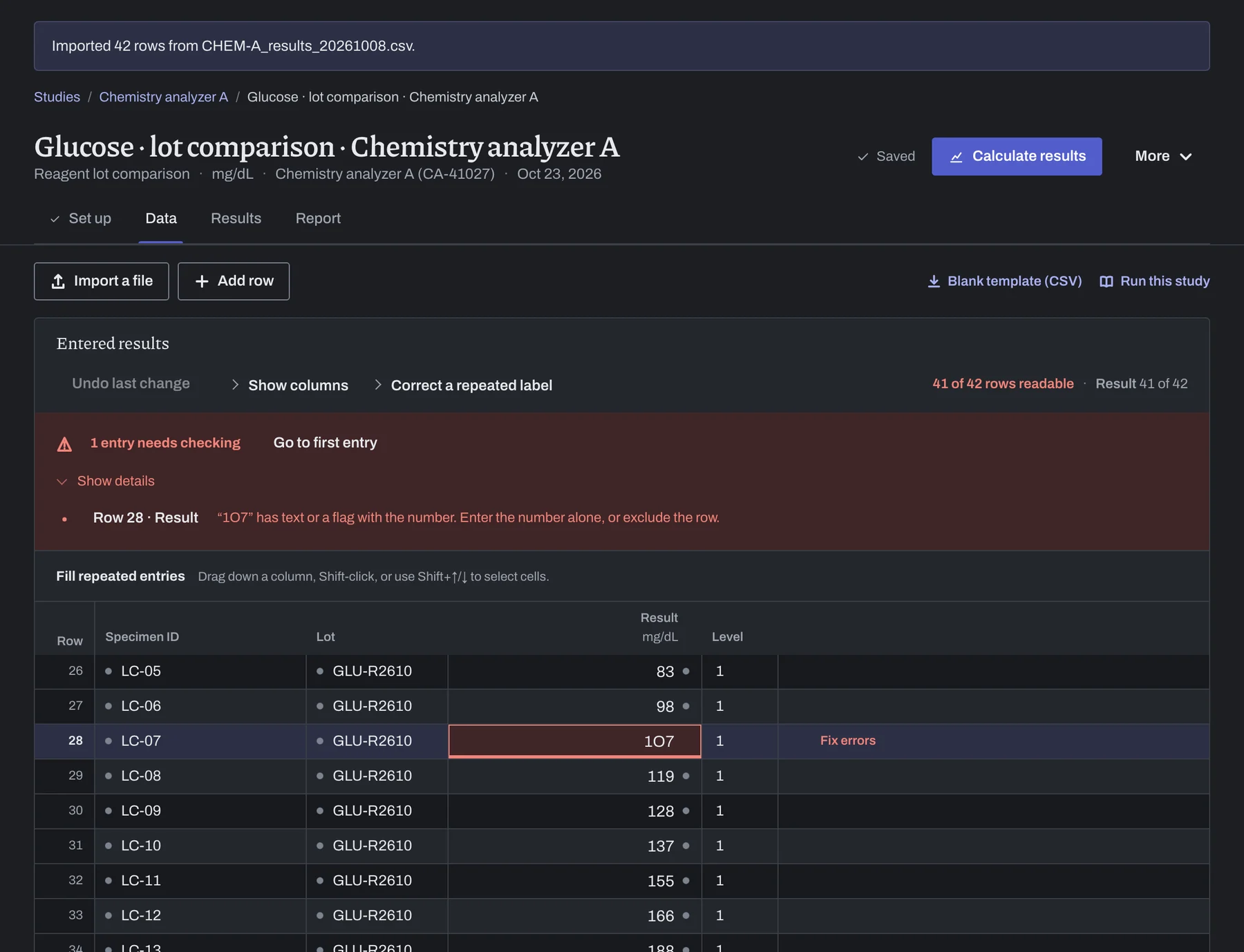
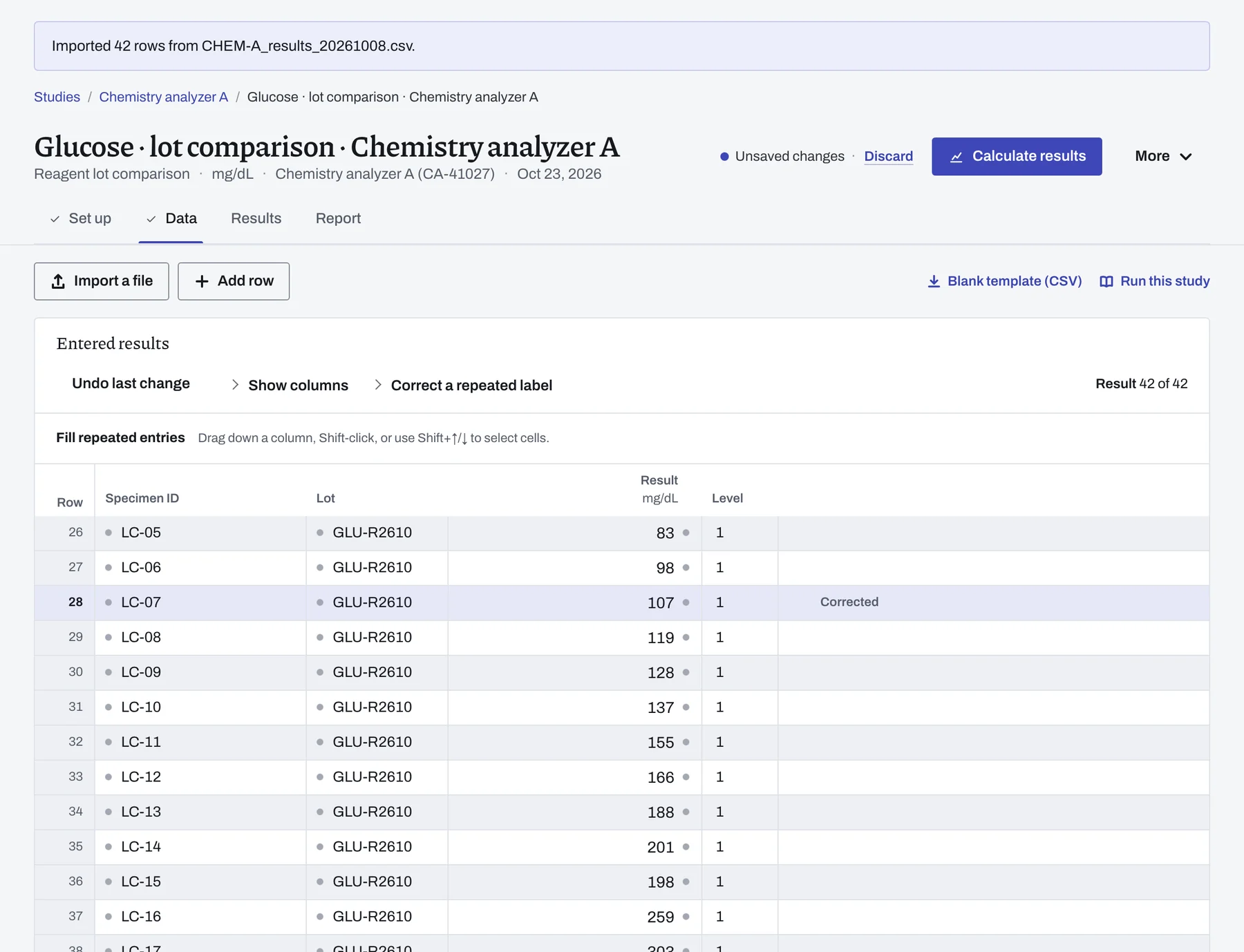
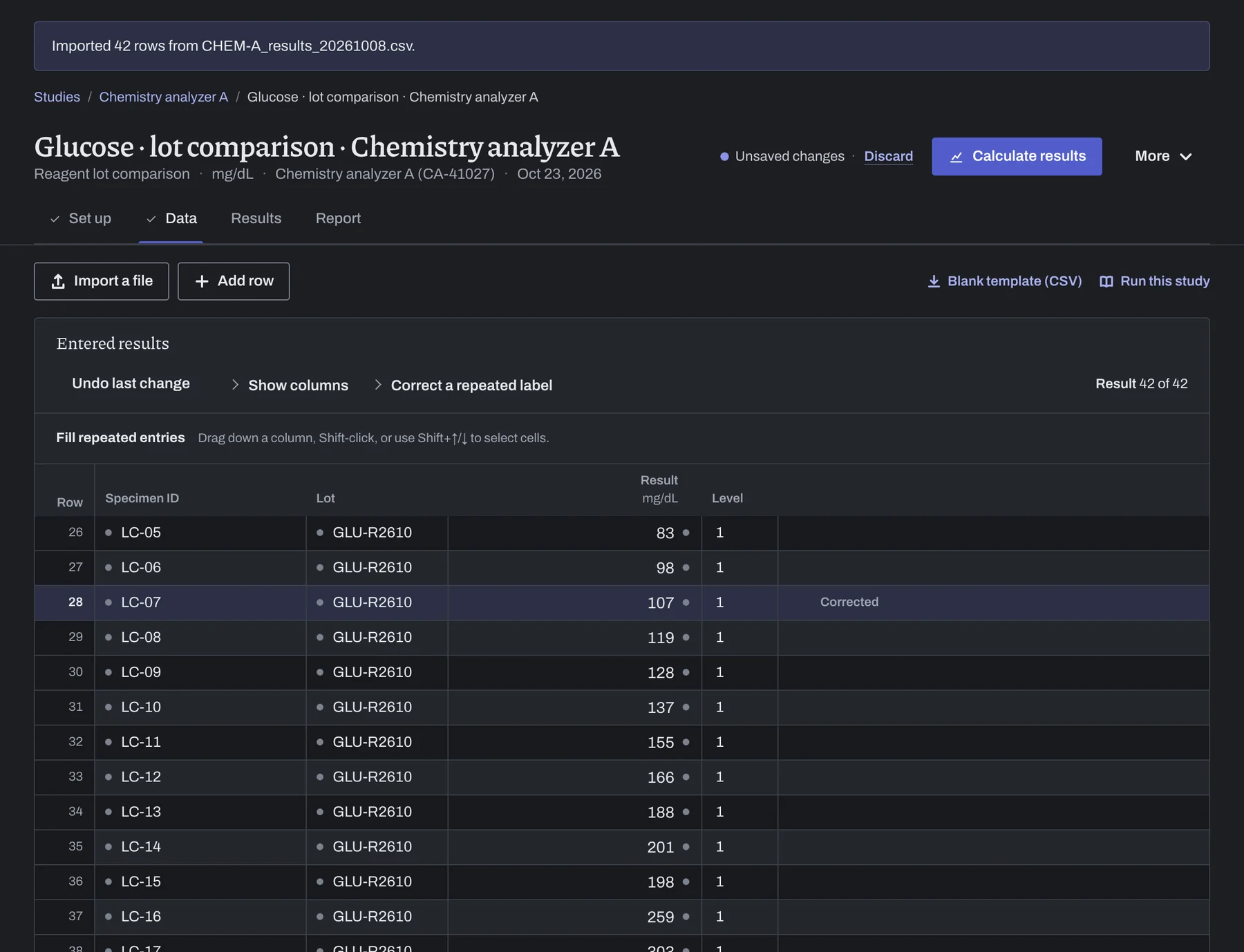
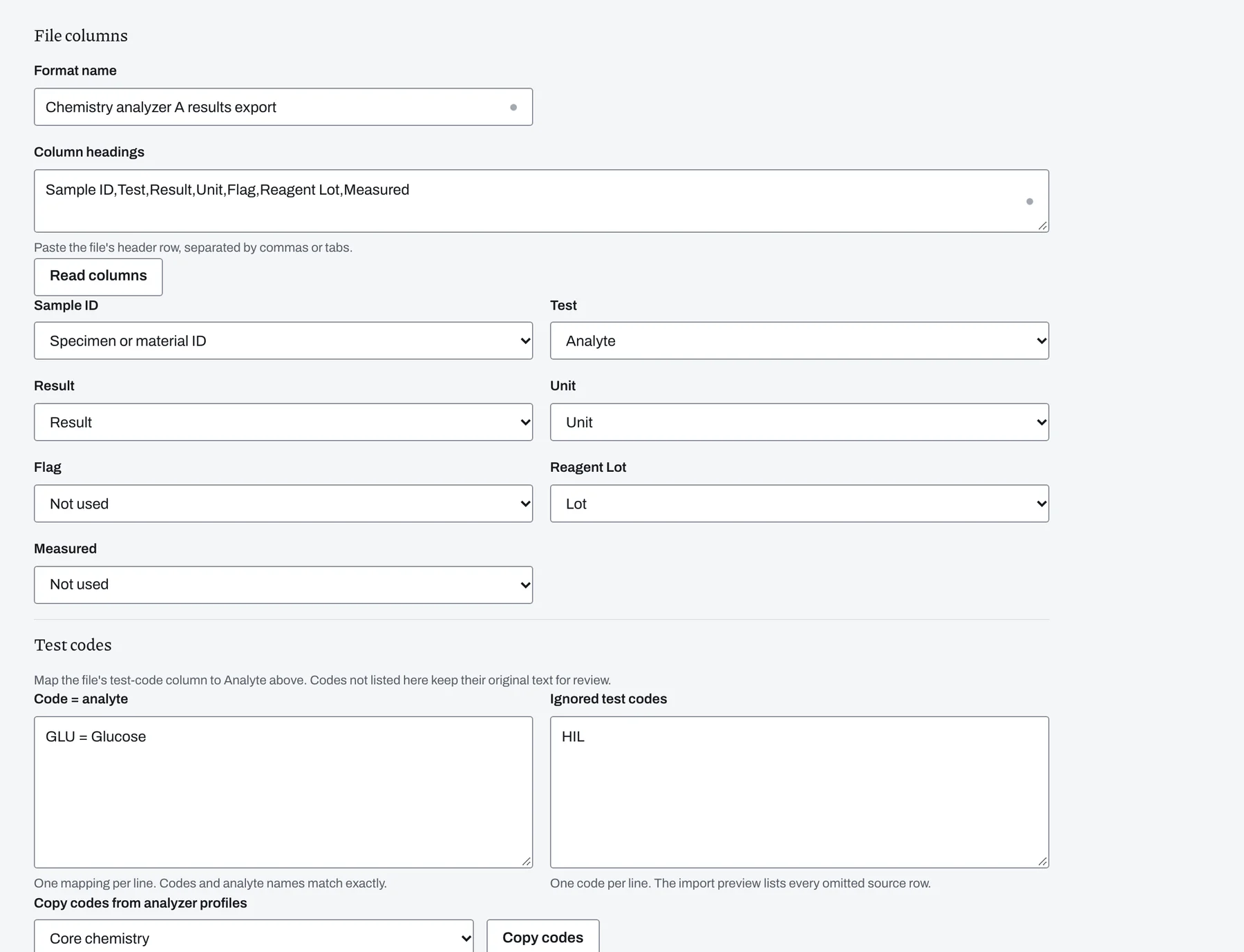
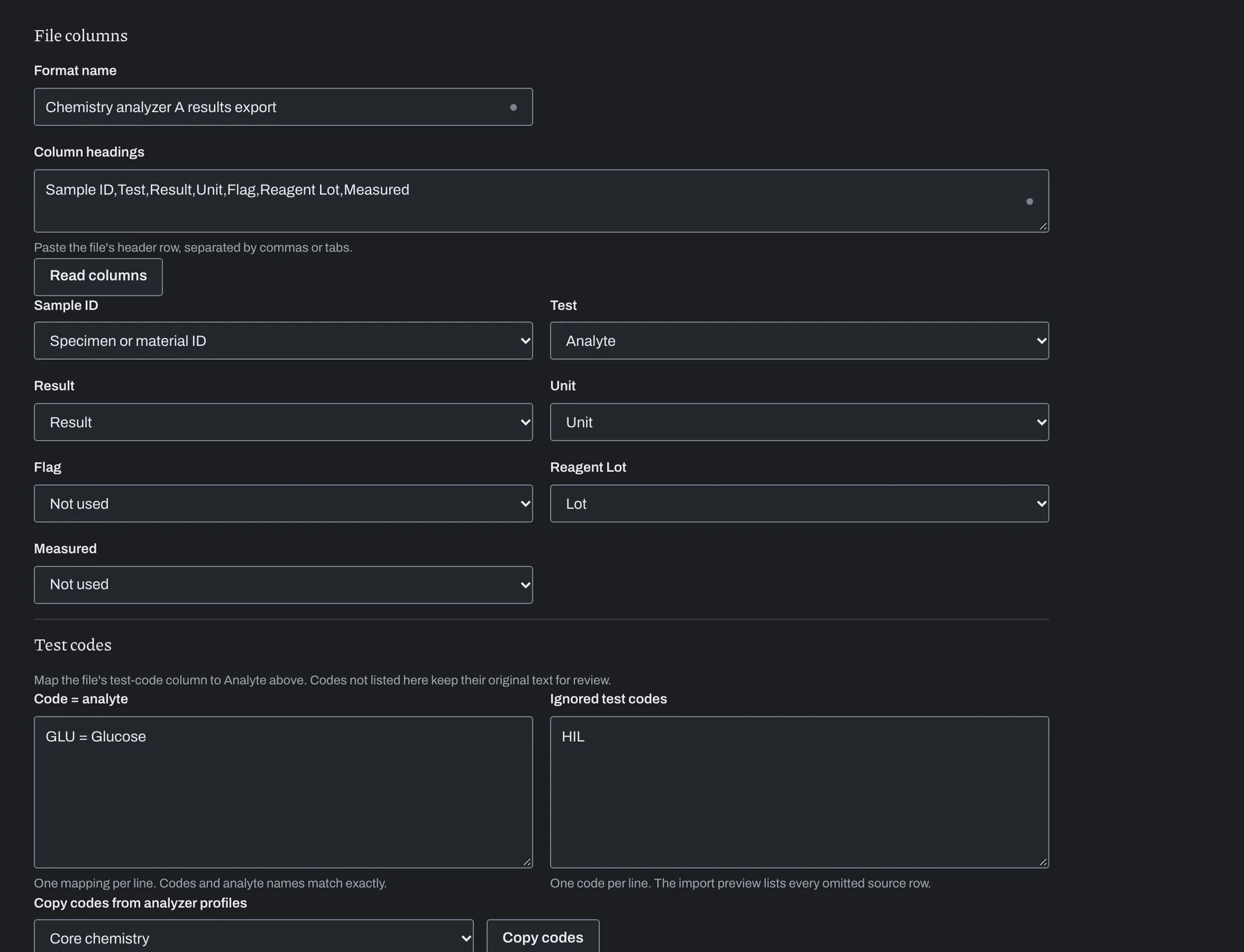
Save the column mapping for your analyzer's CSV or Excel export. Reuse it for later files to select the study columns and set aside test codes you chose to ignore.
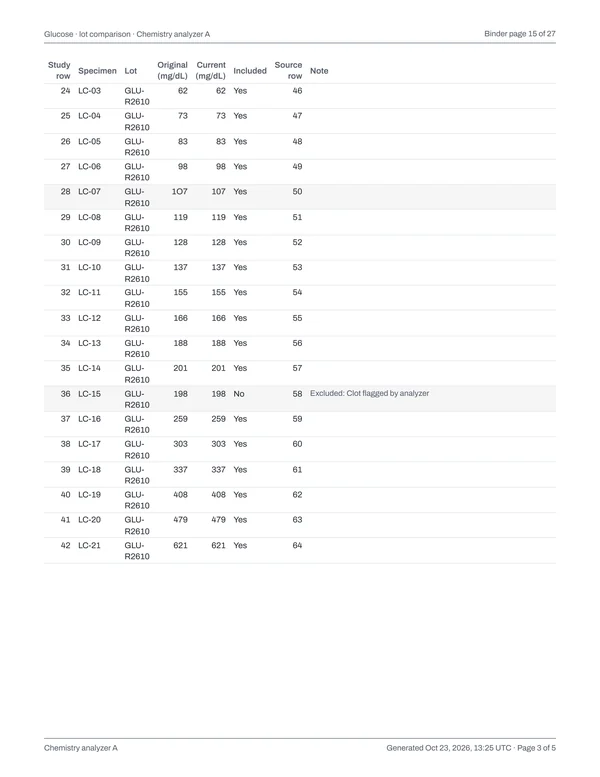
Sample ID,Test,Result,Unit,Flag,Reagent Lot,Measured
LC-01,GLU,28,mg/dL,,GLU-R2609,2026-10-08 08:14:00
LC-01,HIL,H 6 I 1 L 9,,,GLU-R2609,2026-10-08 08:14:00
LC-02,GLU,45,mg/dL,,GLU-R2609,2026-10-08 08:16:17
LC-02,HIL,H 4 I 1 L 12,,,GLU-R2609,2026-10-08 08:16:17
LC-03,GLU,61,mg/dL,,GLU-R2609,2026-10-08 08:18:34
LC-03,HIL,H 11 I 2 L 8,,,GLU-R2609,2026-10-08 08:18:34
LC-04,GLU,72,mg/dL,,GLU-R2609,2026-10-08 08:20:51
LC-04,HIL,H 5 I 1 L 10,,,GLU-R2609,2026-10-08 08:20:51
and 55 more rows
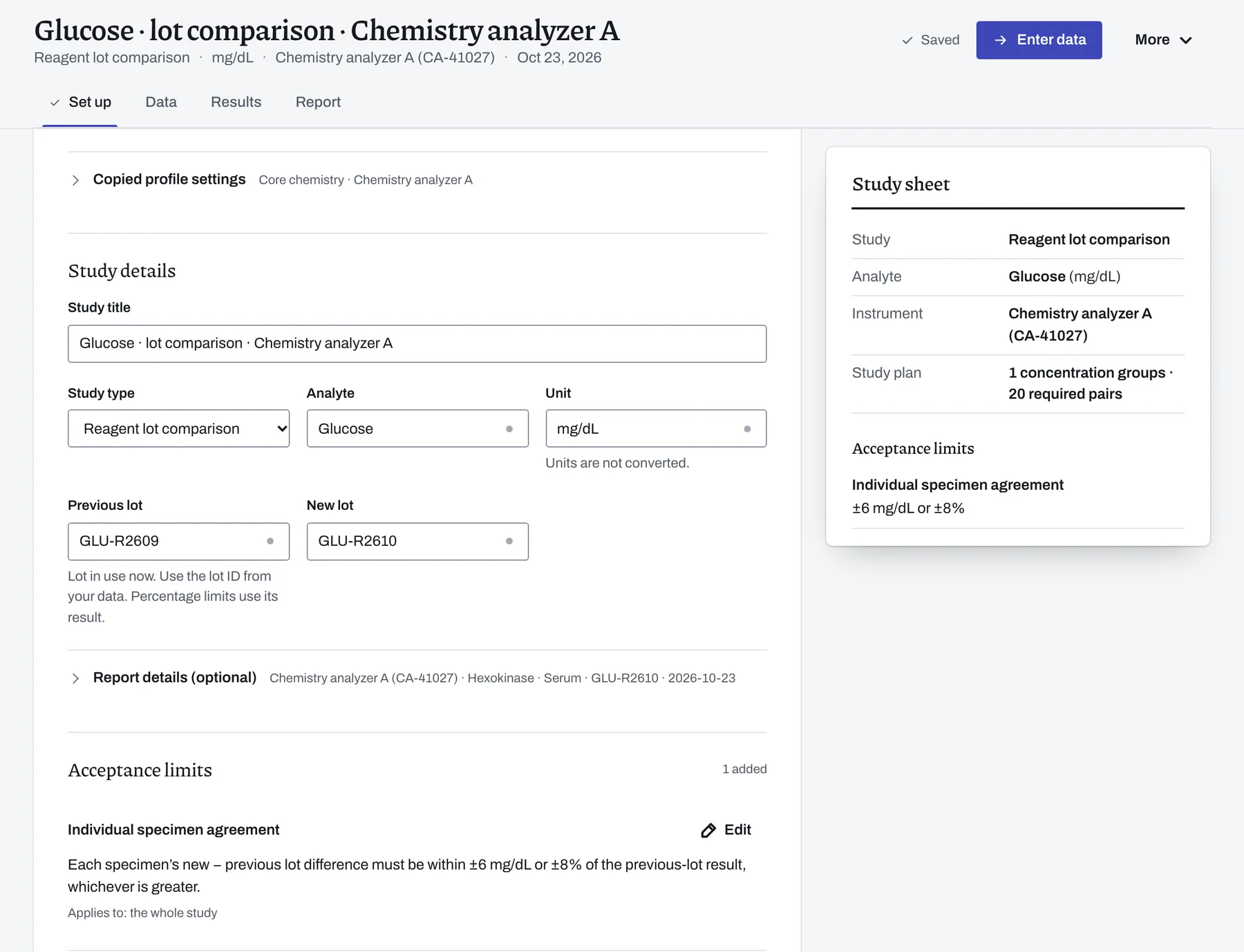
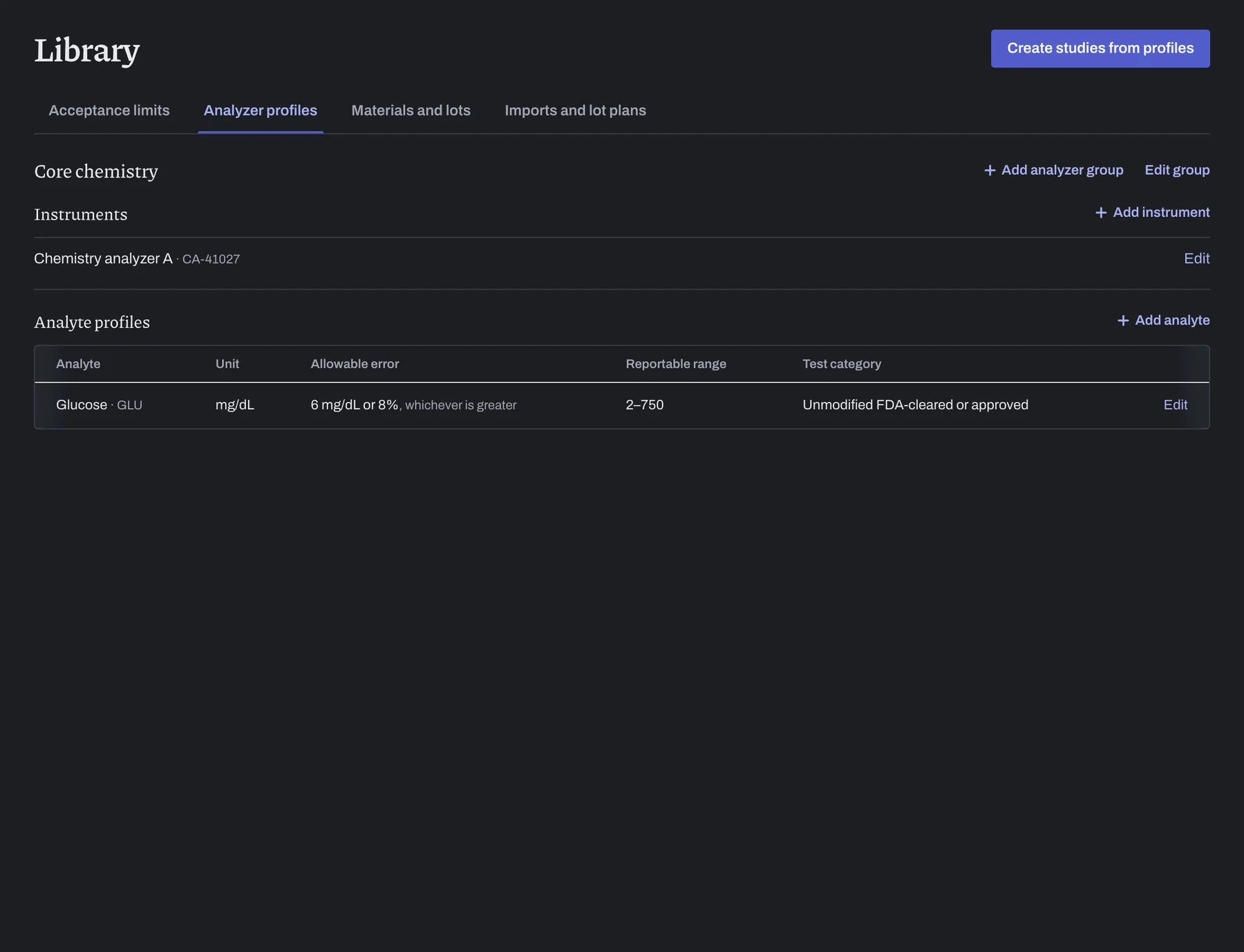
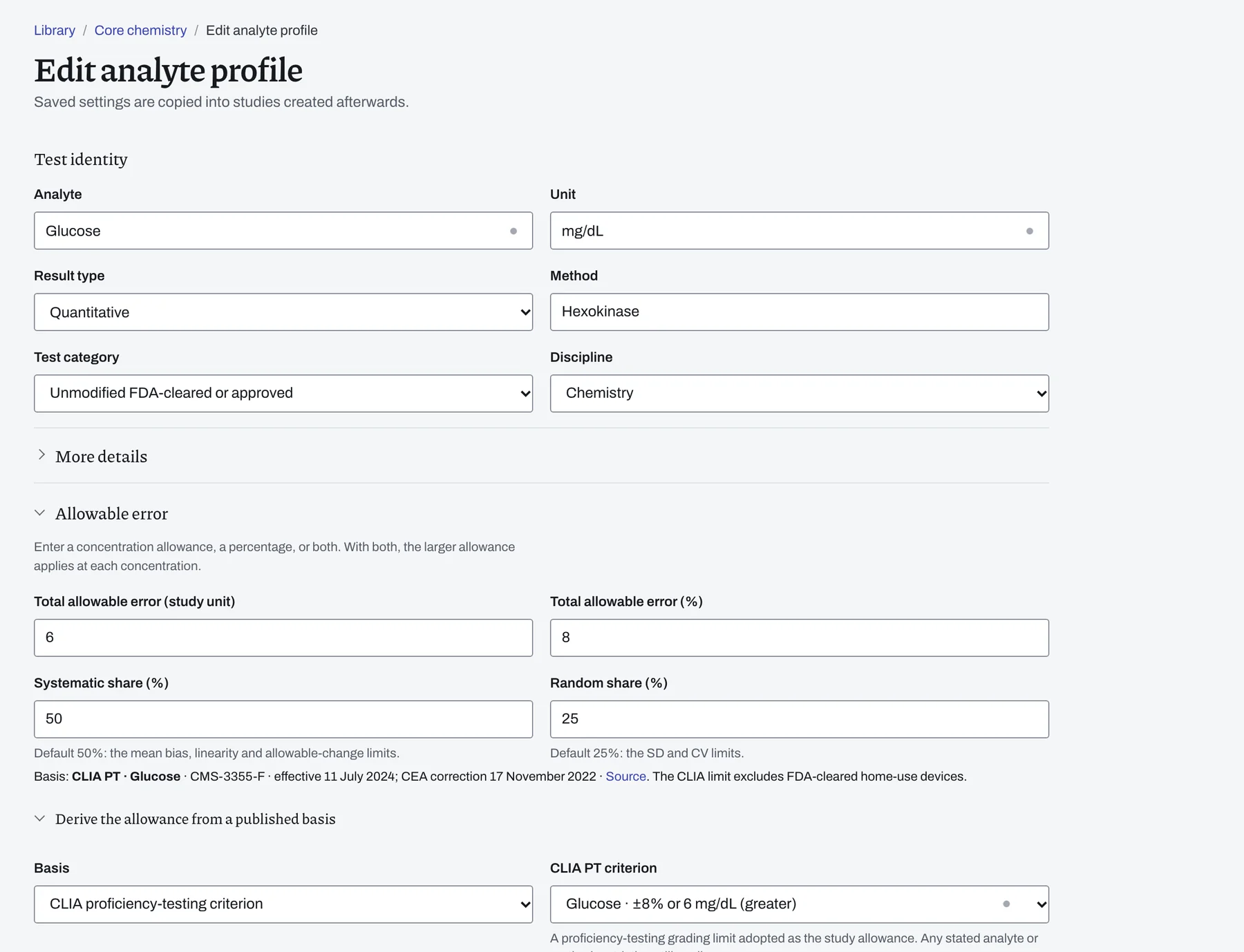
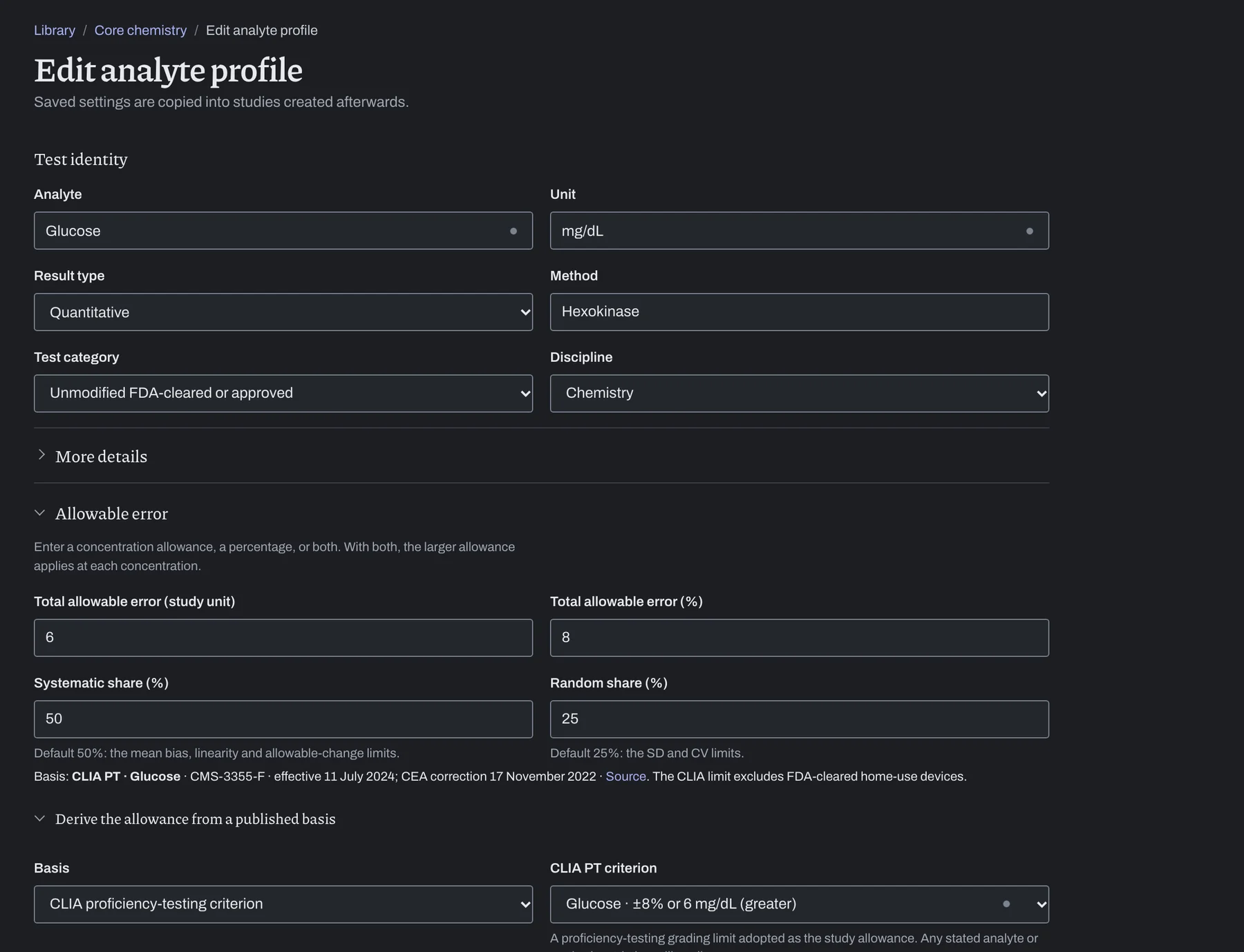
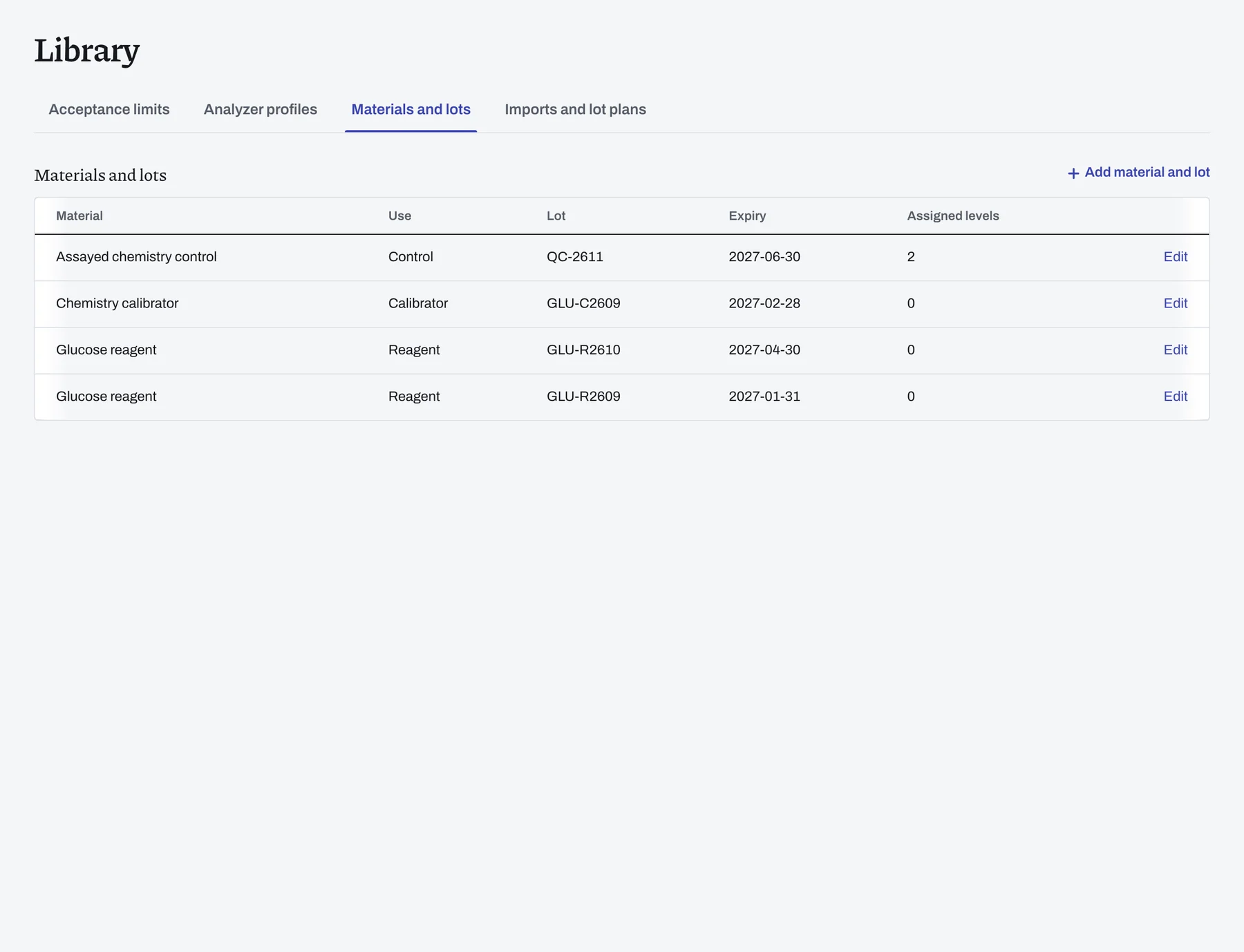
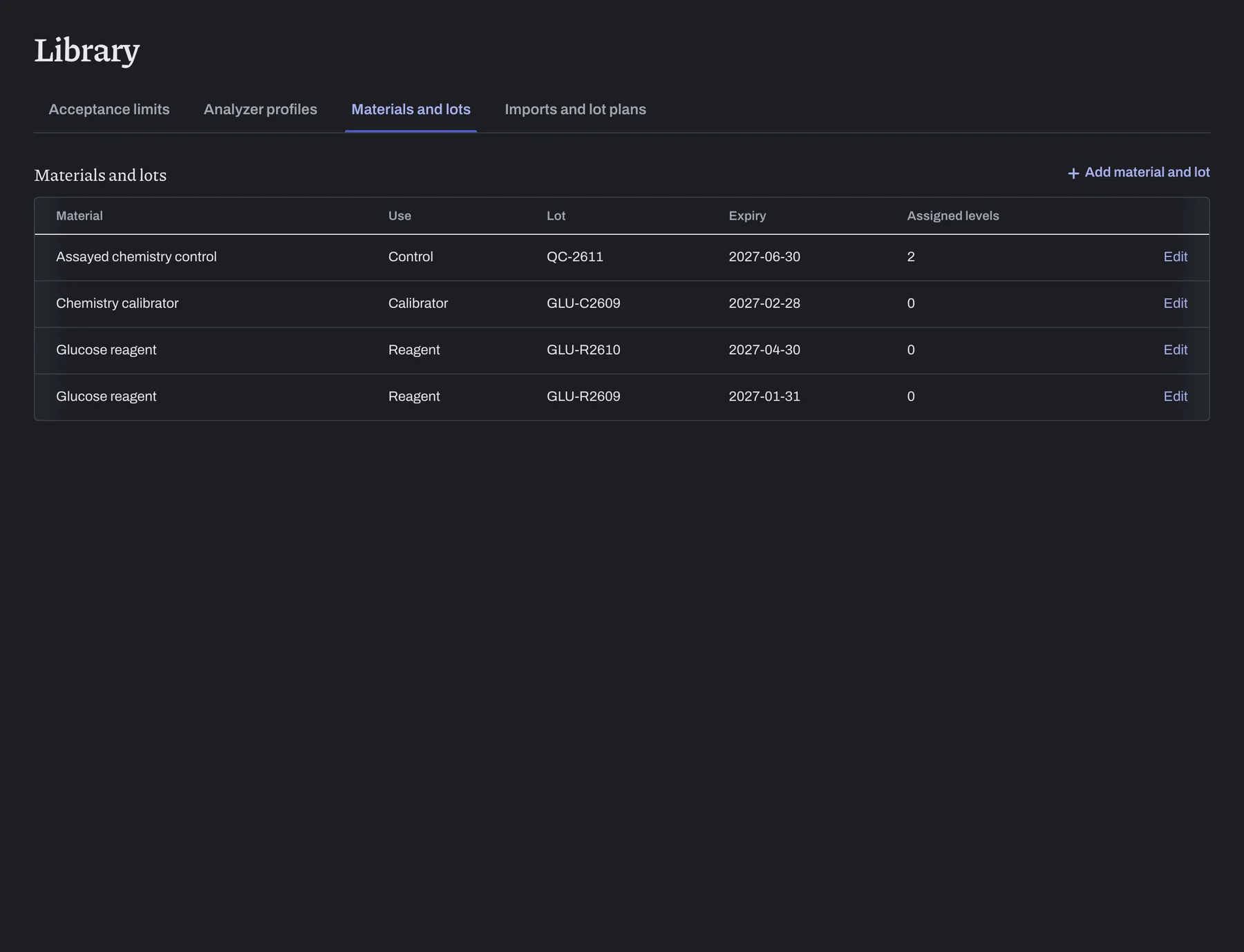
Set up each analyzer once in the Library.
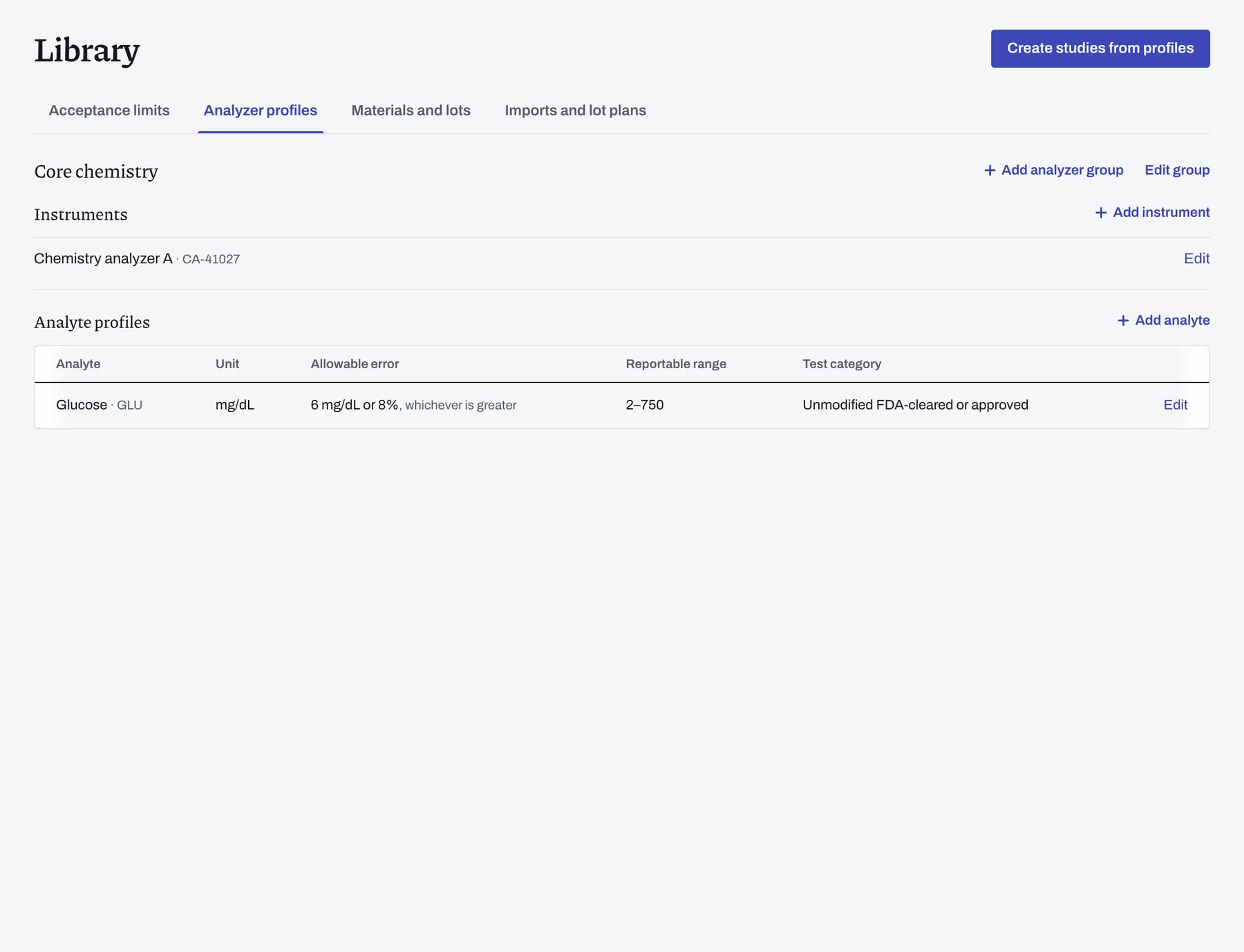
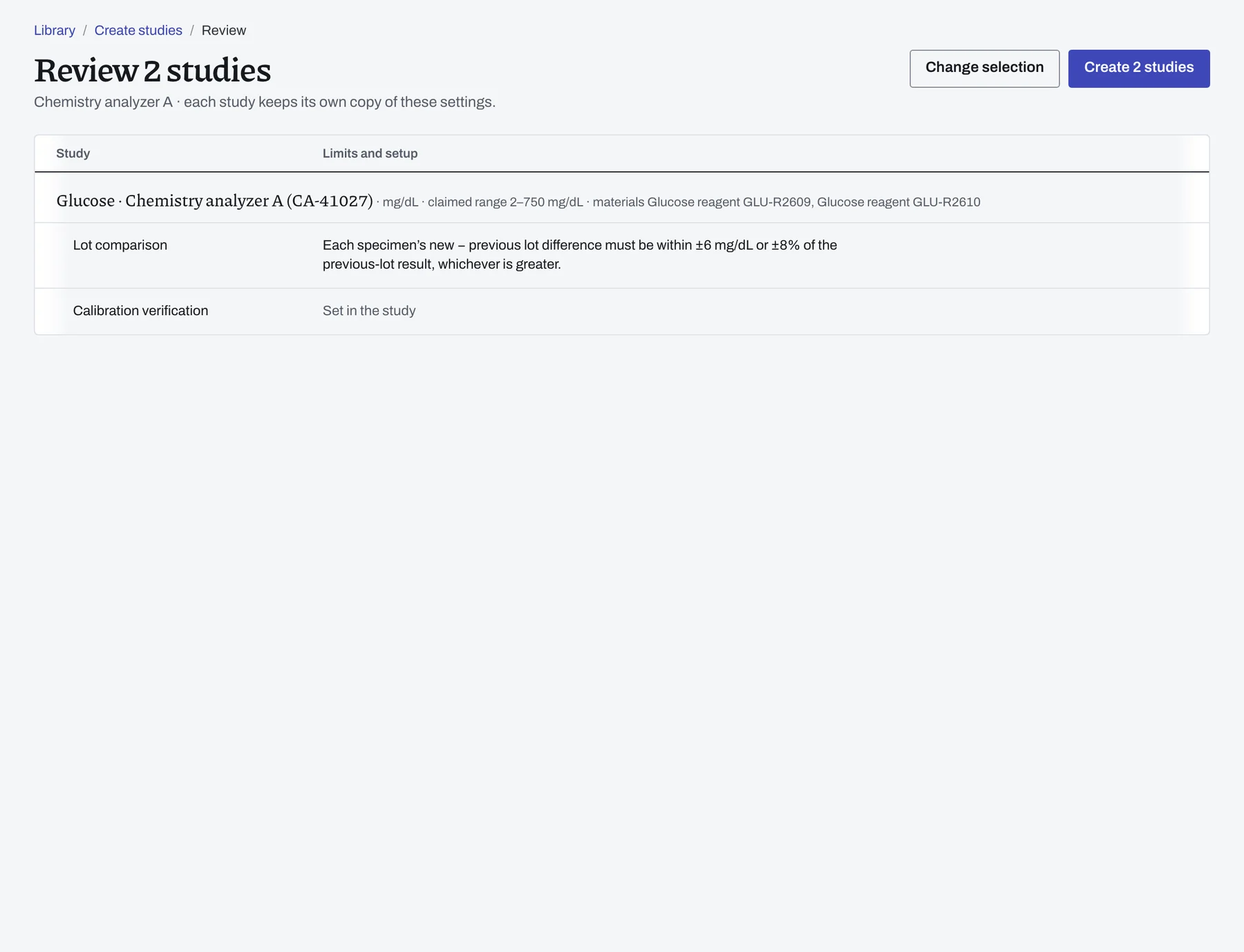
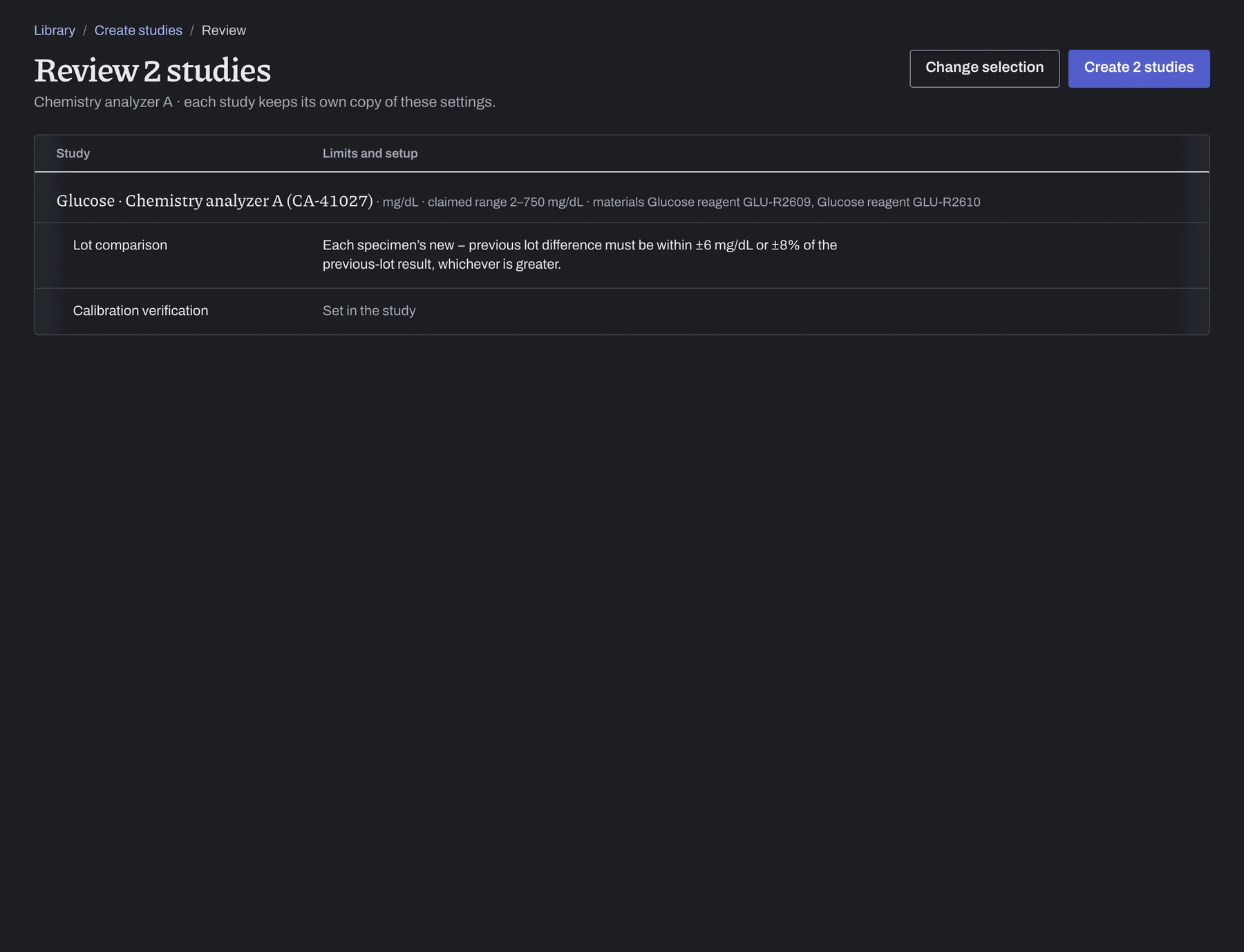
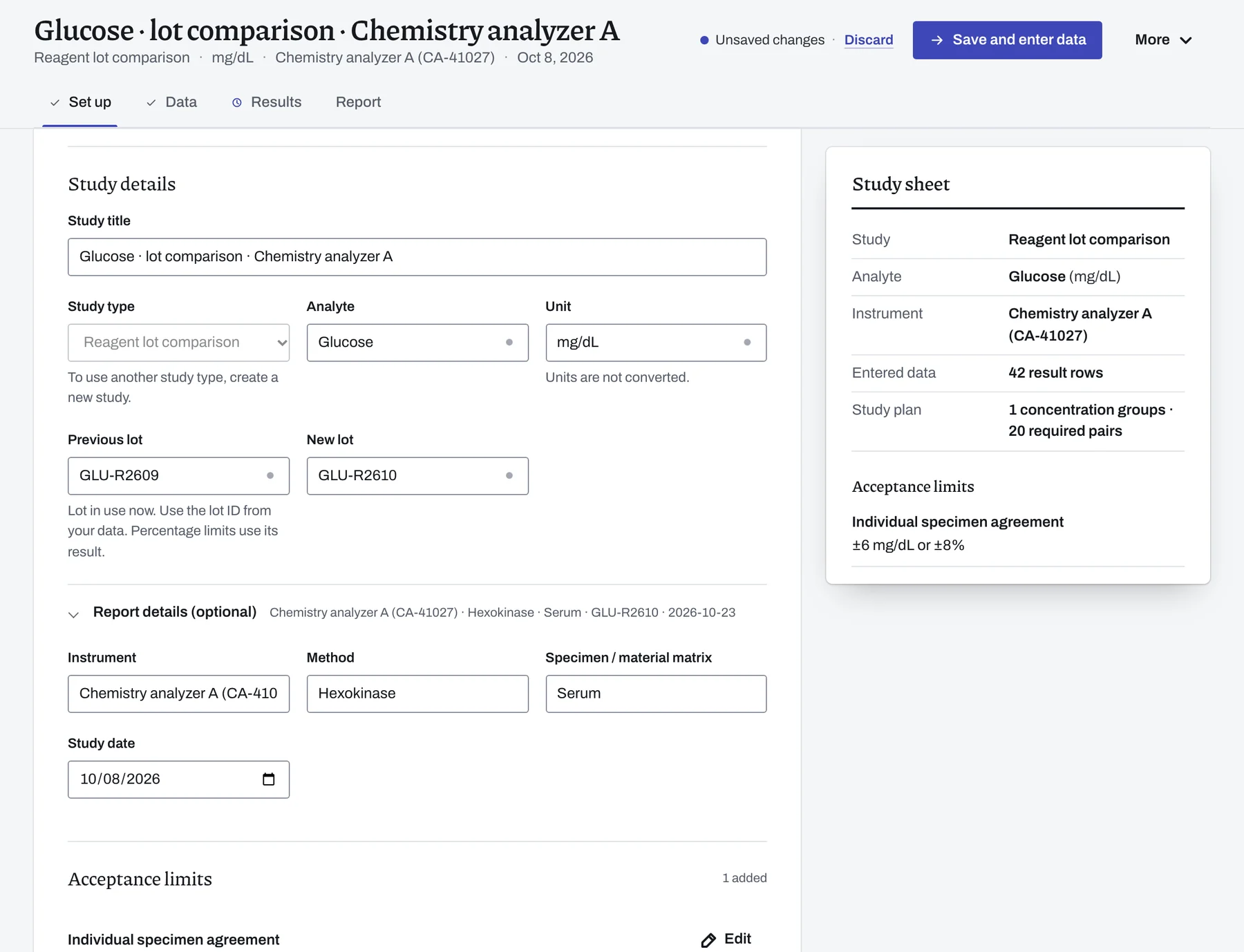
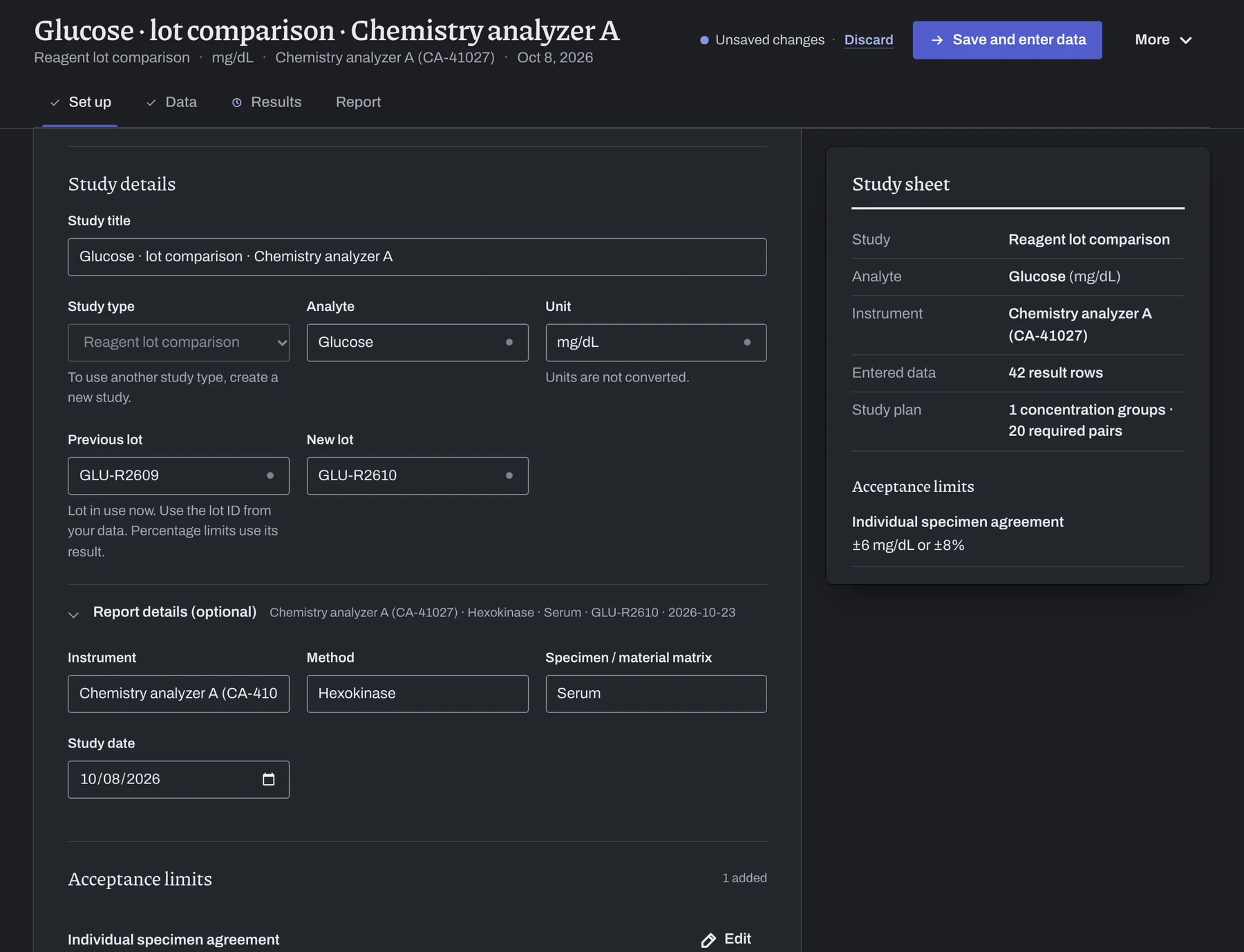
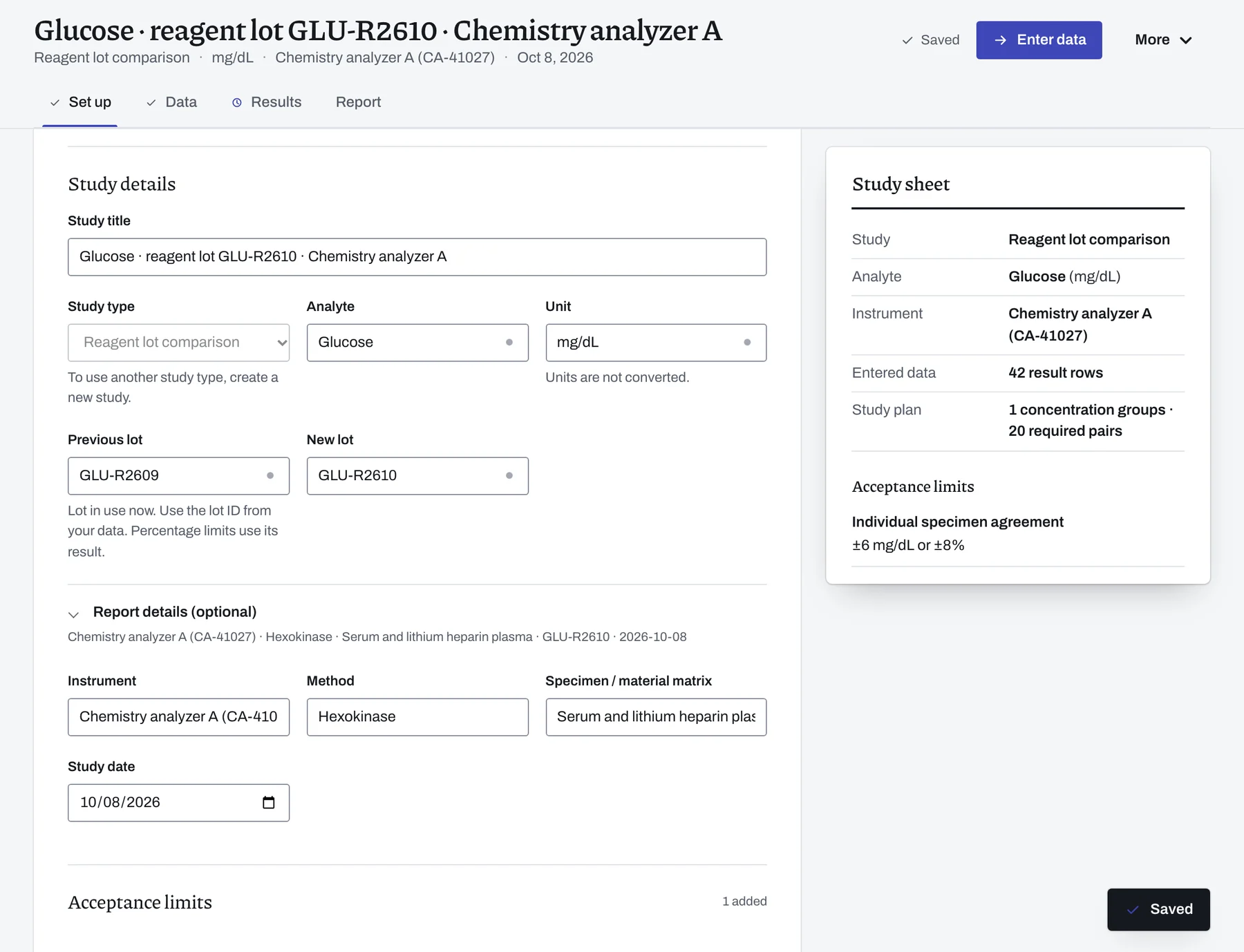
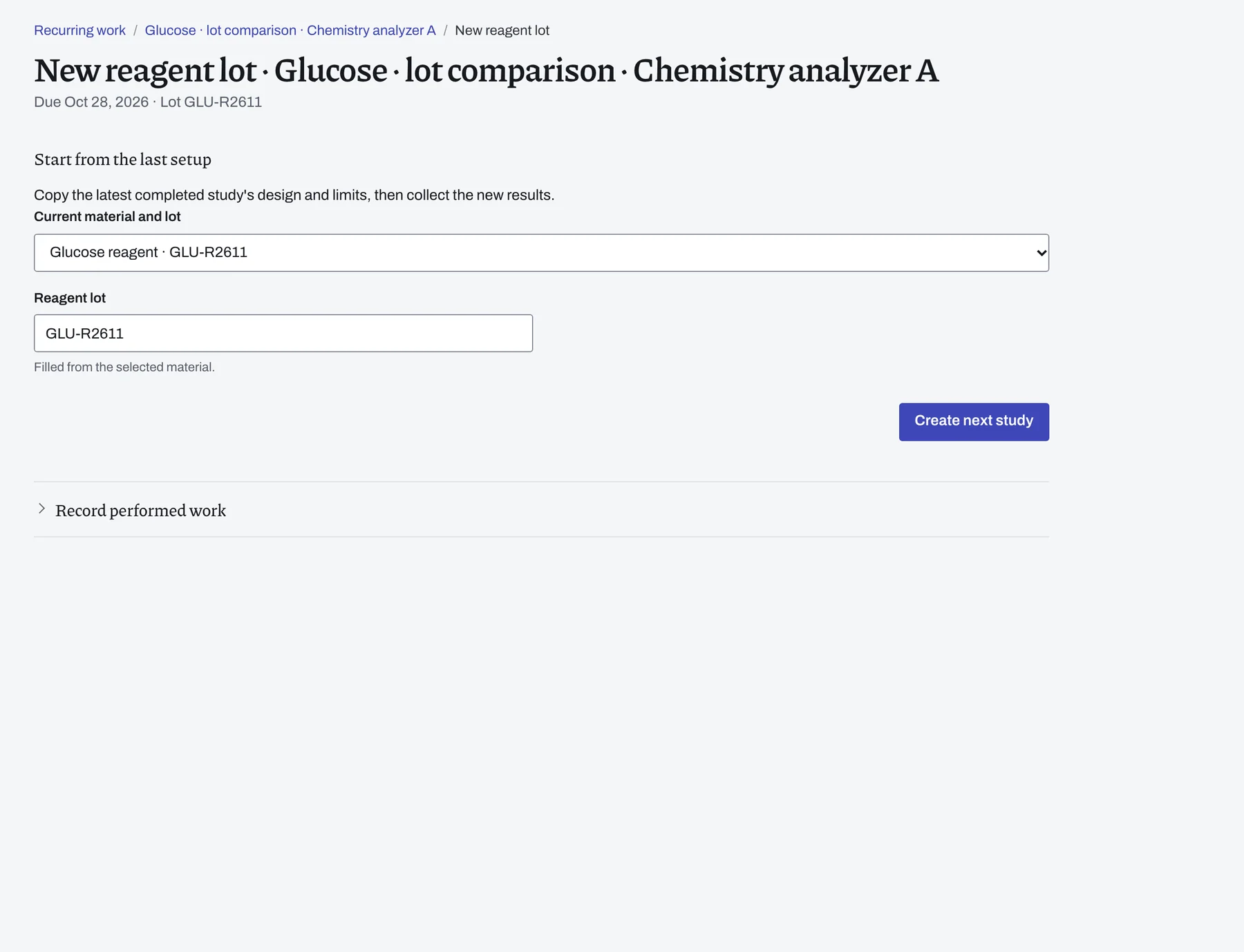
Save the instrument, its analyte profiles, your reagent lots and the import format. LabRuns fills in these details when you start a study on that analyzer. When a new lot arrives, create its studies together from the profile.
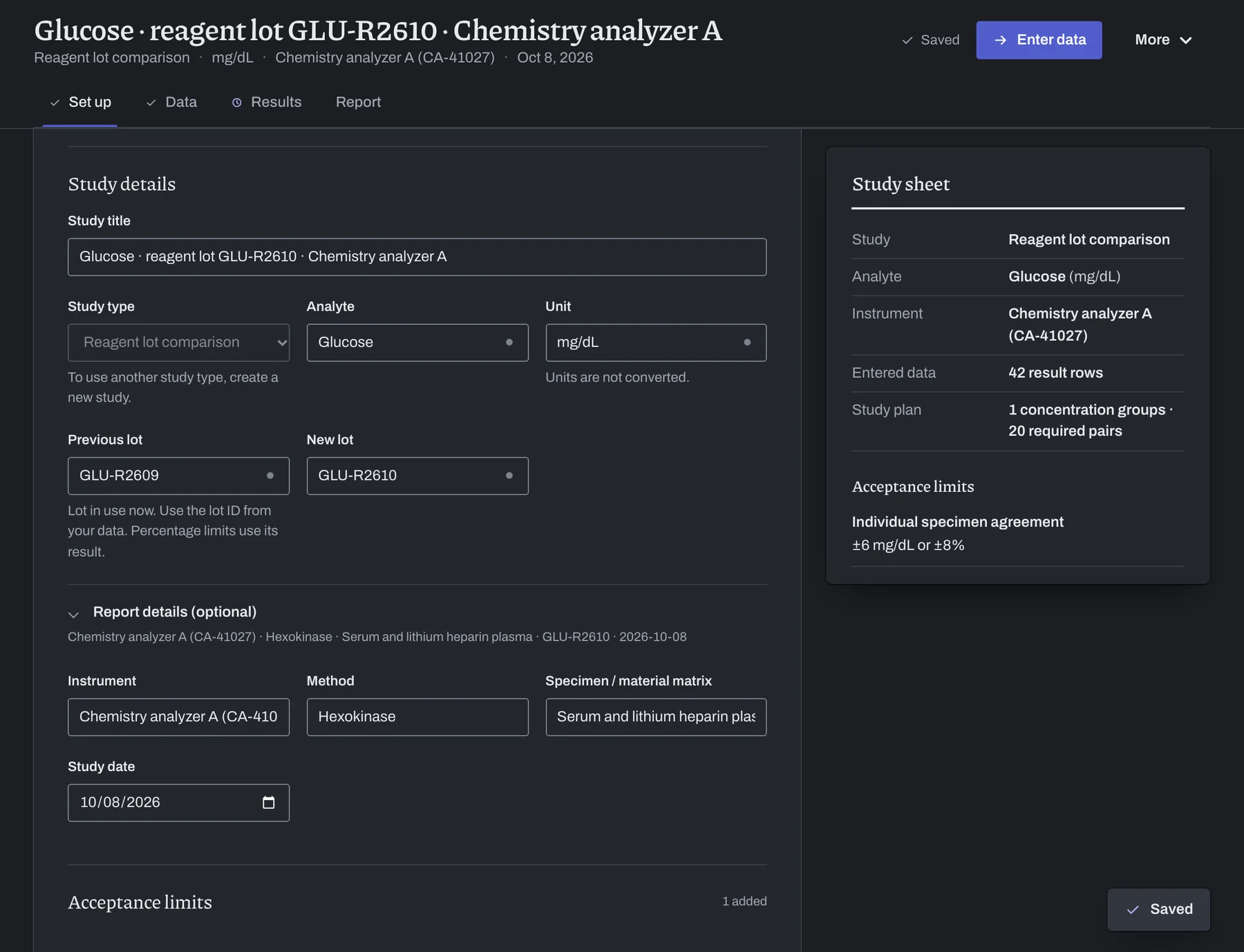
Work on the same study with colleagues.
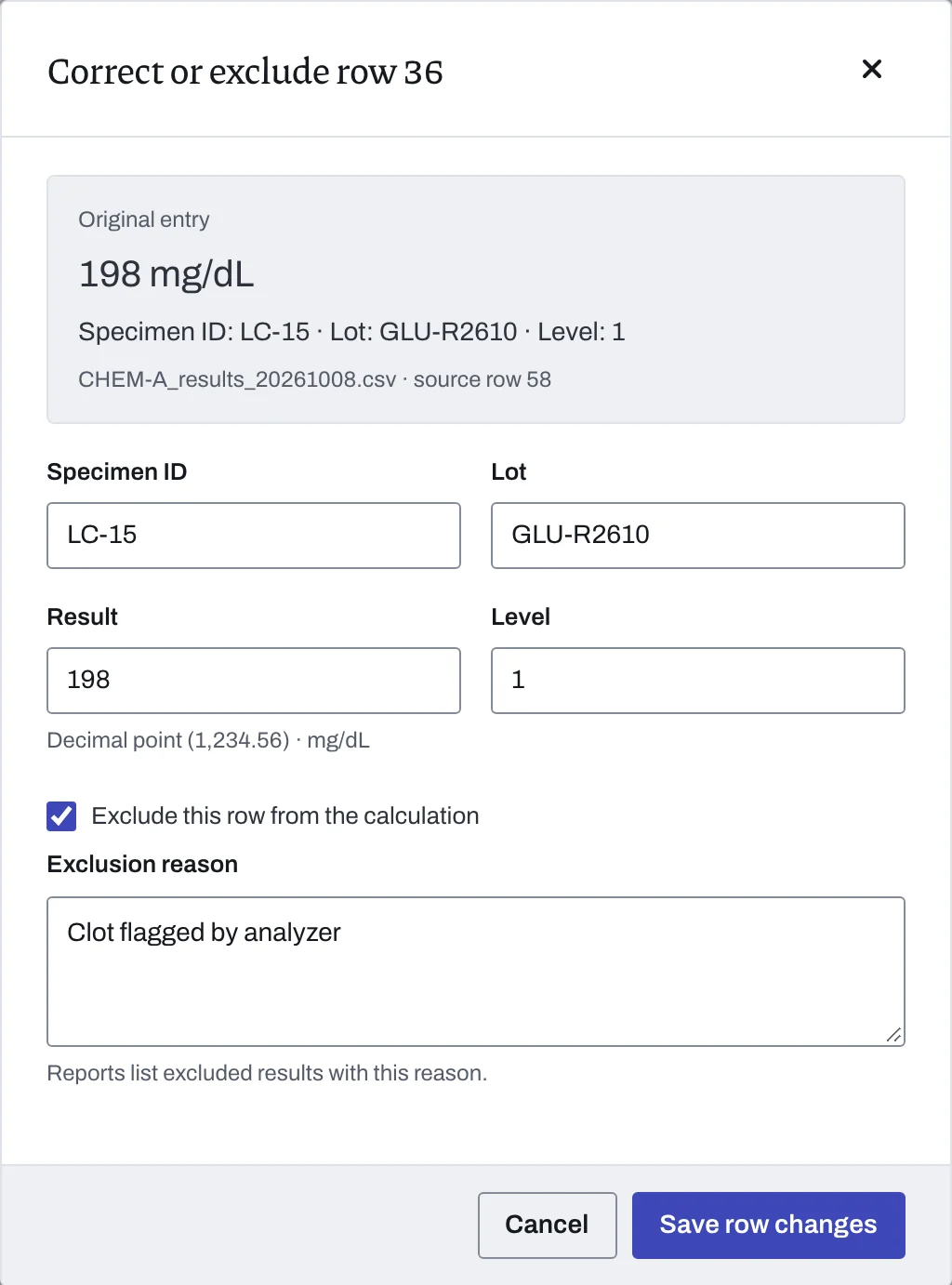
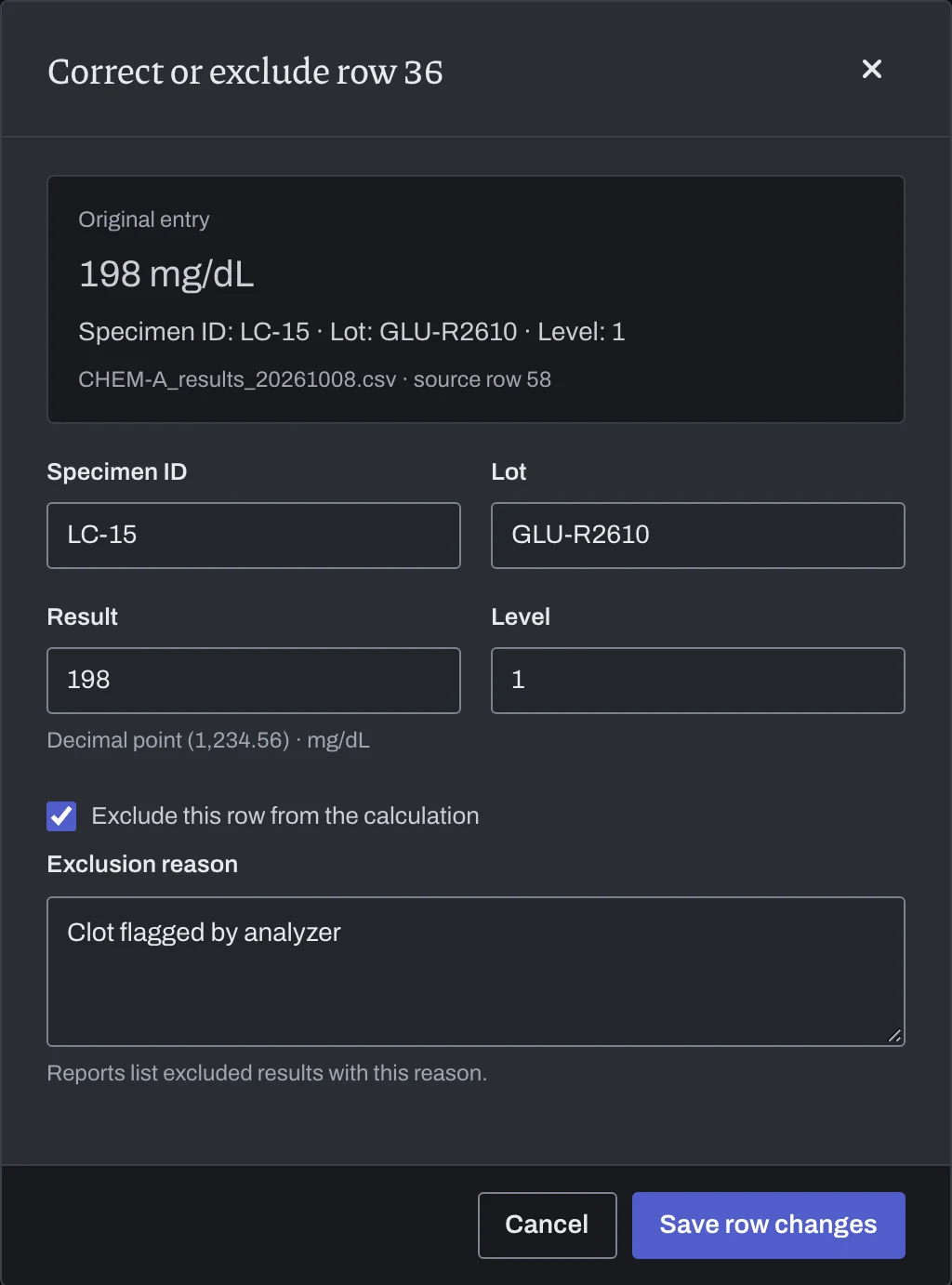
LabRuns combines changes to different entries when you save. If you both change the same value, you choose which one to keep.
Priya NairEditor
Alex RiveraOwner
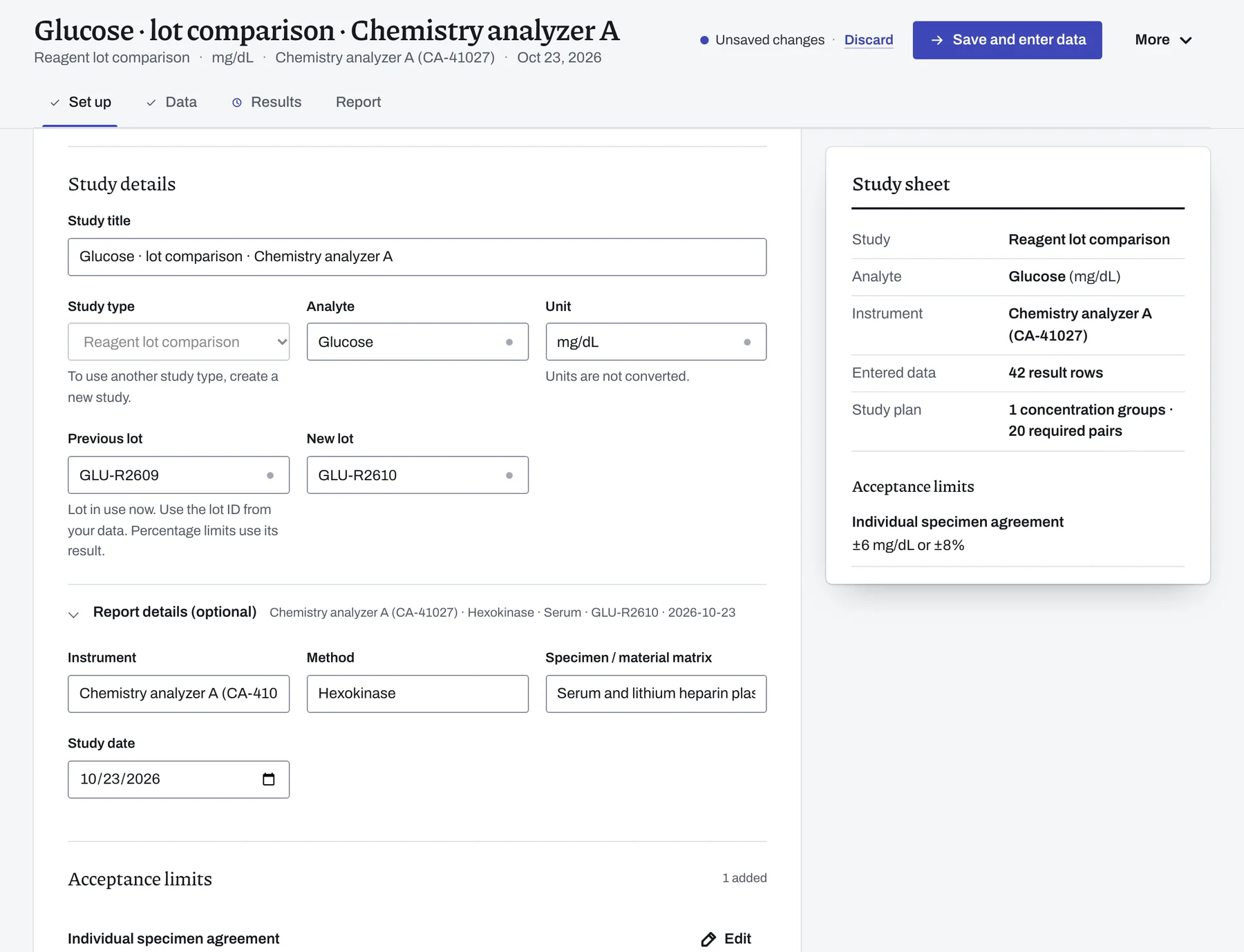
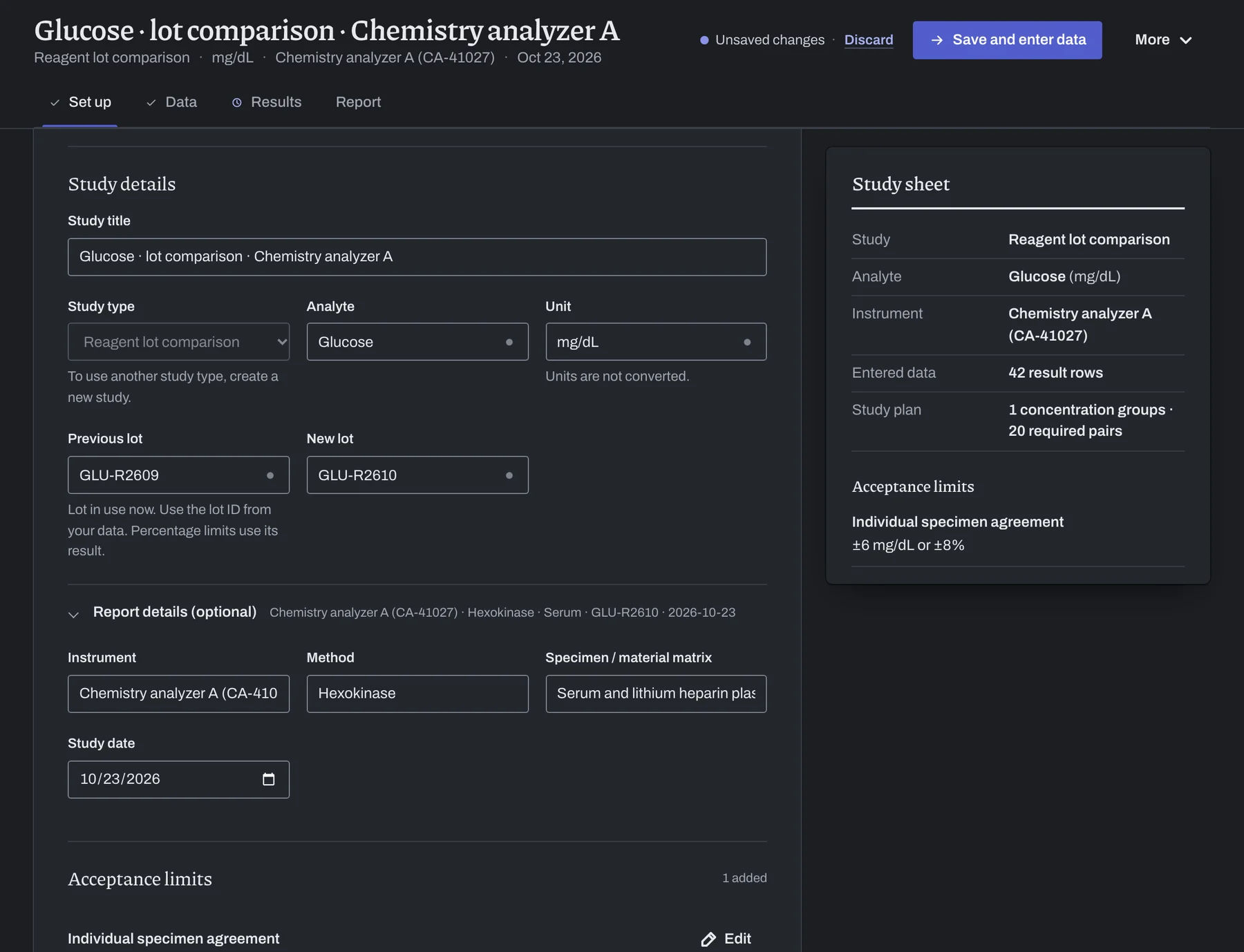
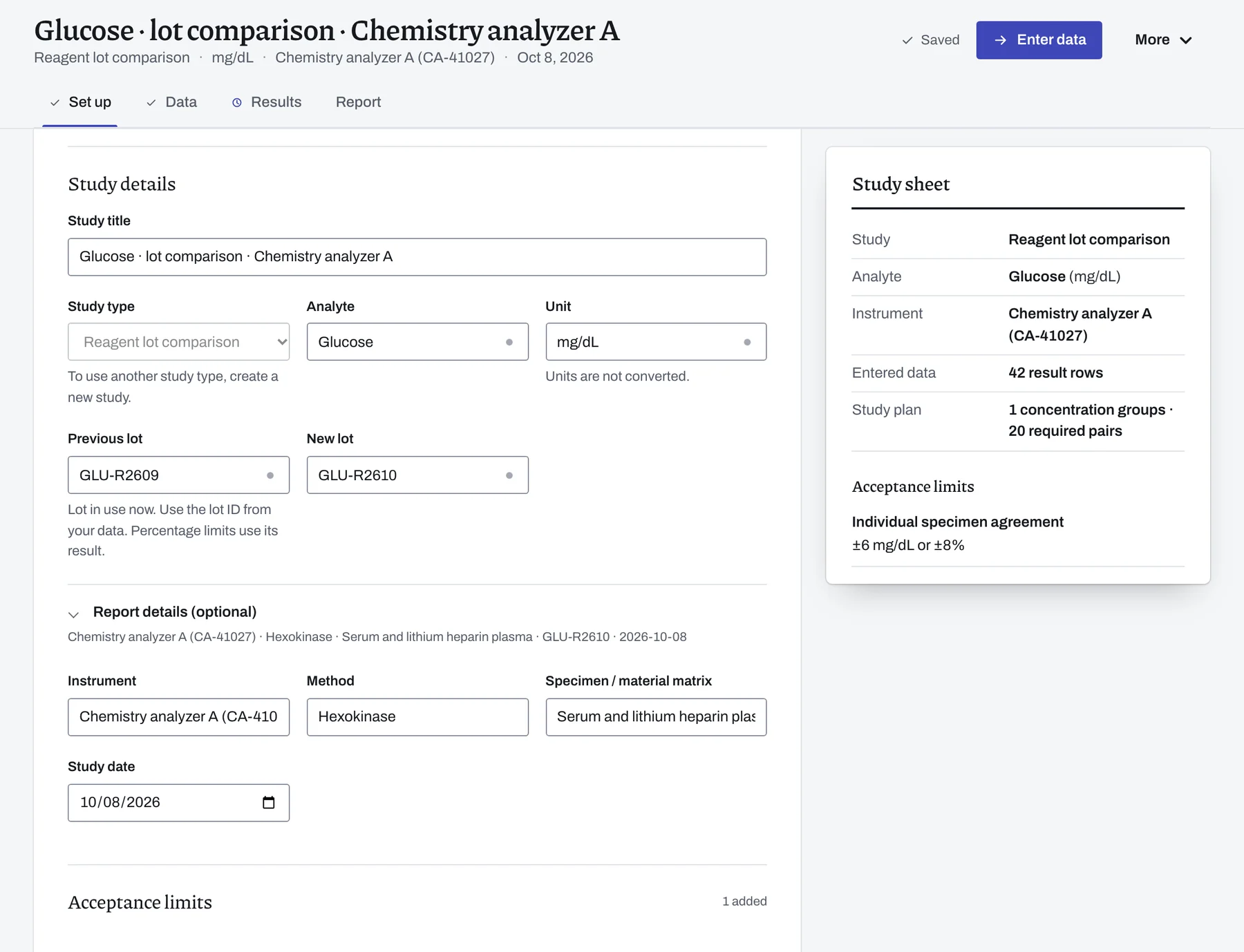
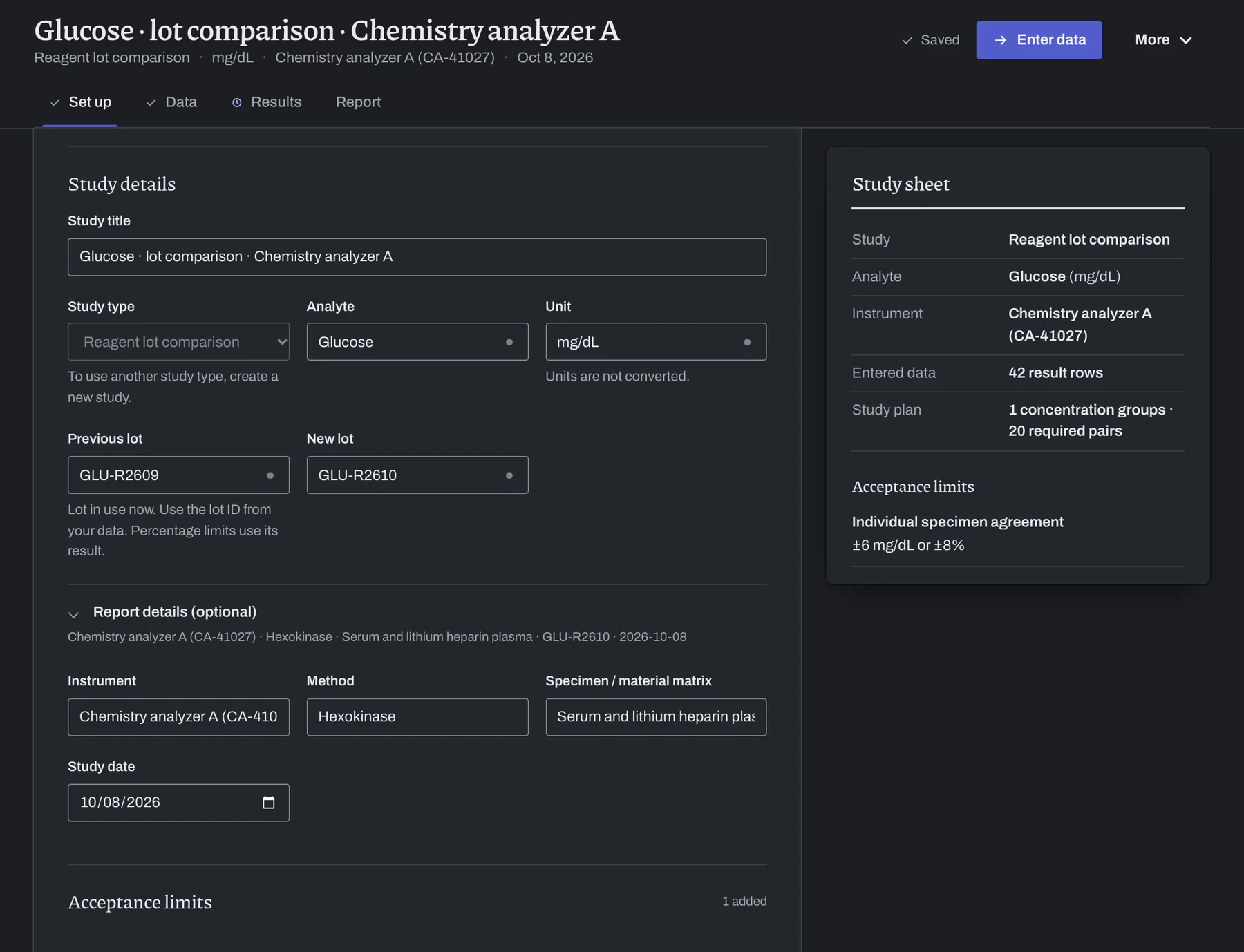
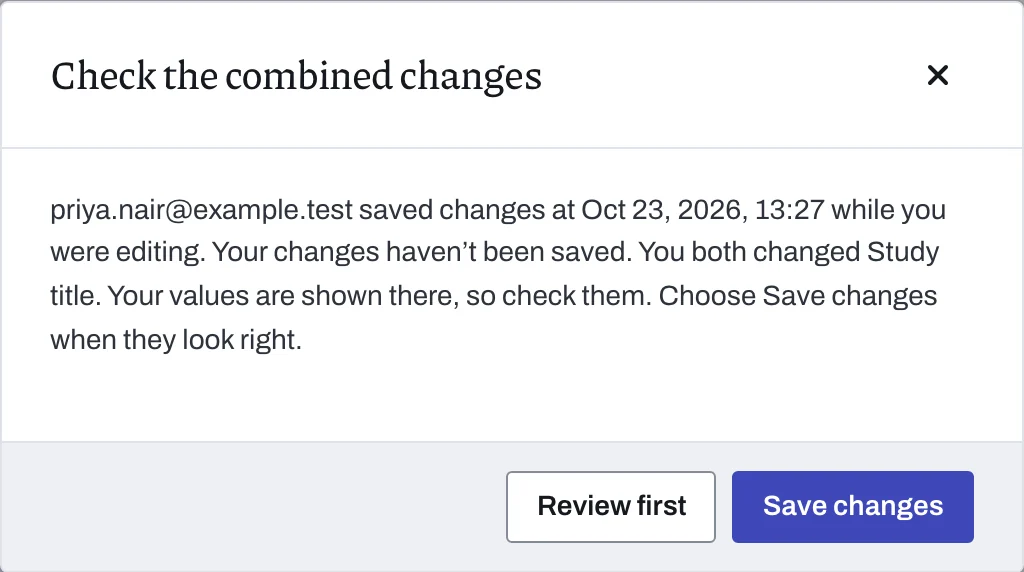
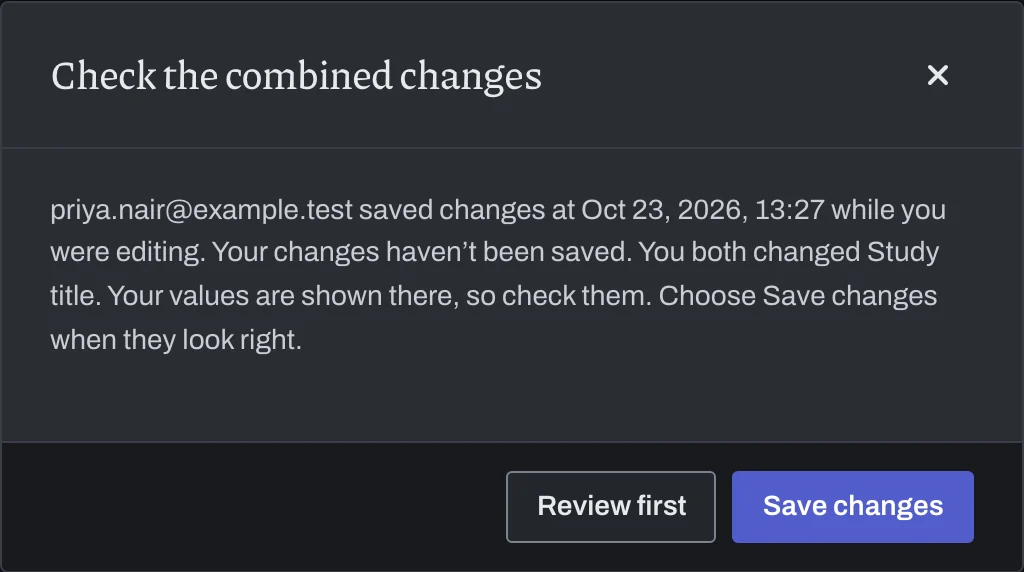
You each edit your own draft. LabRuns shows the other person's changes when they save.
Change different entries and both changes are kept when you save.
If you both changed the same entry, compare the values and choose which one to keep.
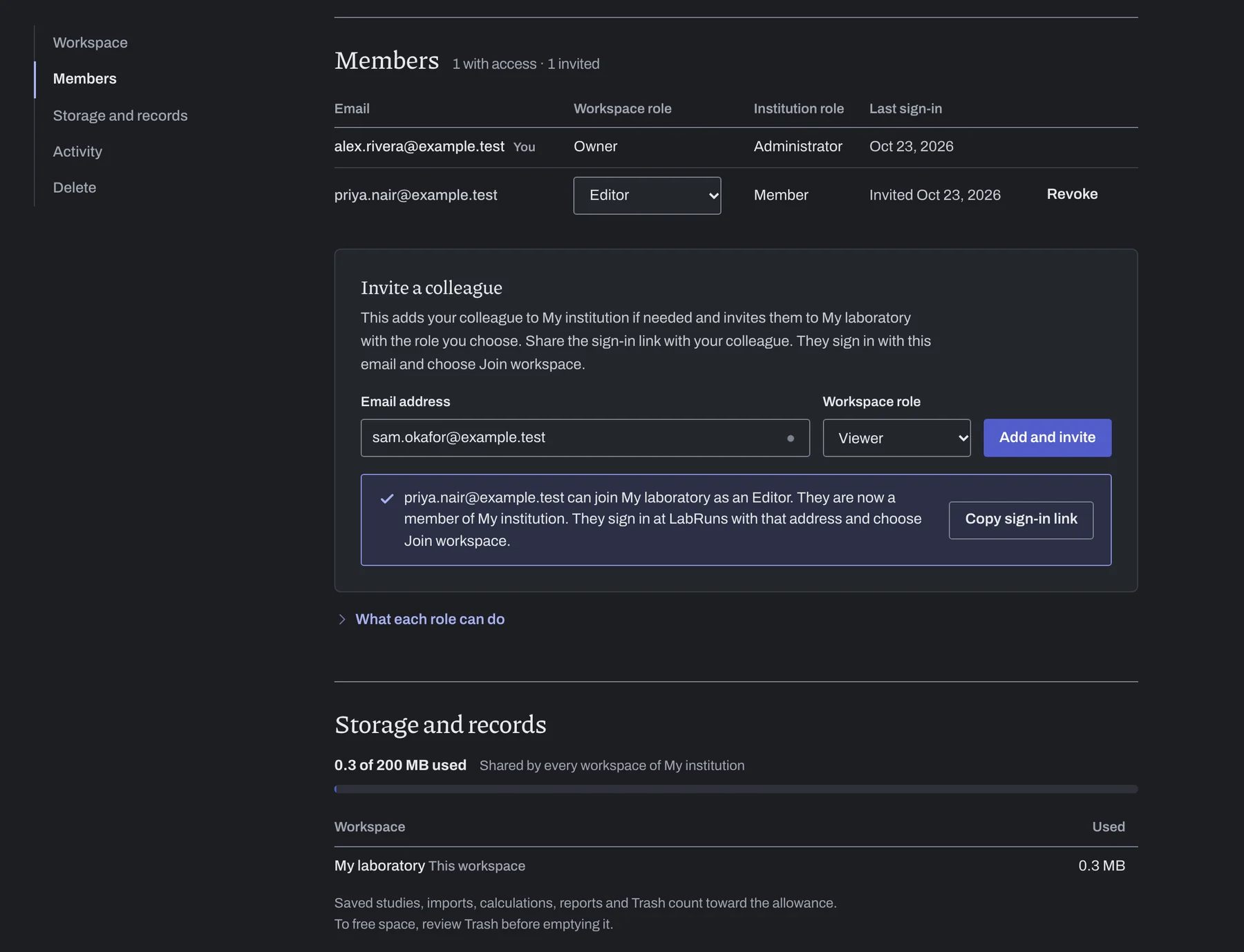
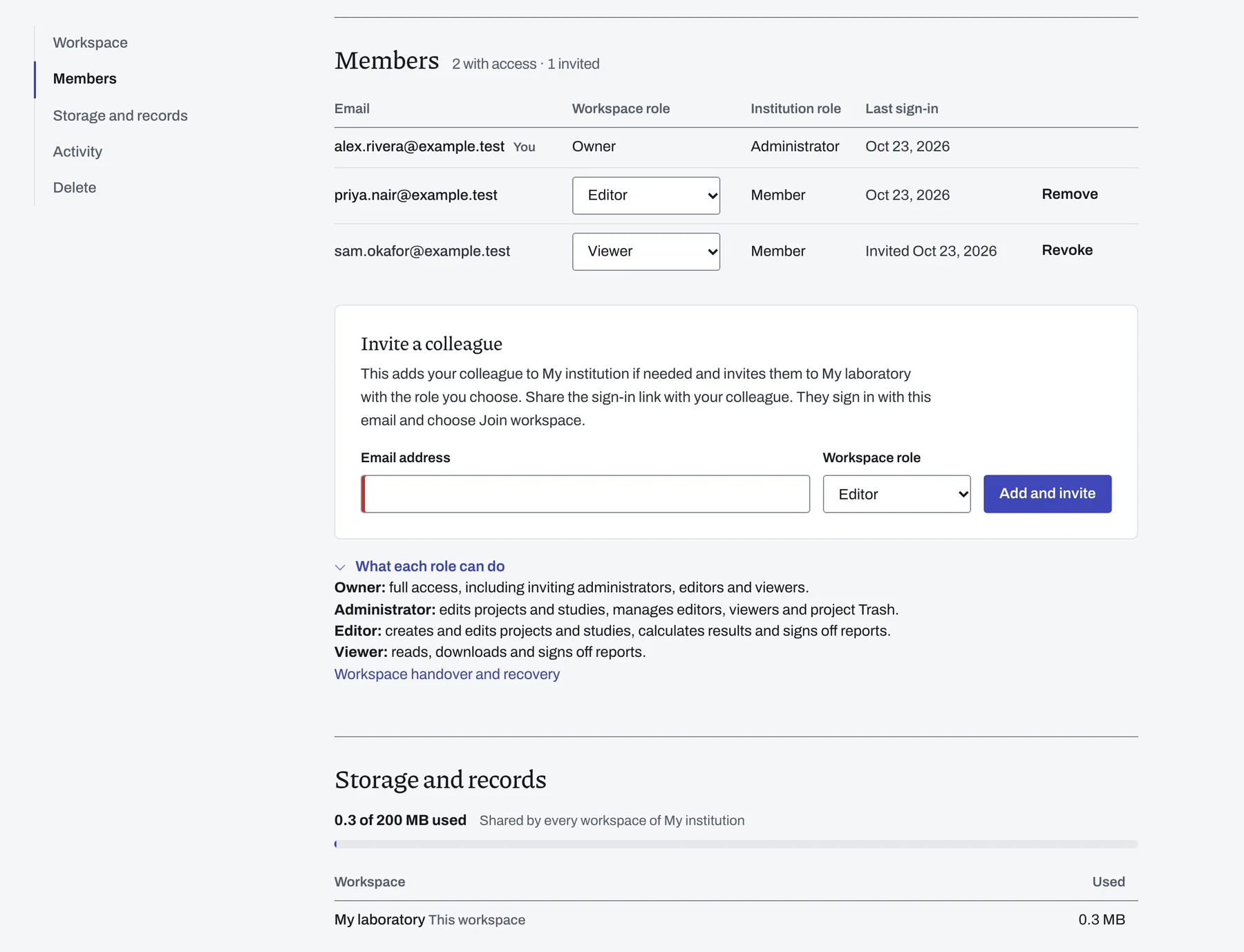
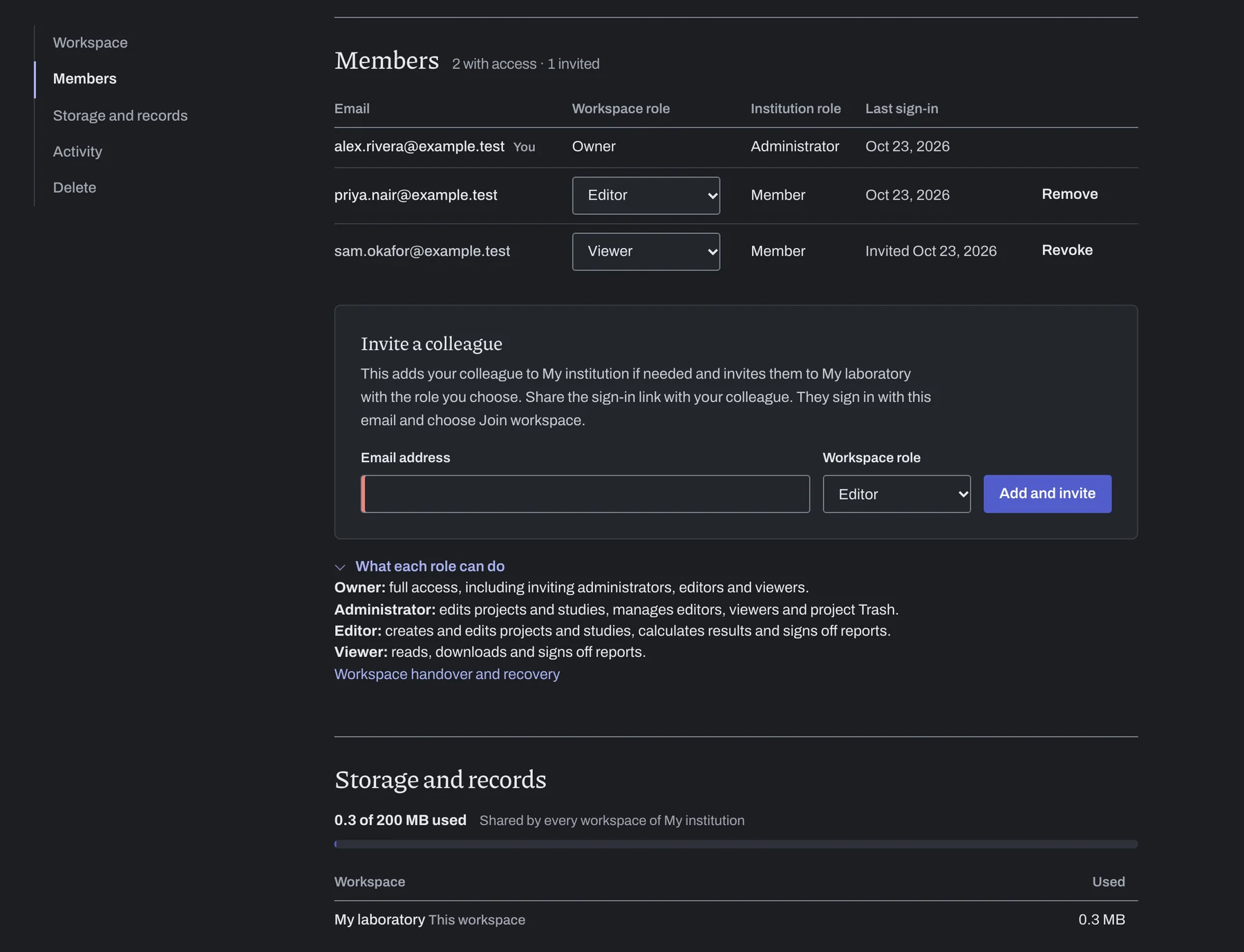
Decide who edits and who reads.
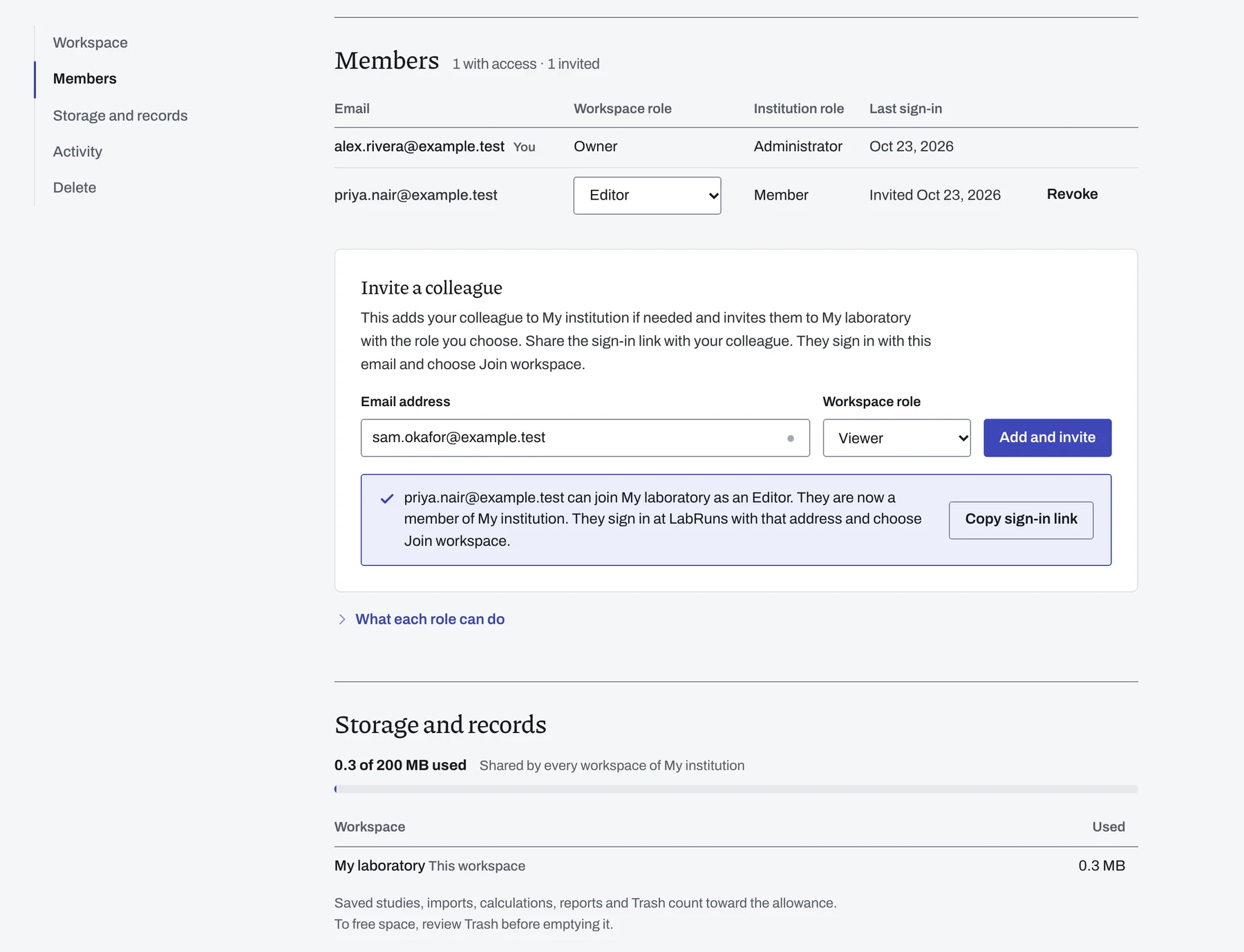
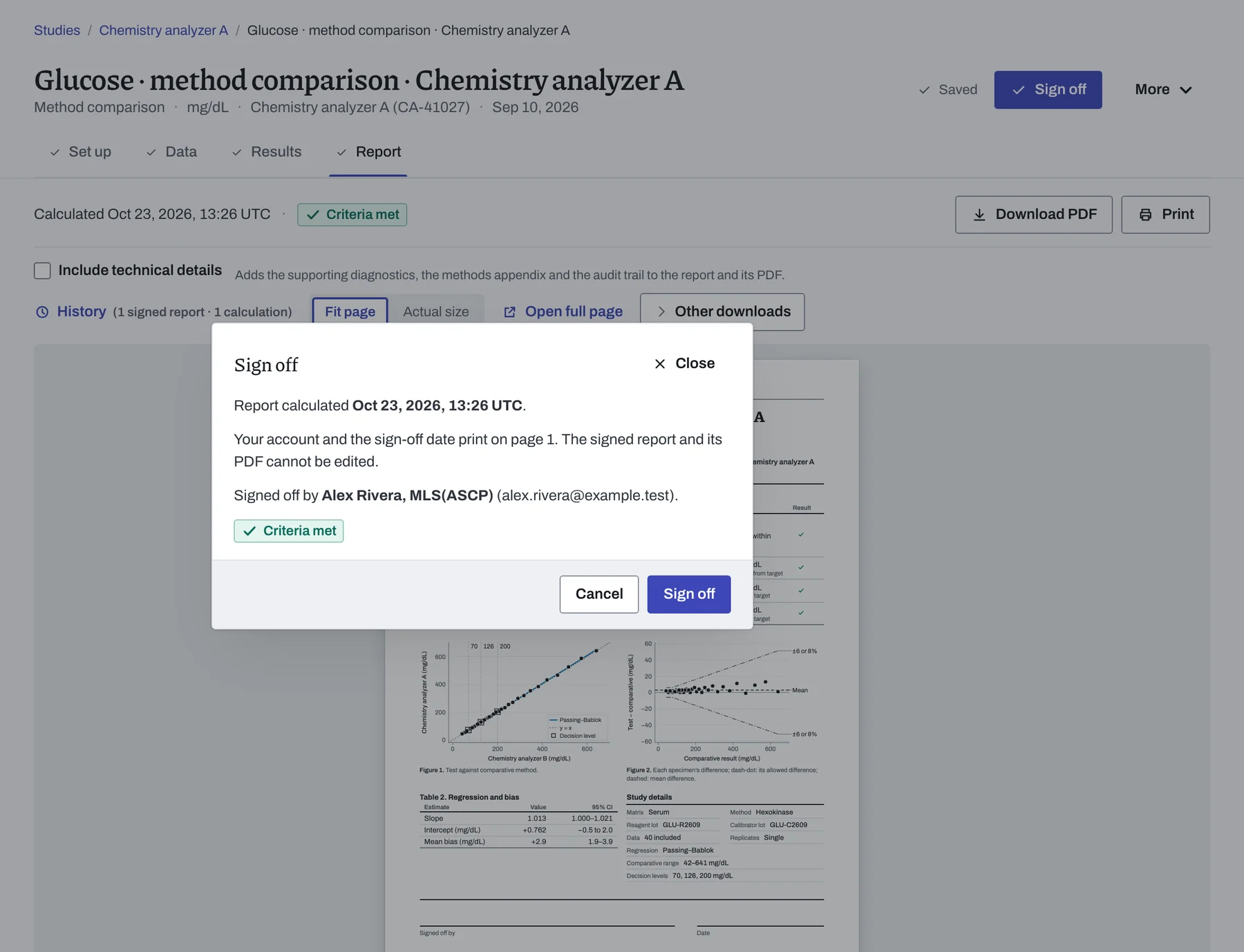
Invite colleagues by email and give each one a role. Everyone signs in with their own account, so each sign-off carries the signer's name.
| Role | What they can do |
|---|---|
| Owner | Full access, including inviting administrators, editors and viewers. |
| Administrator | Edits projects and studies, manages editors, viewers and project Trash. |
| Editor | Creates and edits projects and studies, calculates results and signs off reports. |
| Viewer | Reads, downloads and signs off reports. |


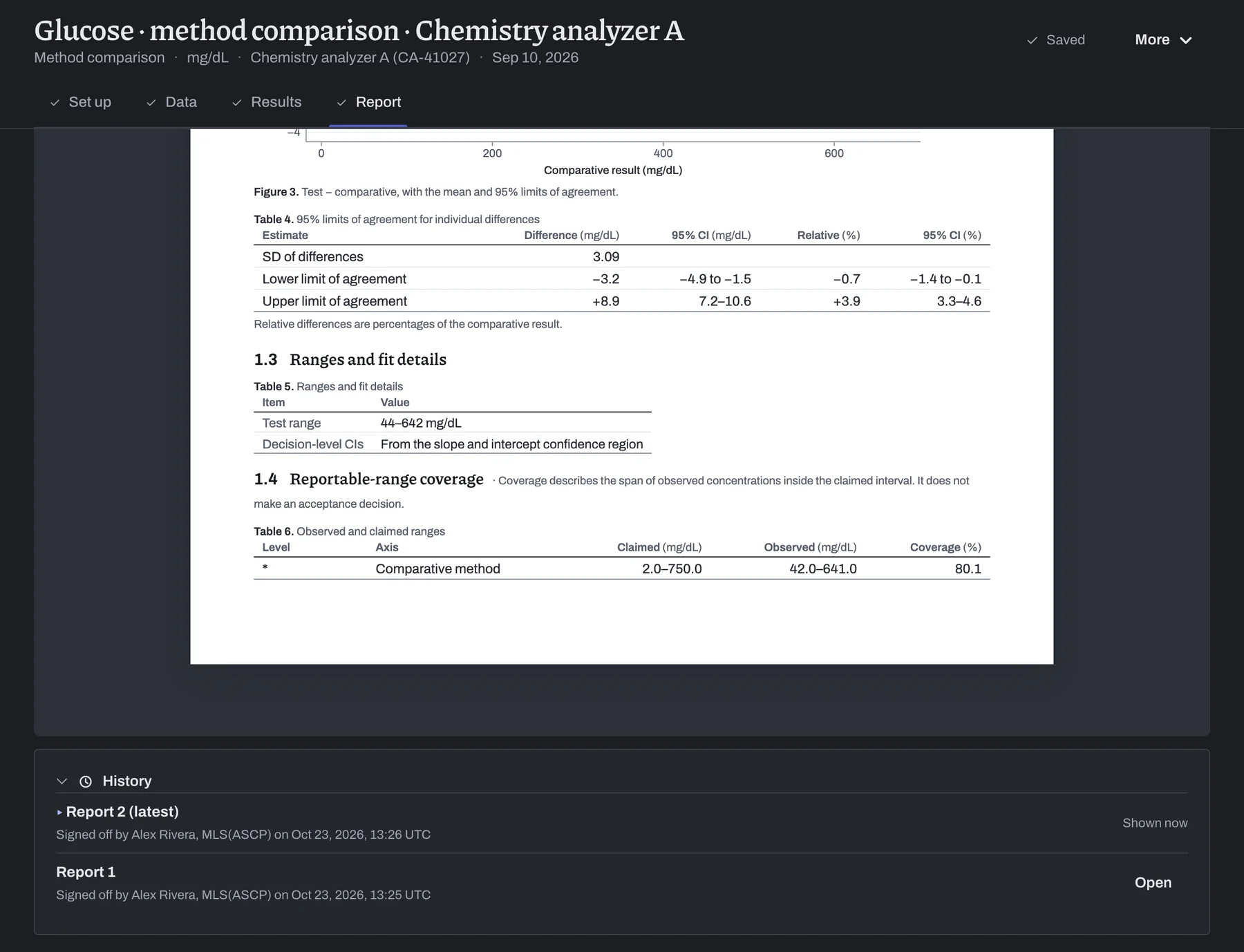
Review the results and sign the report.
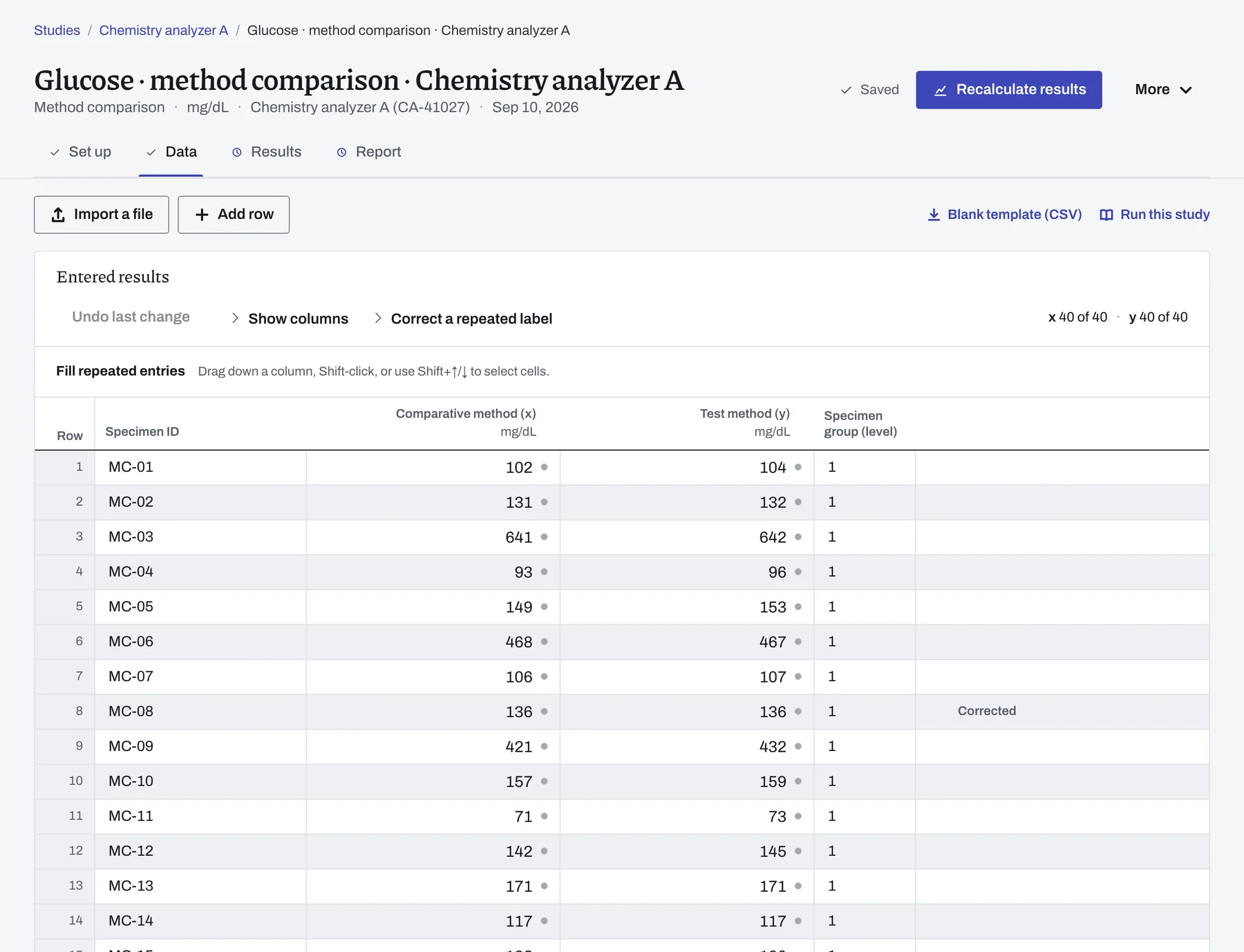
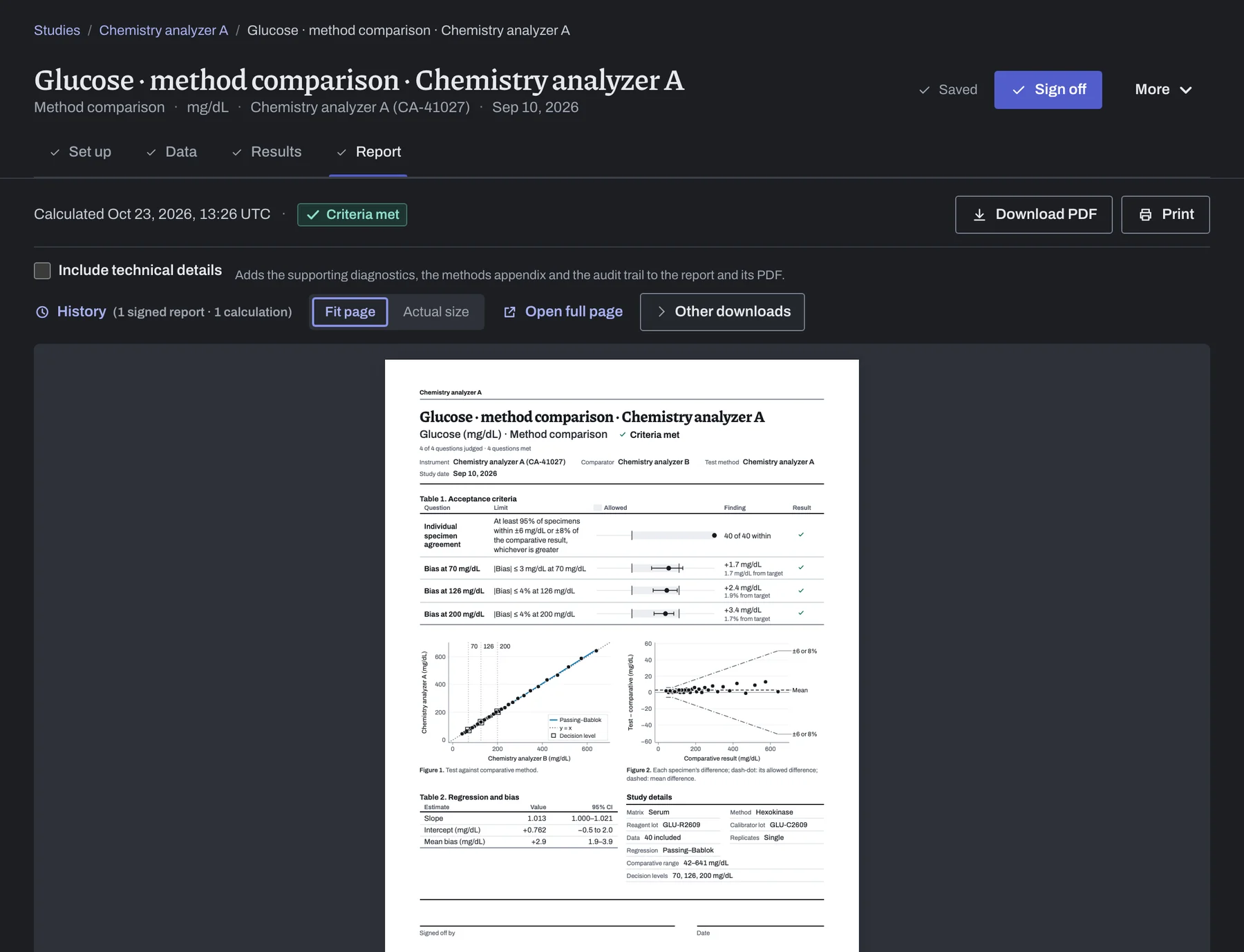
Compare each result with your laboratory's limit, then sign the report under your own account when your procedure calls for it.
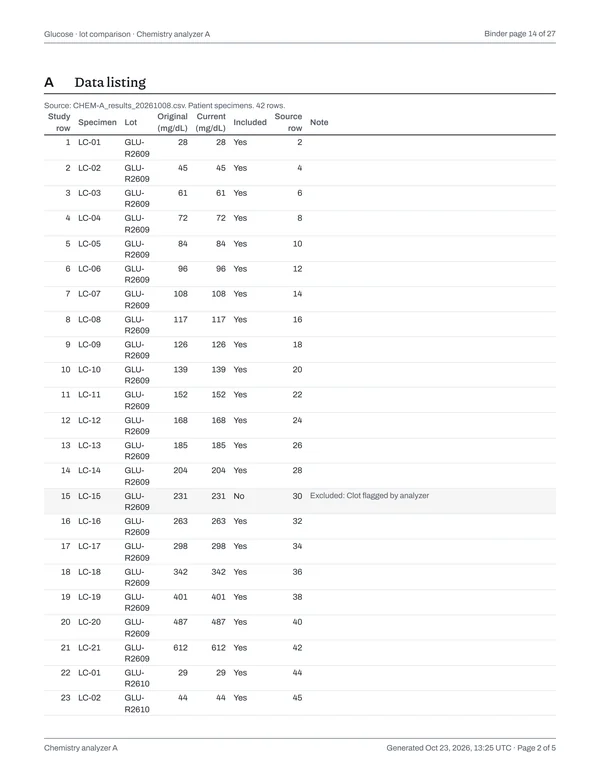
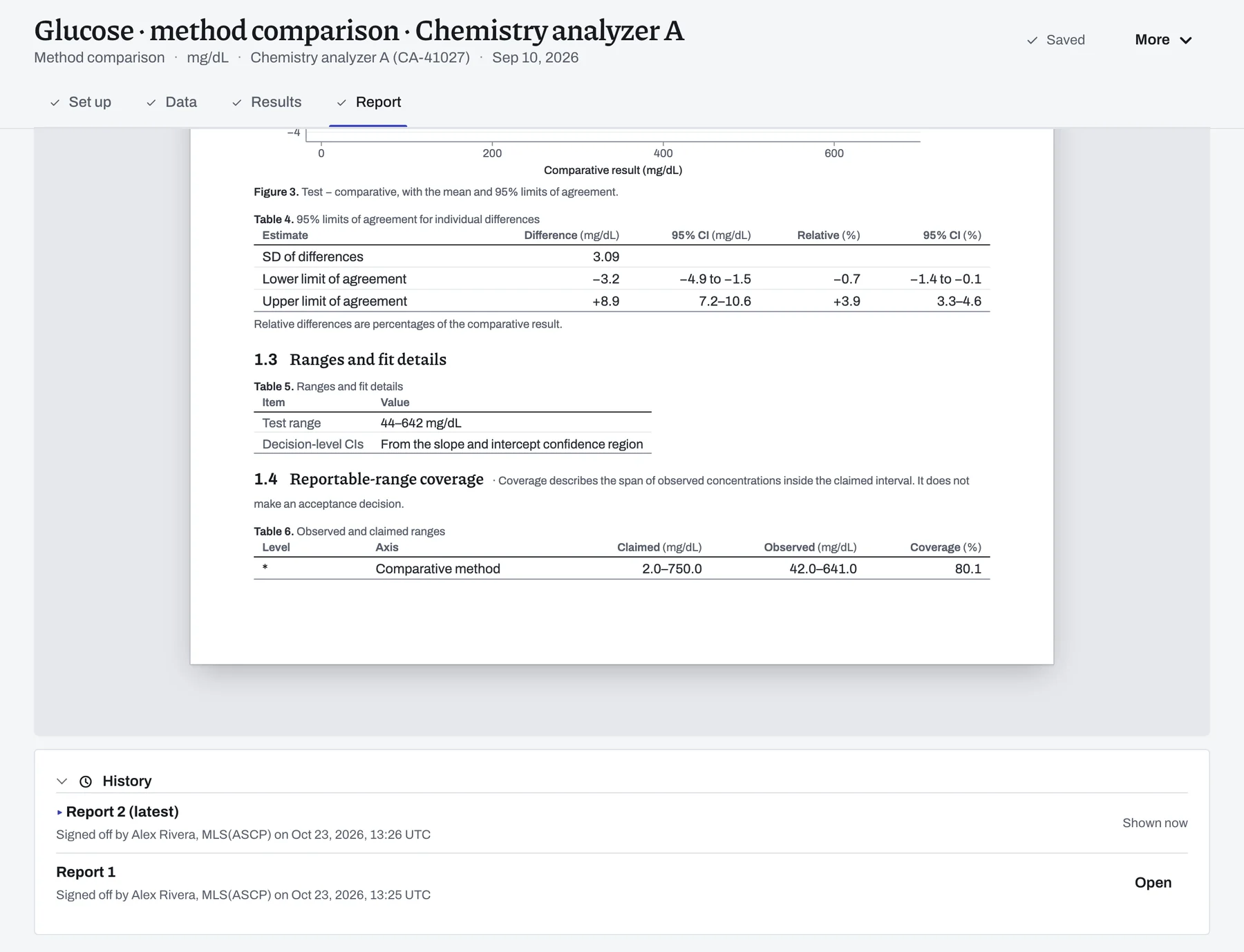
Fix a value after sign-off and recalculate. You get a new report to review, and the signed one stays on record.
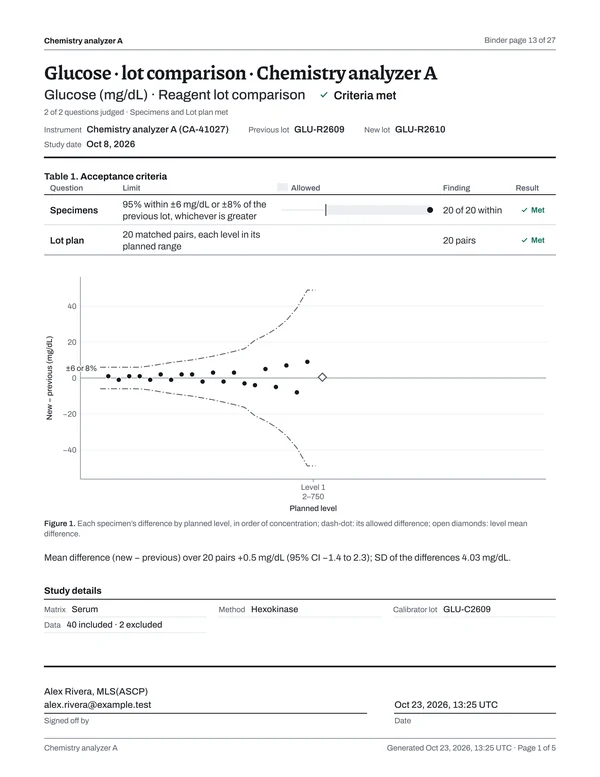
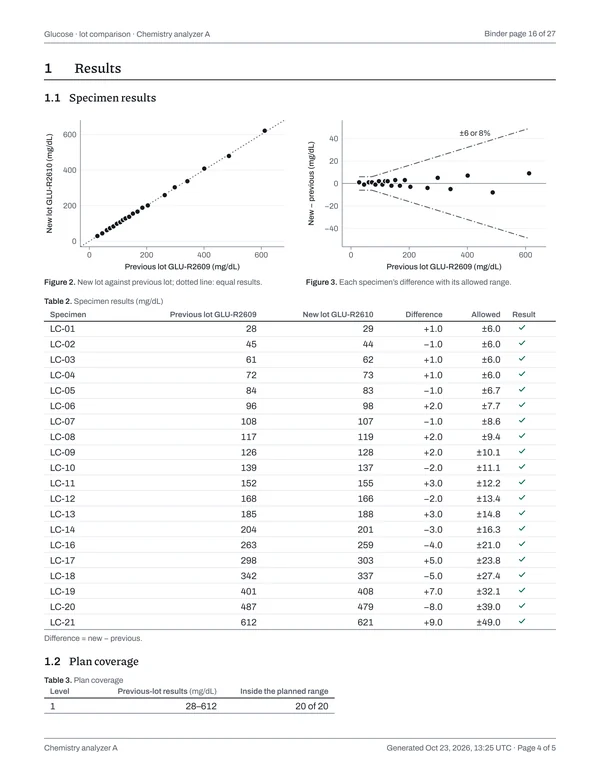
Results show each criterion's limit, observed value and outcome. An Undecided outcome explains what is needed to evaluate the criterion.
Page 1 gives the decision, each limit beside its result and the sign-off at the foot of the page. The data start on page 2.
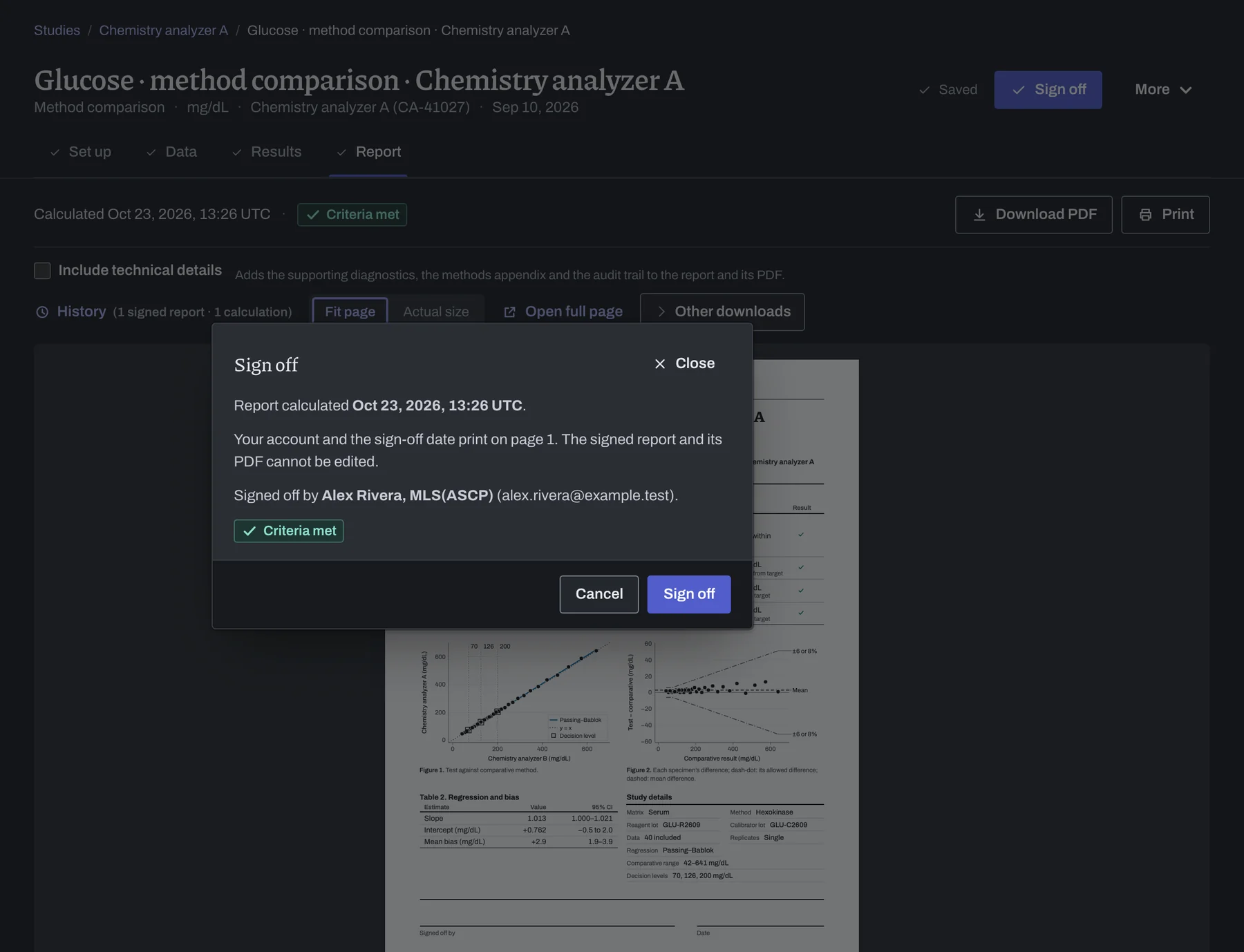
Once signed, the report and its PDF stay exactly as they are.
History keeps every report the study has had, newest first, with who signed each one and when.
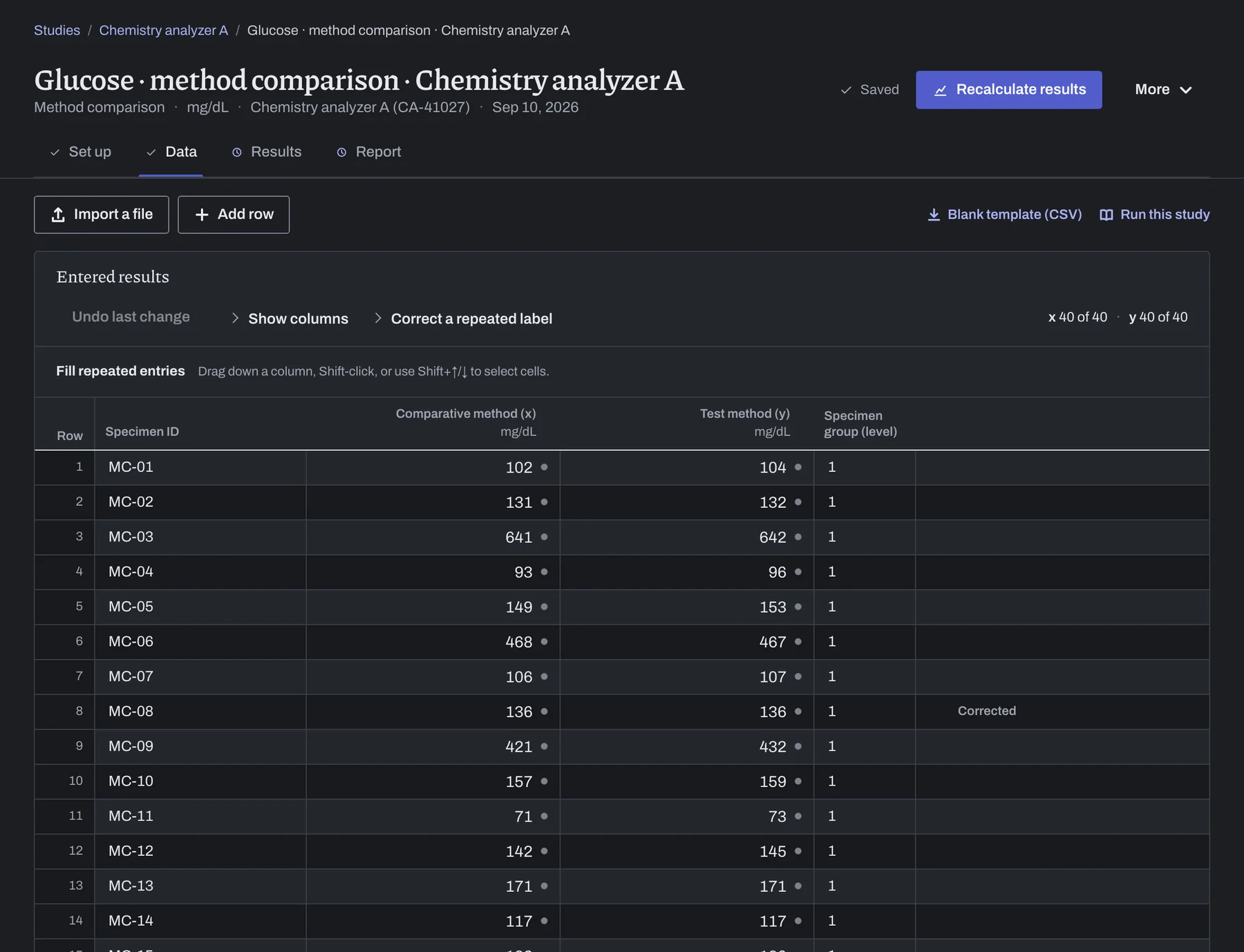
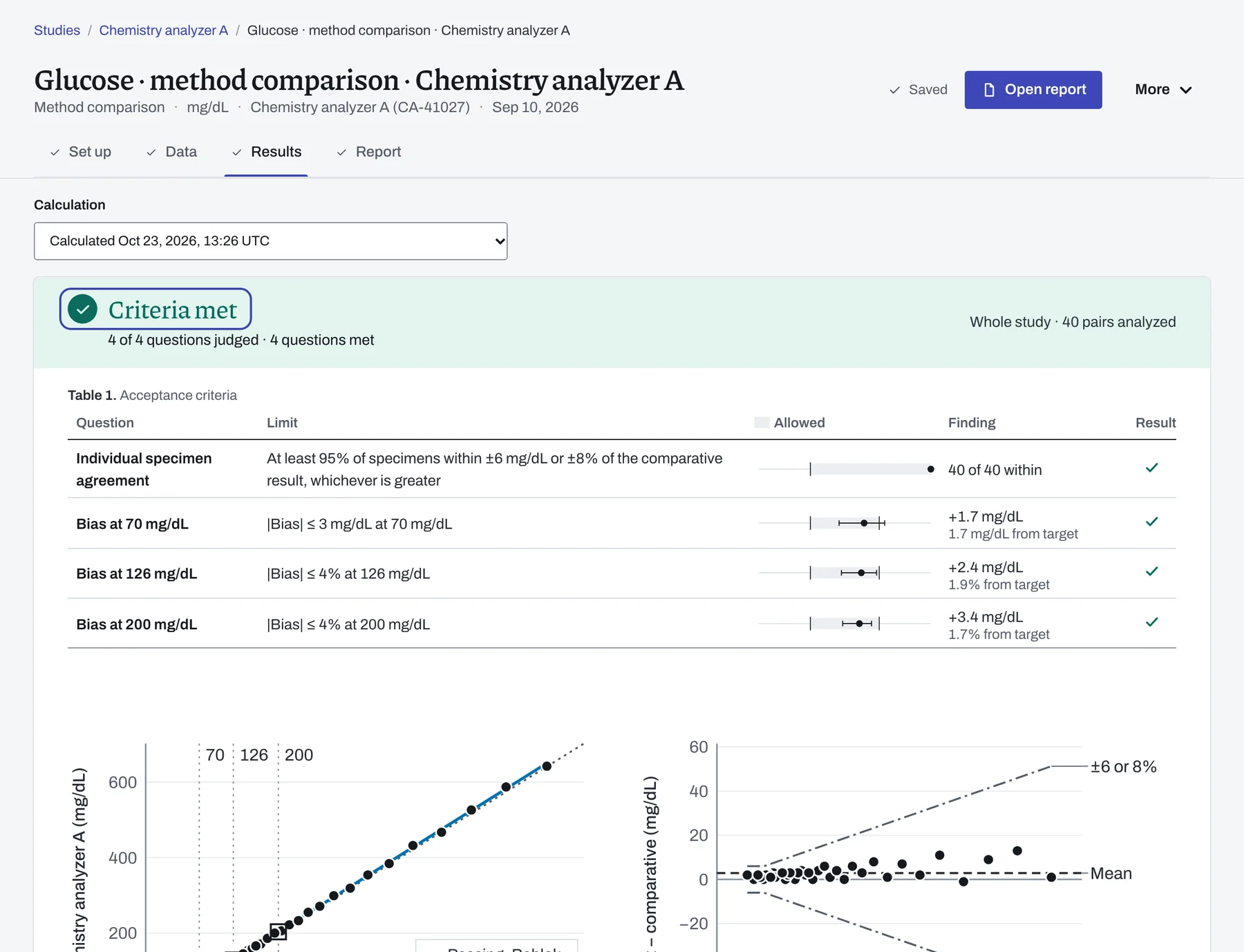
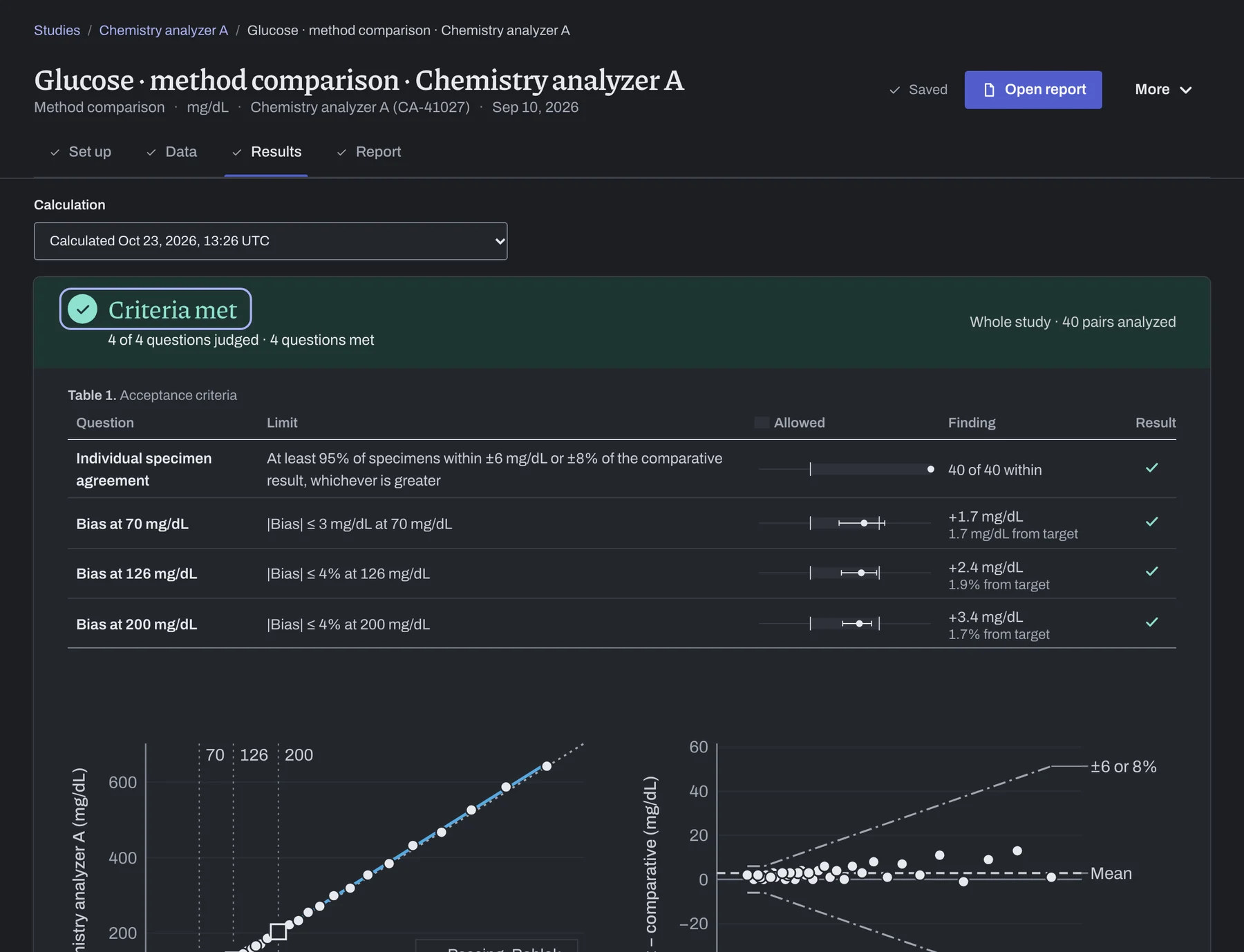
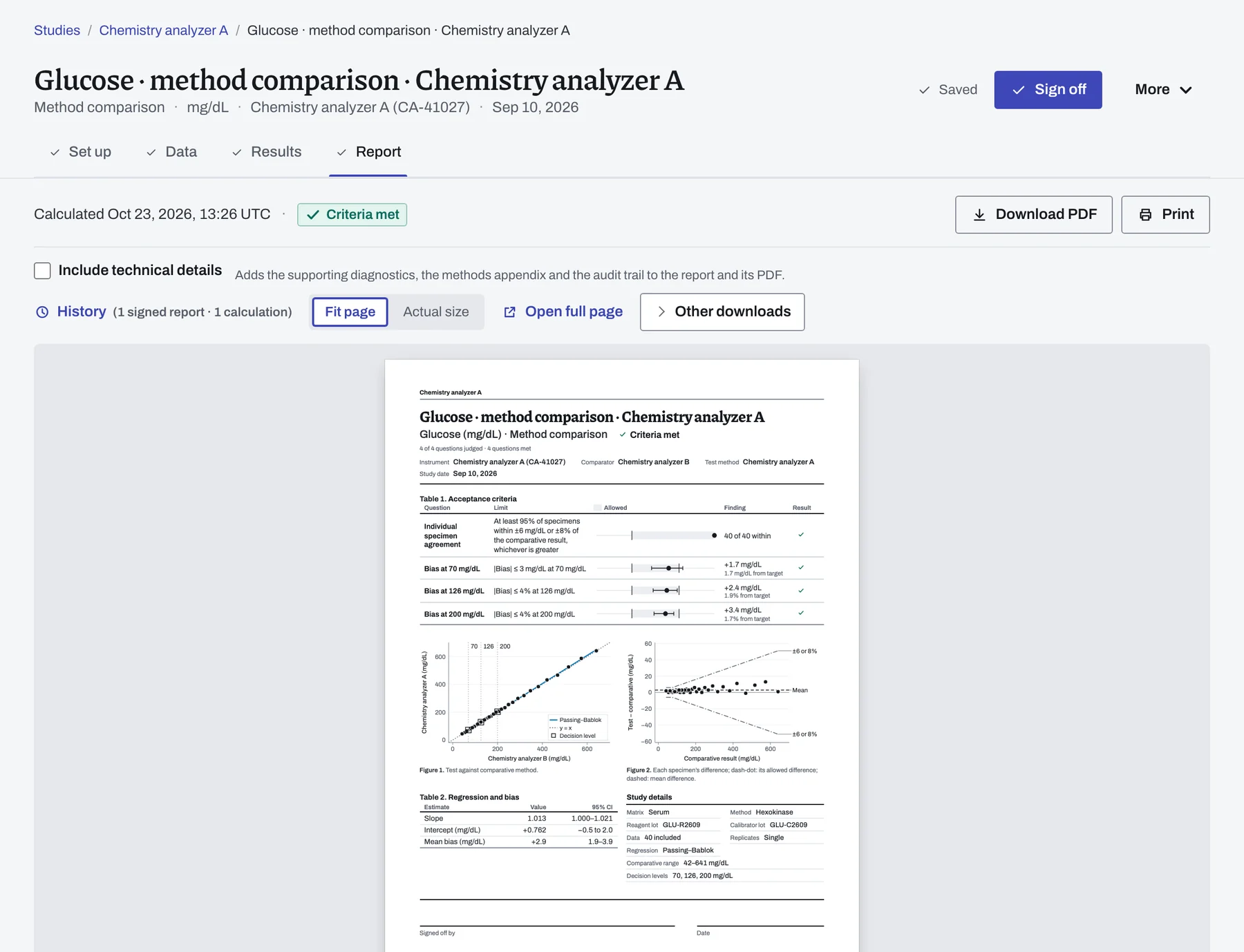
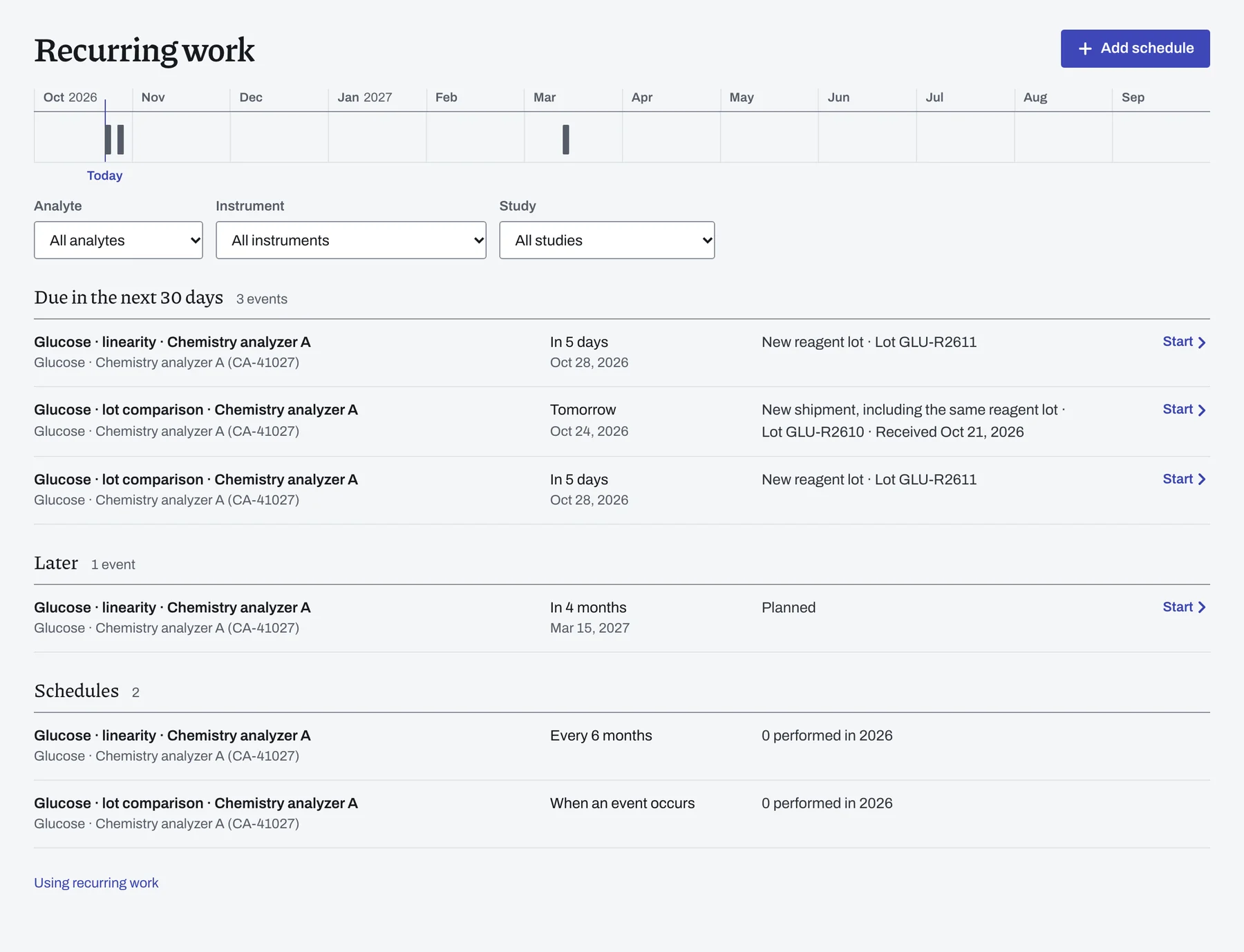
Plan recurring studies and new reagent lots.
Keep periodic checks and new reagent lots for each analyzer on one list, and start every repeat study from the last one you completed.
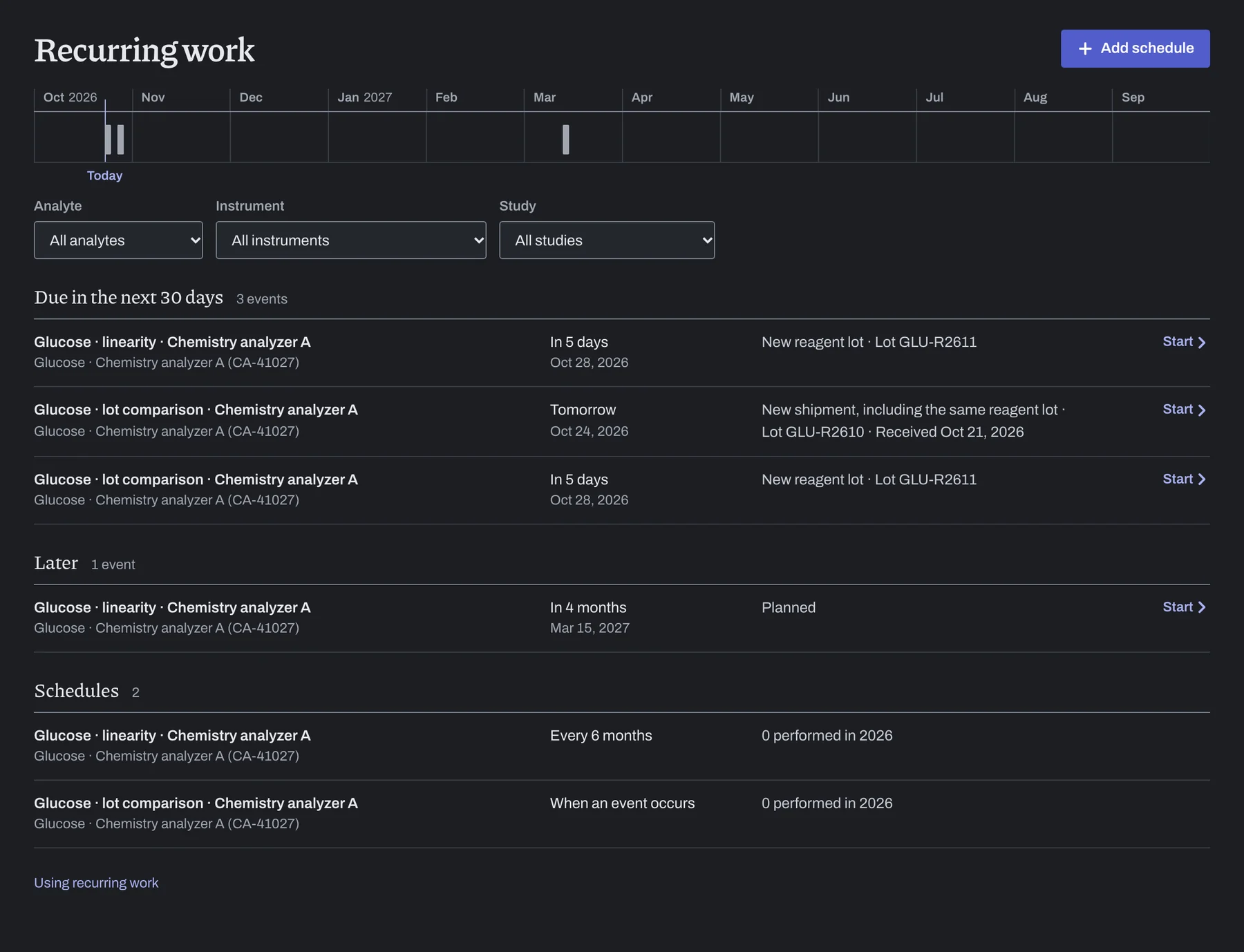
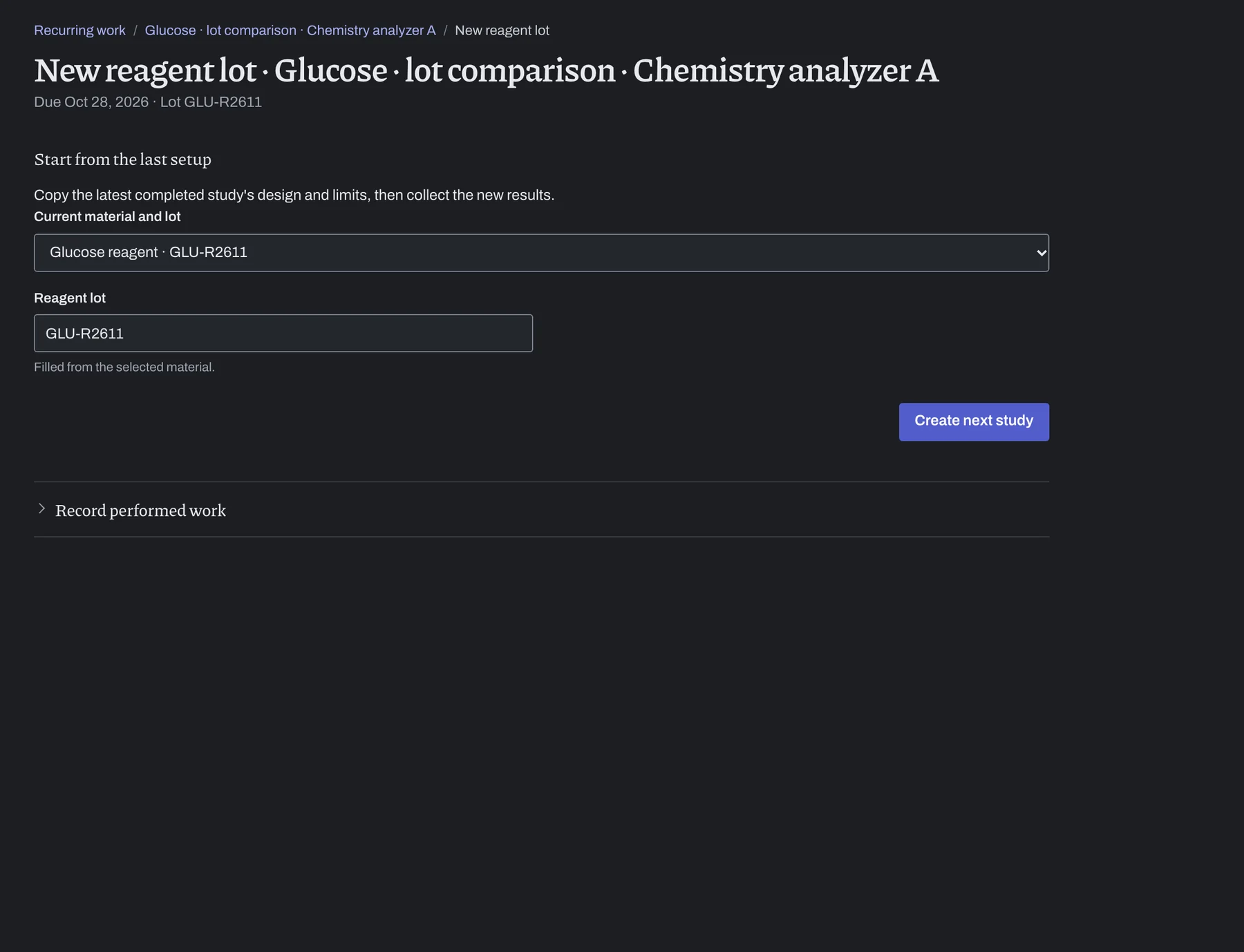
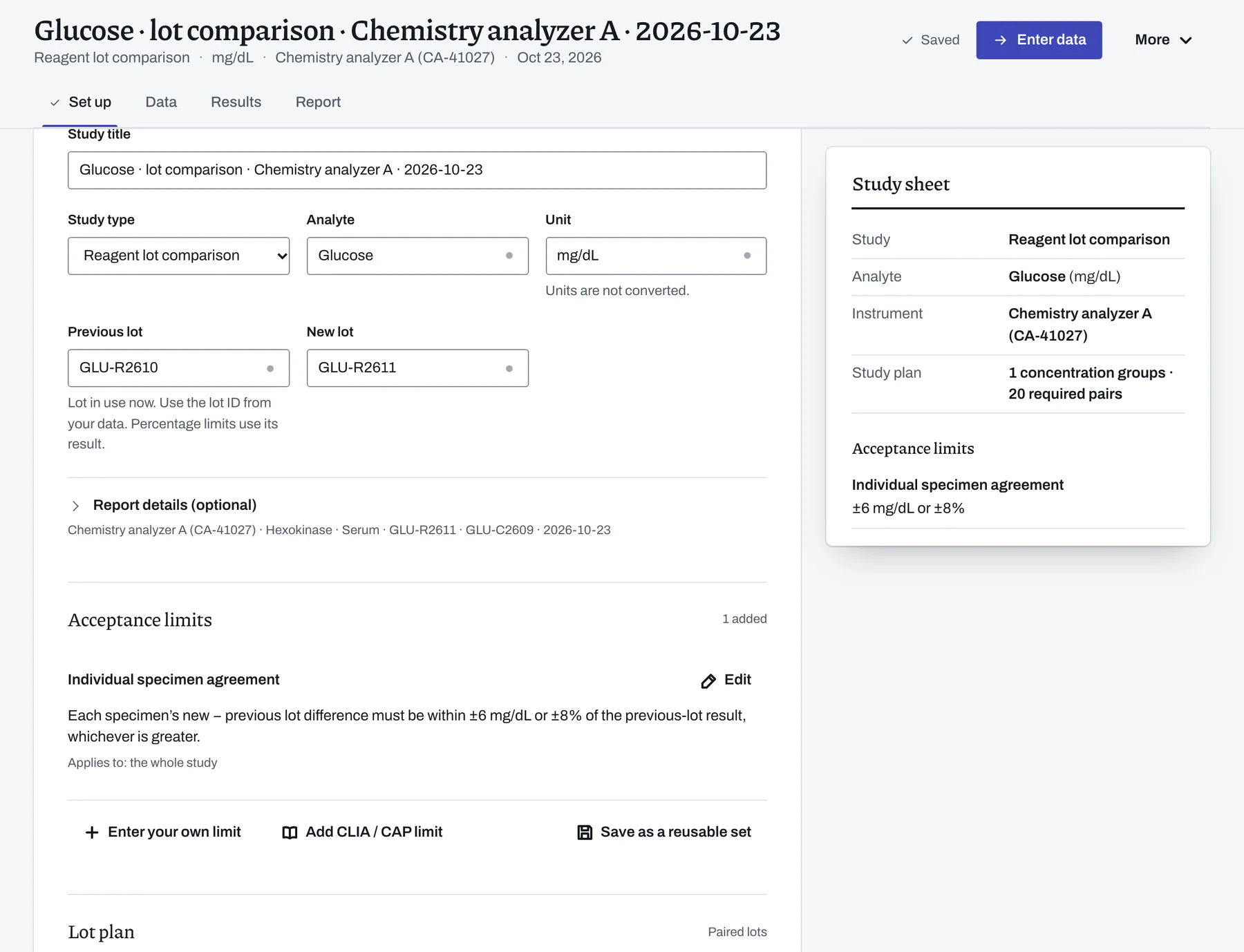
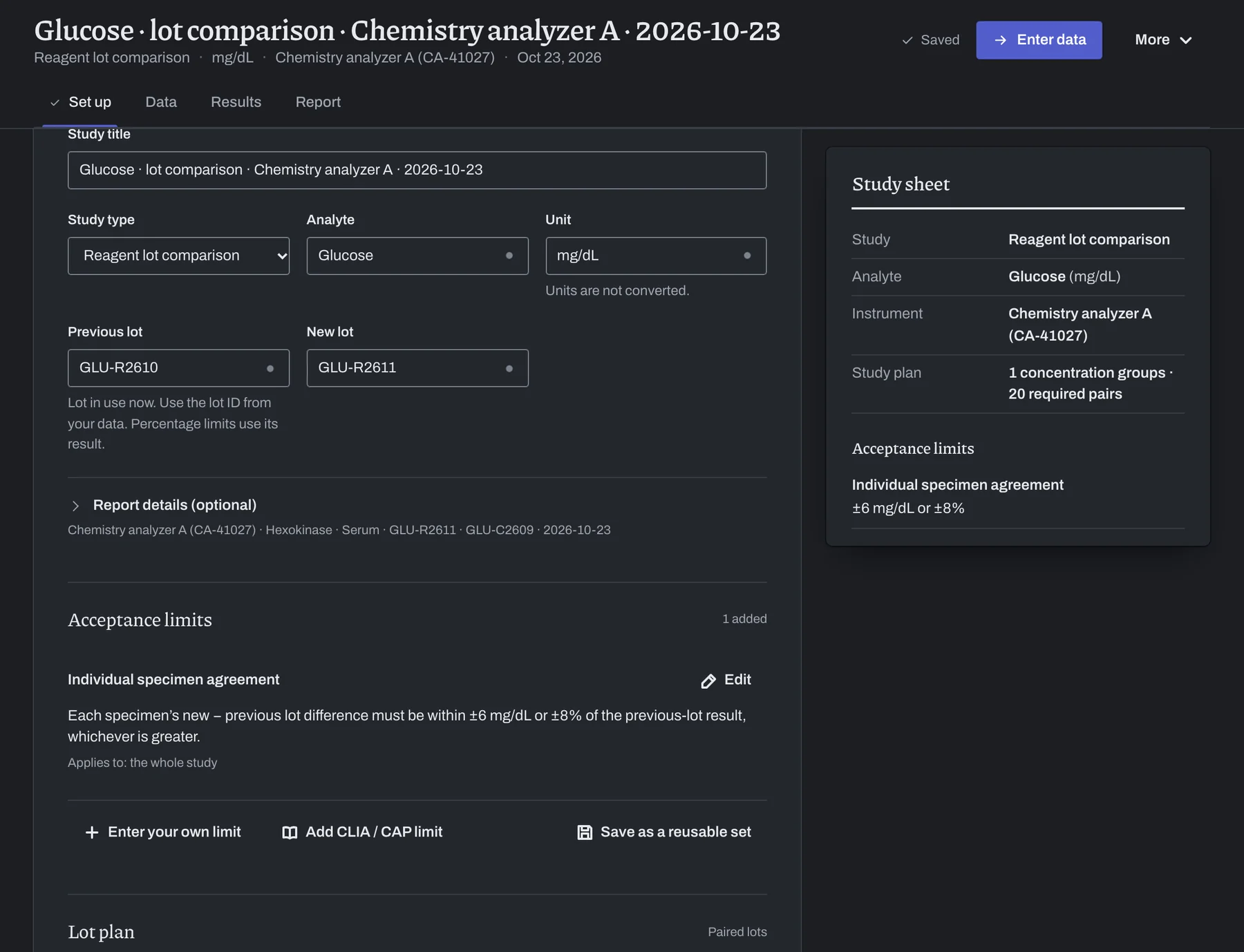
Studies, statistics and workspace tools.
Compare each study's statistics and plots, and review imports, acceptance limits, reports, workspaces and hosting.
Try the example, then verify your own analyzer.
Open the binder, its evidence archive and the live example without an account. Change the example readings to see how they affect the decision.
For your laboratory's software review, read the published methods and sources and the calculation checks. Run the studies in the evaluation package yourself, and review the institutional review information on data handling, access and support.