

Analyze your method verification studies and prepare inspection-ready reports.
Run precision, linearity, method comparison, reagent lot comparison and other verification studies with your laboratory's acceptance limits. Import your analyzer results, review the statistics and plots with colleagues, and prepare signed reports you can assemble into an instrument binder for inspection.
Free for your first week, no card needed. Then $49 a month for your institution.
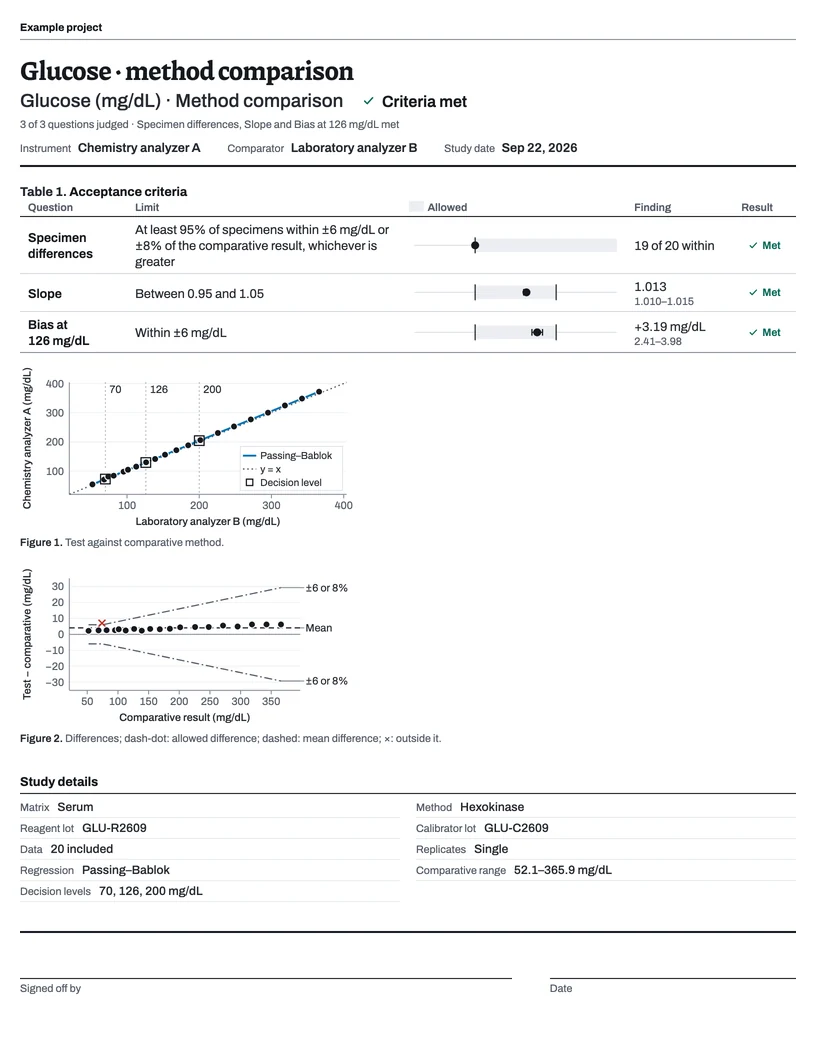

Drag specimen 00012 on the difference plot
Studies for your verification plan.
Each study has a suggested collection plan, a data grid for its design, calculations and plots, and a report that opens with the decision.
Precision
Comparison and bias
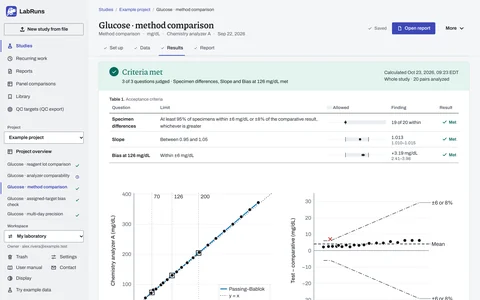
- Method comparisonPassing–Bablok, Deming, weighted Deming or least-squares regression, a difference plot and bias at your decision levels.
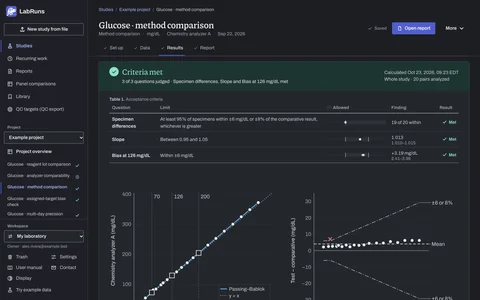
- Instrument comparisonTwo or more analyzers against one reference analyzer on the same specimens.
- Bias checkBias, relative bias and recovery against an assigned value, level by level.
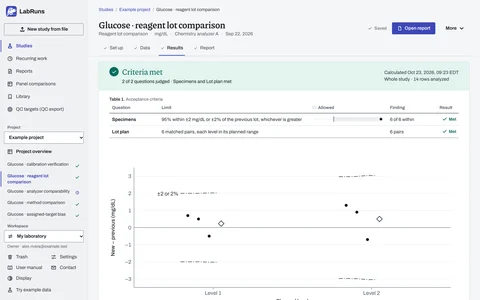
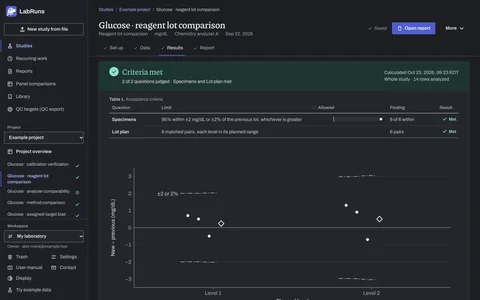
- Reagent lot comparisonPatient specimens on the current and the new lot, each difference against its allowance.
- PT and INRNormal PT mean, INR programming check and PT/INR lot comparison.
- Glucose meter error gridsPaired meter and laboratory results placed in Clarke or Parkes risk zones.
Measuring range
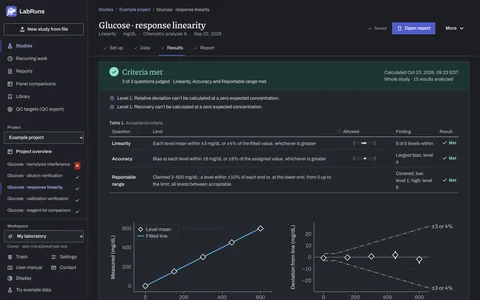
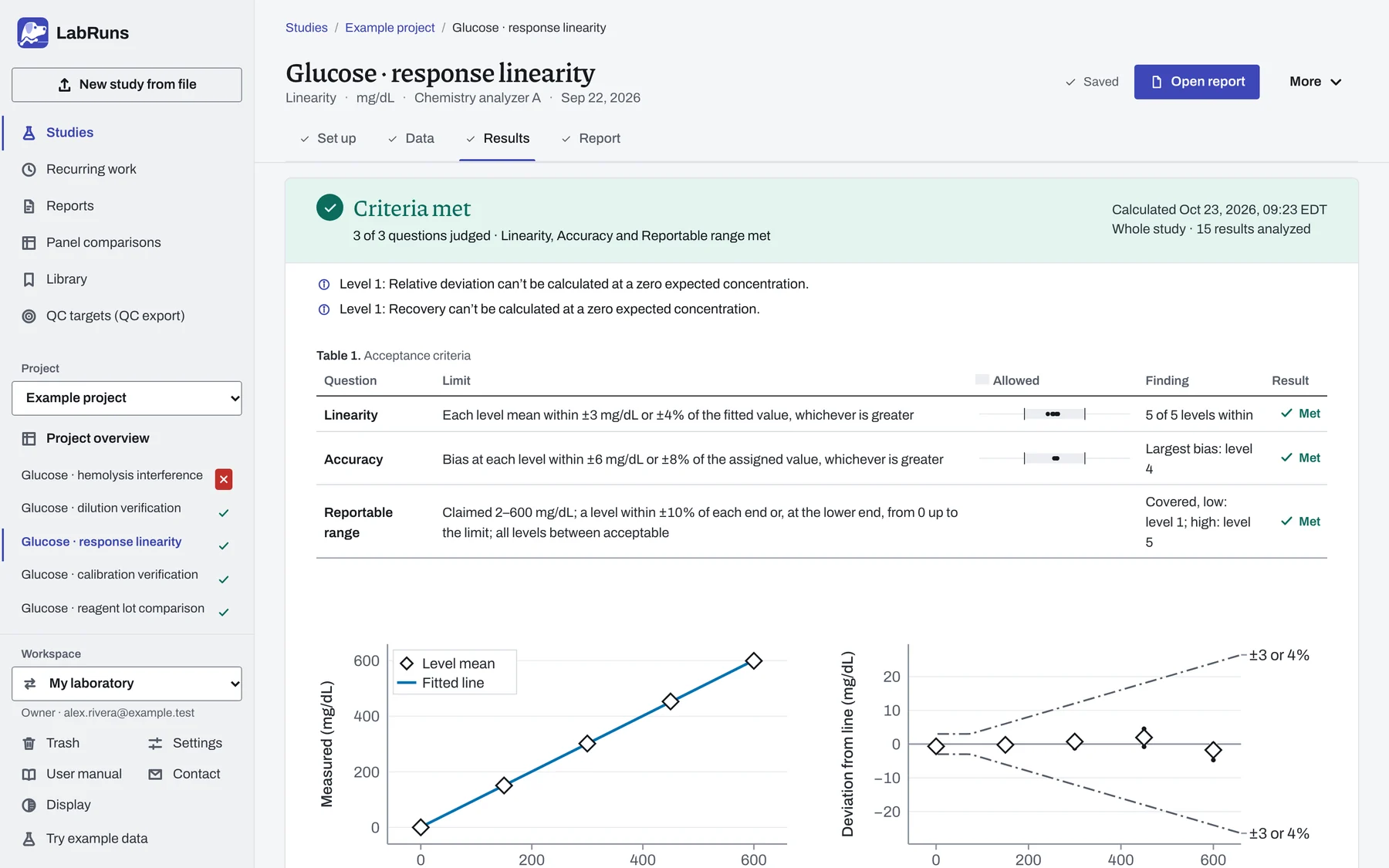
- LinearityFitted line across prepared levels, deviation from the line, accuracy and reportable range.
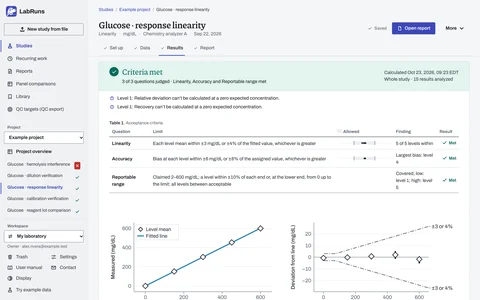
- Calibration verificationIndependently assigned materials across the claimed range, with range coverage.
- Dilution verificationRecovery of diluted high specimens after the dilution factor is applied.
- Detection limitsLimit of blank, limit of detection and limit of quantitation.
Reference intervals
Qualitative tests
Sample and material effects
Summaries and QC
- Measurement uncertaintyTop-down uncertainty from precision and bias evidence.
- Sigma metricSigma at your stated concentrations, with grades and QC rules.
- Proficiency trackingSurvey and peer-QC results against local bias limits.
- Descriptive summaryMean, median, SD, CV, quartiles and distribution plots for any results.
Set up, analyze and report your study.
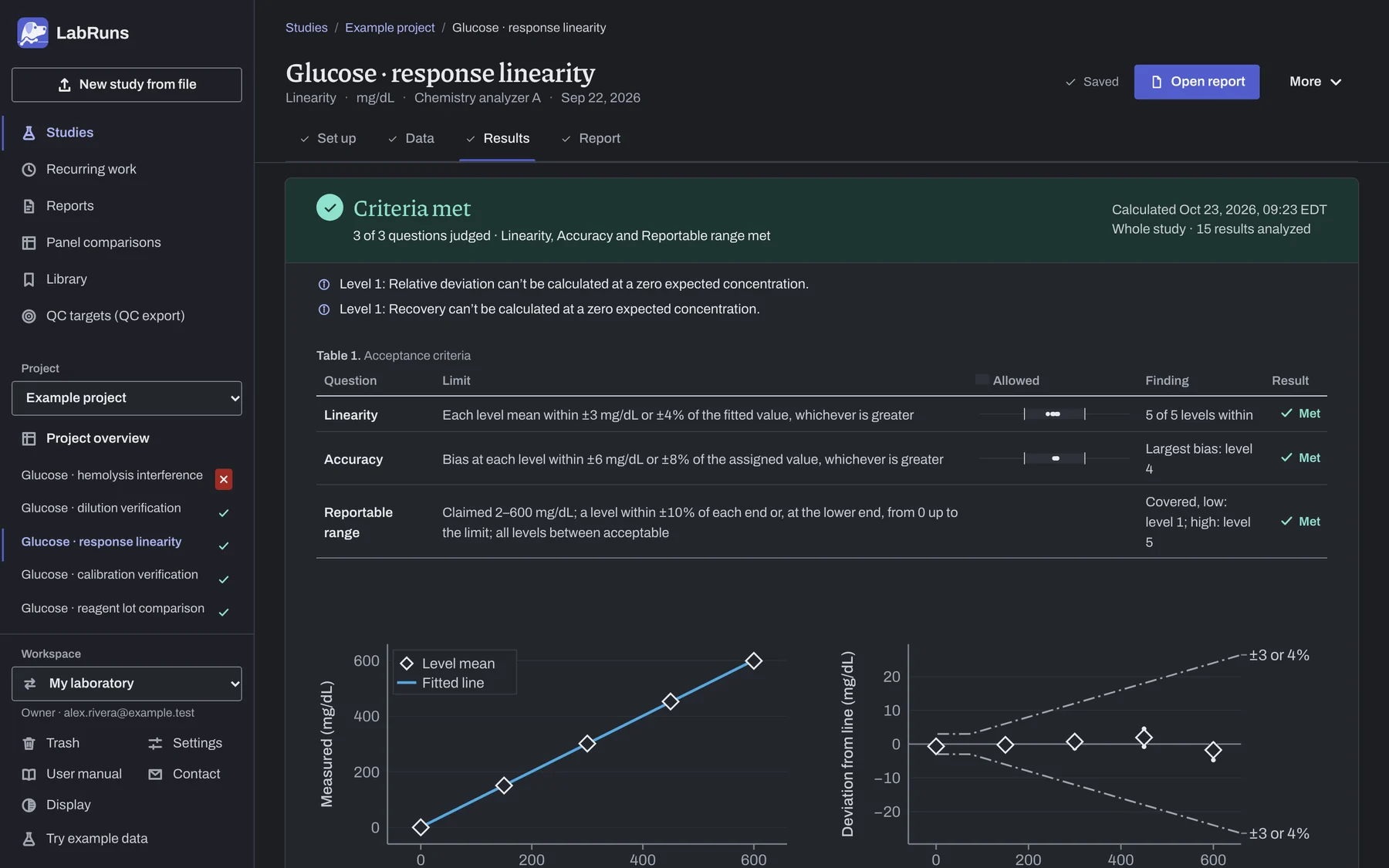
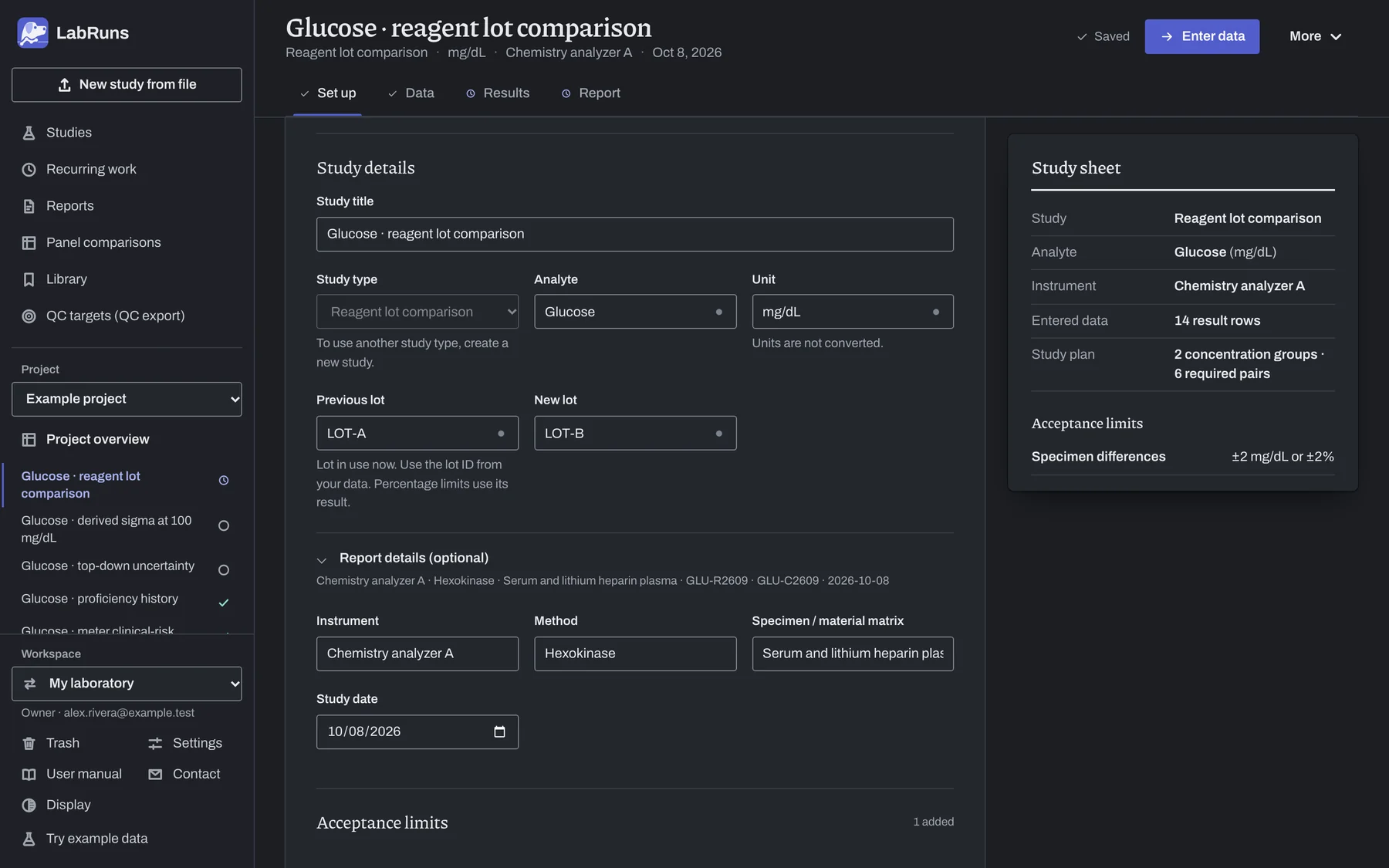
Every study follows the same five steps. These screens come from a glucose linearity study on a chemistry analyzer.
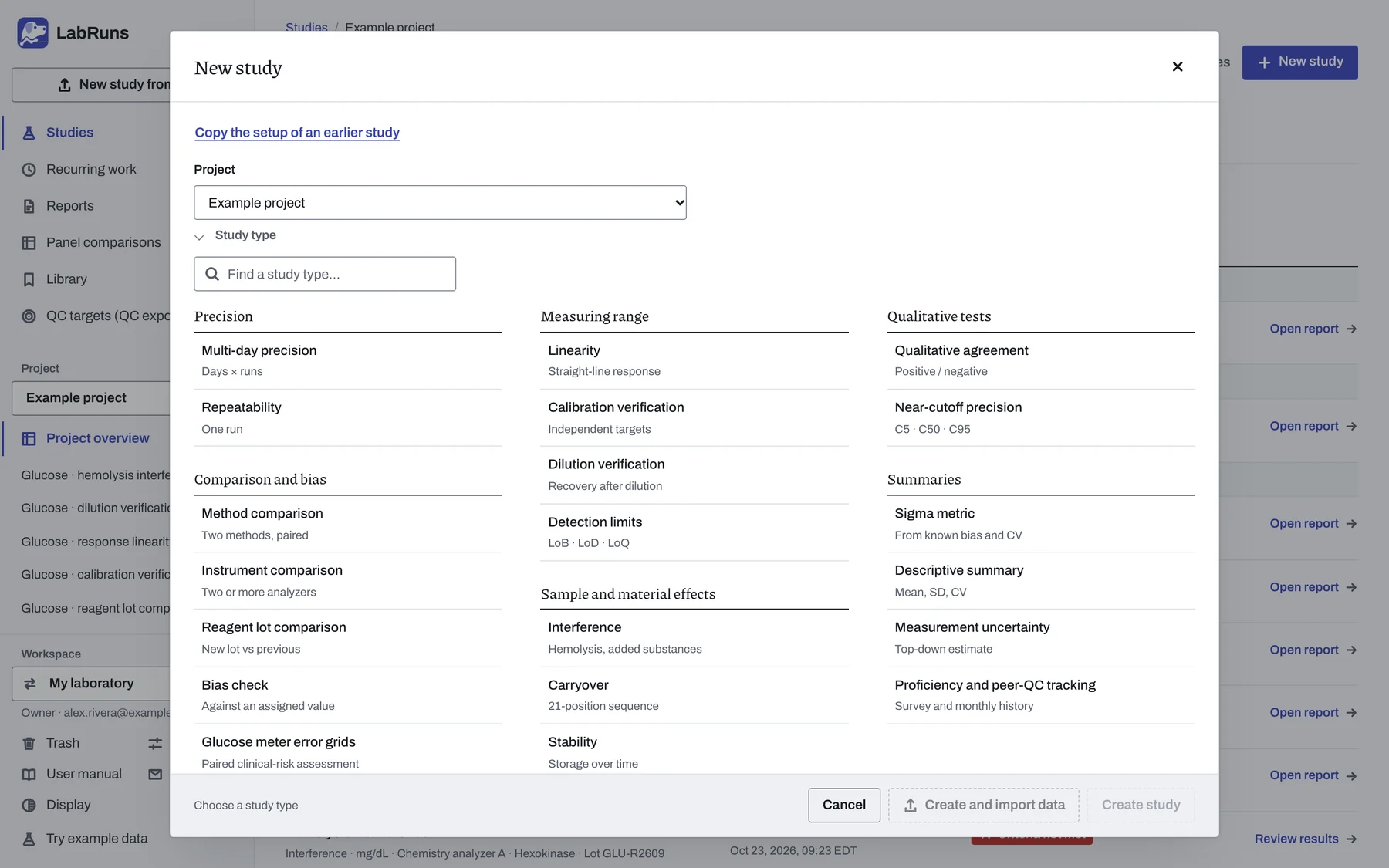
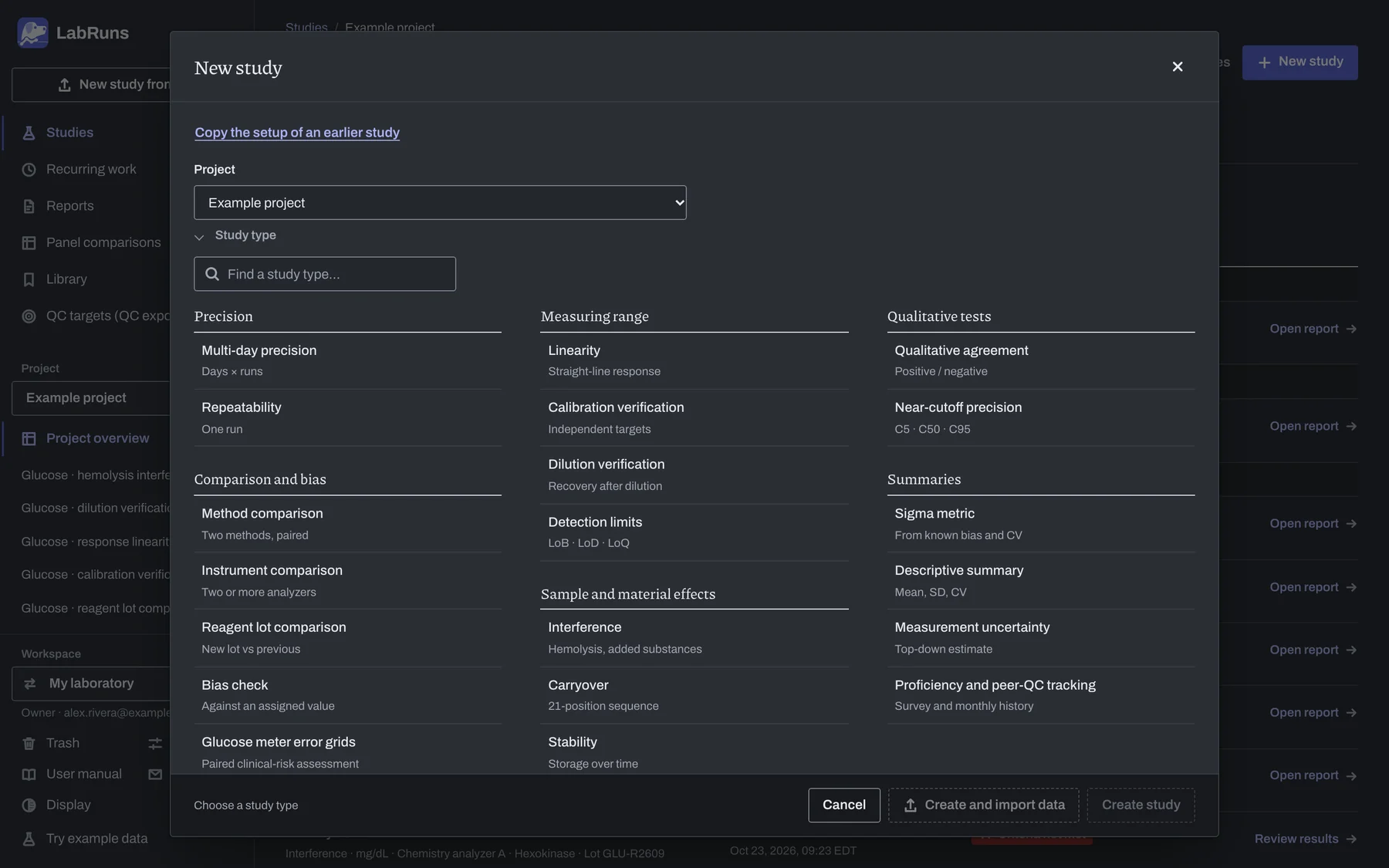
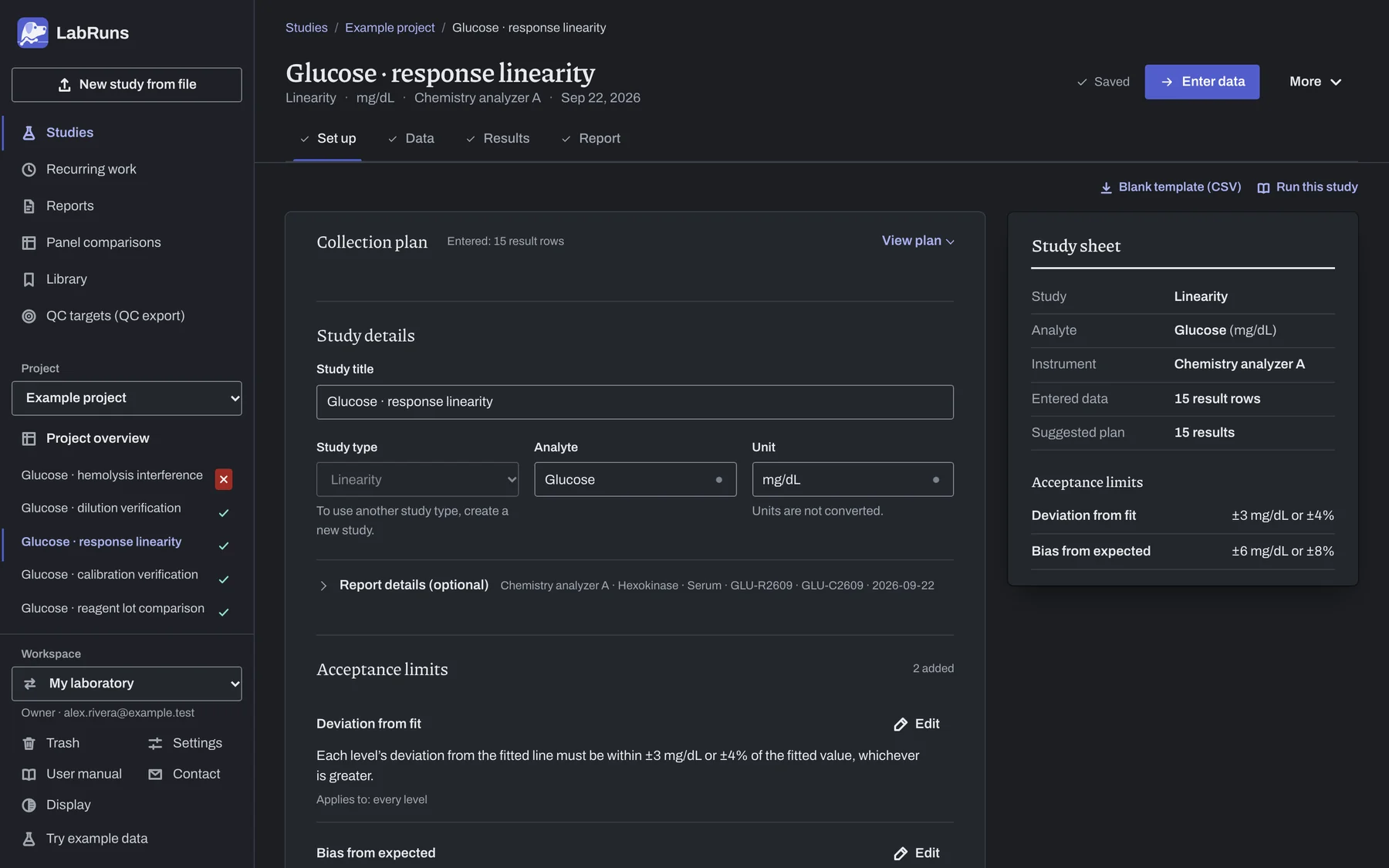
Pick the study type you need. Each one comes with a suggested collection plan you can follow or change, and a data grid laid out for that design.
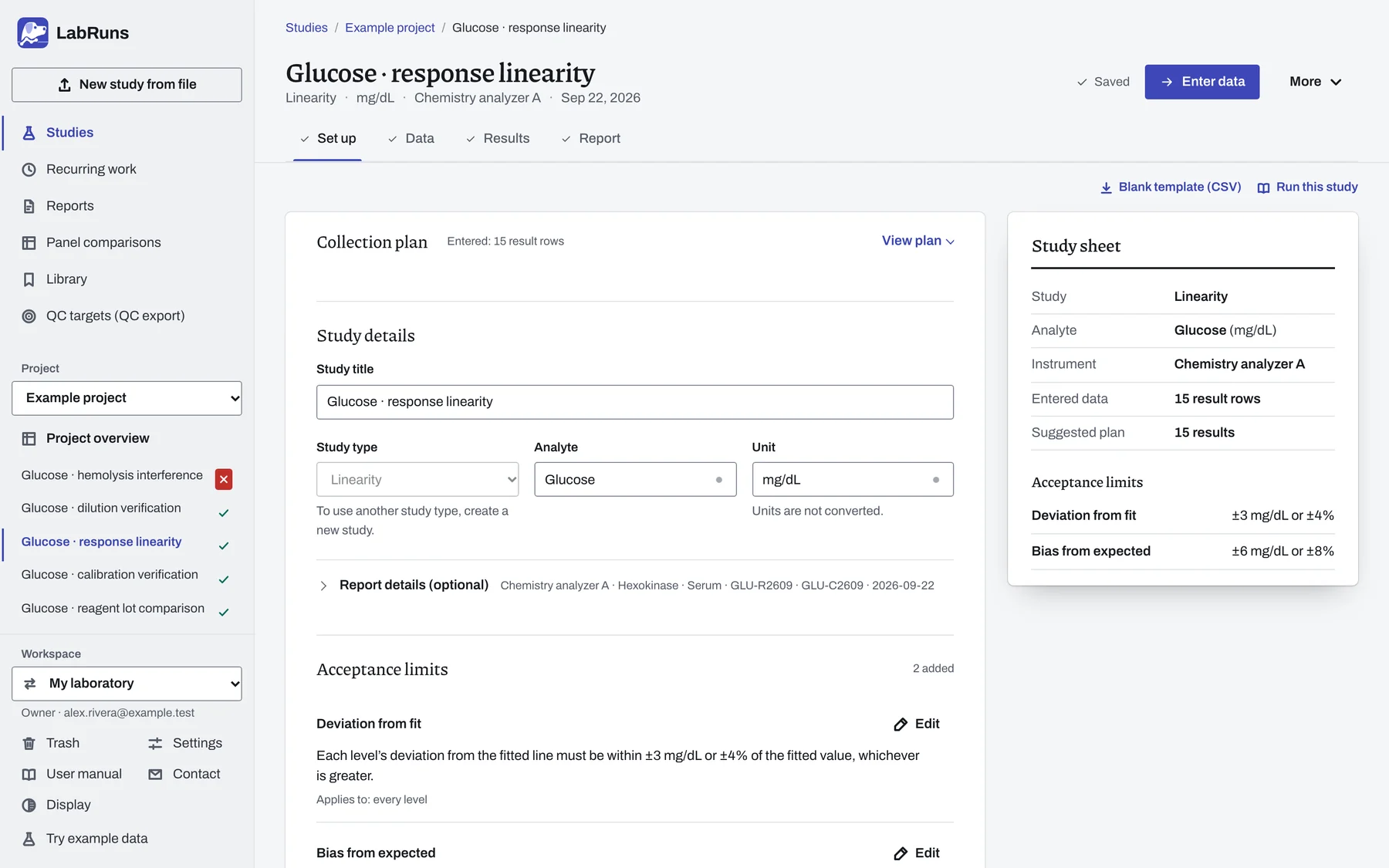
Enter the limit your laboratory chose, pick the CLIA or CAP limit for the analyte from the built-in table, or reuse a saved set of limits.
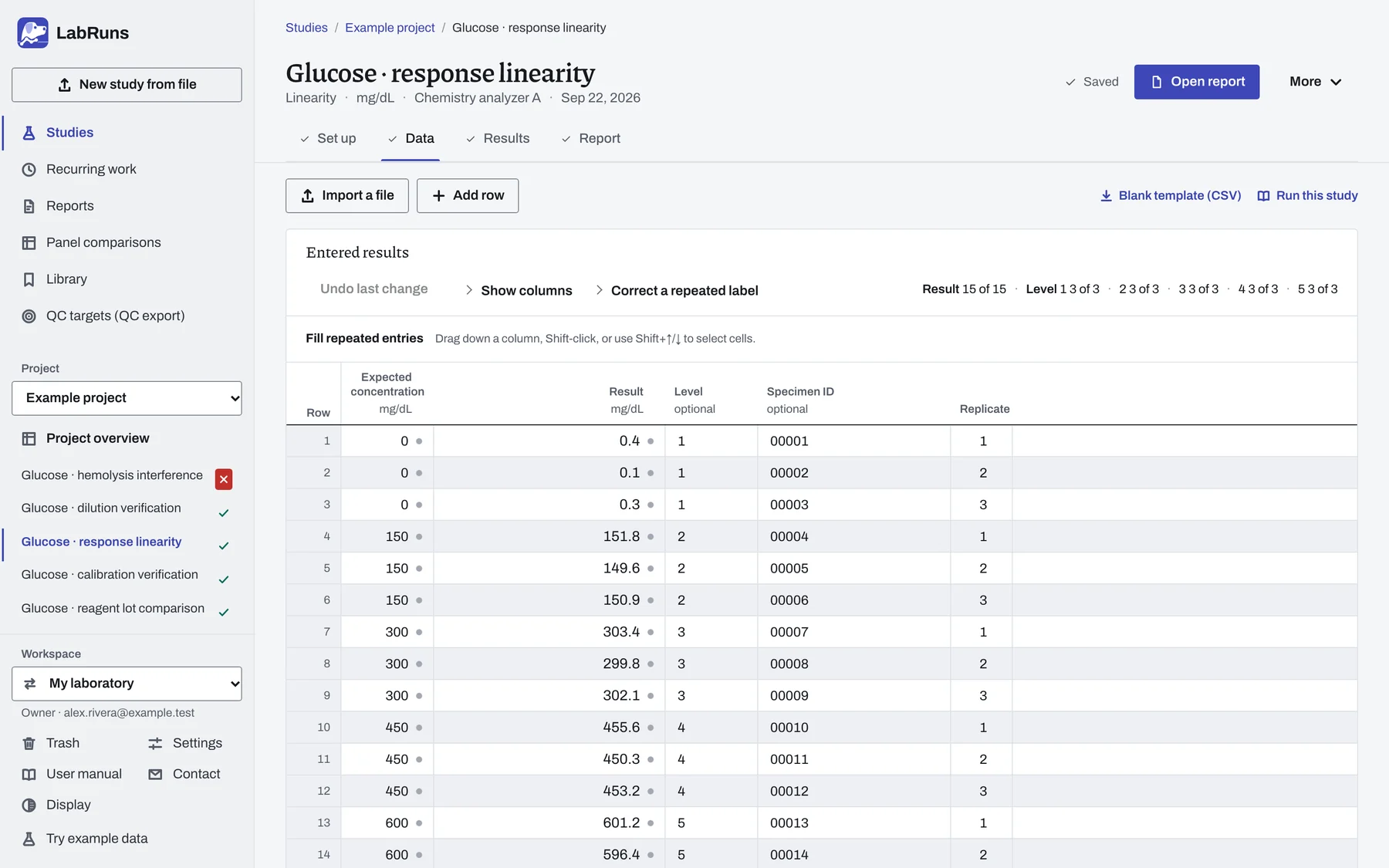
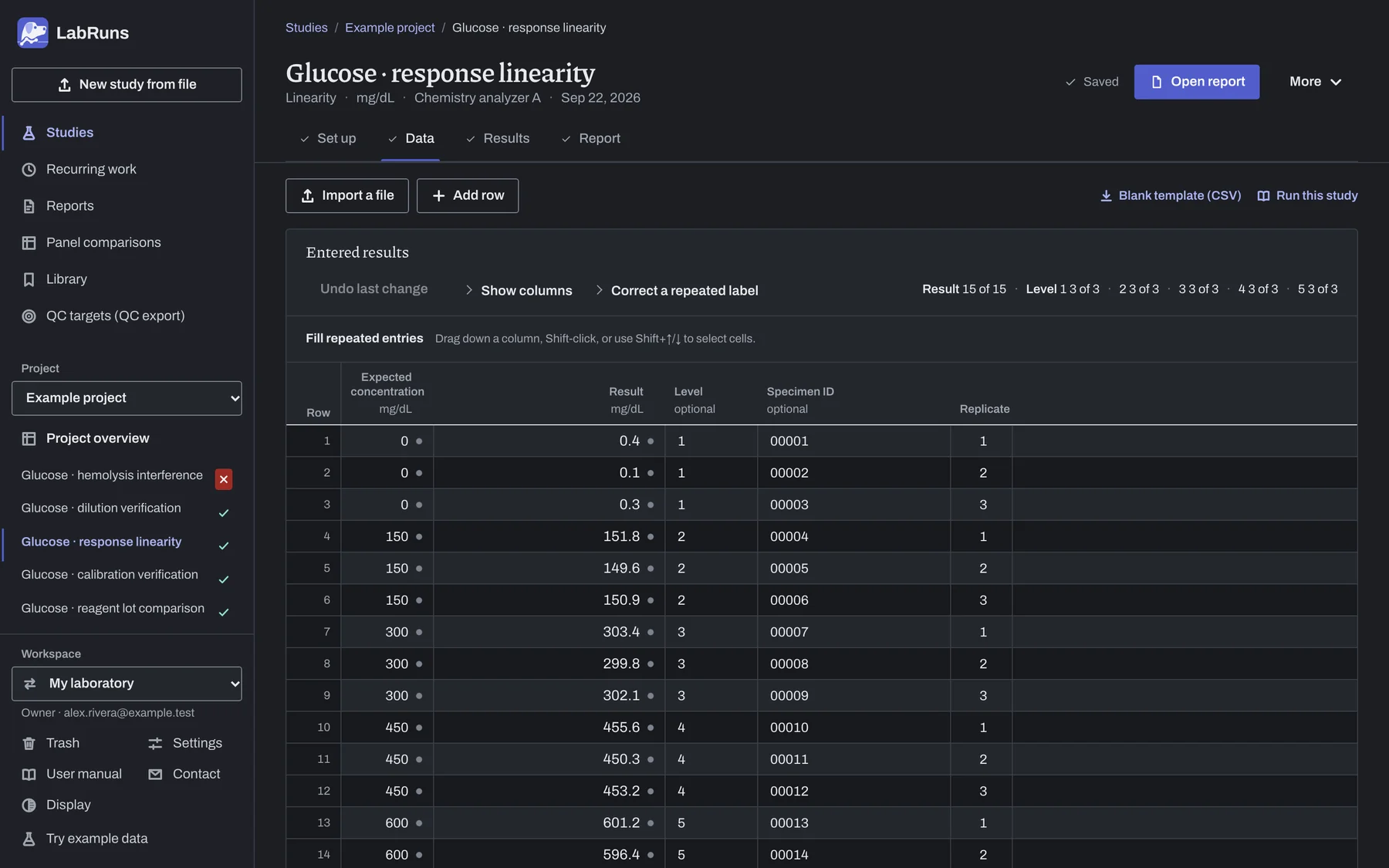
Import the analyzer's CSV, TSV or Excel export, paste a table or type the results in. The grid counts each level as you go. Corrections keep the original value, and exclusions record your reason.
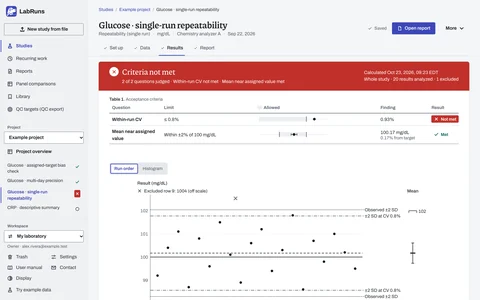
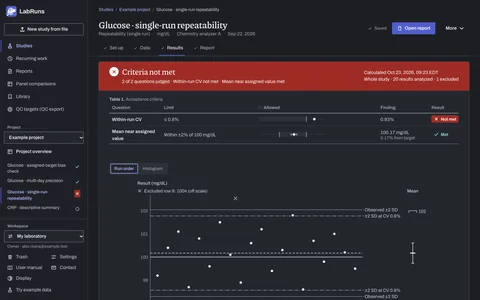
Review each criterion's limit, observed value and outcome, with the plots and tables behind the result.
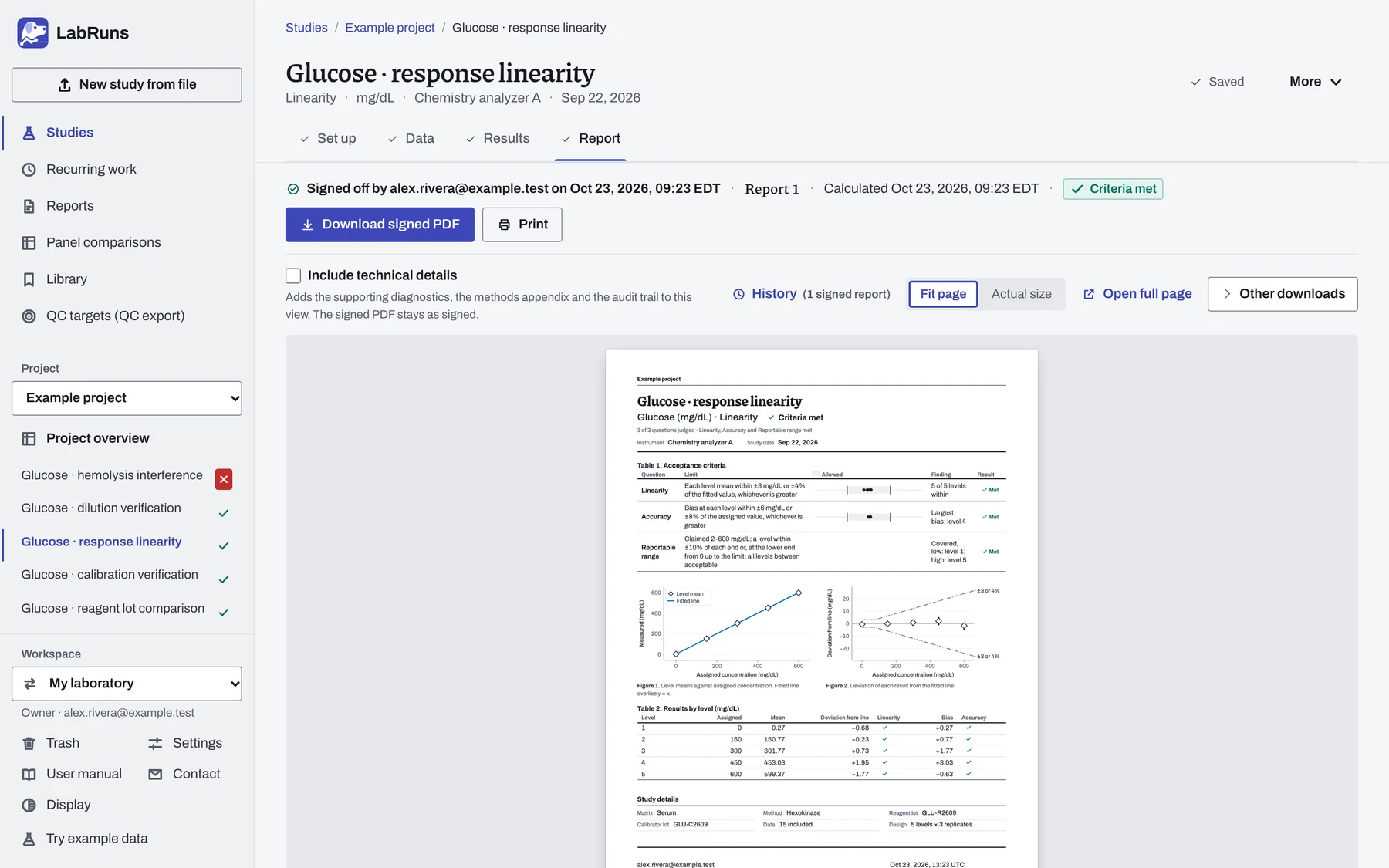
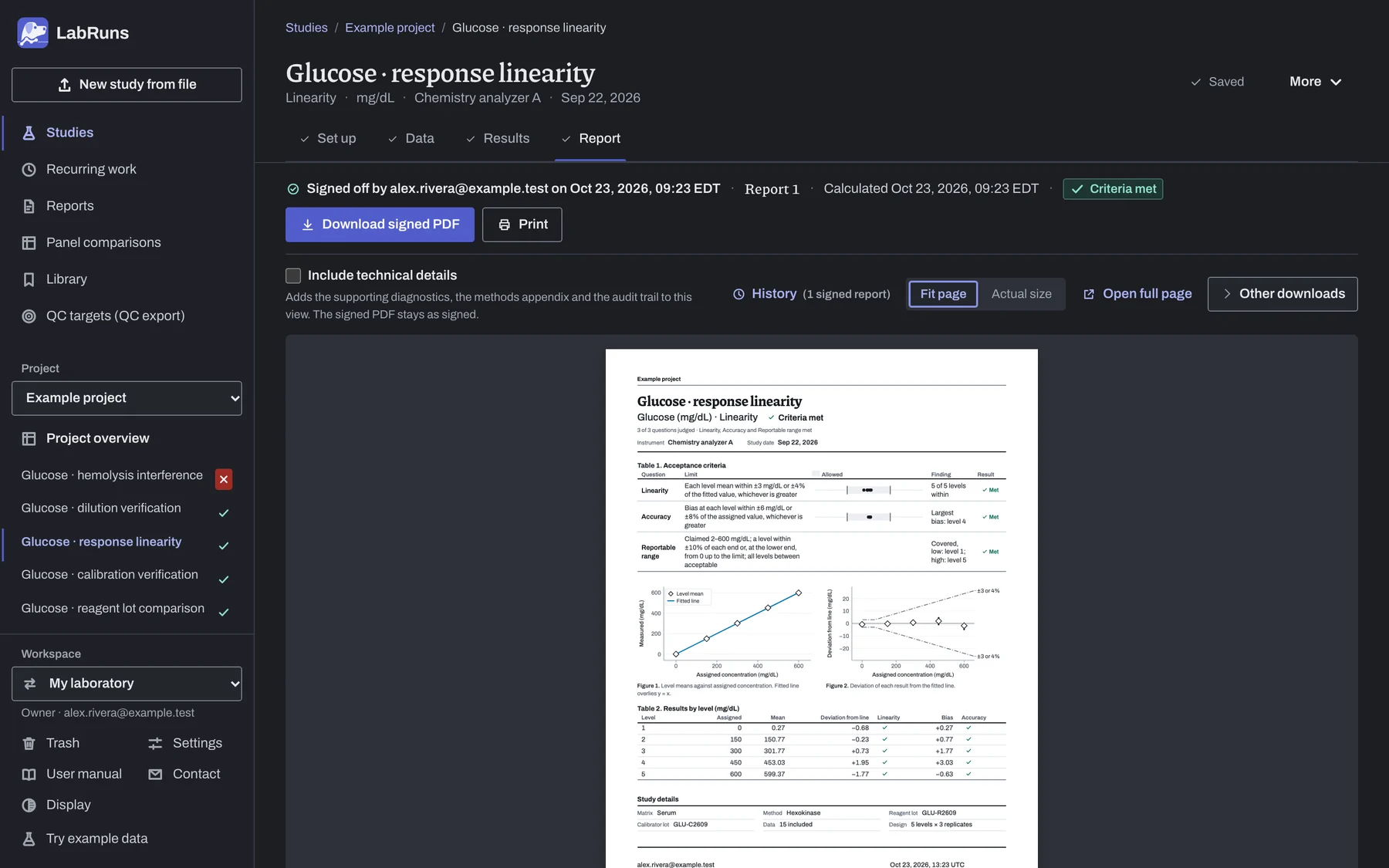
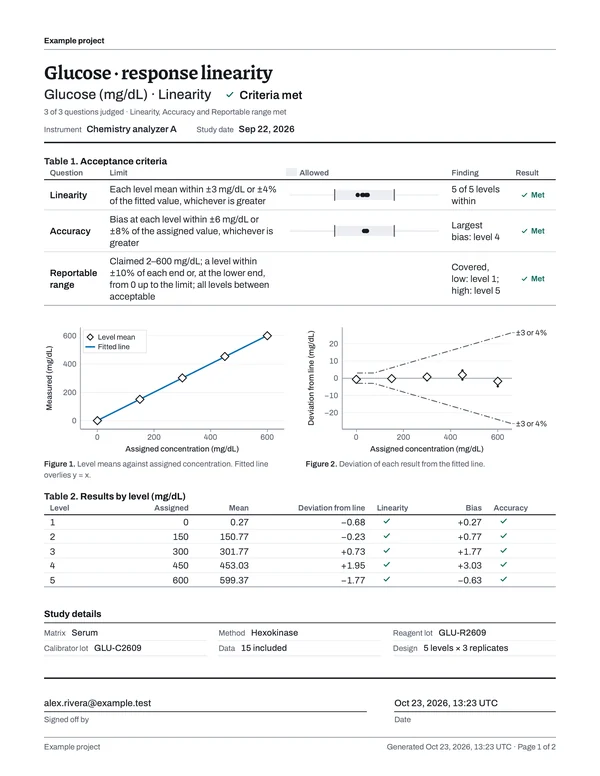
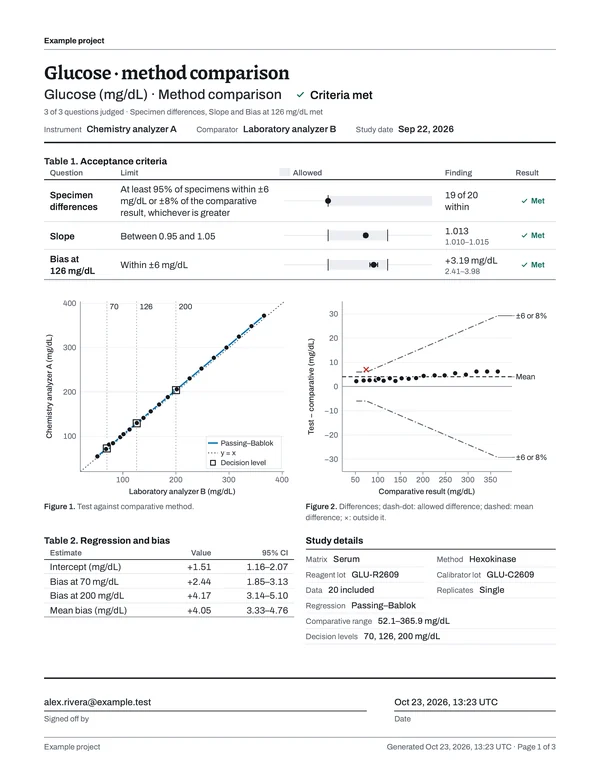
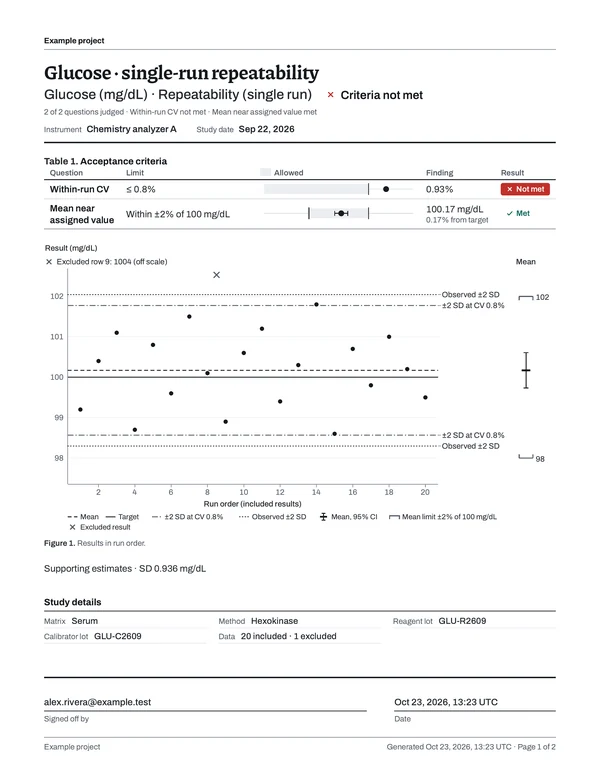
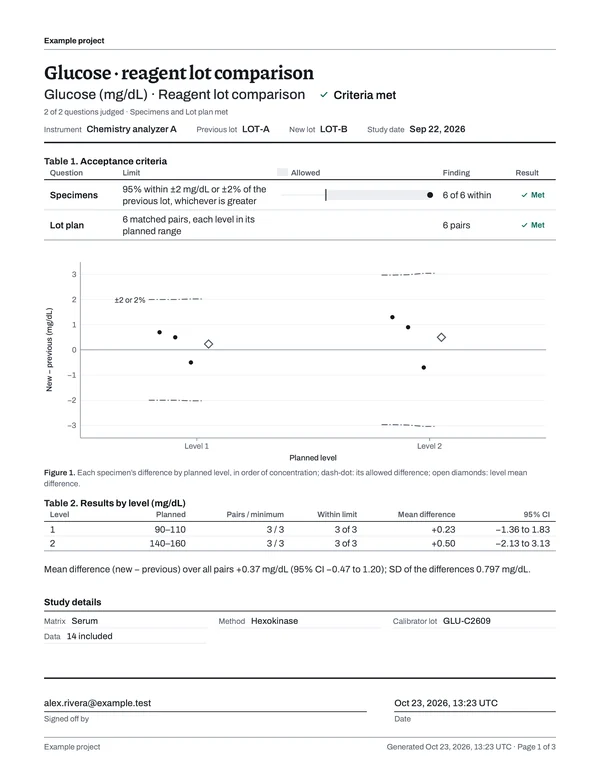
Download the PDF, print it or sign it off. Page 1 carries the decision, each limit and its result, with the measurements on the pages behind it.
Manage verification work across your laboratory.
Keep your analyzers, reagent lots, limits and study reports in a workspace you share with colleagues.
Work on a study together.
Invite colleagues to your laboratory's workspace and work on the same study at the same time. LabRuns combines your entries when you save, and asks first if you both changed the same value.
See how teams work together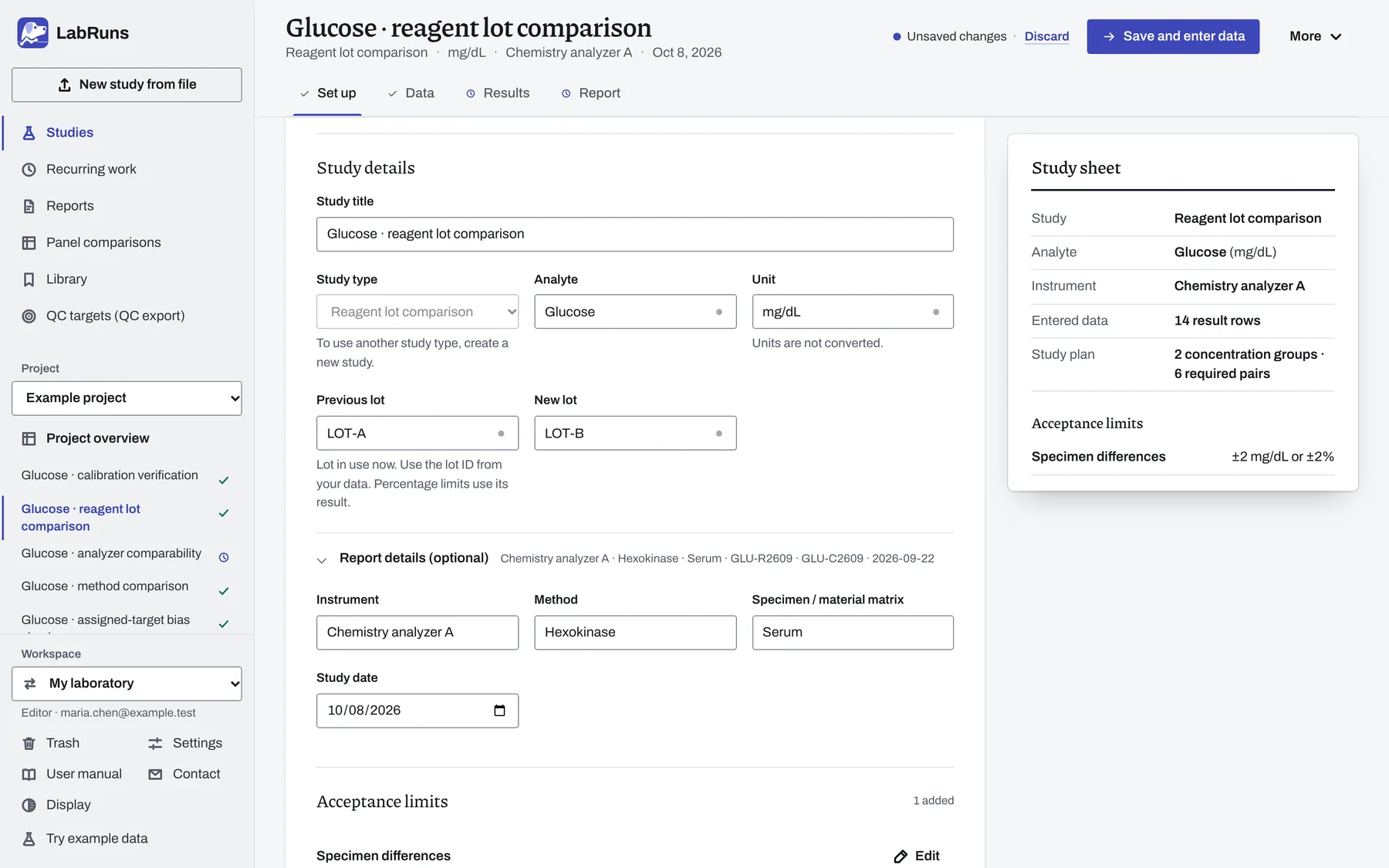
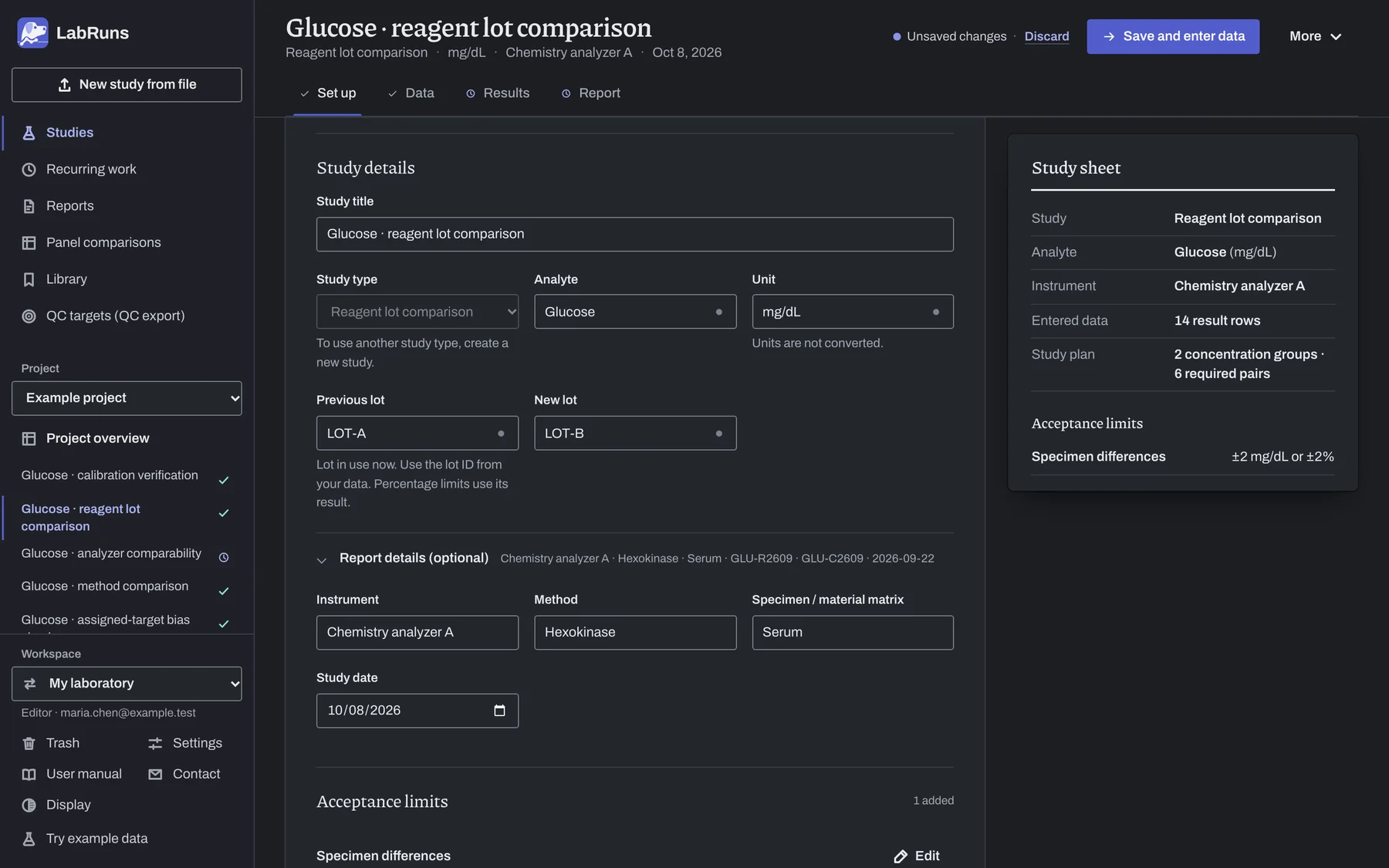
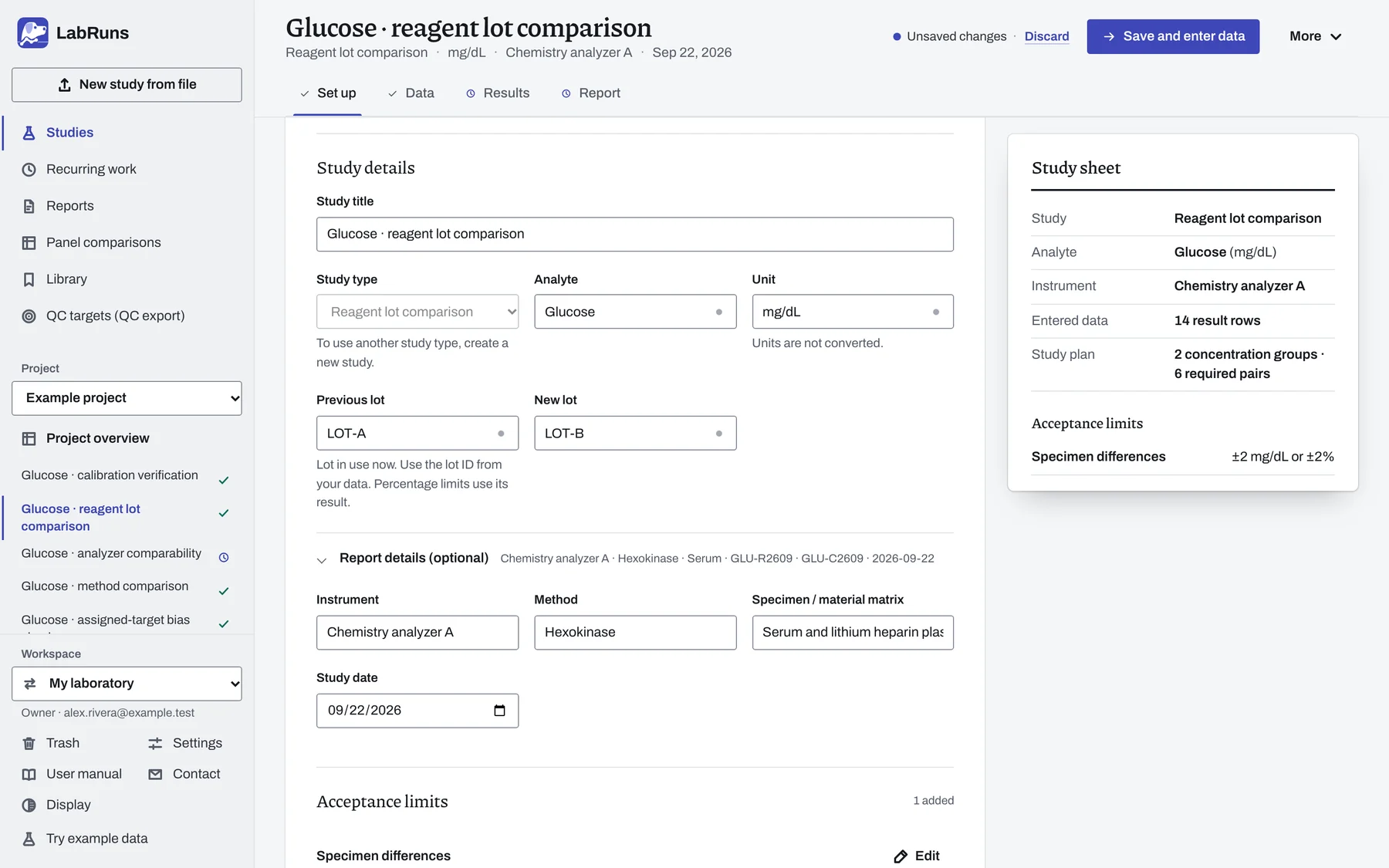
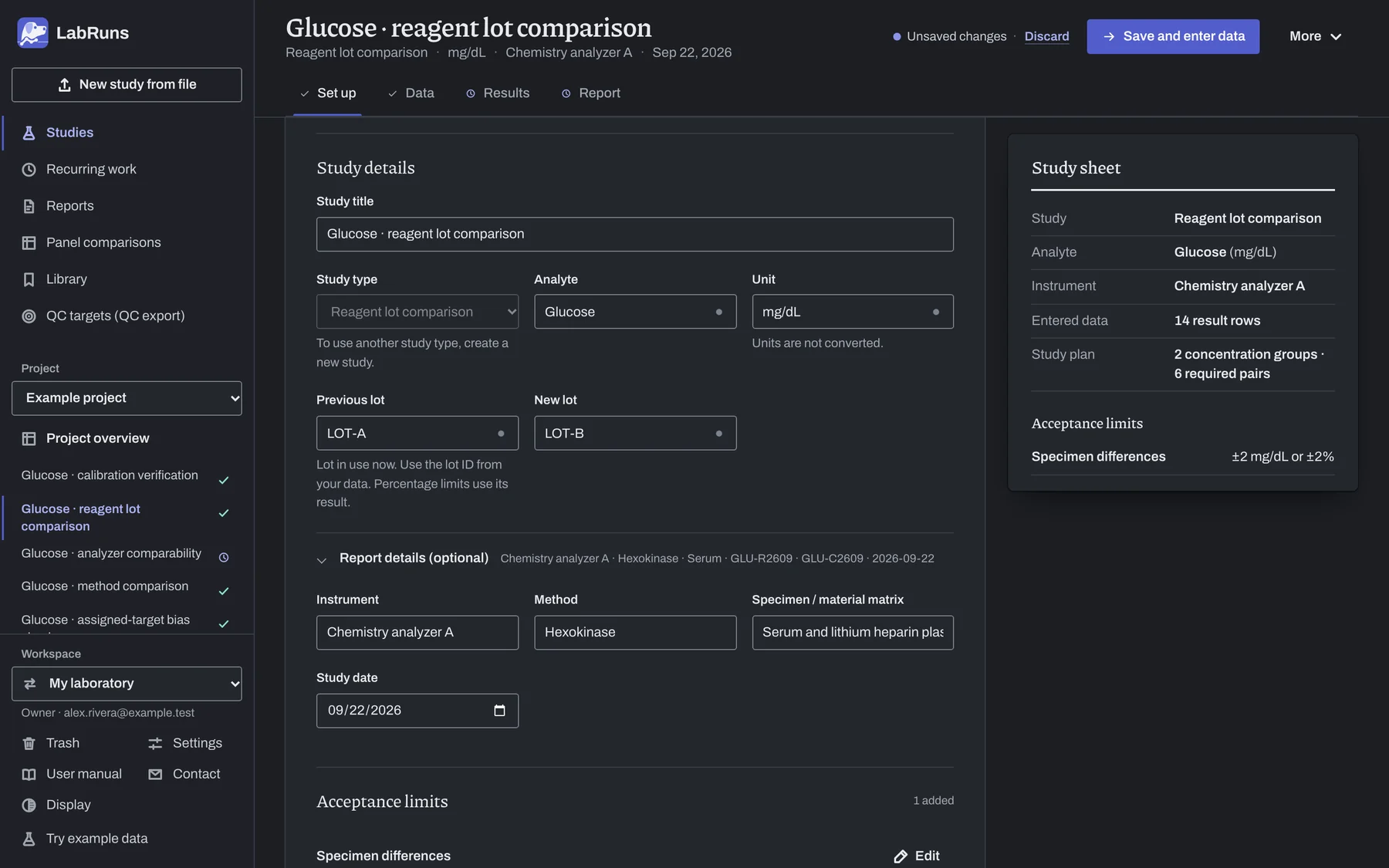
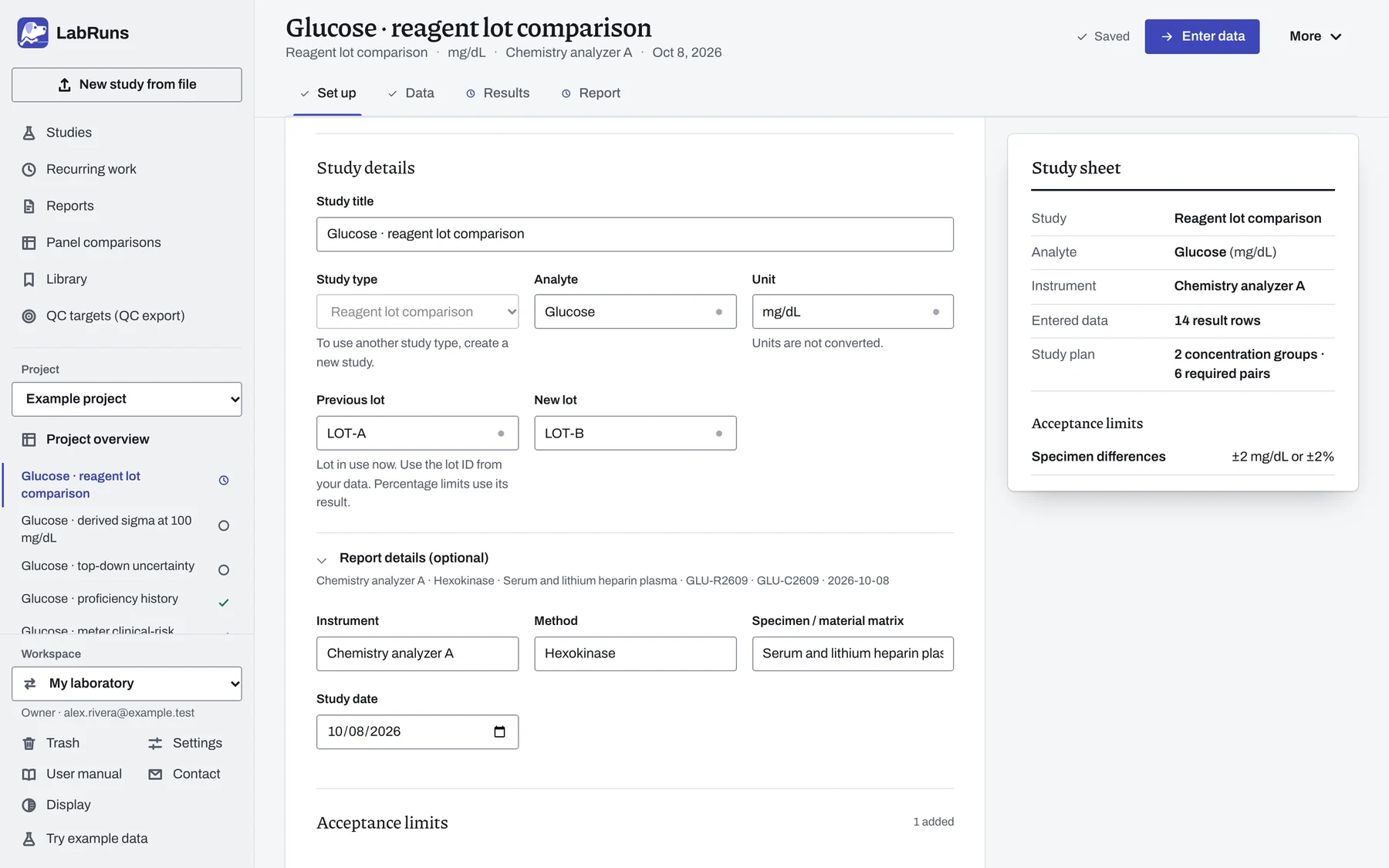
Find the studies that need your attention.
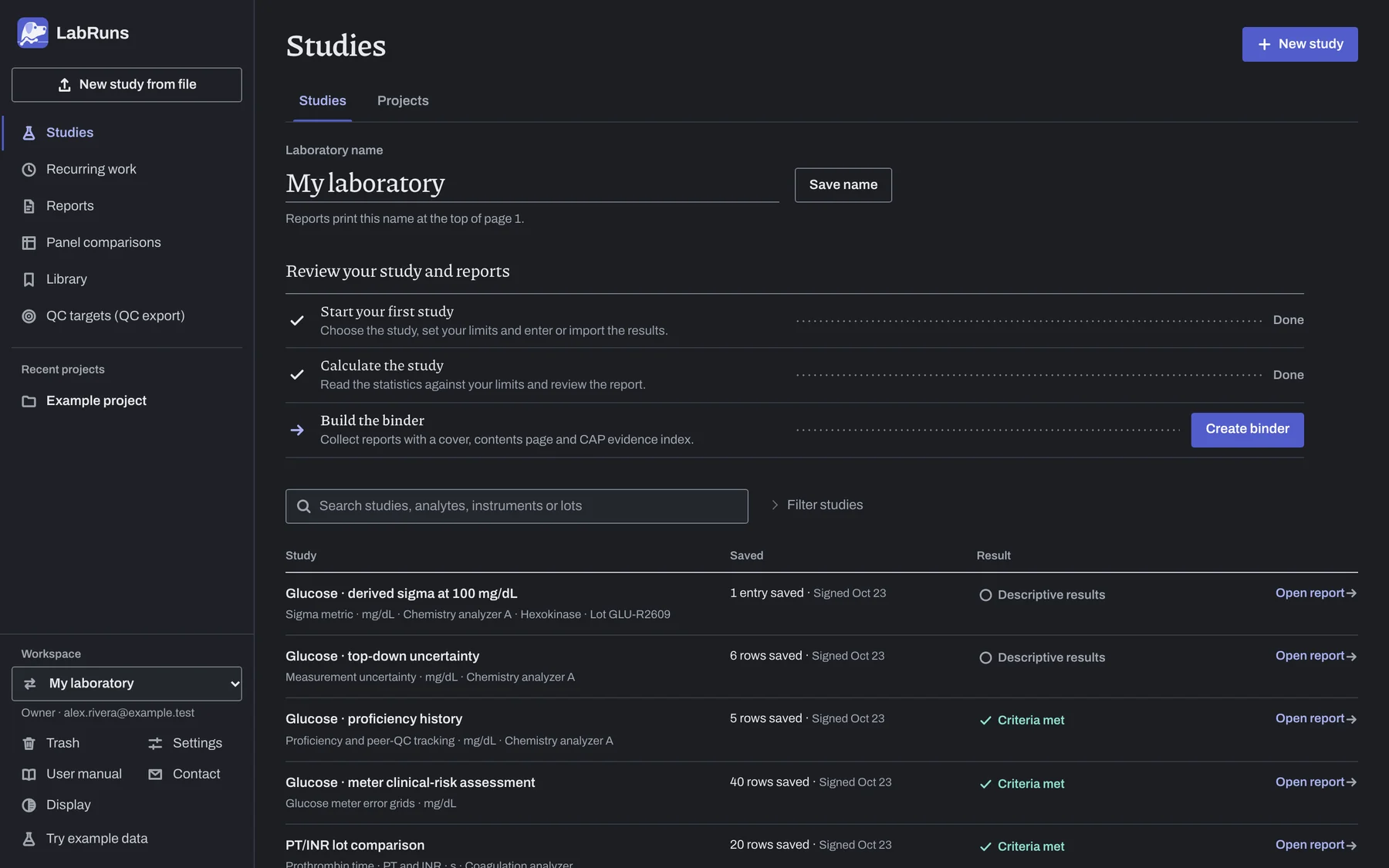
See each study's analyte, analyzer, last save and result when you review unfinished work. Search by analyte, instrument or lot, and group a new-analyzer verification or an annual review into a project with its own report.
Open the example studies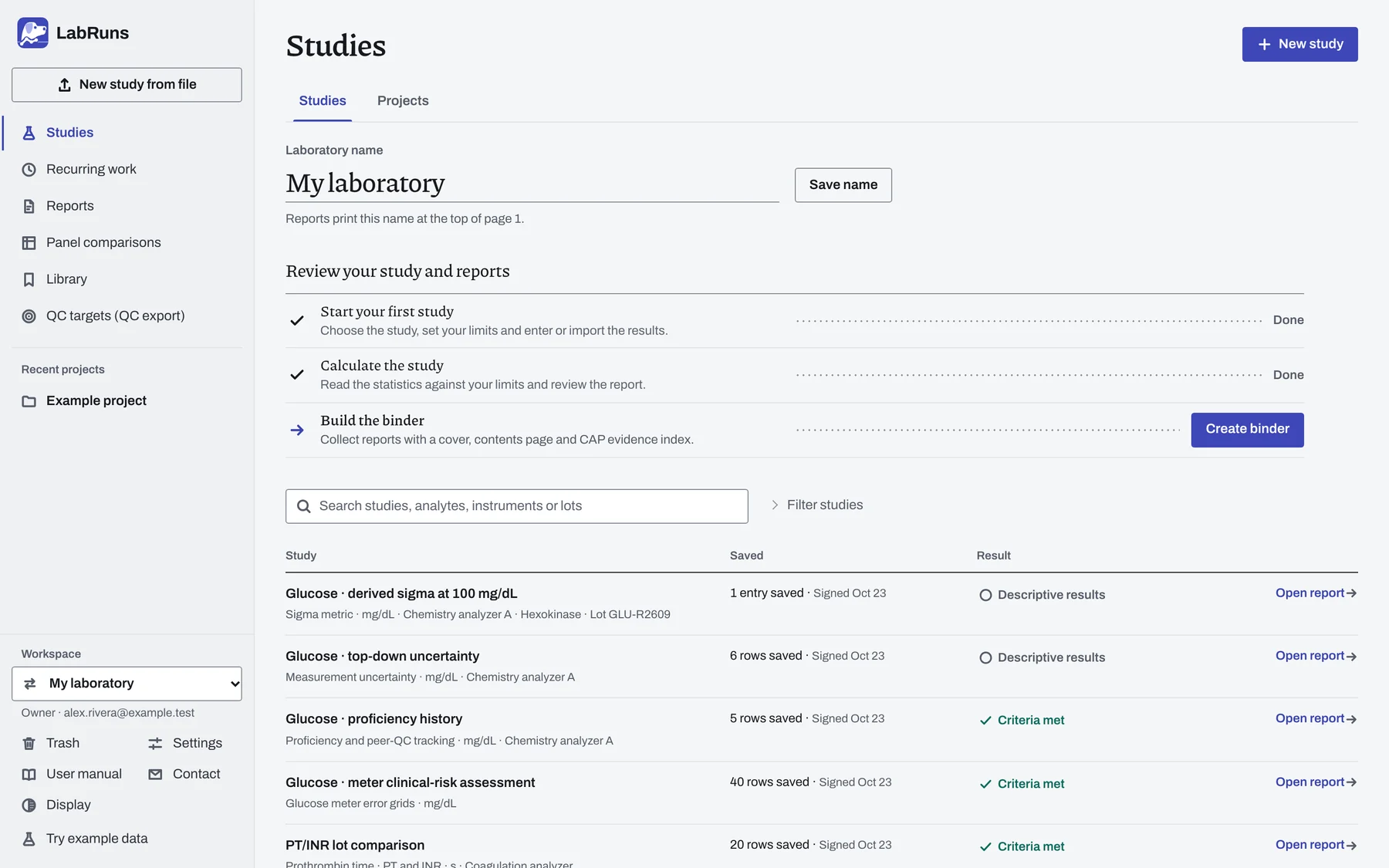
Analyzer imports
Bring in CSV, TSV and Excel exports, map the columns once and reuse the format for the next run.
CLIA and CAP limits
Find the CLIA or CAP limit for your analyte in the built-in table or type your own, and save limit sets to reuse across studies.
Recurring work
Schedule reagent lots, shipments and periodic checks, and repeat a saved setup when the work comes due.
Evidence binders
Combine signed reports into one PDF with a contents page and a CAP evidence index, plus the archive behind it.
Panel comparisons
Import a whole analyte panel from two methods and match the specimens across every test.
QC targets
Turn analyzer QC exports into target means and SDs for each instrument, lot and level.
Corrections and history
Keep original values beside corrections and record a reason for each exclusion. Open earlier calculations and signed reports in History.
Library
Keep instruments, materials and lots on file so every new study fills in its details for you.
Review the decision and its supporting data.
Every report opens with the decision page: the figures, each limit and its result, the study details and the sign-off. The measurements follow on page 2. Open any of these complete example reports.
Review the methods and records for each result.
When a colleague or inspector asks how you reached a decision, open the calculation method and the saved data and limits used for the report.
Review LabRuns for your laboratory- Published methods
- Read the formulas, assumptions and scientific sources for each study.
- Independent calculation checks
- Inspect 1,904 values and 605 decisions checked by a separate implementation.
- Evaluation package
- Download the study inputs, expected results and reports, then run the same studies in your own workspace and compare.
- Reports and records
- Return to the data and limits used for an earlier saved calculation. Signed reports and their PDFs stay fixed.
- Workspace security
- Read how each workspace keeps its studies with the colleagues it invites, and how hosting and backups work.
Start your next study today.
Create a workspace, invite your team and bring in your own analyzer results, or try a glucose study with results you can change.