


Carryover
Run this study
Section titled “Run this study”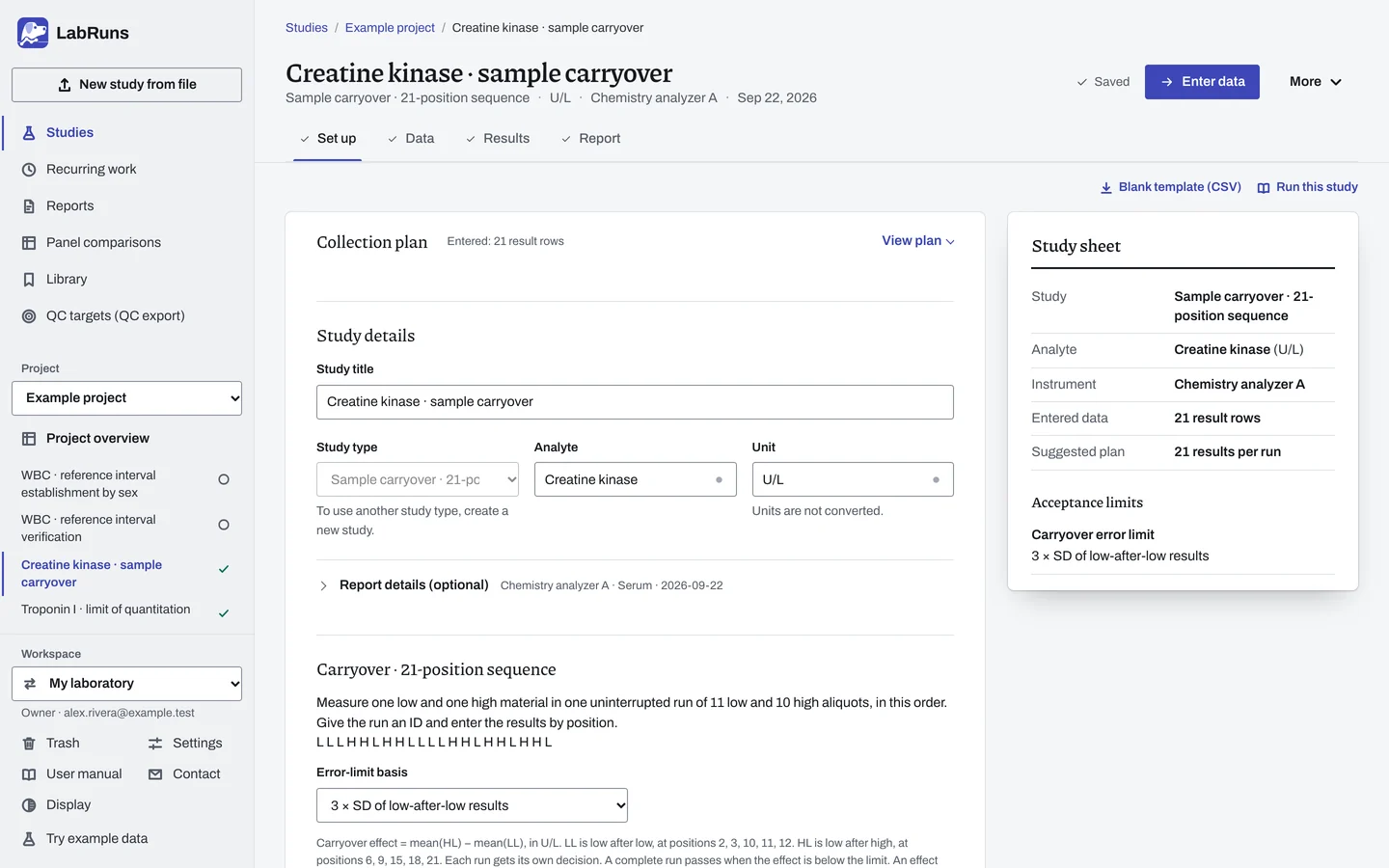
- Your question
-
Does a high sample raise the result of a low sample measured after it?
- Prepare
-
One very low and one very high material. Patient material is best, but control or EQA material works. Enough volume for 11 low and 10 high measurements per run.
- Suggested starting plan
-
- 1 uninterrupted run in the fixed order L L L H H L H H L L L L H H L H H L H H L. 21 results per run.
Measure in exactly this order, with no other samples or tests in between. Repeat an interrupted run in full under a new run ID. This follows the pSMILE collection design.
- Calculation minimum
-
One complete 21-position run. Each extra run must also meet the limit.
-
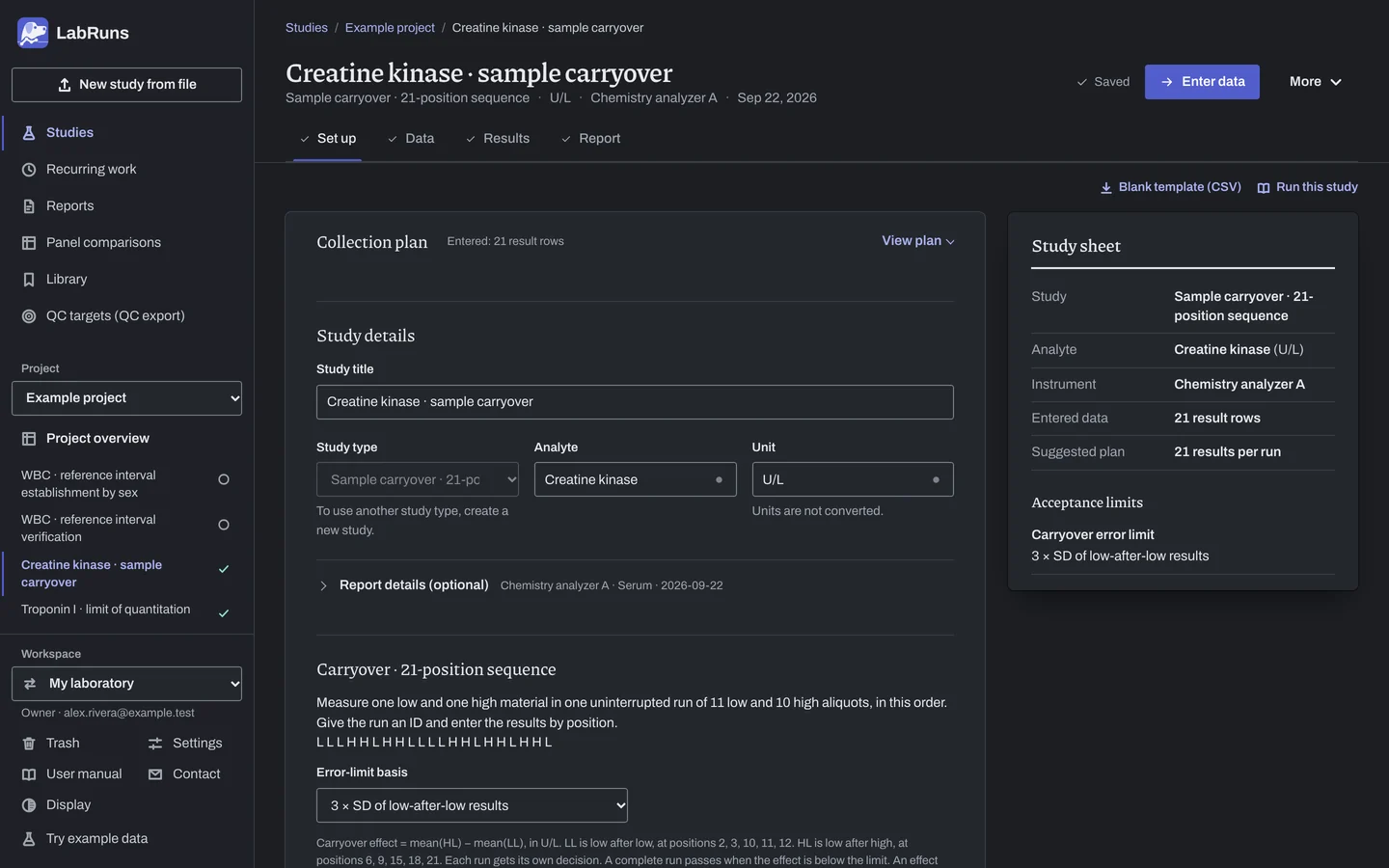
Decide before collecting. Create the study and fill these in on Set up:
- The error limit: 3 × SD of the low-after-low results, a positive absolute limit, or a percentage of the Low-Low mean.
Figure 1. Set up for Creatine kinase · sample carryover. -
Collect and record. Collect the results as planned above and label each one with the specimen or material, level, day, run and replicate your design tracks.
-
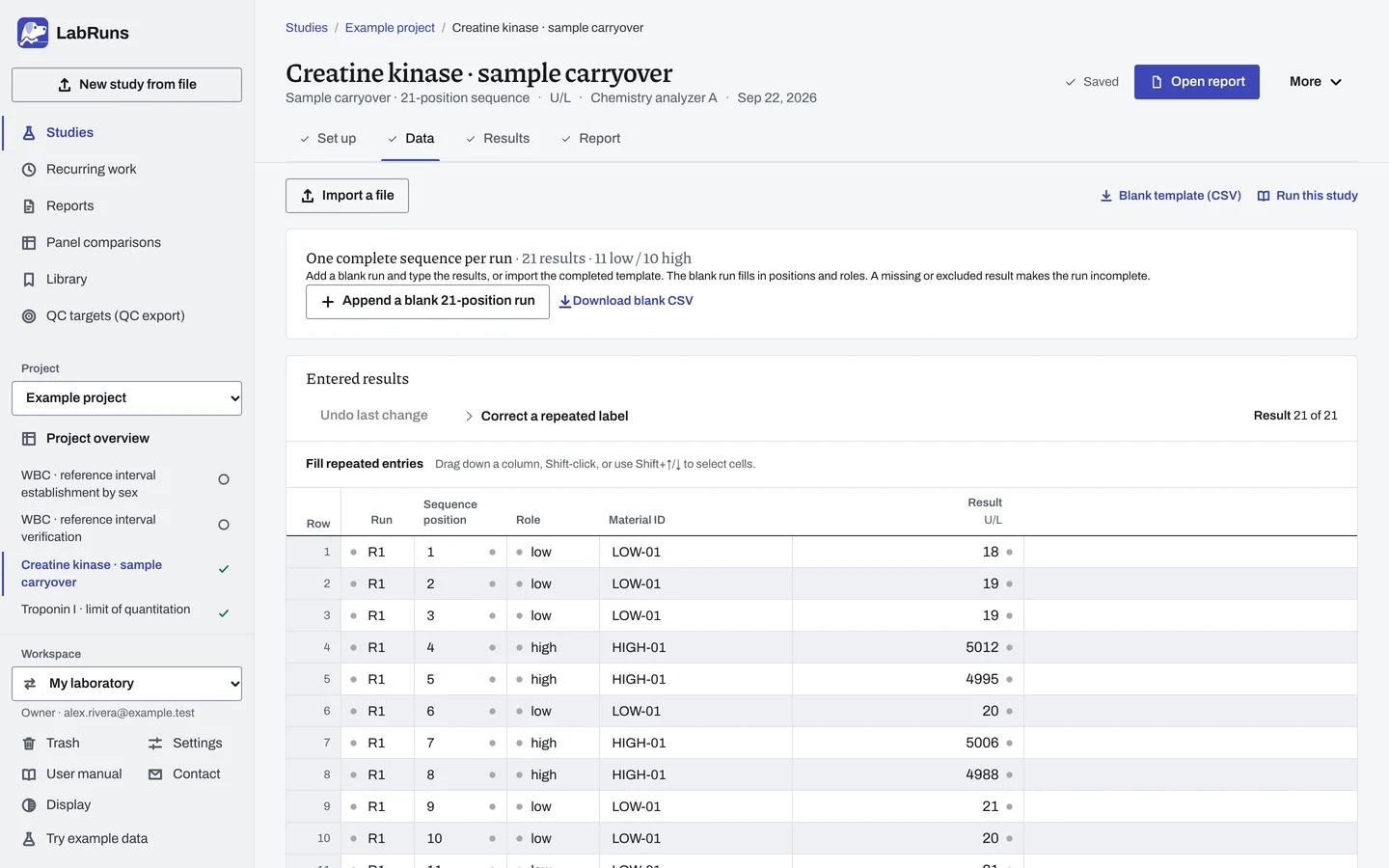
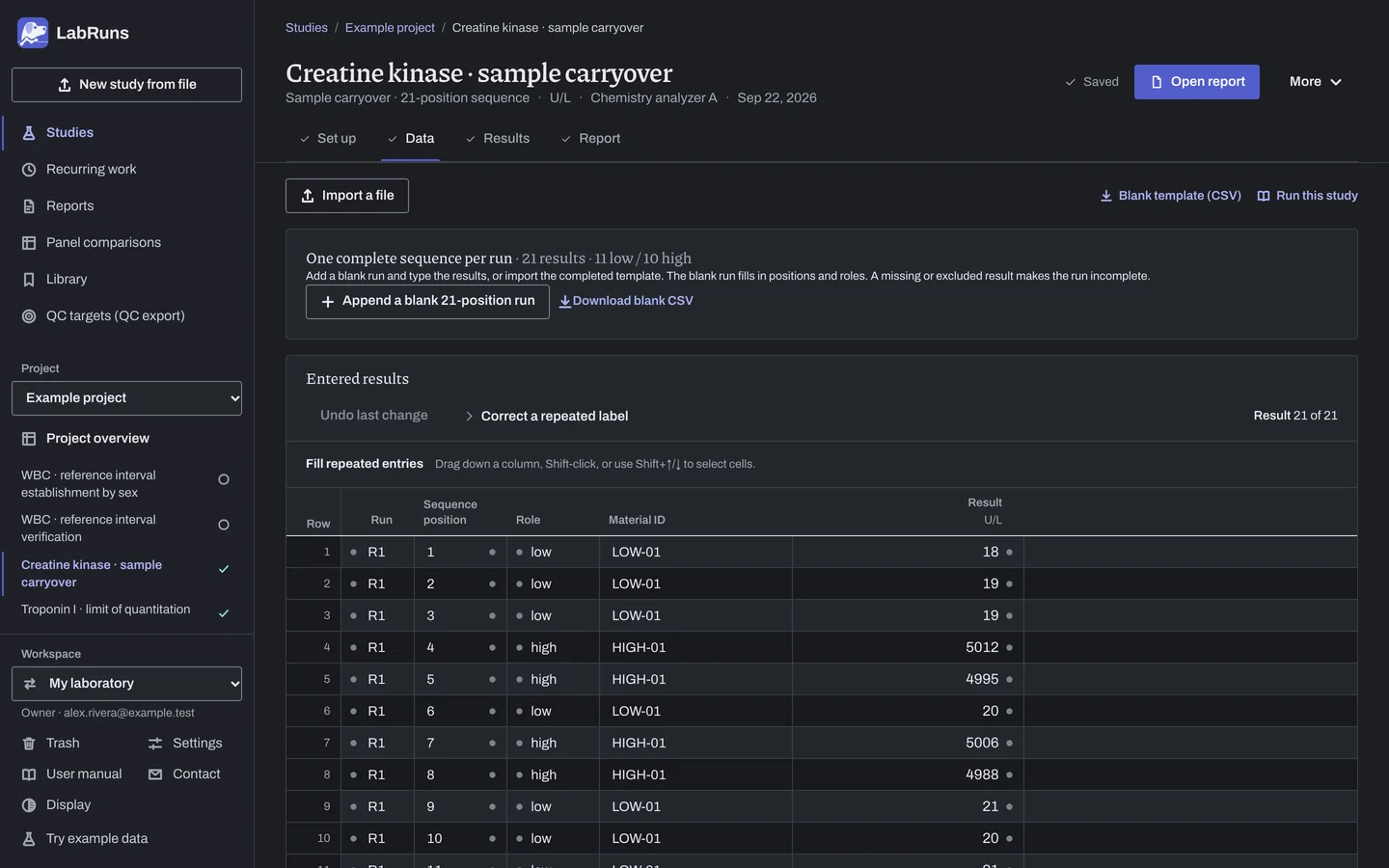
Enter your results. Enter run ID, position 1–21, role, material ID and result. Enter all 21 positions as measured, without averaging. For a ready-made file, use Blank template (CSV) on Data, or download the blank 21-position template.
Figure 2. Data for Creatine kinase · sample carryover. -
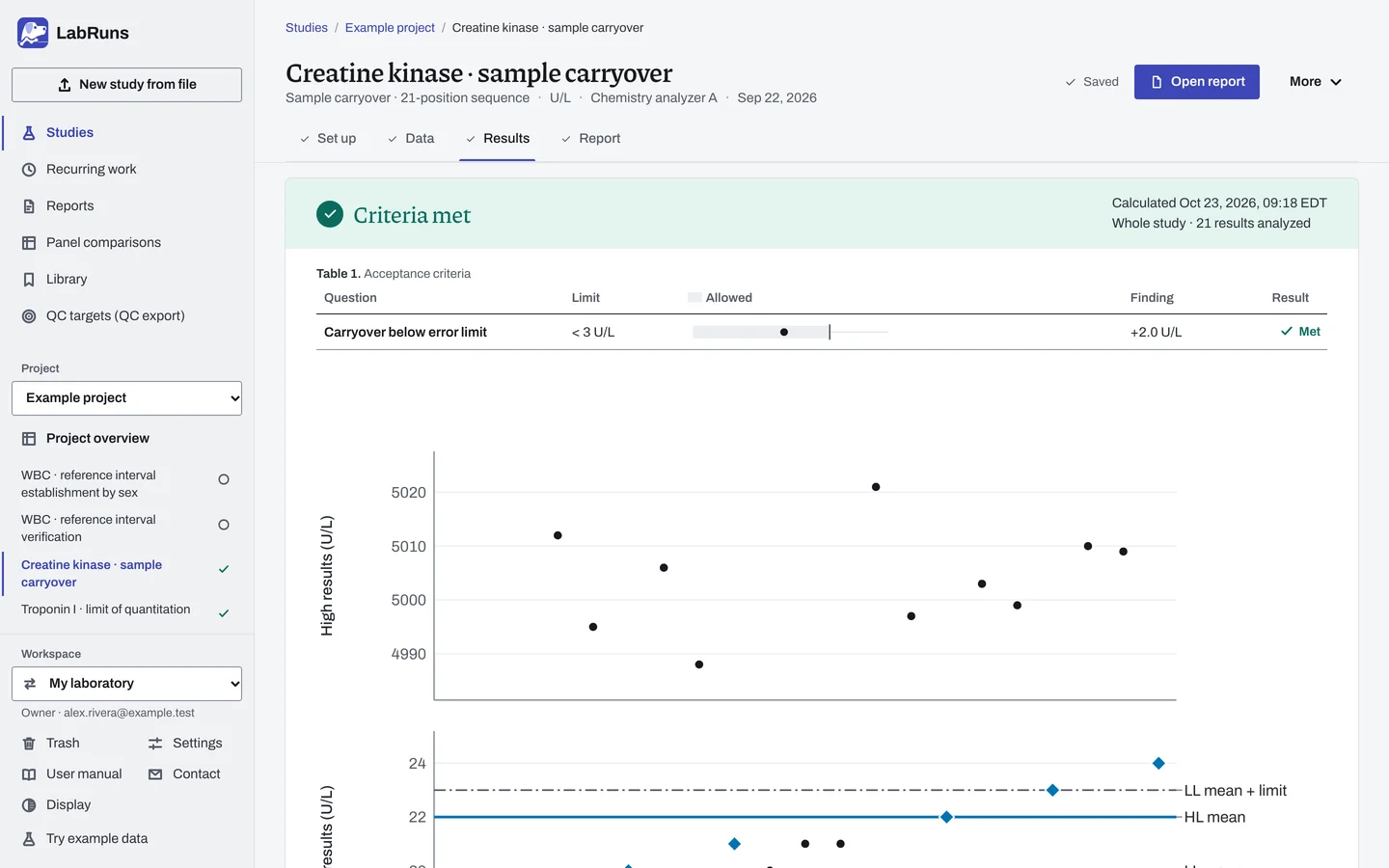
Calculate and check. Save the study, choose Calculate results, then check:
- The sequence matches the run.
- Carryover below the limit in every run. A value equal to the limit fails.
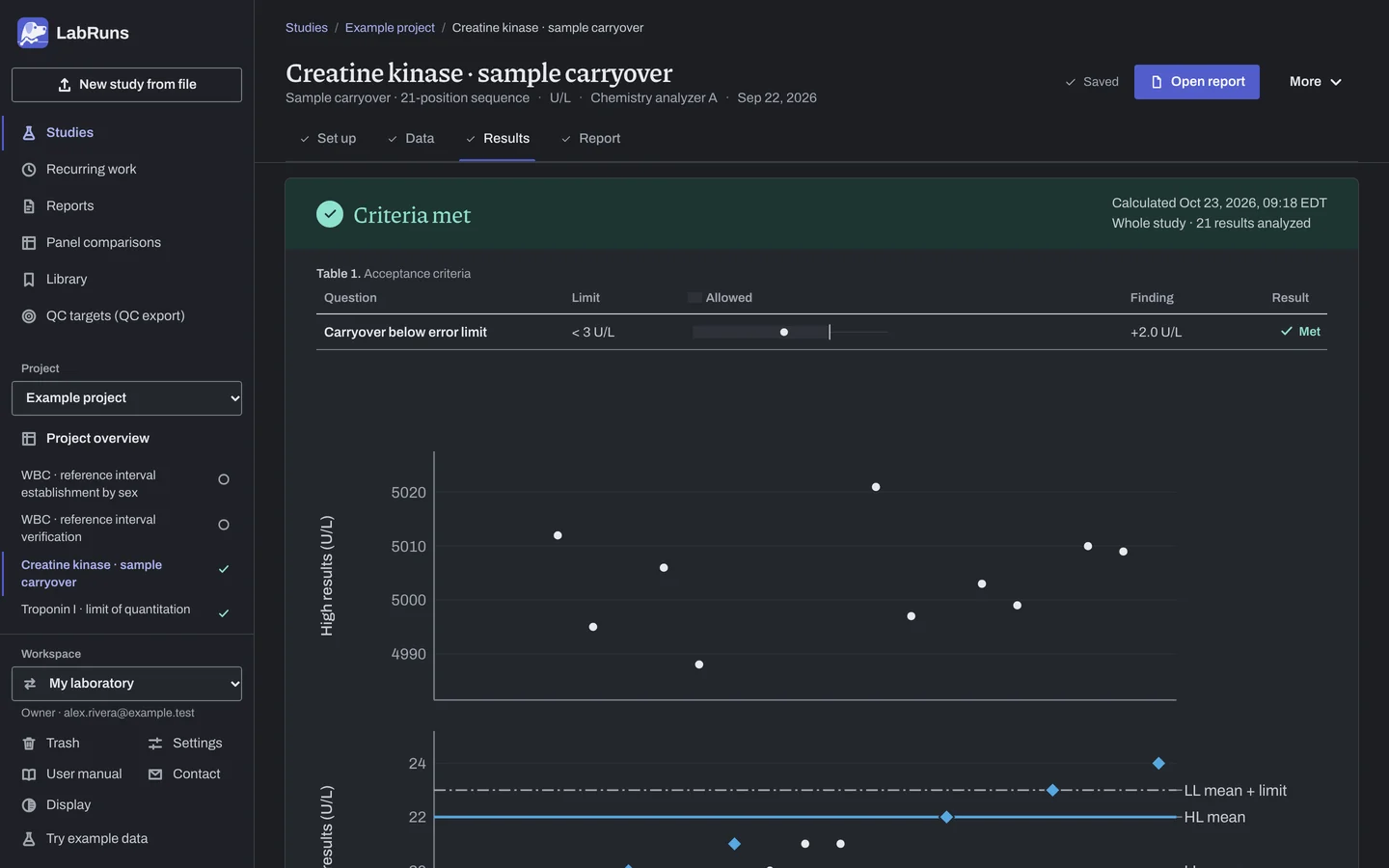
Figure 3. Results for Creatine kinase · sample carryover. -
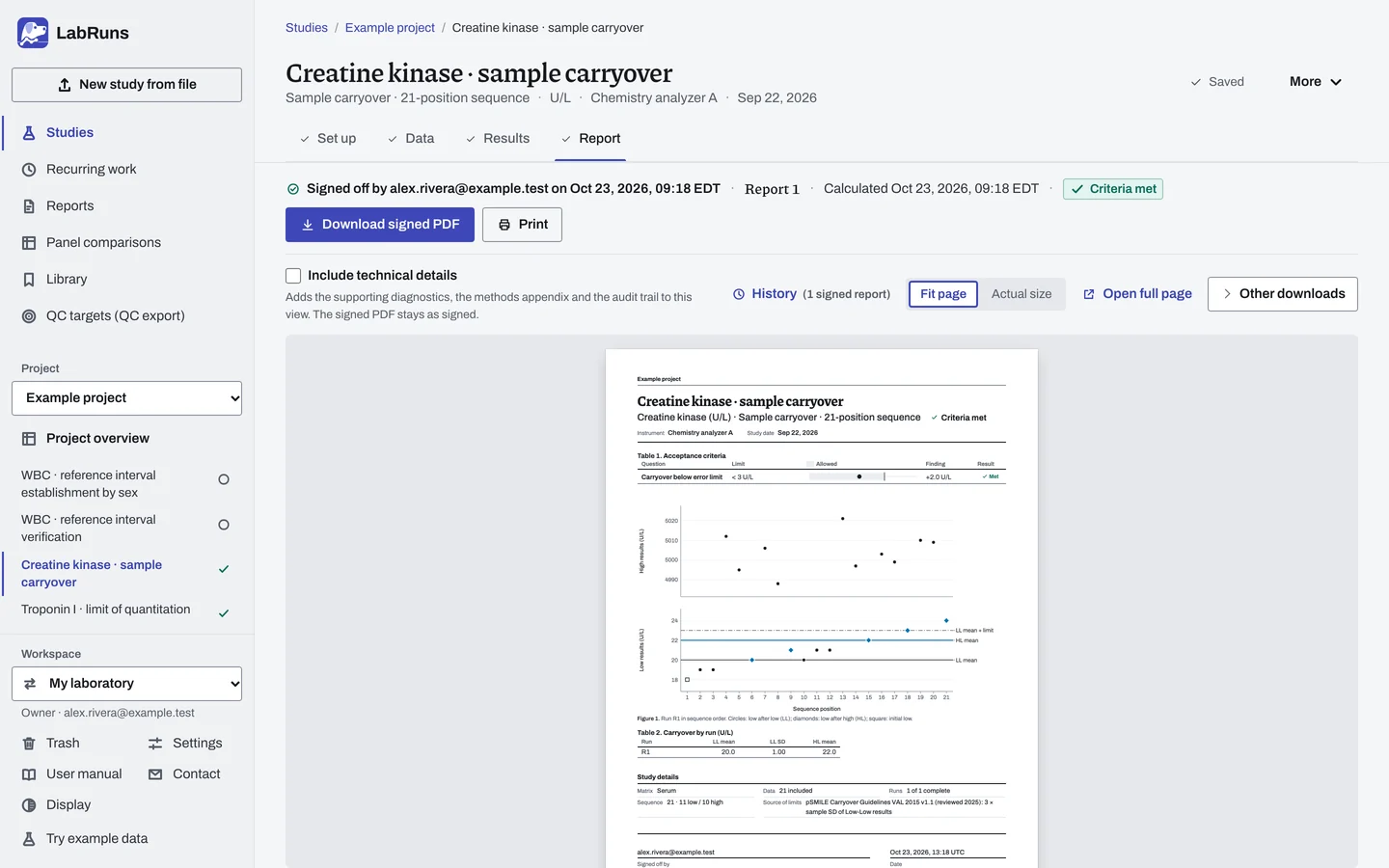
Report your decision. Open Report, look over the result and the study details, then download or print the report. Sign-off is optional.
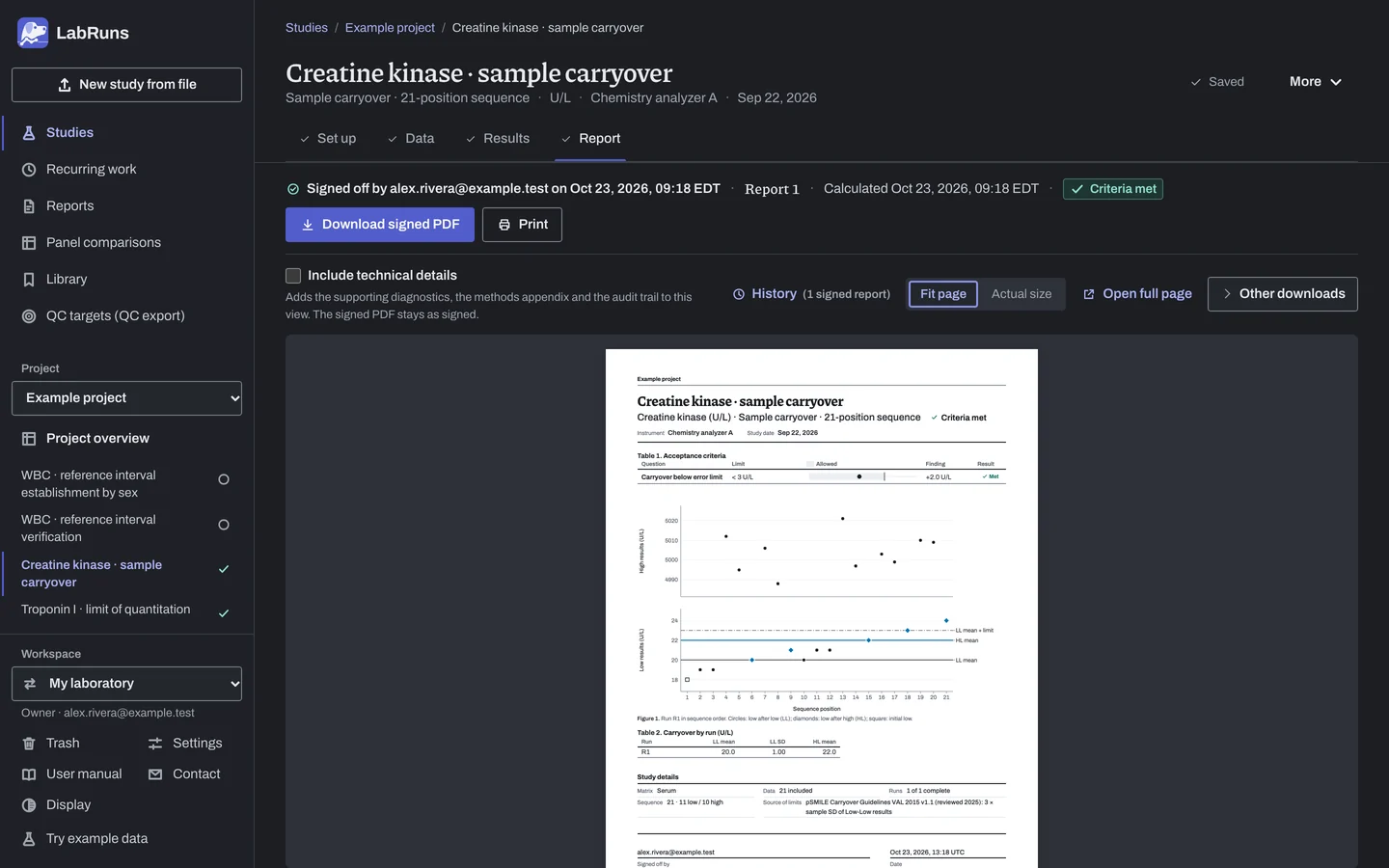
Figure 4. Report for Creatine kinase · sample carryover.
Set up
Section titled “Set up”- Choose New study, select Carryover under Sample and material effects, enter Analyte and Unit, and choose Create study, or Create and import data if you already have results.
- On Set up, under Carryover · 21-position sequence, choose the Error-limit basis: 3 × SD of low-after-low results (the default), a user-defined limit in the study unit, or Percentage of Low-Low mean. For a user-defined limit, enter the error limit in the study unit; for a percentage, enter Error limit (% of Low-Low mean).
- On Data, choose Start a blank 21-position run, or Append a blank 21-position run for each further run, and type the results. Or fill in the blank template and choose Import a file; see Import a file and Columns.
When a limit is not met
Section titled “When a limit is not met”- Read the reason for an undecided run. A missing or excluded position, or a run measured in another order, means repeating the run.
- Recheck the data of a failing run. A run that fails on good data shows carryover from the high material into the next low.
Common mistakes
Section titled “Common mistakes”- Using one material ID for both materials. Give the low and the high material different IDs in each run.
- Reusing a run ID for two experiments. Give each run its own ID.
- A blank result, or two rows in a run sharing a position. Fill in the result, and use each position from
1to21once in each run. - A role that doesn't match the sequence. Enter
loworhighas the position requires; the run is otherwise Undecided. - A qualified result such as
<5. It can't be used. Enter the exact reading from the original record; an excluded position leaves the run Undecided. - No error limit with a user-defined or percentage basis. Enter it on Set up before you calculate.