


Detection limits
Run this study
Section titled “Run this study”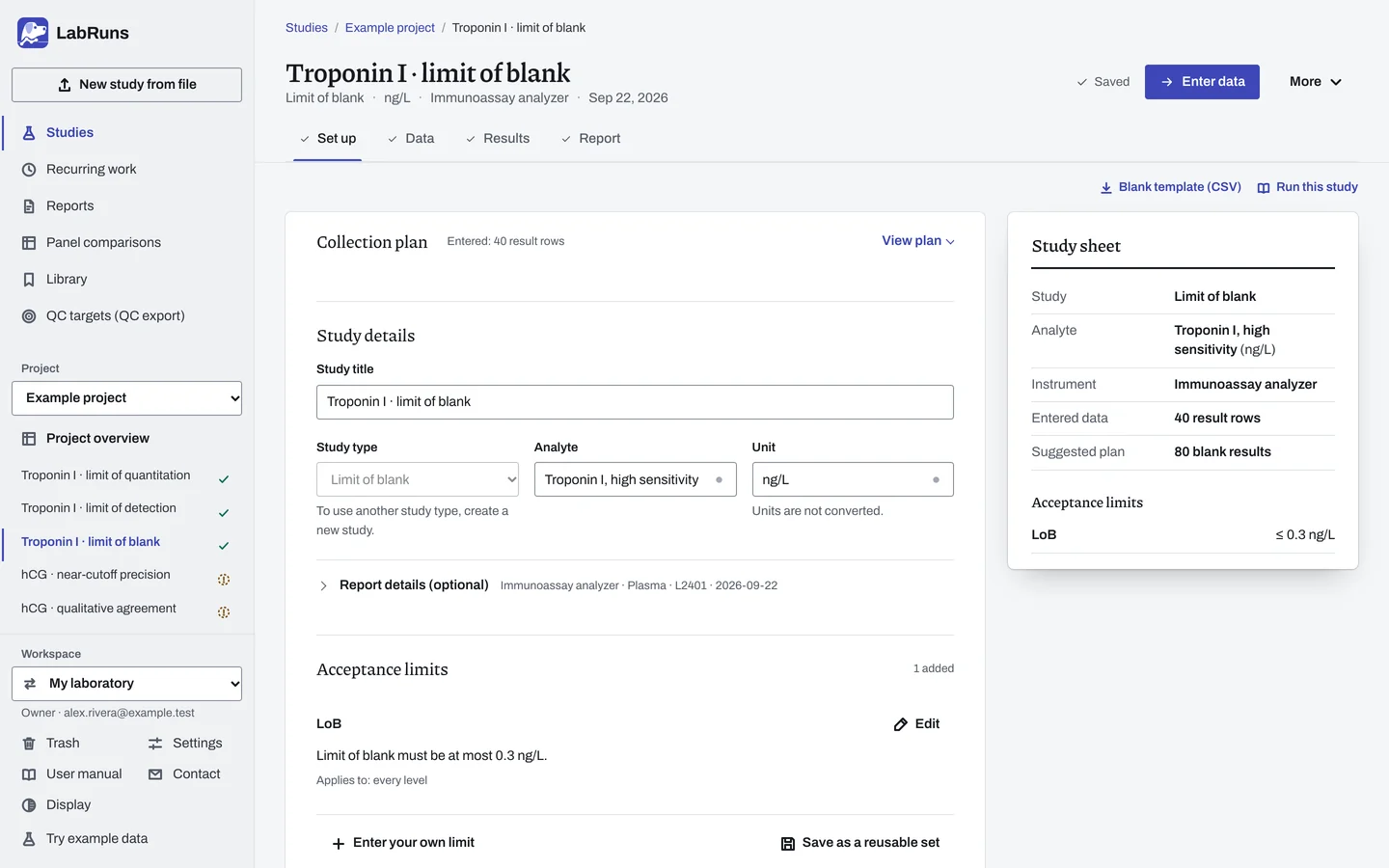
- Your question
-
How high can a blank read (limit of blank)?
- Prepare
-
Blank materials appropriate to your sample matrix. One reagent lot for the whole study, with lot records.
- Suggested starting plan
-
- 4 blank materials × 4 replicates per day × 5 days. 80 blank results.
At the default 95th percentile and 95% confidence, 80 leaves a margin above the 72 blanks needed for an upper confidence limit.
- Calculation minimum
-
Establishing LoB needs 10 blanks for the percentile method at default settings, or 2 exact results with measurable spread for the Gaussian method. Verifying a claimed LoB needs 2 blank results to decide the share criterion.
-
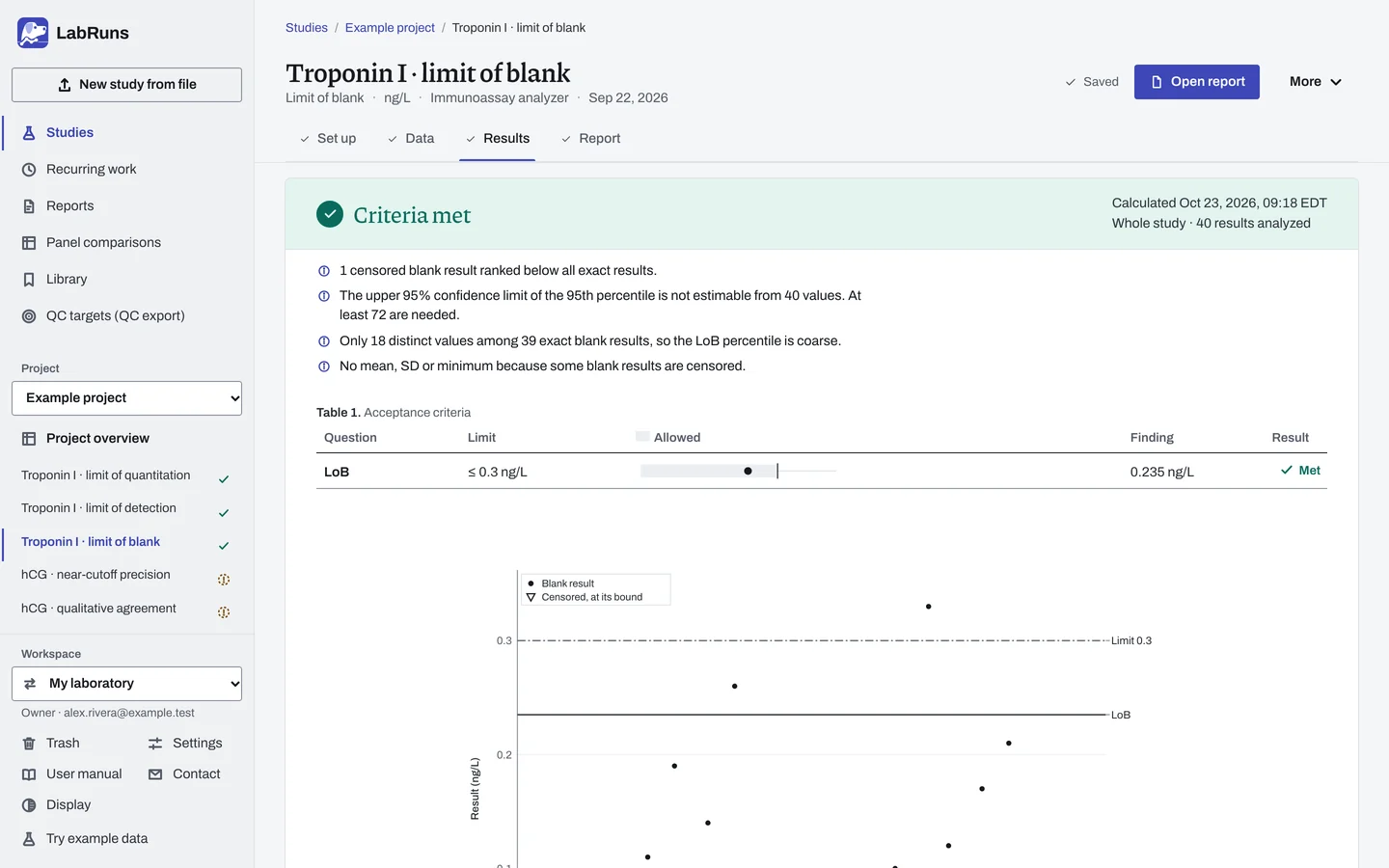
Decide before collecting. Create the study and fill these in on Set up:
- Percentile or Gaussian method, and your allowable LoB.
- Establish or verify. To verify, the claimed LoB and the required verification share (%).
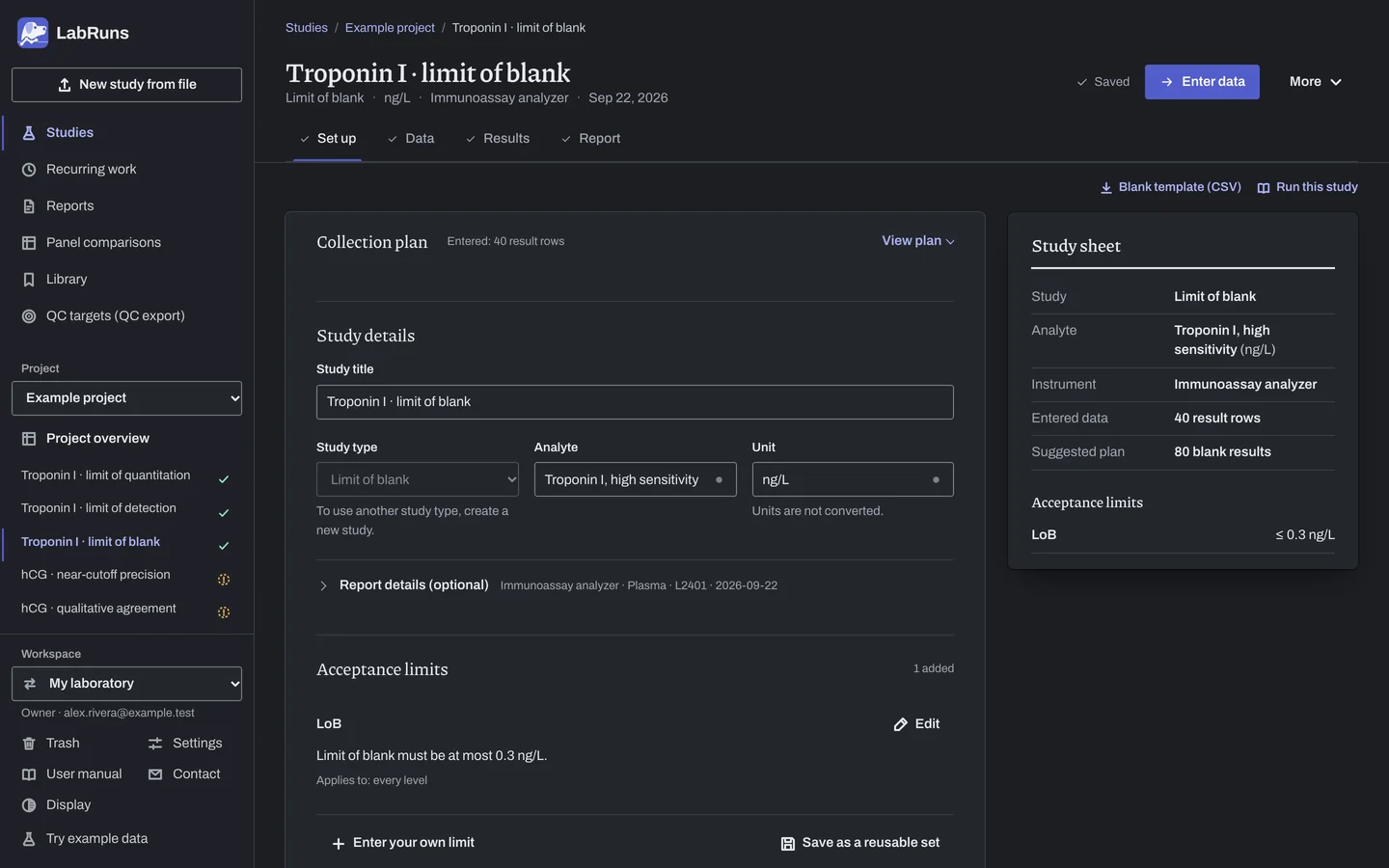
Figure 1. Set up for Troponin I · limit of blank. -
Collect and record. Collect the results as planned above and label each one with the specimen or material, level, day, run and replicate your design tracks.
-
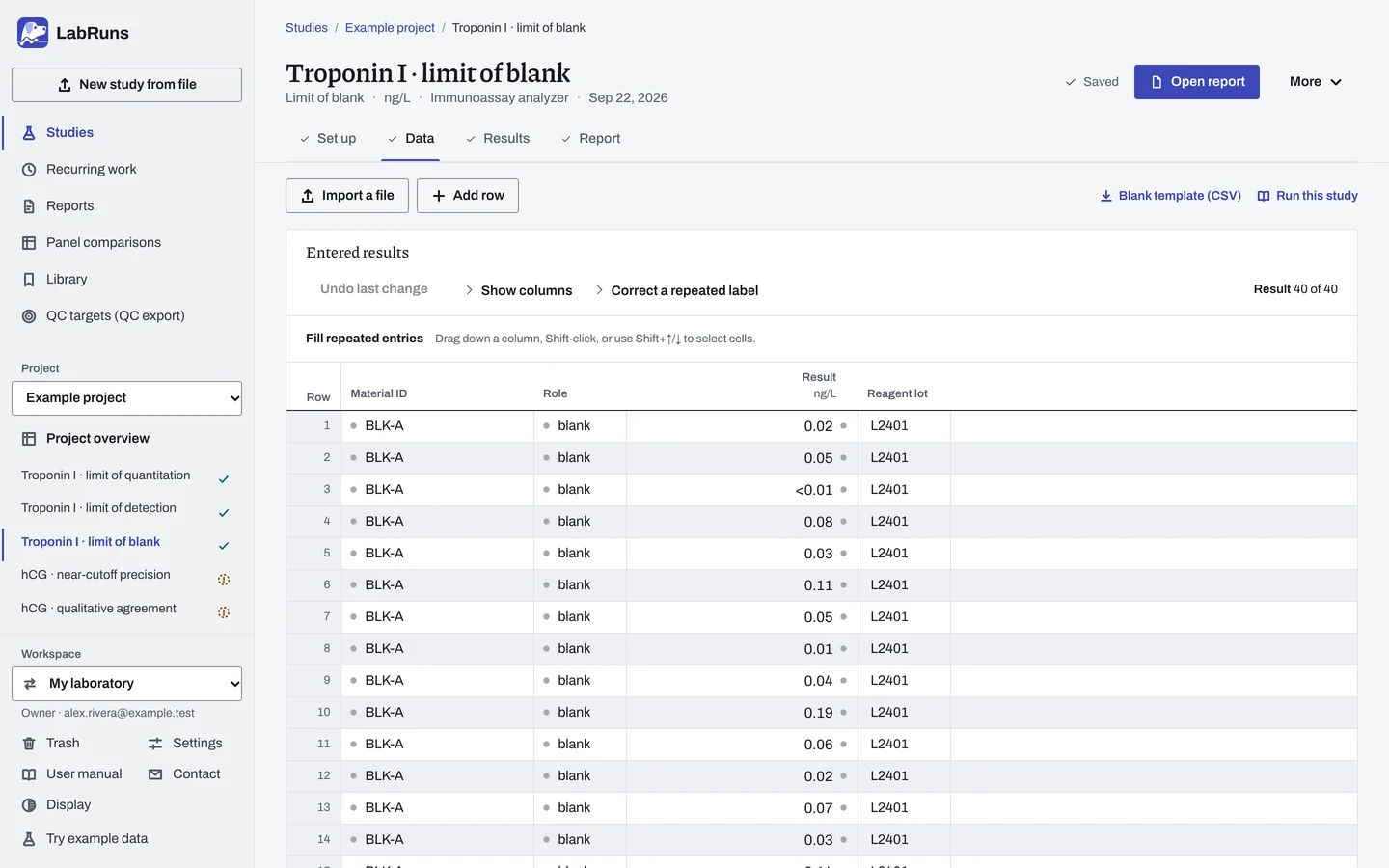
Enter your results. Enter material ID, role "blank" and result. For a ready-made file, use Blank template (CSV) on Data, or download the example file.
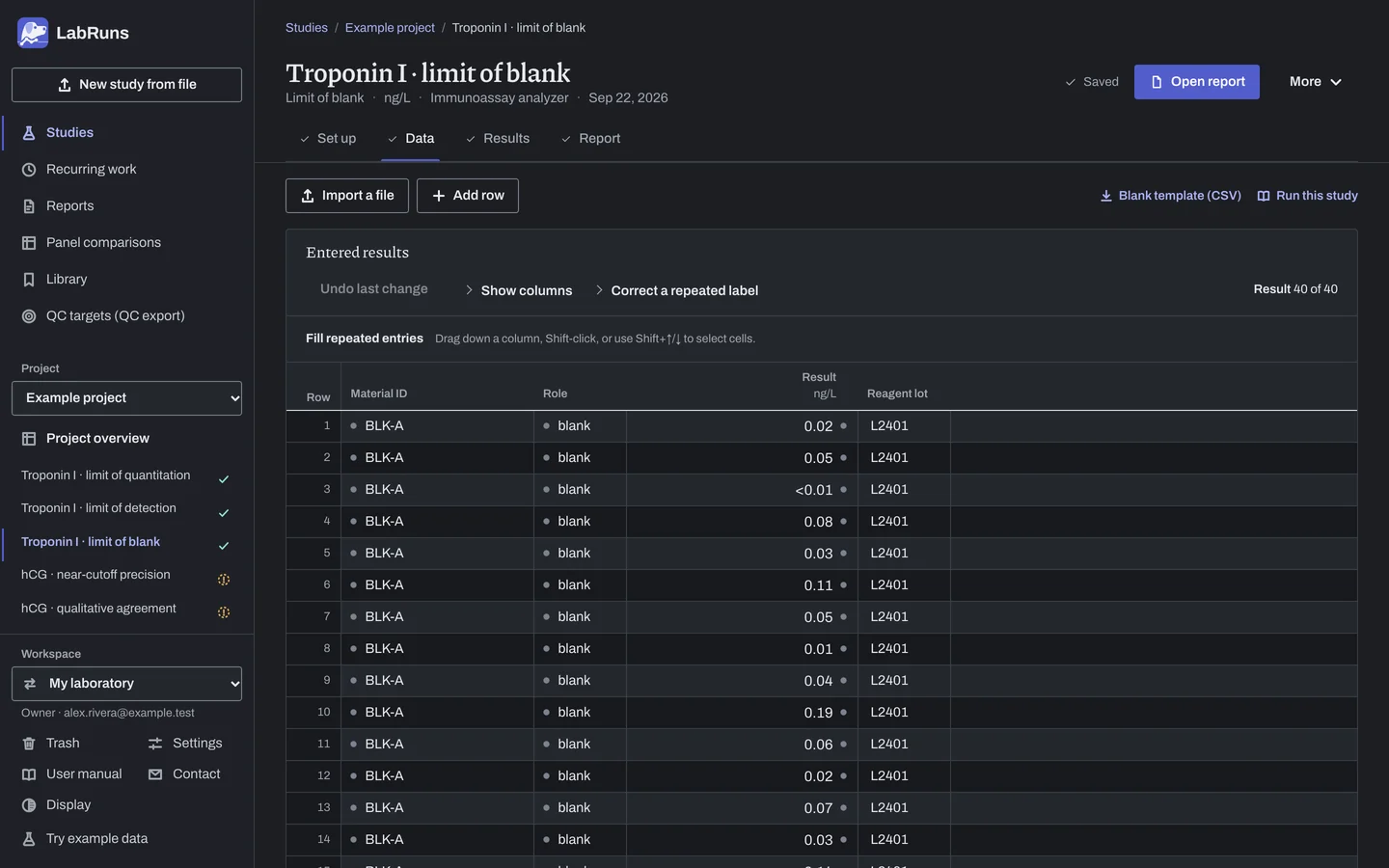
Figure 2. Data for Troponin I · limit of blank. -
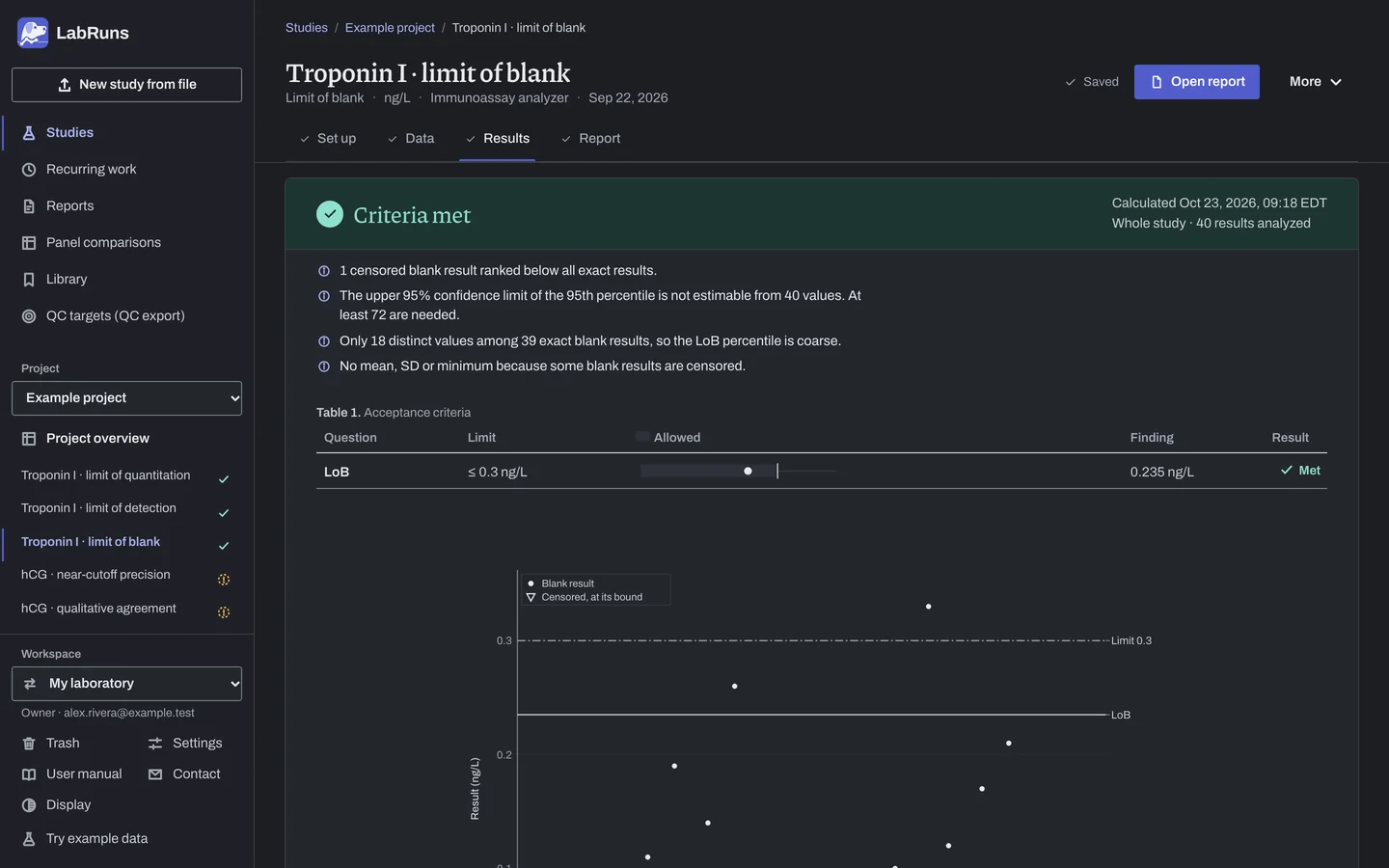
Calculate and check. Save the study, choose Calculate results, then check:
- The blank distribution and the LoB interval.
- For verification, the observed share against your required verification share.
Figure 3. Results for Troponin I · limit of blank. -
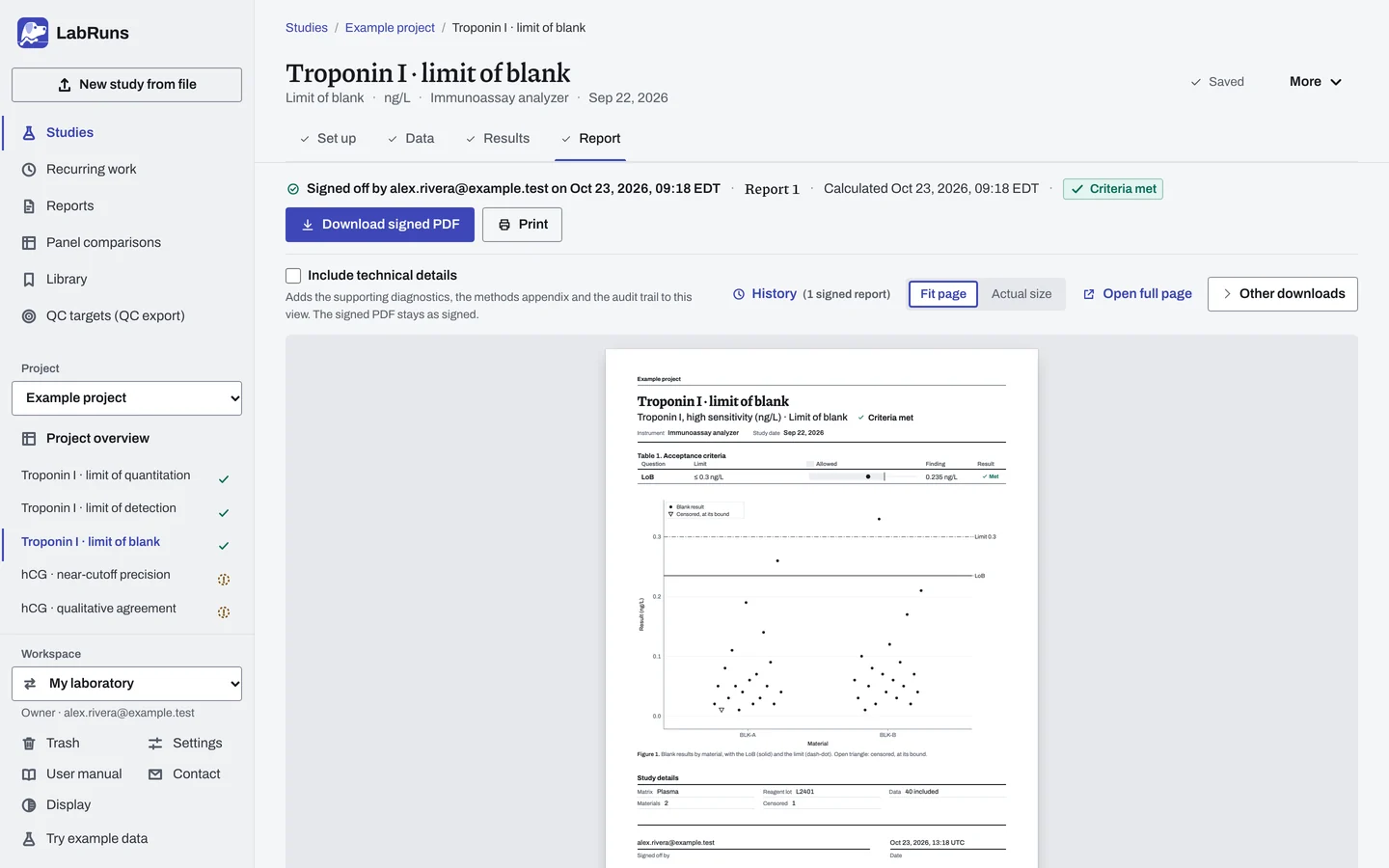
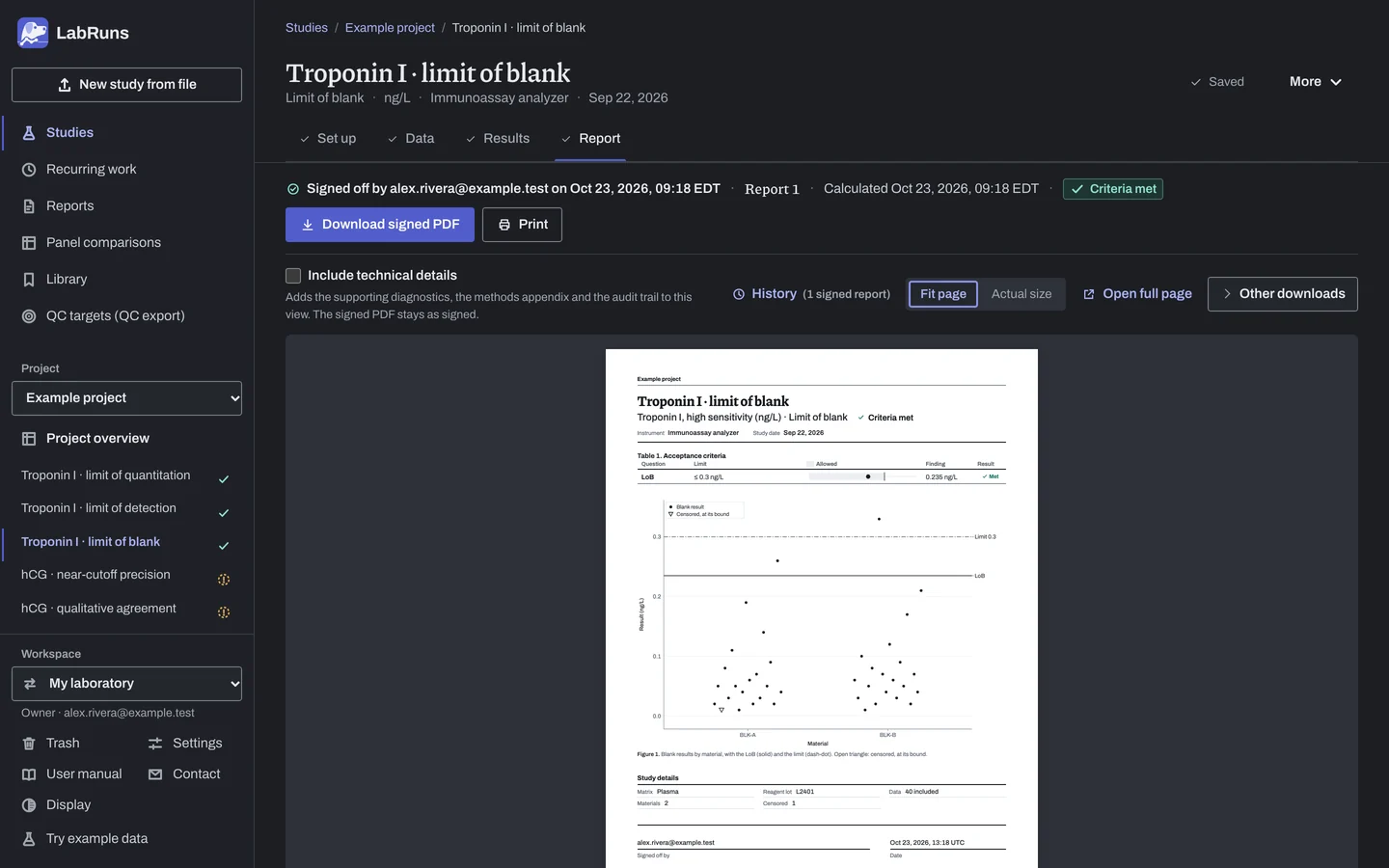
Report your decision. Open Report, look over the result and the study details, then download or print the report. Sign-off is optional.
Figure 4. Report for Troponin I · limit of blank.
- Your question
-
How low can the method detect (limit of detection)?
- Prepare
-
Three low materials near the expected LoD. To verify a claim, assign each material at the claimed LoD. Blank materials if you estimate the LoB in the same study, or a stated LoB. One reagent lot for the whole study, with lot records.
- Suggested starting plan
-
- 3 low materials × 4 replicates per day × 5 days. 60 low results.
- Estimating the LoB in the same study: Add 4 blank materials × 4 replicates per day × 5 days. 140 results in total.
To verify a claim, prepare all three low materials at the claimed LoD.
- Calculation minimum
-
Establishing LoD needs 2 exact results per low material and at least 2 low materials to decide the LoD criterion. Verifying a claimed LoD needs 2 low results to decide the share criterion. Assign each verification material at the claimed LoD.
-
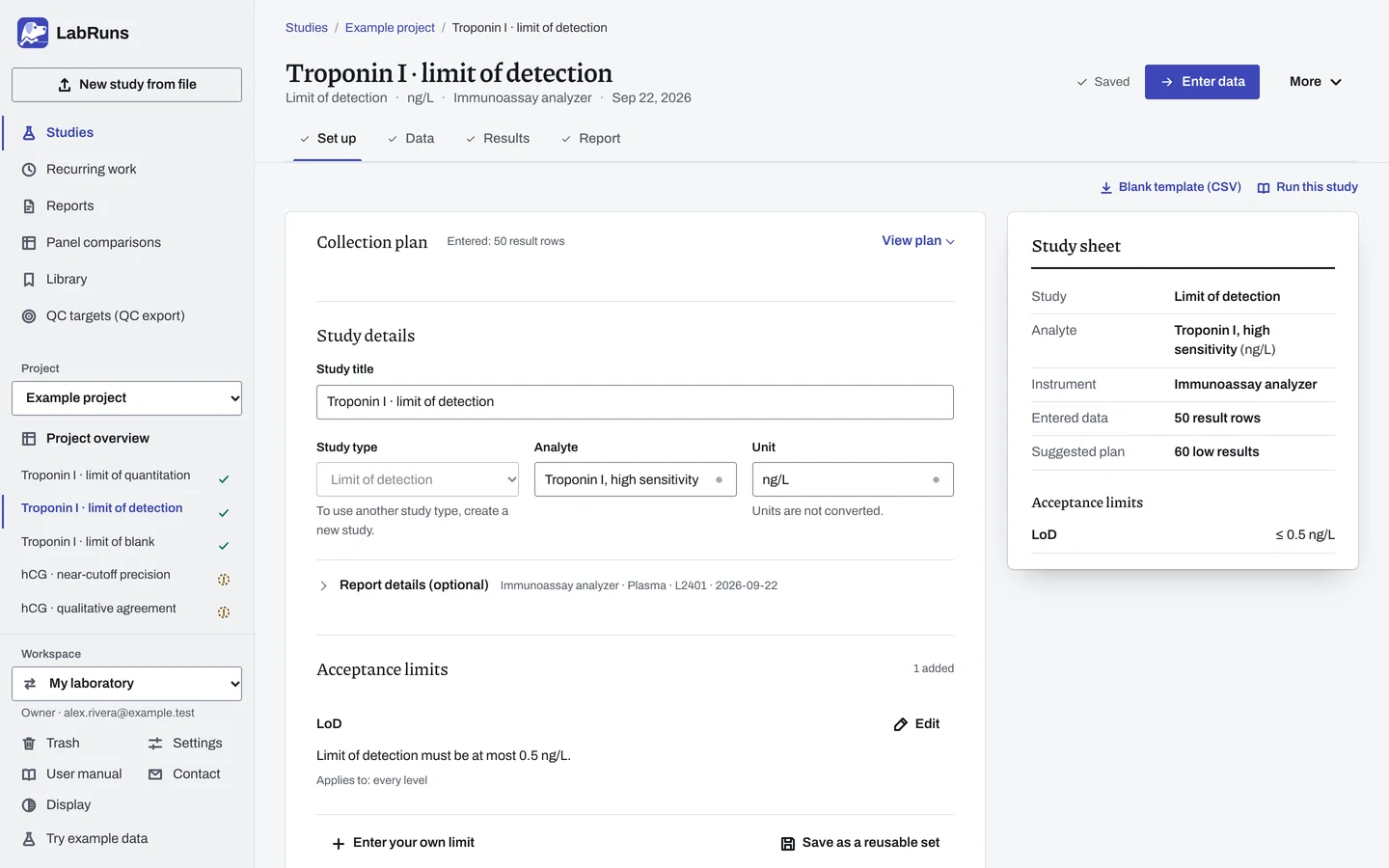
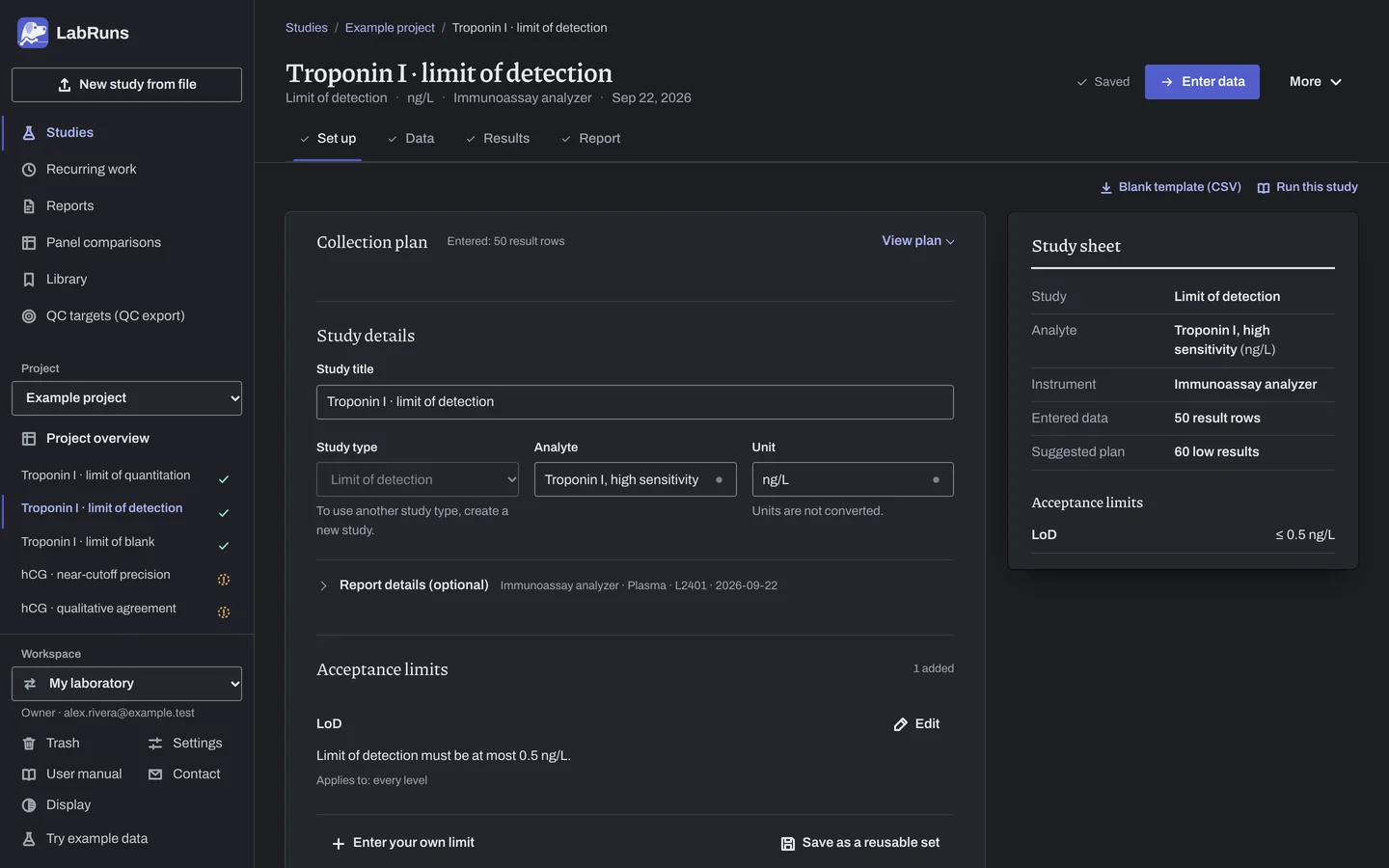
Decide before collecting. Create the study and fill these in on Set up:
- Estimate the LoB here or state it.
- Establish or verify. To verify, the claimed LoD and the required verification share (%).
Figure 5. Set up for Troponin I · limit of detection. -
Collect and record. Collect the results as planned above and label each one with the specimen or material, level, day, run and replicate your design tracks.
-
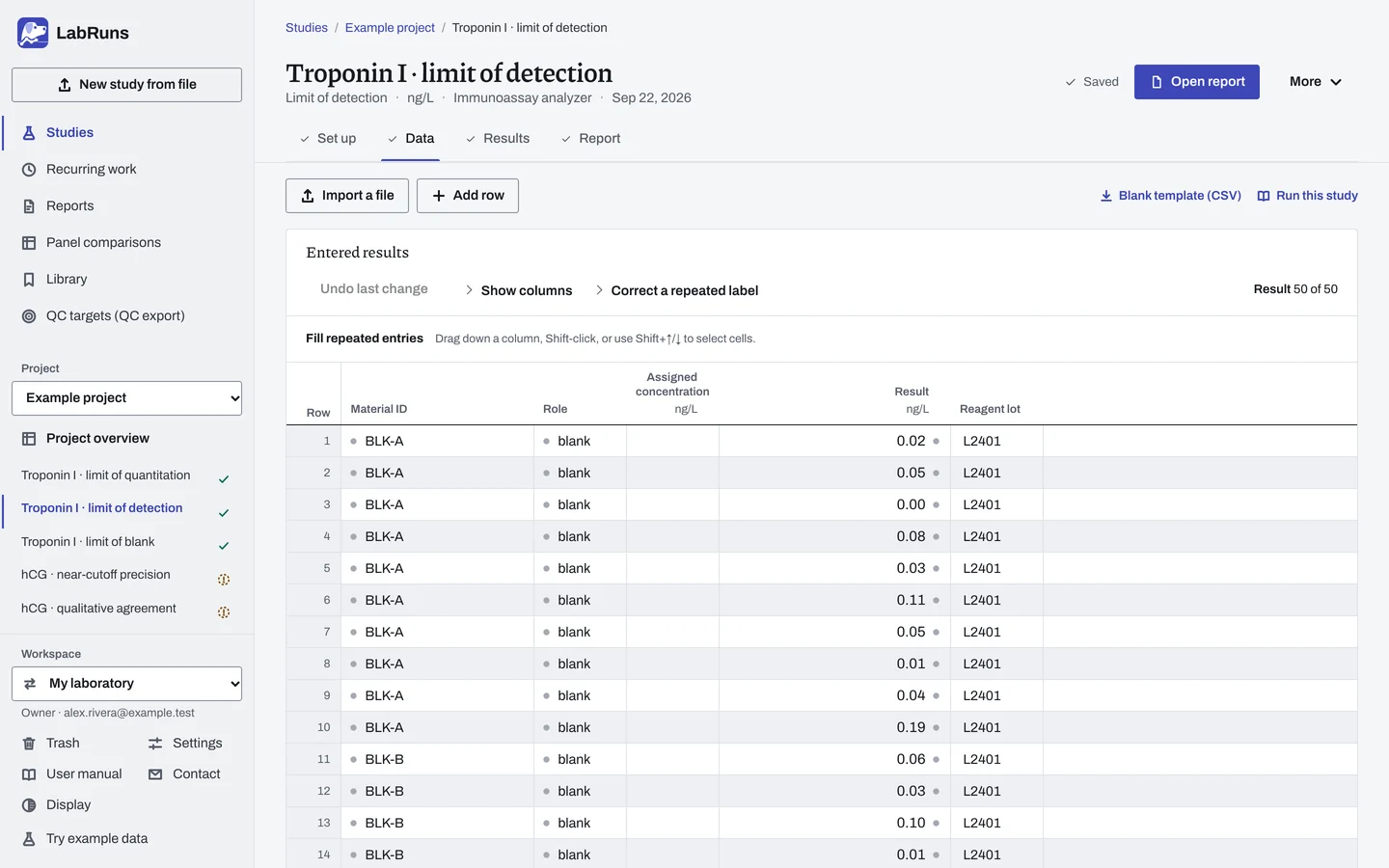
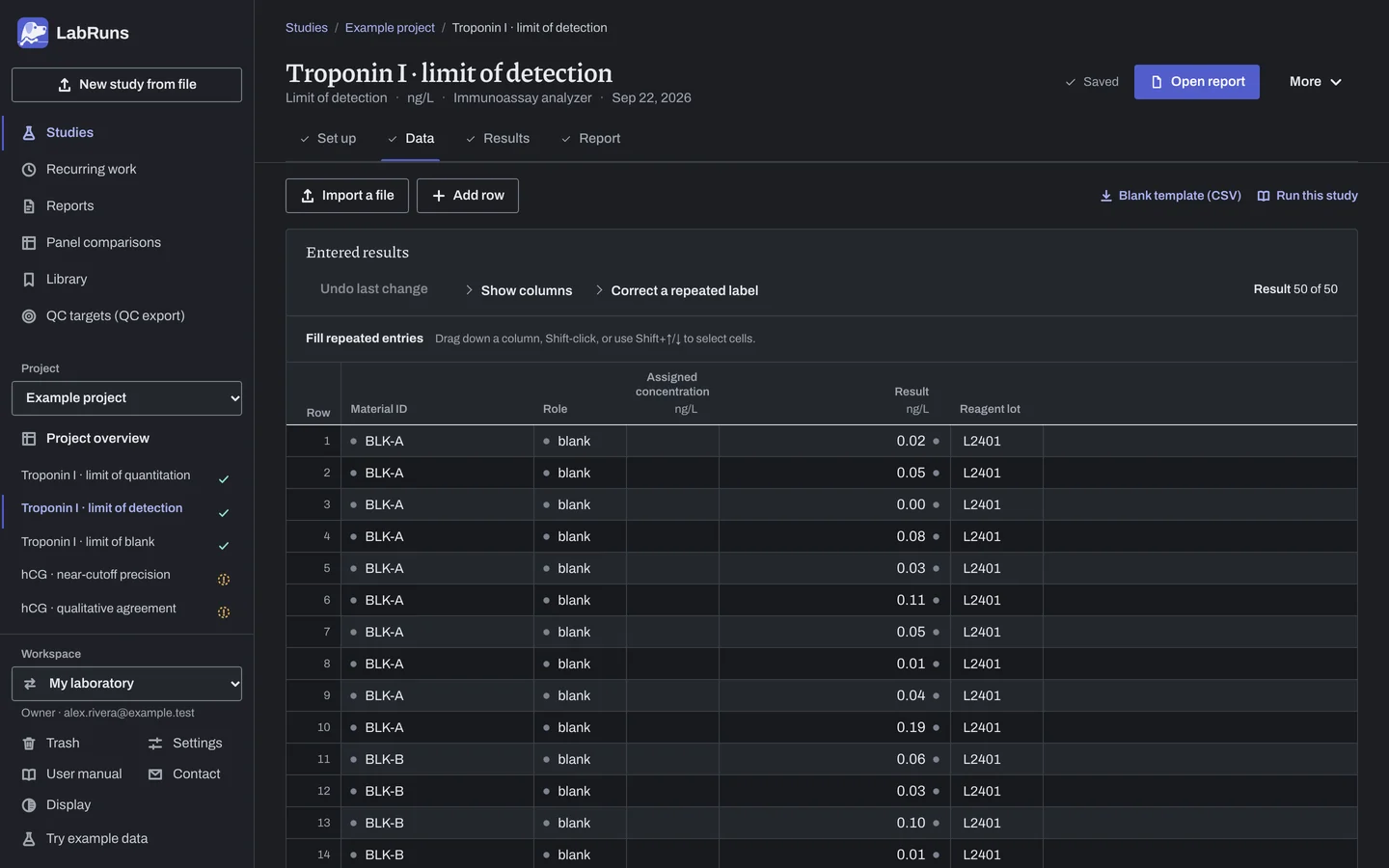
Enter your results. Enter material ID, role and every exact reading. To verify, give each low material the claimed LoD as its assigned concentration. For a ready-made file, use Blank template (CSV) on Data, or download the example file.
Figure 6. Data for Troponin I · limit of detection. -
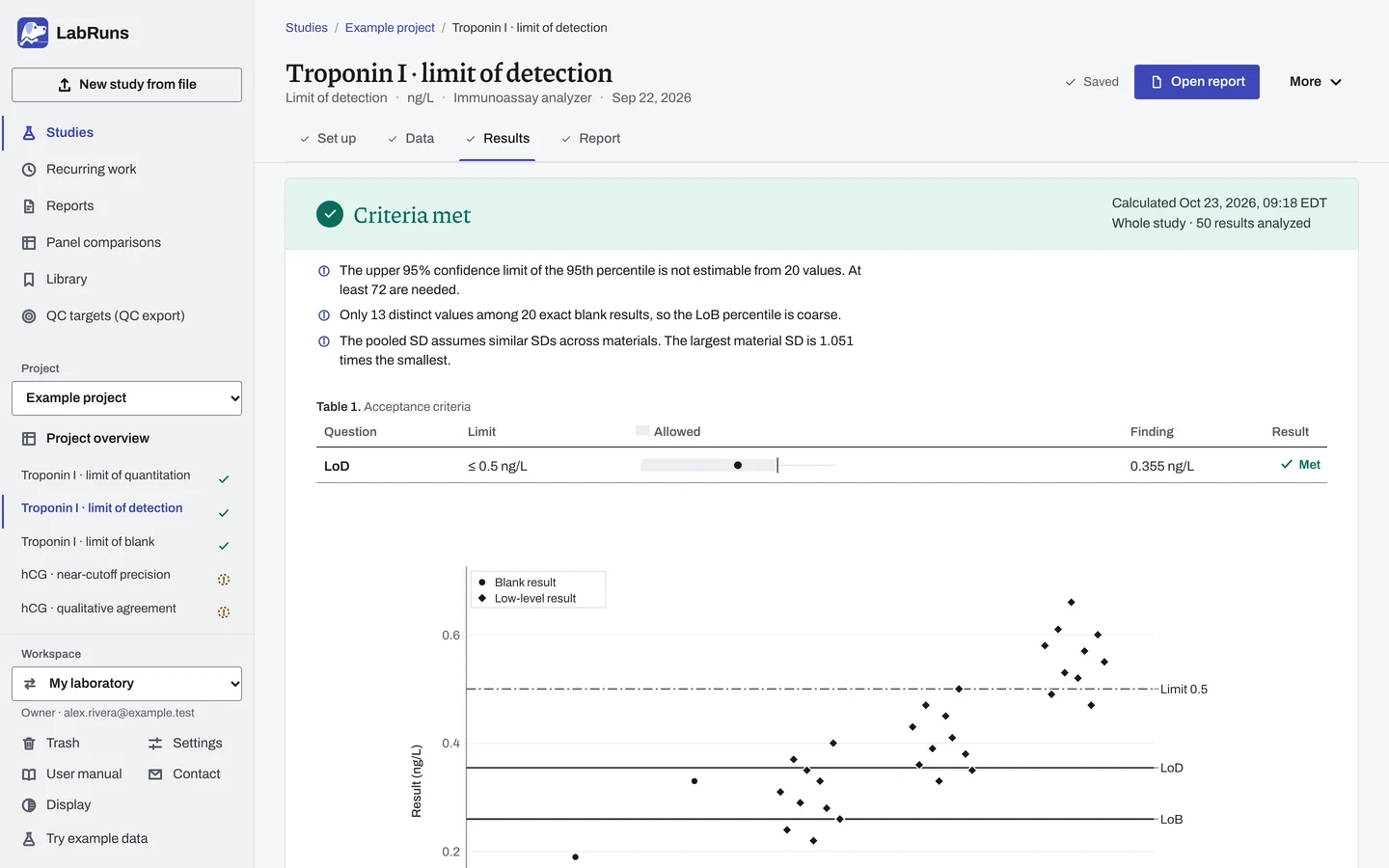
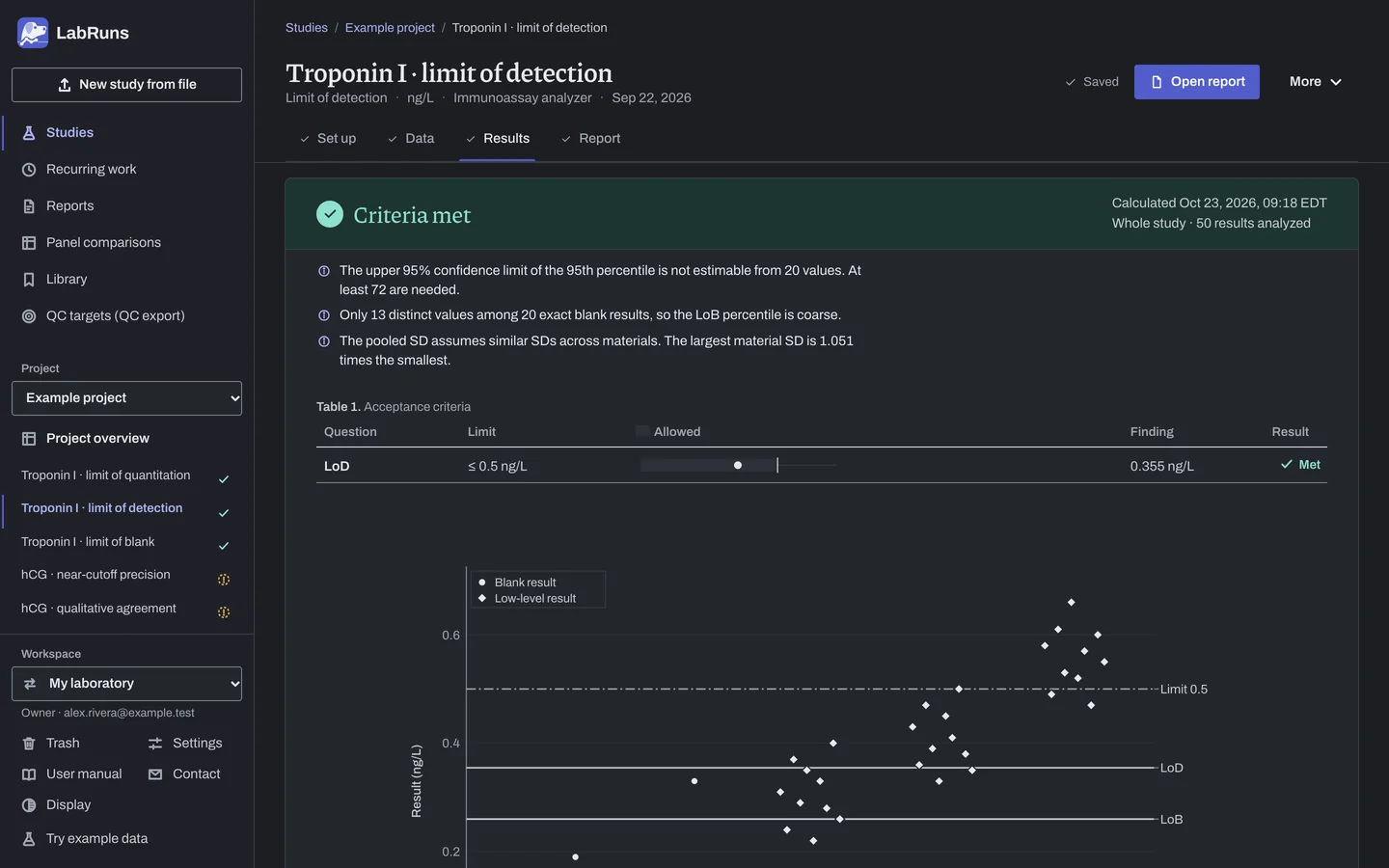
Calculate and check. Save the study, choose Calculate results, then check:
- For establishment, the stated or estimated LoB, low-level SDs and resulting LoD against your limit.
- For verification, the recorded assignments and observed share above LoB against your required verification share.
Figure 7. Results for Troponin I · limit of detection. -
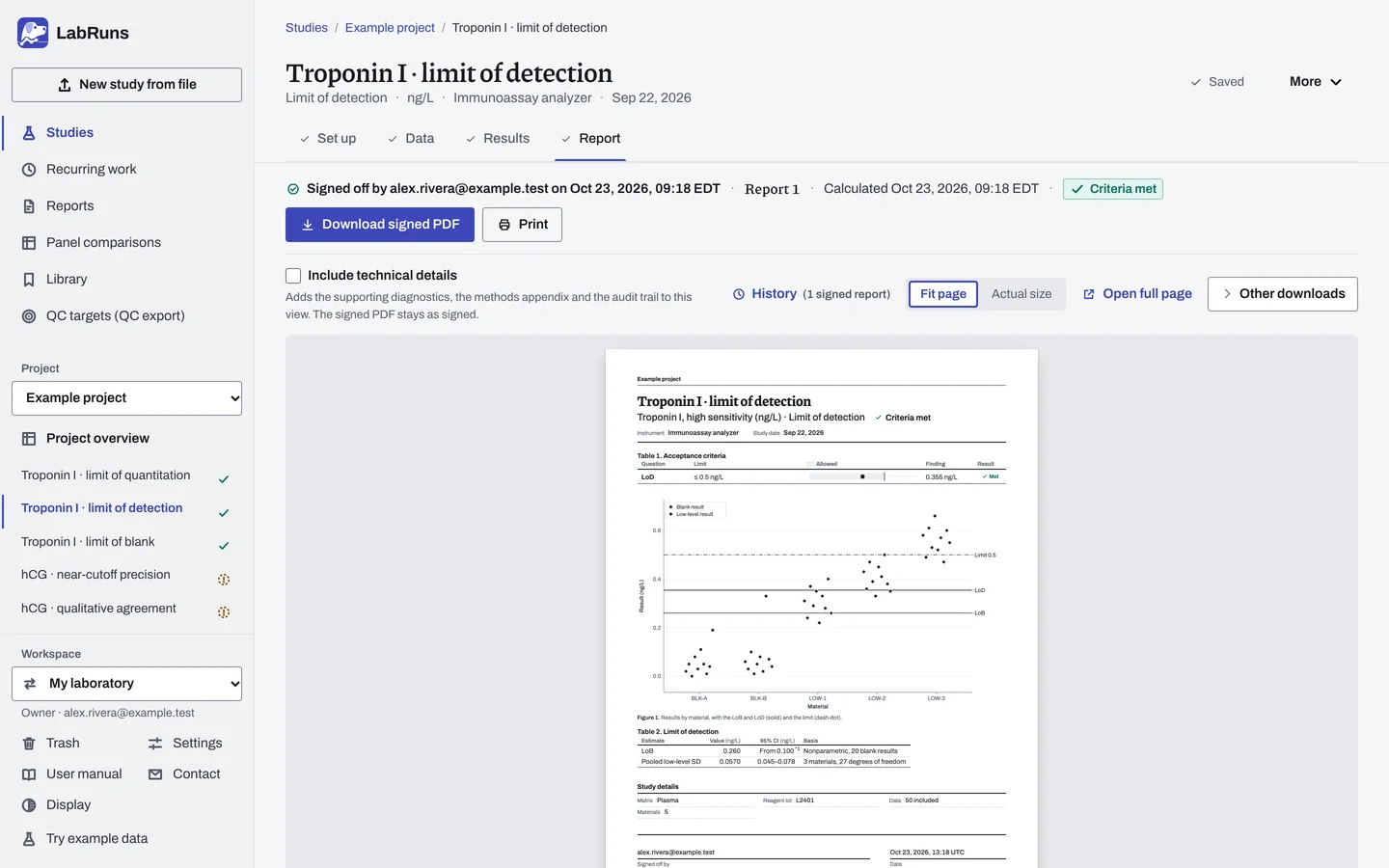
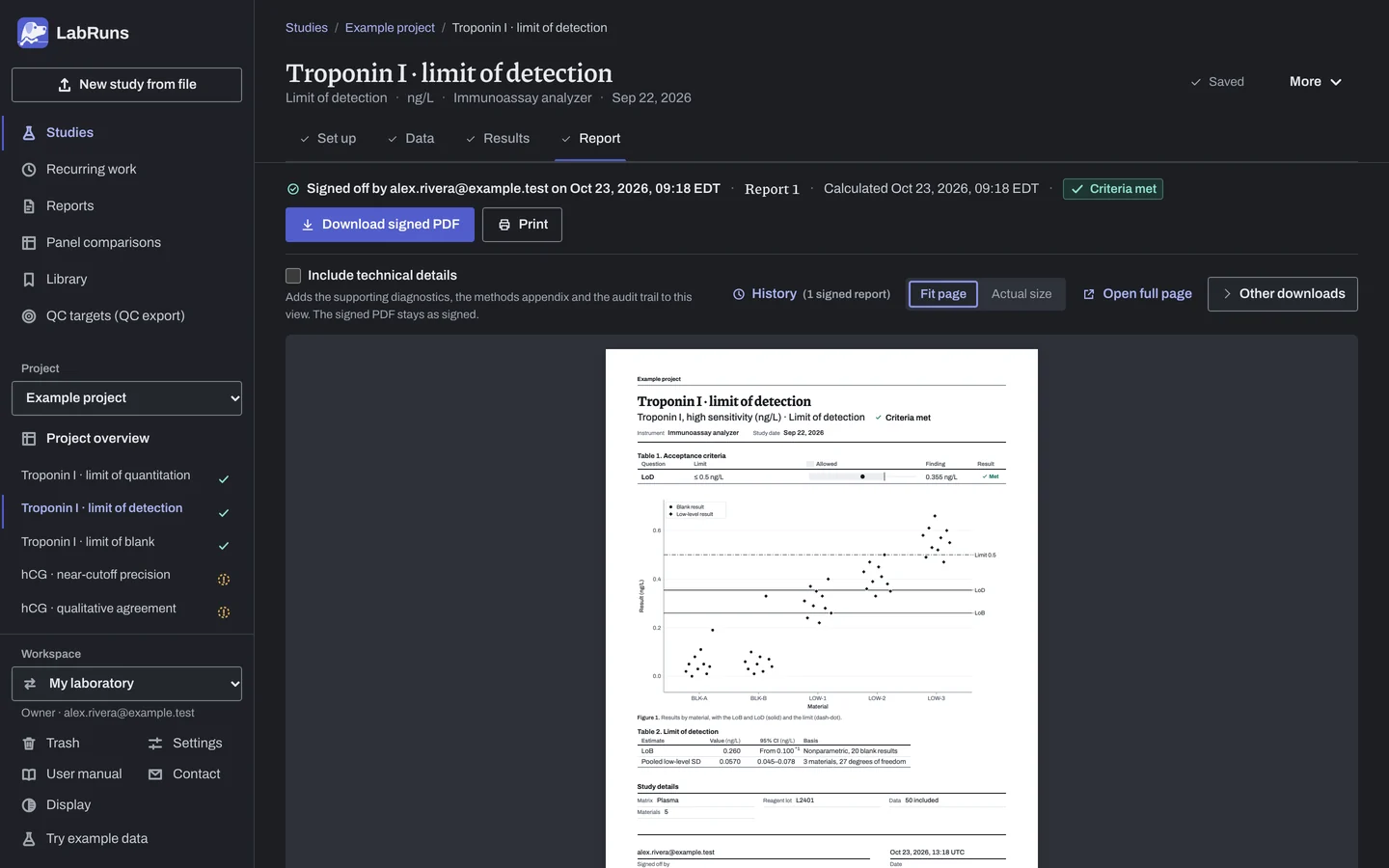
Report your decision. Open Report, look over the result and the study details, then download or print the report. Sign-off is optional.
Figure 8. Report for Troponin I · limit of detection.
- Your question
-
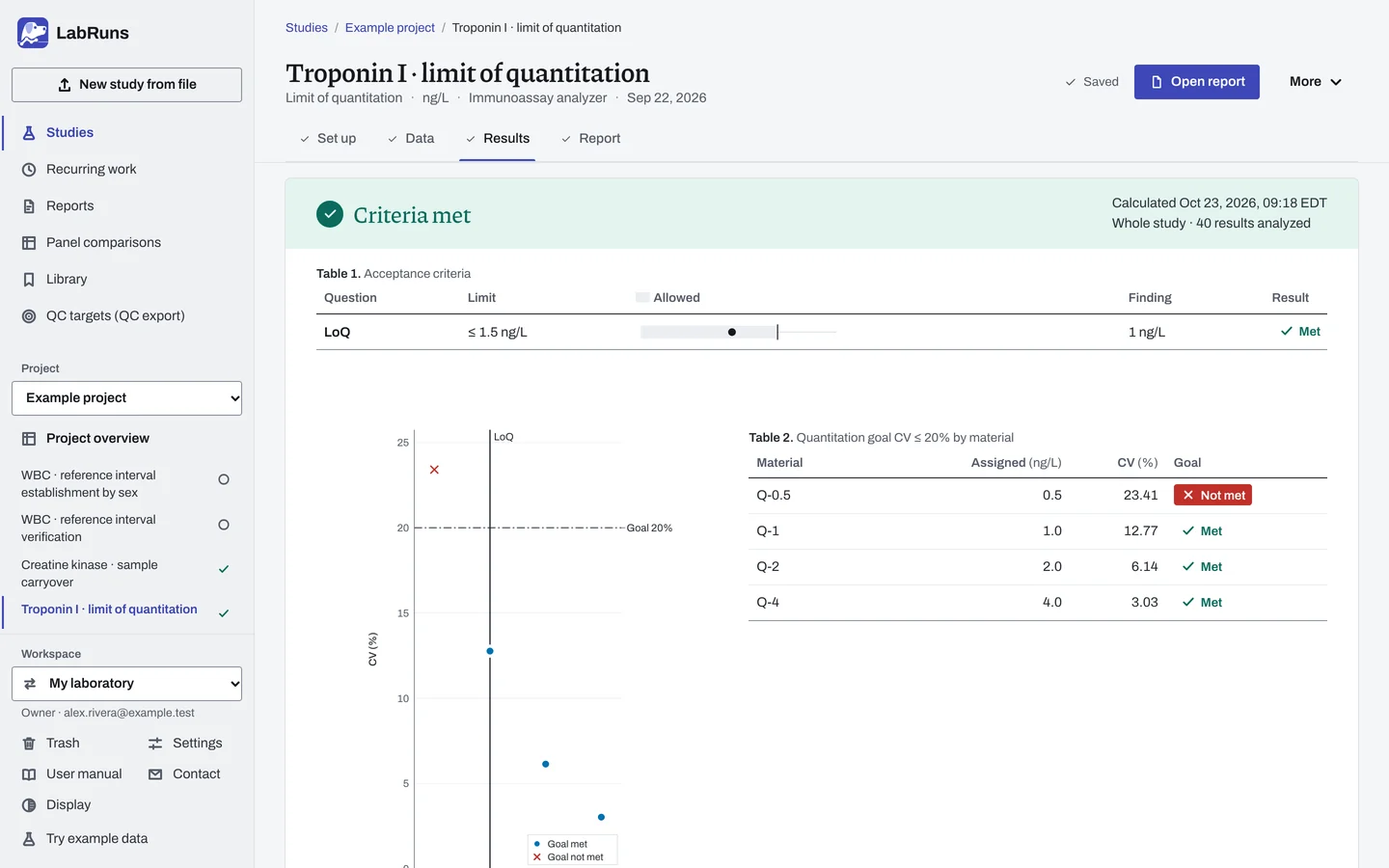
How low can the method quantify acceptably (limit of quantitation)?
- Prepare
-
Five low concentrations spanning where results change from failing to passing, each with a positive assigned concentration. To verify a claim, material assigned at exactly the claimed LoQ. One reagent lot for the whole study, with lot records.
- Suggested starting plan
-
- 5 low concentrations × 4 replicates per day × 5 days. 100 results.
If every level passes, test lower. If none passes, test higher.
- Calculation minimum
-
At least 2 low materials, with 2 exact results each for SD-based goals.
-
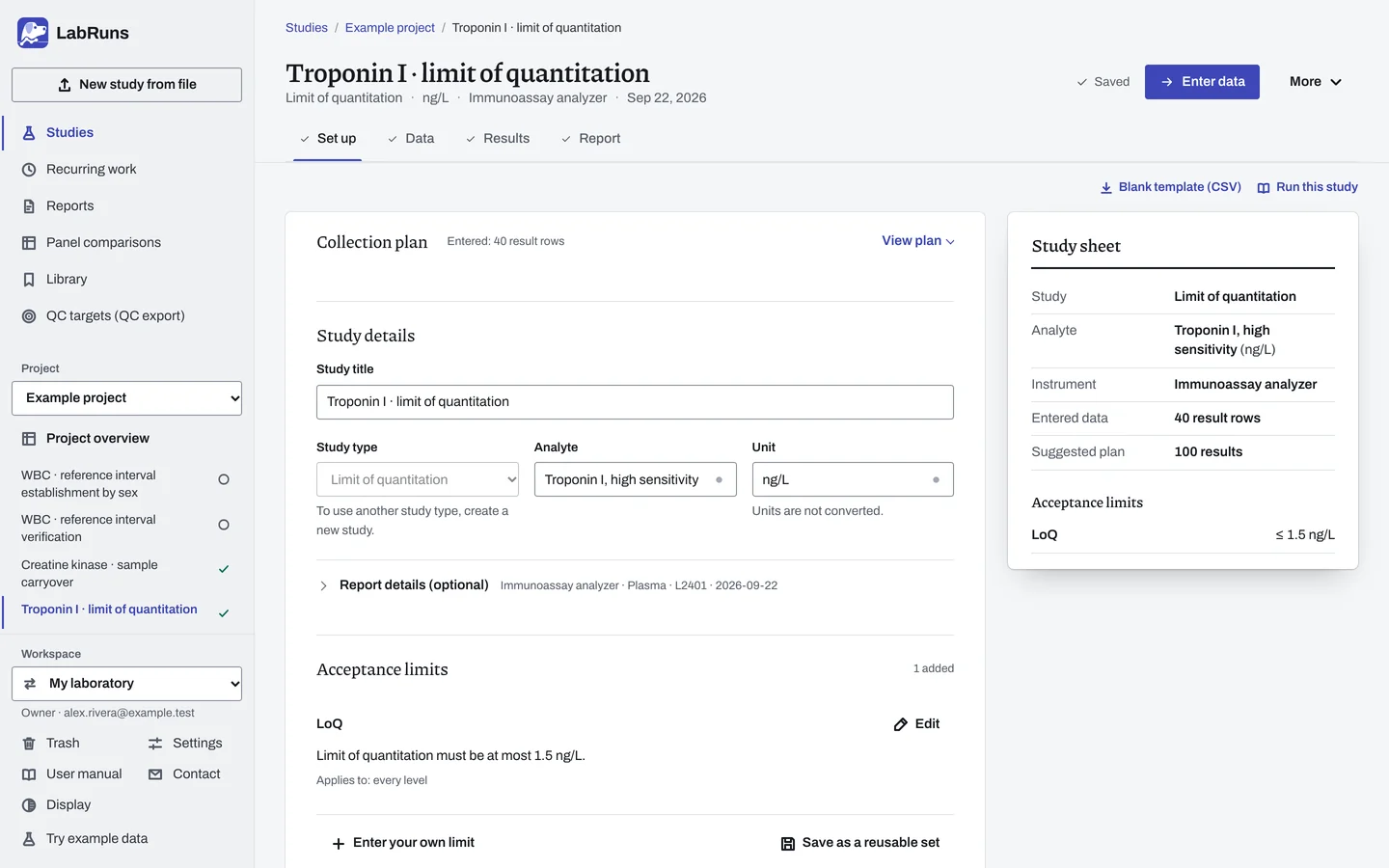
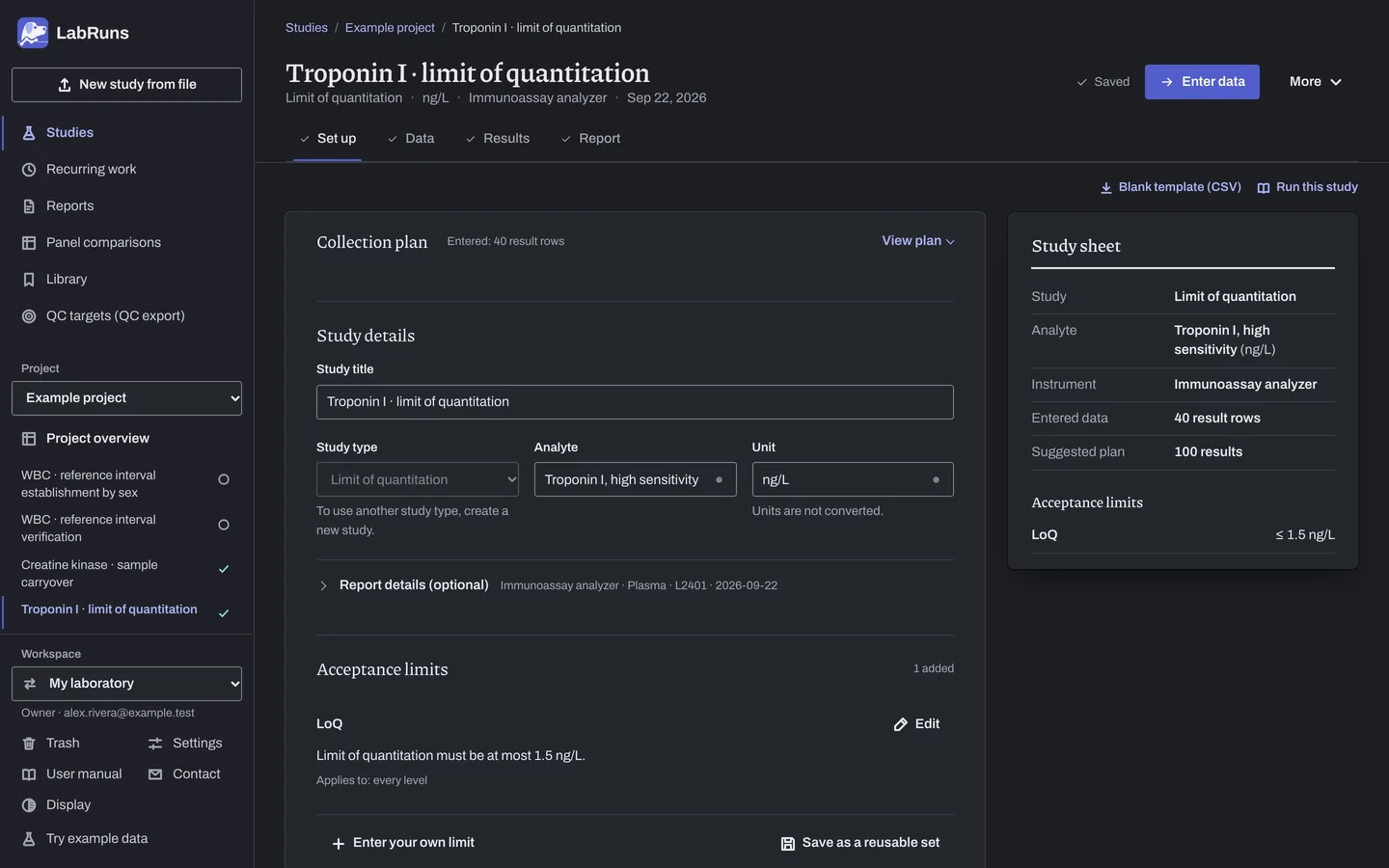
Decide before collecting. Create the study and fill these in on Set up:
- A CV, bias-plus-CV or total-error goal, under Quantitation goal below.
- Establish or verify. To verify, the claimed LoQ.
Figure 9. Set up for Troponin I · limit of quantitation. -
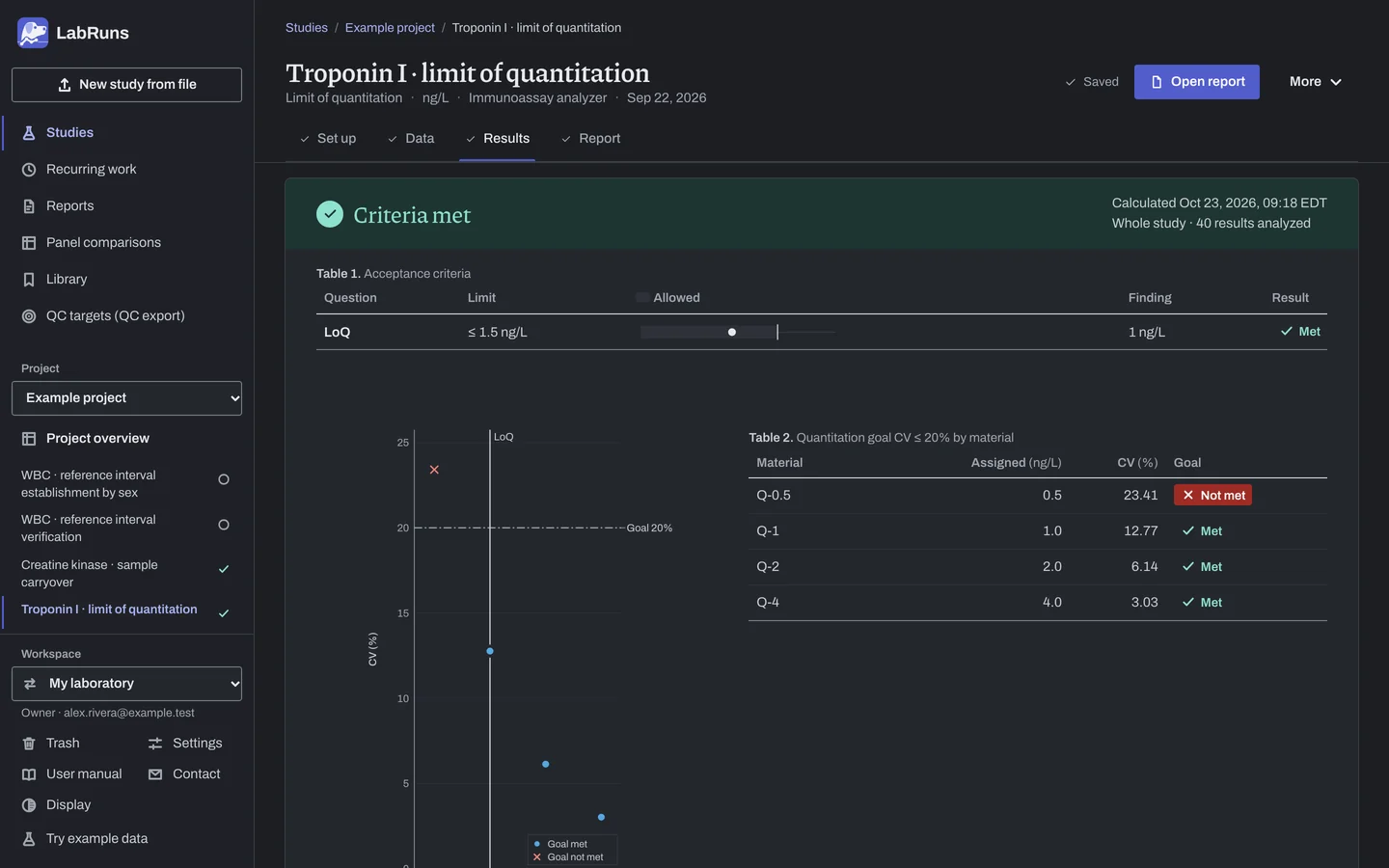
Collect and record. Collect the results as planned above and label each one with the specimen or material, level, day, run and replicate your design tracks.
-
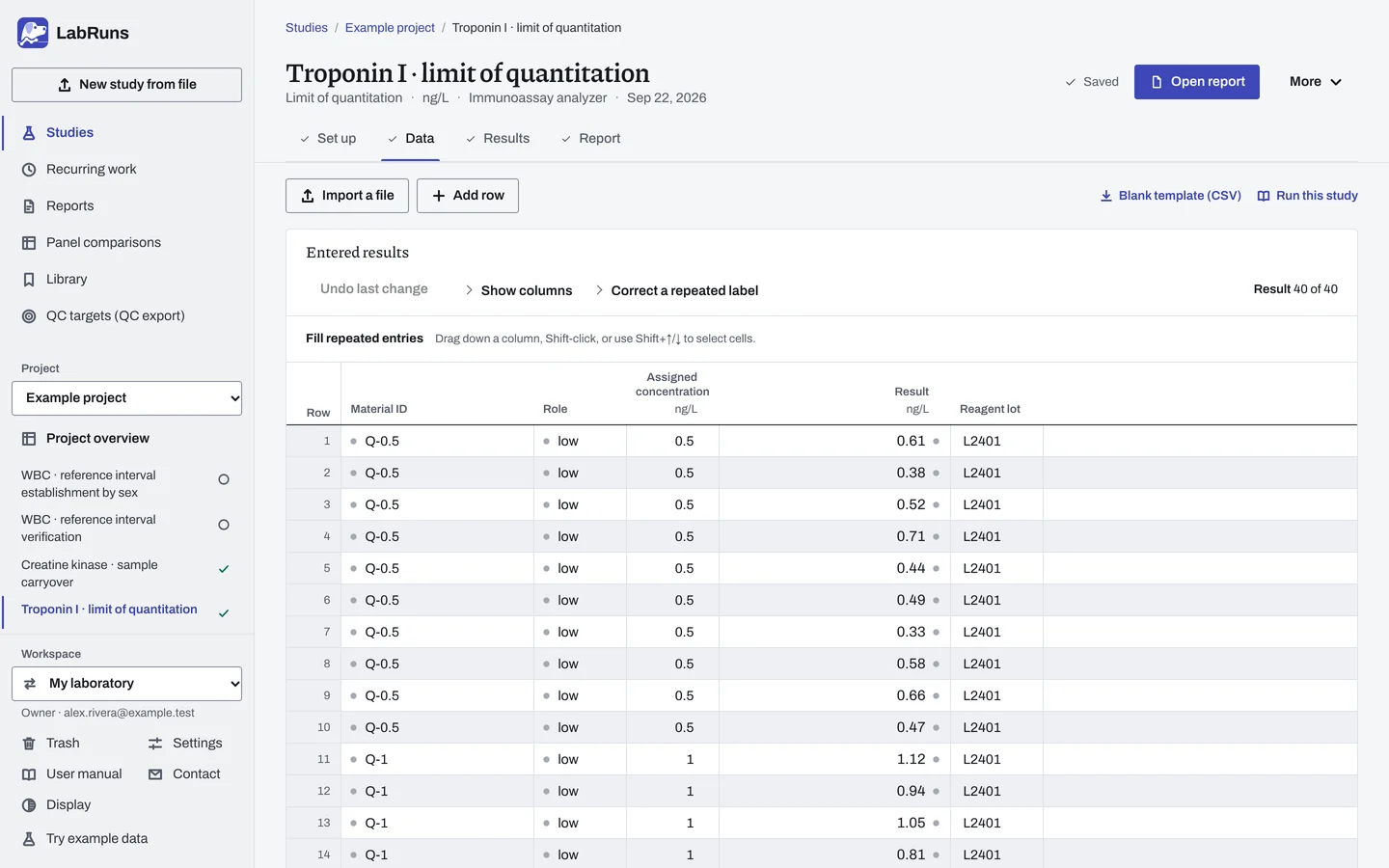
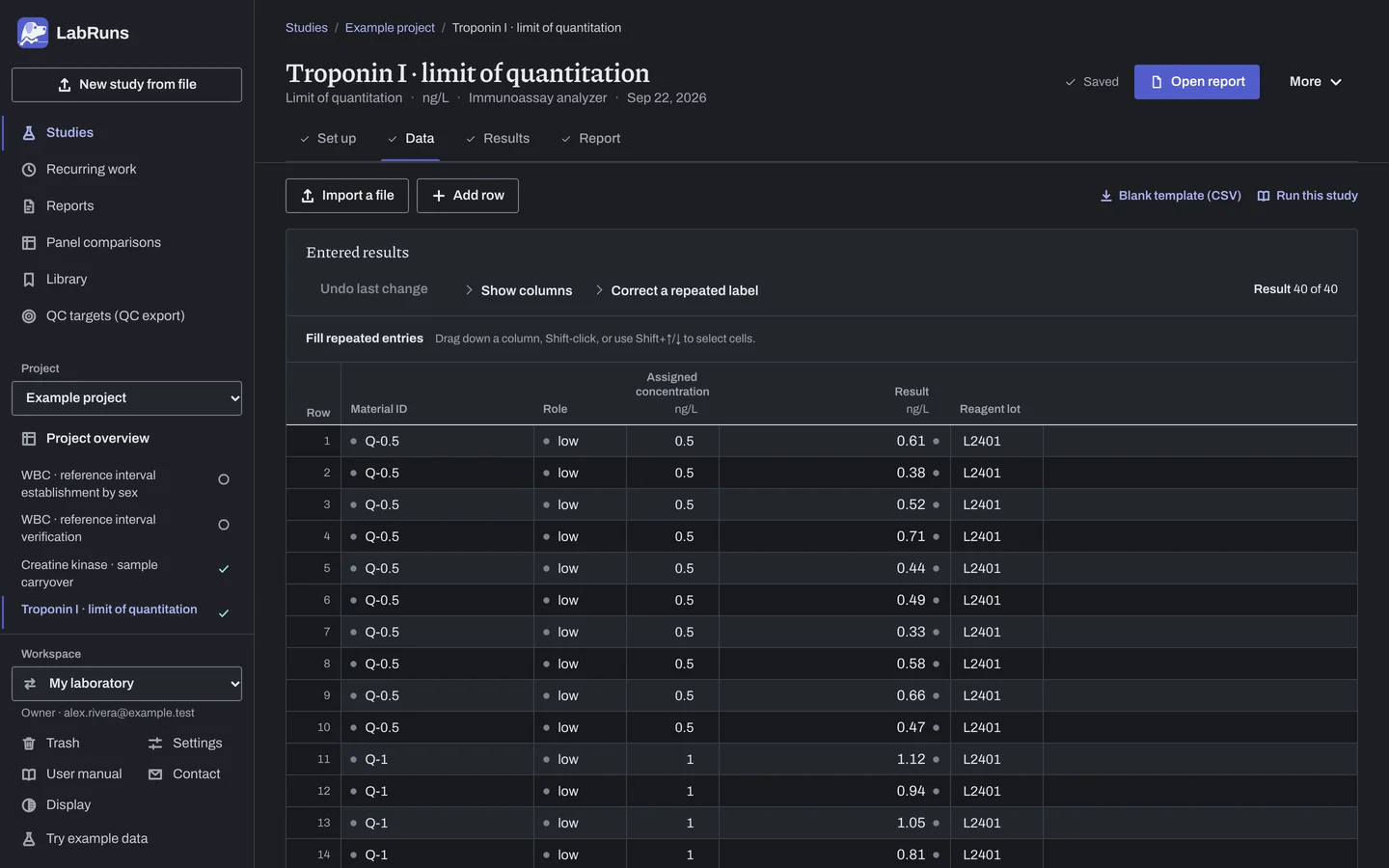
Enter your results. Enter material ID, role "low", its positive assigned concentration and every reading. For a ready-made file, use Blank template (CSV) on Data, or download the example file.
Figure 10. Data for Troponin I · limit of quantitation. -
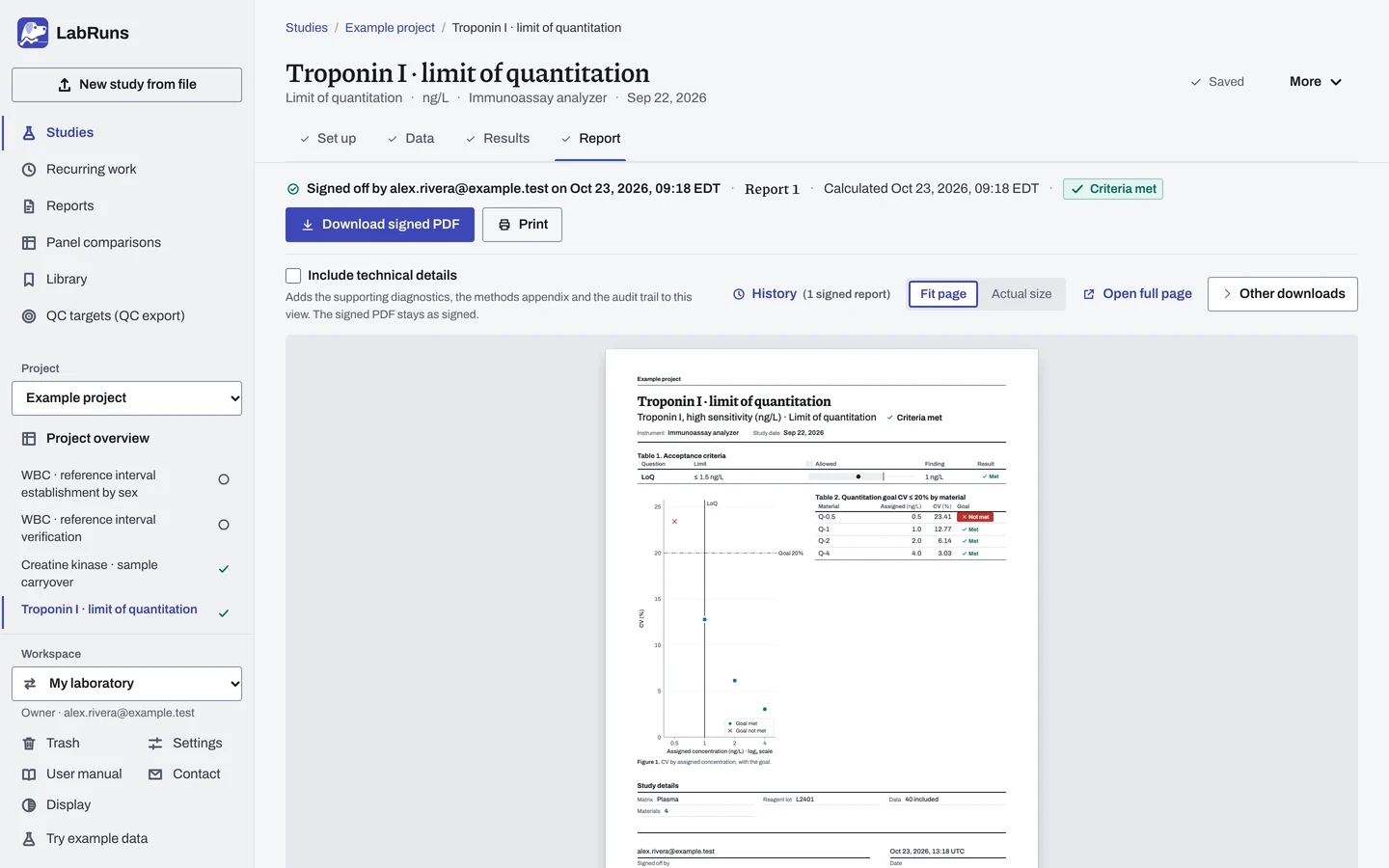
Calculate and check. Save the study, choose Calculate results, then check:
- The goal decision at each concentration.
- The LoQ is one of the concentrations you tested.
Figure 11. Results for Troponin I · limit of quantitation. -
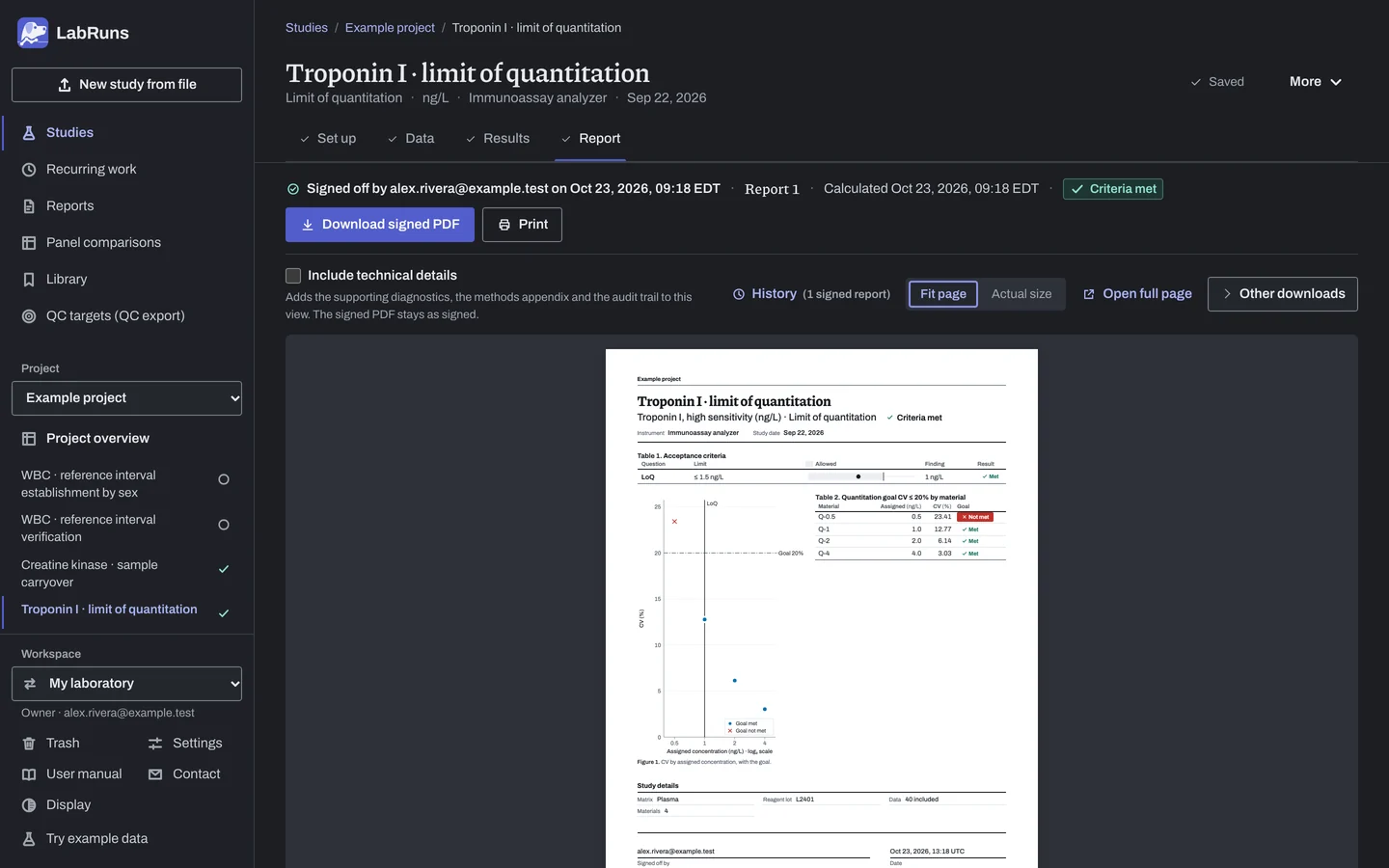
Report your decision. Open Report, look over the result and the study details, then download or print the report. Sign-off is optional.
Figure 12. Report for Troponin I · limit of quantitation.
Set up
Section titled “Set up”- Choose New study, select Detection limits under Measuring range, choose Which limit (Limit of blank, Limit of detection or Limit of quantitation), enter Analyte and Unit, and choose Create study, or Create and import data if you already have results.
- On Set up, under Detection capability, check the Detection limit and choose the Objective (Establish from study data or Verify a claimed limit). To verify, enter Claimed LoB, Claimed LoD or Claimed LoQ.
- For the LoD, under LoB used for the LoD, choose the LoB source: Estimate from blank rows in this study or Use a stated LoB, with Stated LoB.
- For the LoQ, under Quantitation goal, choose the Goal type (Imprecision · CV, Bias and imprecision · |bias| and CV or Total error · (|bias| + k·SD) / assigned) and enter its values (CV goal (%), Bias goal (%) or Total-error goal (%)). For a total-error goal, change SD multiplier k from 2 if your goal uses another. Enter Stated LoD (optional) to set a floor for the LoQ.
- To change α, β, the LoB method or how censored results are read, open Calculation options. See Settings.
- Once the objective is set, under Acceptance limits above, choose Enter your own limit and enter the largest acceptable estimated limit, or, to verify a claimed LoB or LoD, the Smallest acceptable verification share (%). LoQ verification needs no limit: its quantitation goal decides. See Acceptance limits.
- On Data, choose Import a file or Add row, and enter one row per result with its Material ID, Role (
blankfor blank materials,lowfor low-level materials) and Result. Give each material one role and one Assigned concentration: above zero for LoQ materials, and the claim for LoD verification materials. See Columns, Import a file and Correct or exclude a result.
When a limit is not met
Section titled “When a limit is not met”- Check the entries. Check roles, shared material IDs, the unit and the reagent lot first.
- Failed verification. Confirm the material is at the claimed concentration.
- LoD with uneven low materials. Compare the SD ratio between the low materials before relying on the pooled SD.
Common mistakes
Section titled “Common mistakes”- One material given two roles or two assigned concentrations. Give each material one role and one assigned concentration.
- An LoQ low material without a positive assigned concentration. Enter its assigned concentration, above zero.
- LoD verification materials off the claim. A low material not assigned at the claimed LoD leaves the verification Undecided. Use only materials assigned at the claim.
- More than one reagent lot. One lot covers the whole study; a blank Reagent lot cell is the study's reagent lot.
- Too few blanks for an LoB interval. If an interval end reads "not estimable", add blank results; a note says how many.
- A Gaussian LoB without a check for skew. Parametric · mean + z·SD (Gaussian) assumes normally distributed blanks. Compare the blank mean and median before relying on it.
- A
>or≥result. It is always a row error. Enter the exact reading or exclude the row with a reason.