


Glucose meter error grids
Run this study
Section titled “Run this study”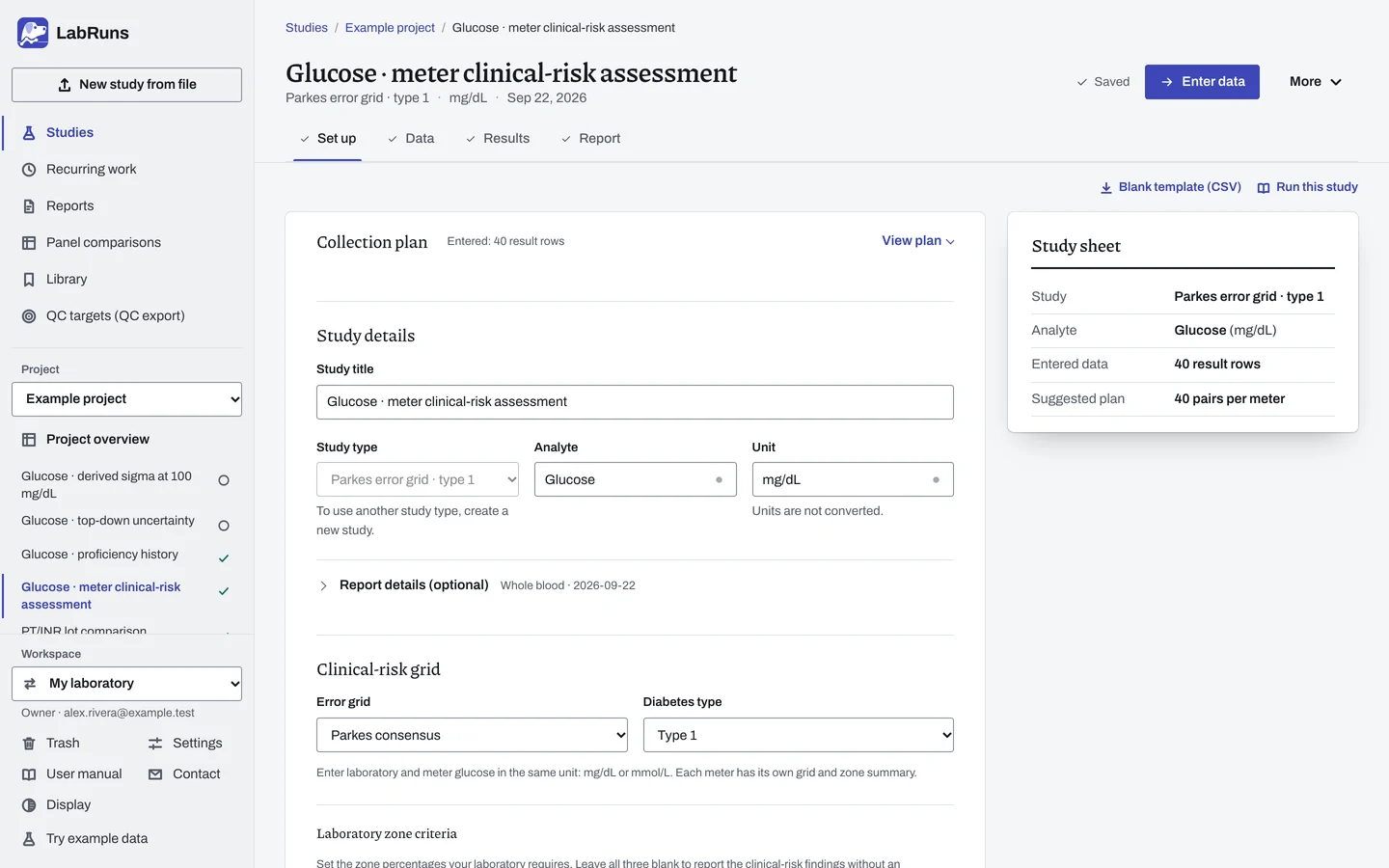
- Your question
-
What clinical risk do paired meter and laboratory glucose differences represent?
- Prepare
-
Independent specimens spanning low, usual and high glucose concentrations; include concentrations where treatment decisions change. A laboratory comparison result and meter result from the same specimen and sampling occasion. Record each meter's identity and keep all results in one unit.
- Suggested starting plan
-
- 40 independent specimens × 1 laboratory measurement × 1 measurement on each meter, in matched sampling occasions. 40 pairs per meter.
Choose the specimen distribution and collection conditions for the intended meter use. Assess the results against the applicable meter-performance standard as well as the error grid. Parkes grid technical definition.
- Calculation minimum
-
One included pair can be placed in a grid. Clinical conclusions need an adequate independent specimen set across the relevant glucose range.
-
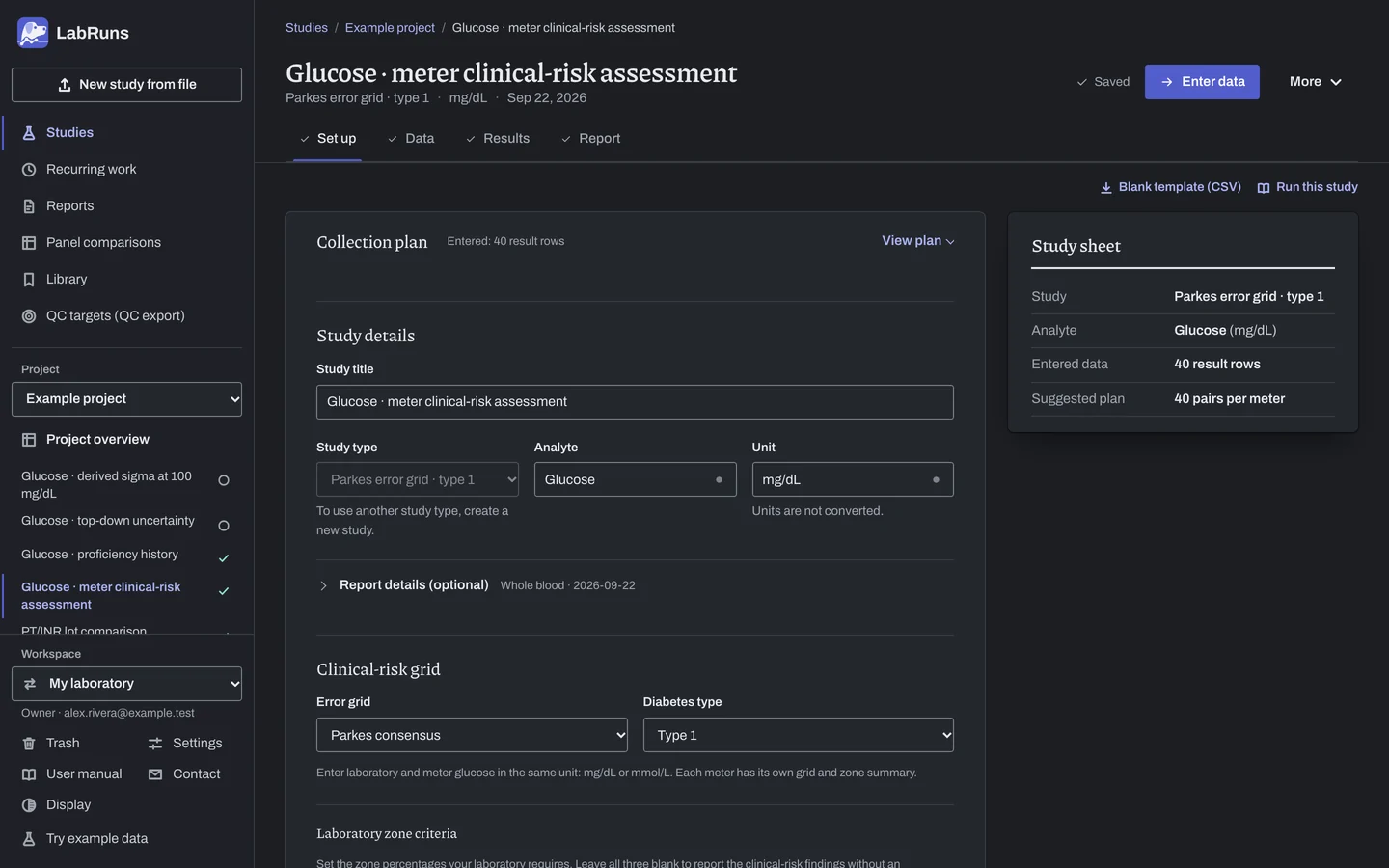
Decide before collecting. Create the study and fill these in on Set up:
- Choose Clarke or Parkes; for Parkes, choose type 1 or type 2 diabetes.
- Choose any laboratory limits for the percentage in A, A + B, or D + E before reviewing the results. Leaving all three blank gives risk findings without an acceptance verdict.
- Use mg/dL or mmol/L. The published domains are 0–400 mg/dL for Clarke and 0–550 mg/dL for Parkes, on both axes.
Figure 1. Set up for Glucose · meter clinical-risk assessment. -
Collect and record. Collect the results as planned above and label each one with the specimen or material, level, day, run and replicate your design tracks.
-
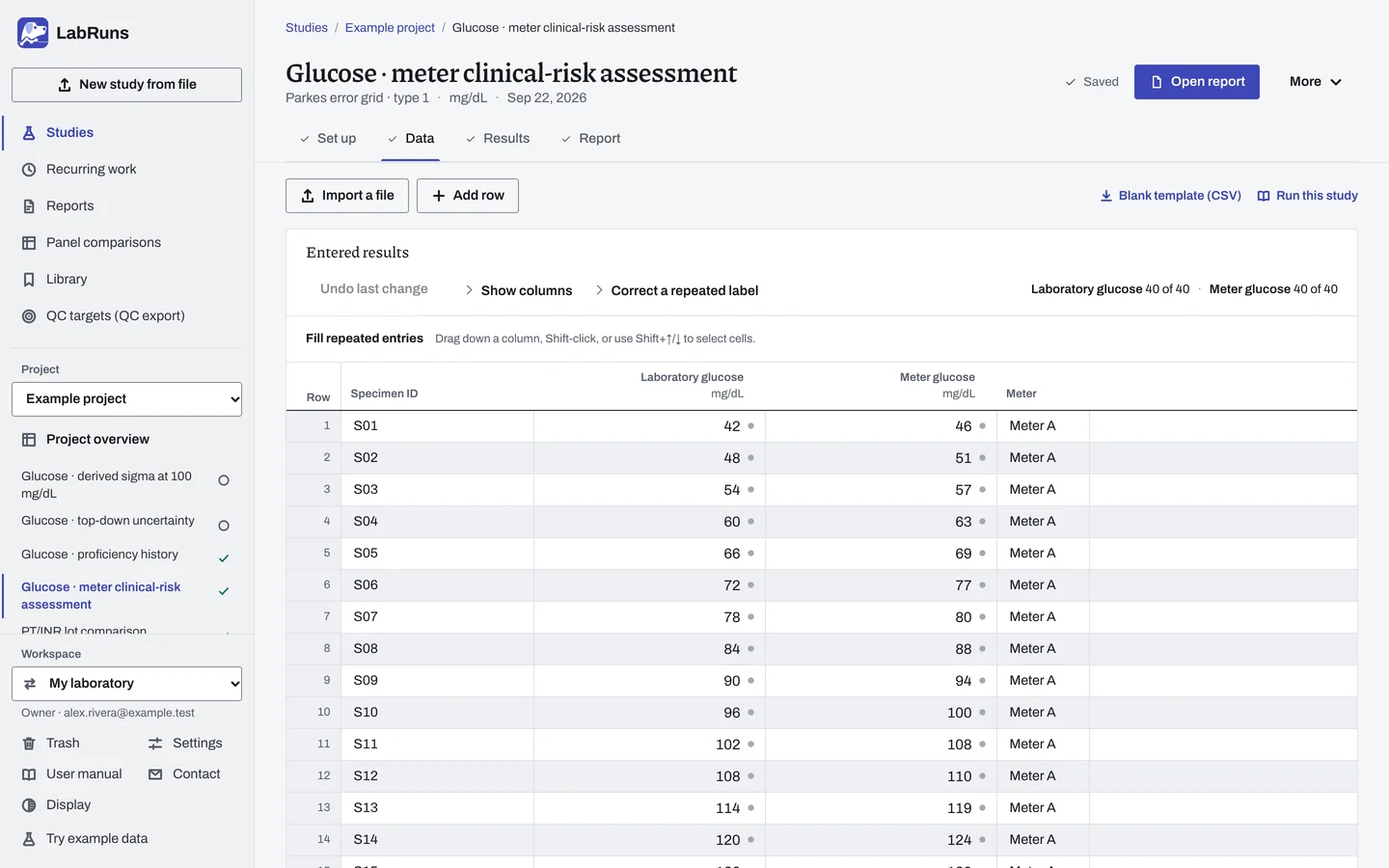
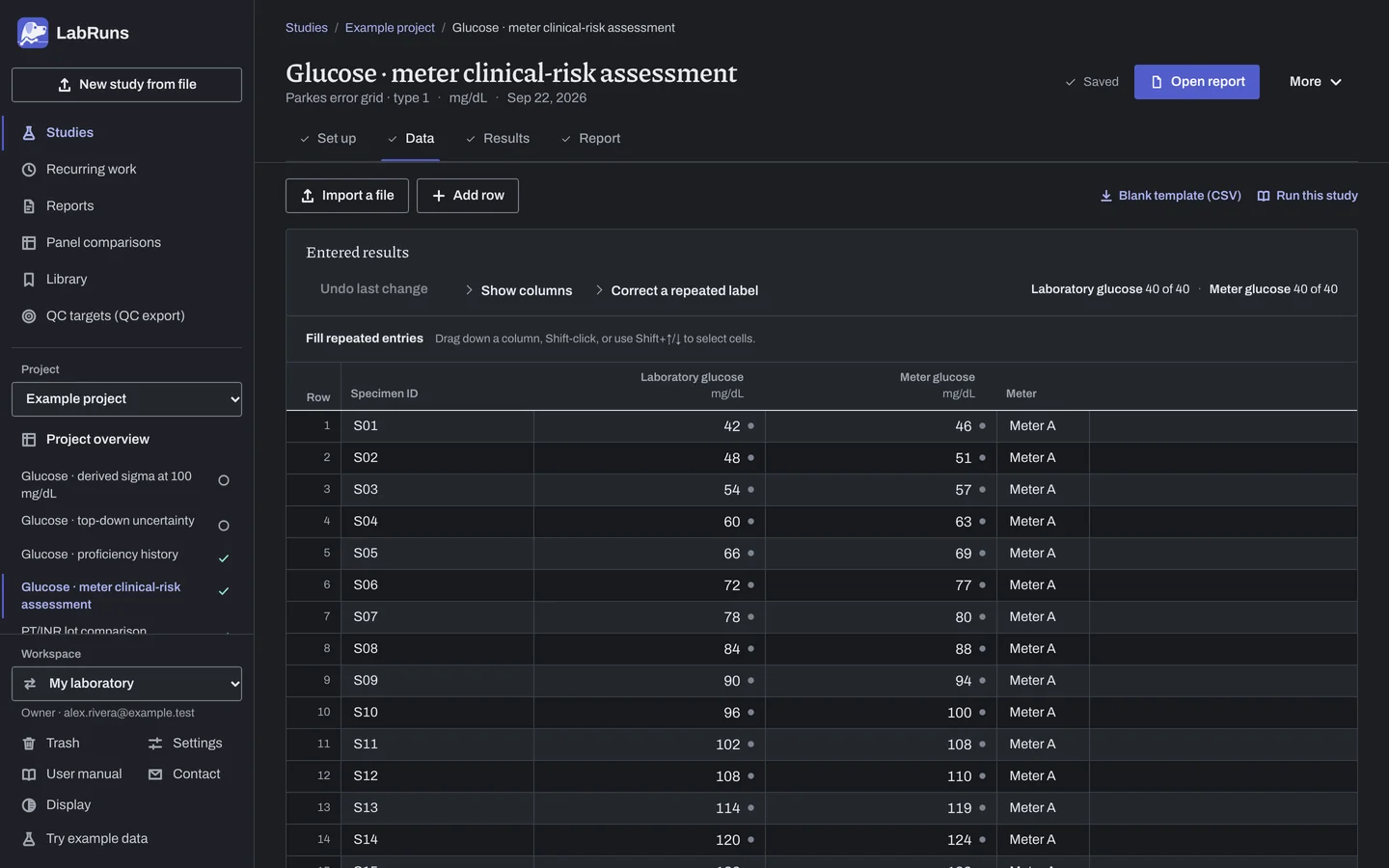
Enter your results. Enter coded specimen ID, laboratory glucose, meter glucose and meter name. Use the same specimen ID for repeats; give each measurement pair its own row. A pair without an ID is numbered S1, S2… when you save. For a ready-made file, use Blank template (CSV) on Data, or download the glucose-pair template.
Figure 2. Data for Glucose · meter clinical-risk assessment. -
Calculate and check. Save the study, choose Calculate results, then check:
- Check included and total pairs for every meter, the range covered and any exclusions.
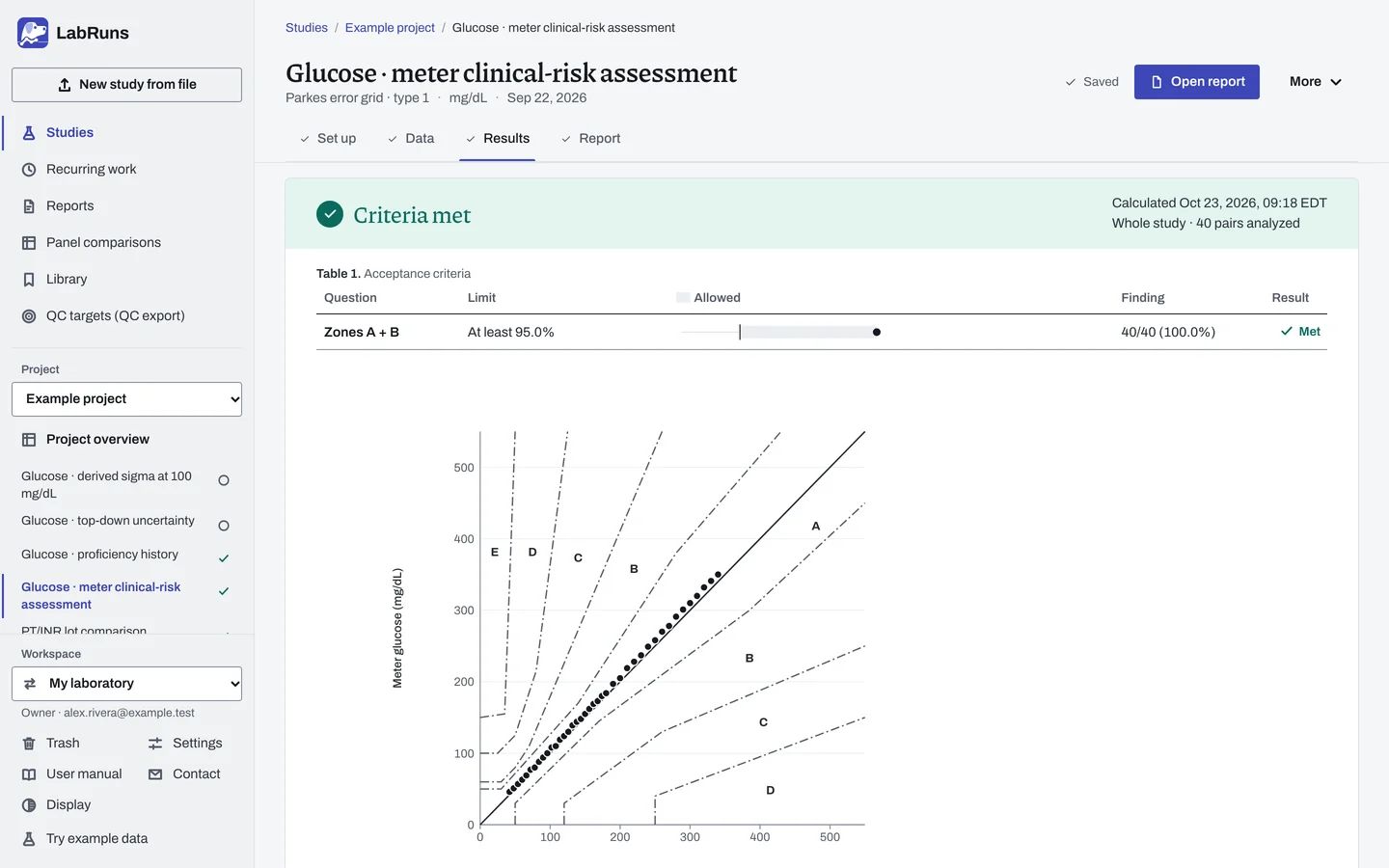
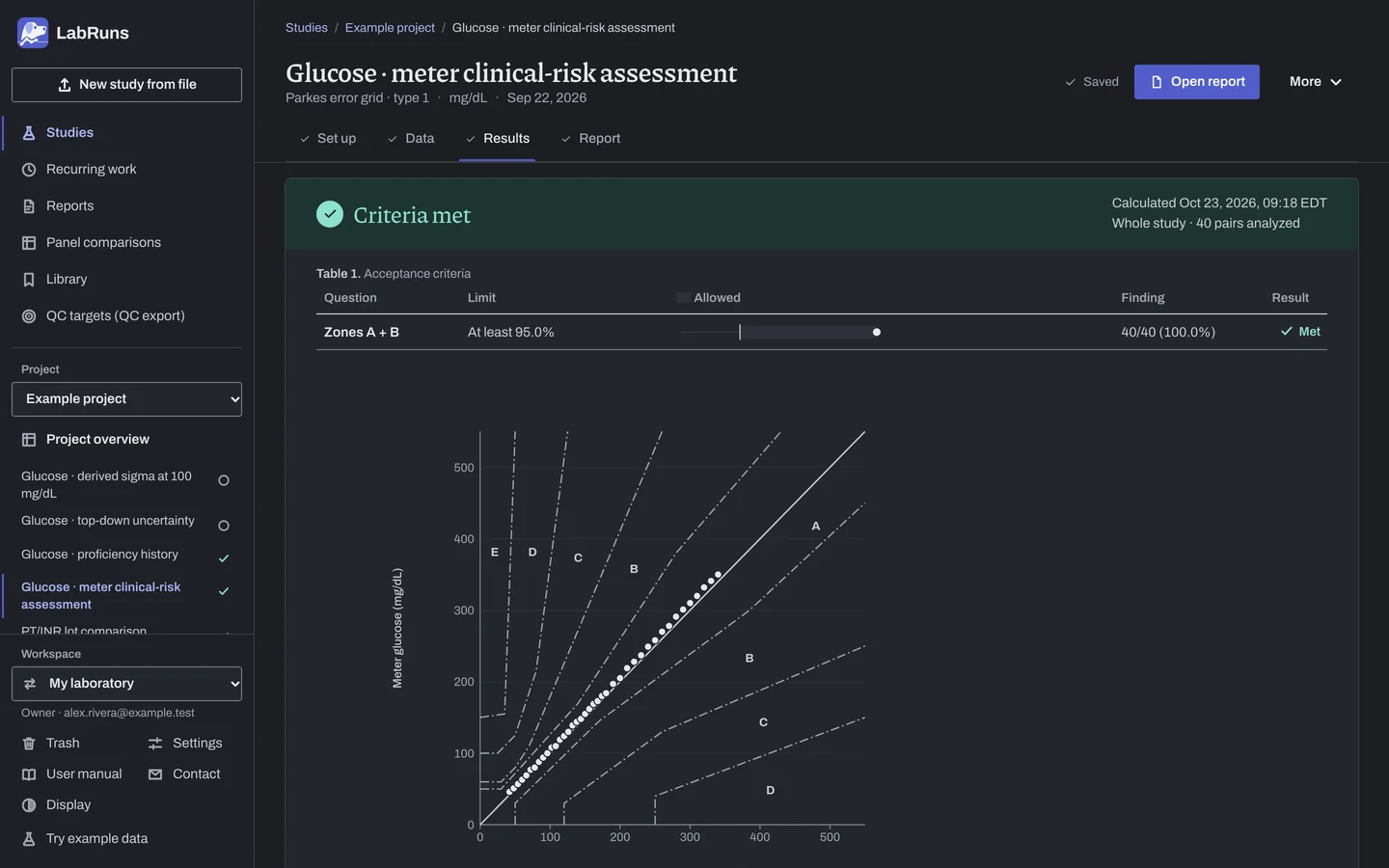
- Review the grid, all five zone counts and the laboratory's selected zone decisions. Read the signed mean percentage difference with its usable count and the 95th percentile absolute difference in the entered unit.
Figure 3. Results for Glucose · meter clinical-risk assessment. -
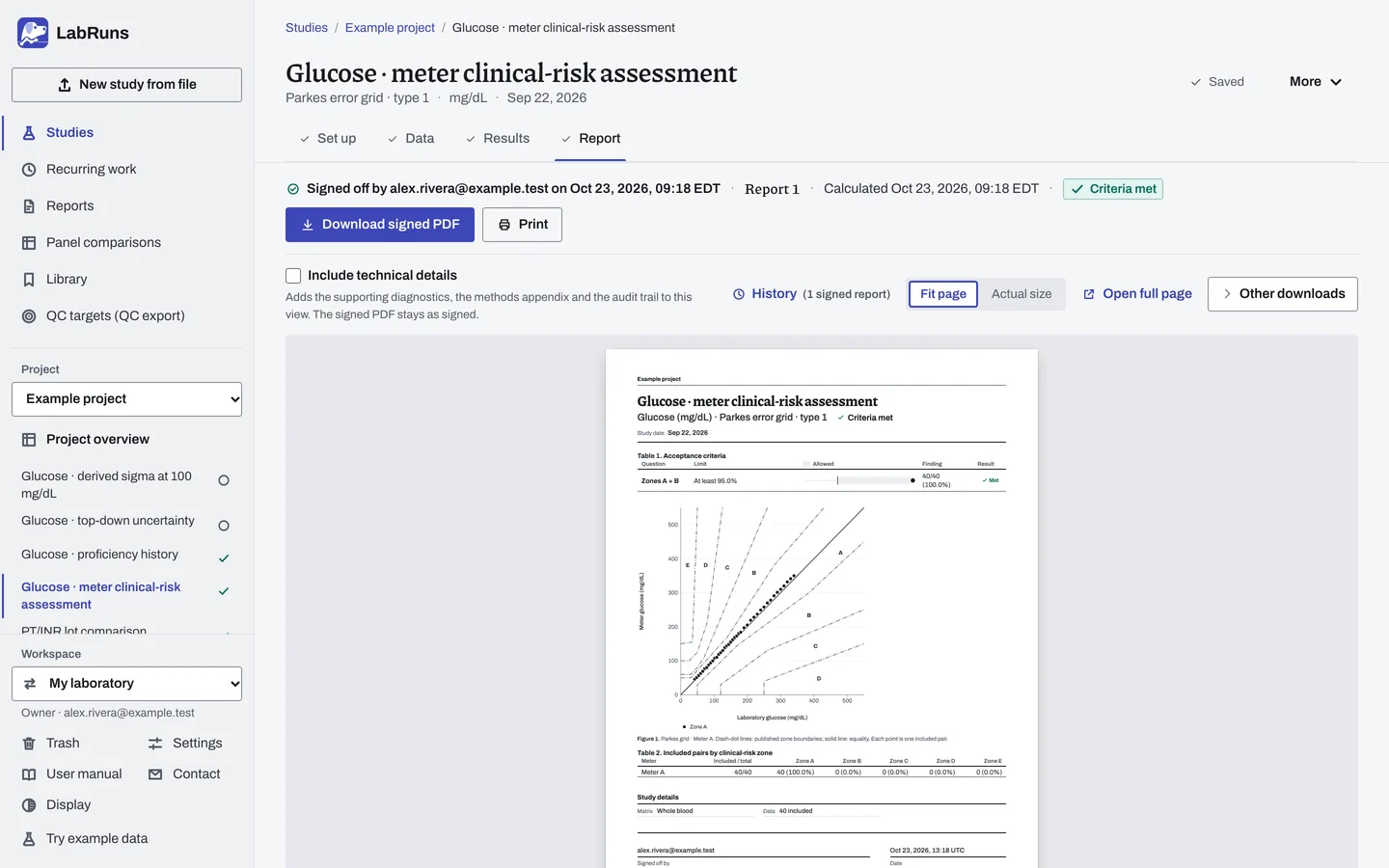
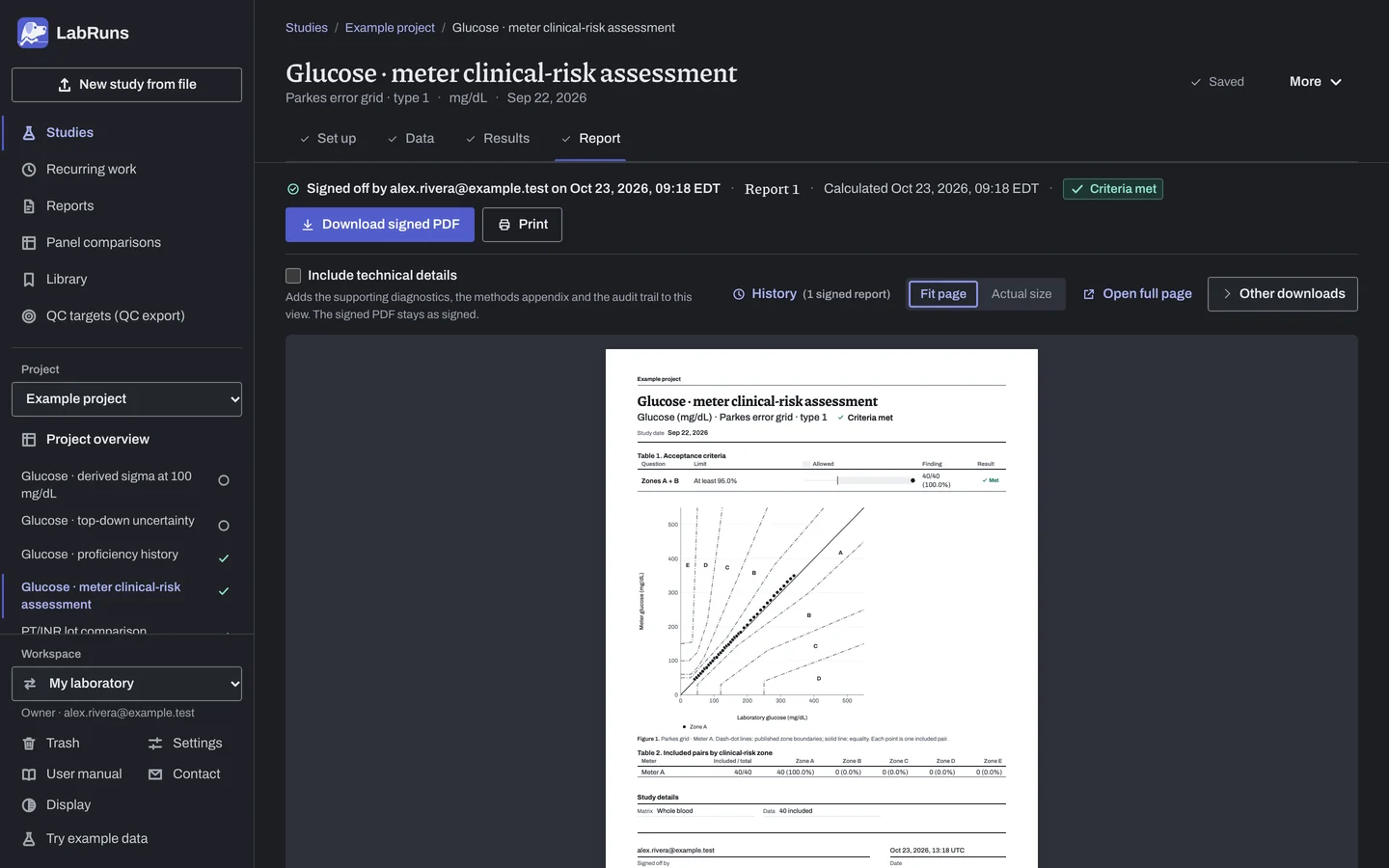
Report your decision. Open Report, look over the result and the study details, then download or print the report. Sign-off is optional.
Figure 4. Report for Glucose · meter clinical-risk assessment.
Set up
Section titled “Set up”- Choose New study. Select Glucose meter error grids under Comparison and bias, then enter Analyte and Unit:
mg/dLormmol/L, used for both result columns. Choose Create study, or Create and import data if you already have results. - On Set up, under Clinical-risk grid, select the Error grid. For Parkes, also choose the Diabetes type.
- Under Laboratory zone criteria, optionally enter a Minimum in zone A (%), Minimum in zones A + B (%) or Maximum in zones D + E (%). See Acceptance limits.
- On Data, choose Import a file, or Add row and type or paste into the grid: a coded specimen ID, laboratory glucose, meter glucose and meter name for each matched pair. Give each replicate pair its own row with the same specimen ID. See Columns.
When a limit is not met
Section titled “When a limit is not met”- Check the included and total pairs for each meter, and any exclusions.
- Check that laboratory and meter glucose are in their own columns and in the study unit.
- Check the Error grid, the Diabetes type for Parkes, and each zone percentage entered under Laboratory zone criteria.
Common mistakes
Section titled “Common mistakes”- A value outside the grid domain, 0–400 mg/dL for Clarke and 0–550 mg/dL for Parkes, or the equivalent in mmol/L. Correct the entry or exclude the pair with a reason before calculation.
- Laboratory and meter results in different units. Both result columns use the study's unit. Enter both in mg/dL or both in mmol/L.
- Replicate pairs under different specimen IDs. Each ID counts as an independent specimen. Keep the same specimen ID for repeats of one specimen.
- Several meters without a meter name. Each meter has its own summary. Enter the meter name on every row.