


Measurement uncertainty
Run this study
Section titled “Run this study”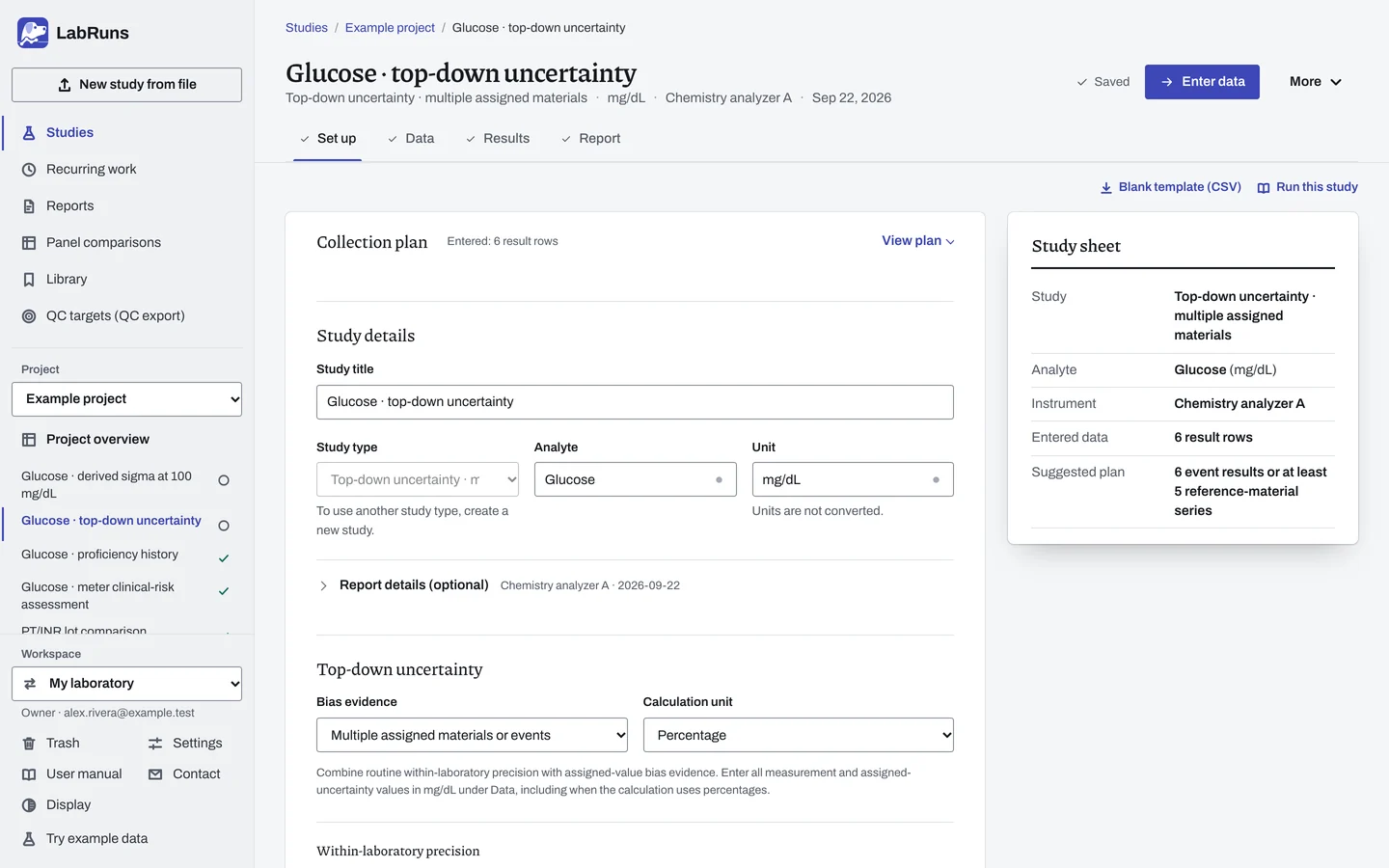
- Your question
-
What is the measurement uncertainty based on your laboratory's precision and assigned-value results?
- Prepare
-
A within-laboratory SD or CV that represents routine intermediate precision for this analyte, instrument, matrix and concentration range. Copy a saved multi-day precision estimate or enter the established summary. Laboratory results for independent materials or proficiency events, with each assigned value and its standard or expanded uncertainty. Record the coverage factor for expanded uncertainty. Use 1 for standard uncertainty.
- Suggested starting plan
-
- Use at least 6 independent proficiency events, or reference materials measured in at least 5 independent series, alongside routine within-laboratory precision. 6 event results or at least 5 reference-material series.
Use existing precision and bias data that represent the claimed measurement range. The design follows Nordtest TR 537, edition 4 (2017), sections 3 and 6.
- Calculation minimum
-
The multiple-material method needs two independent materials or events. The single-material method needs two independent run means from one assigned material.
-
Decide before collecting. Create the study and fill these in on Set up:
- Choose multiple assigned materials/events or one assigned material measured in independent runs.
- Choose an absolute SD model or a percentage CV model, the applicable range and coverage factor, initially 2. A factor of 2 is an approximate 95% convention.
- If needed, set a laboratory limit for expanded uncertainty in the chosen calculation unit. A group SD is not an assigned-value uncertainty.
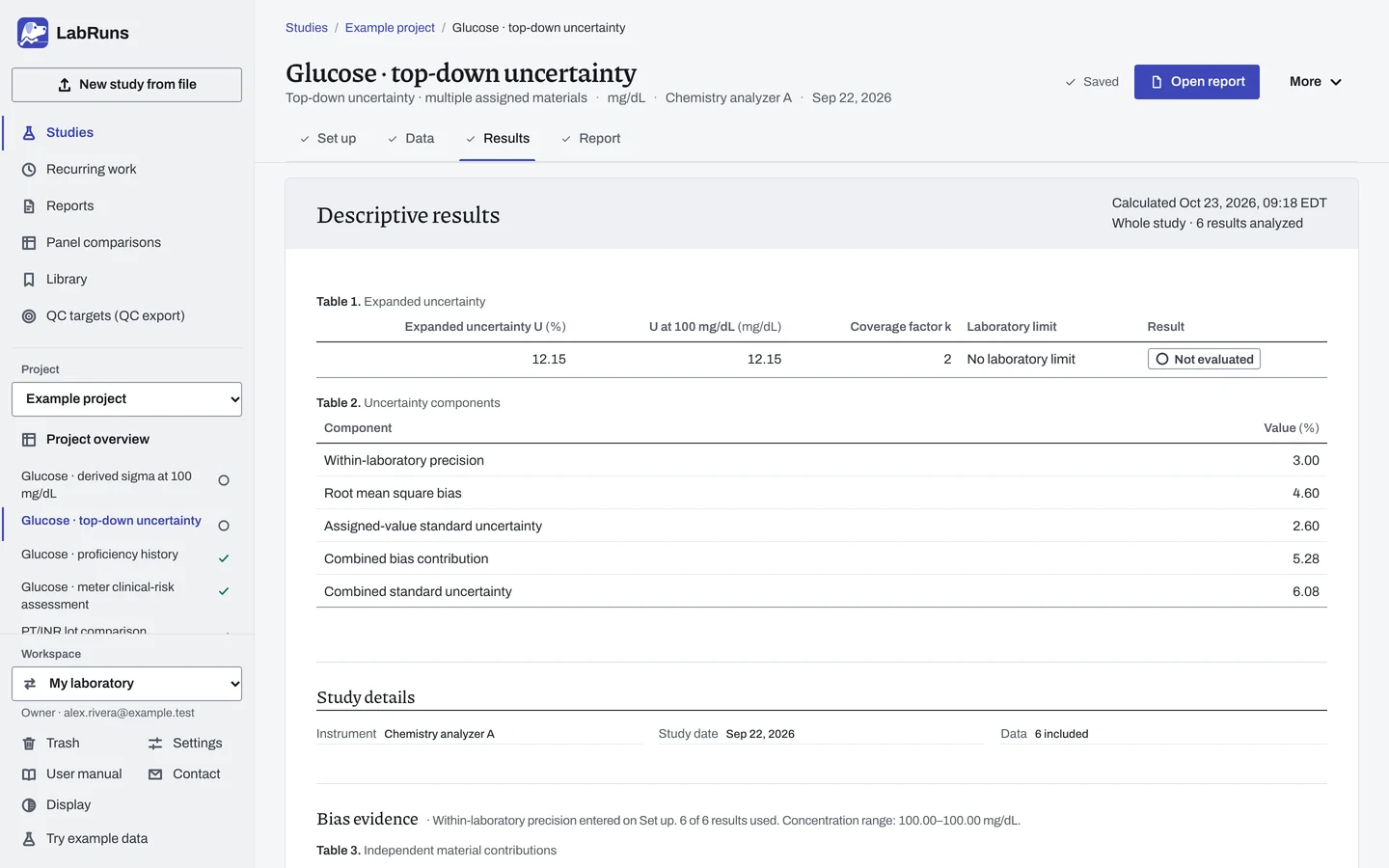
Figure 1. Set up for Glucose · top-down uncertainty. -
Collect and record. Collect the results as planned above and label each one with the specimen or material, level, day, run and replicate your design tracks.
-
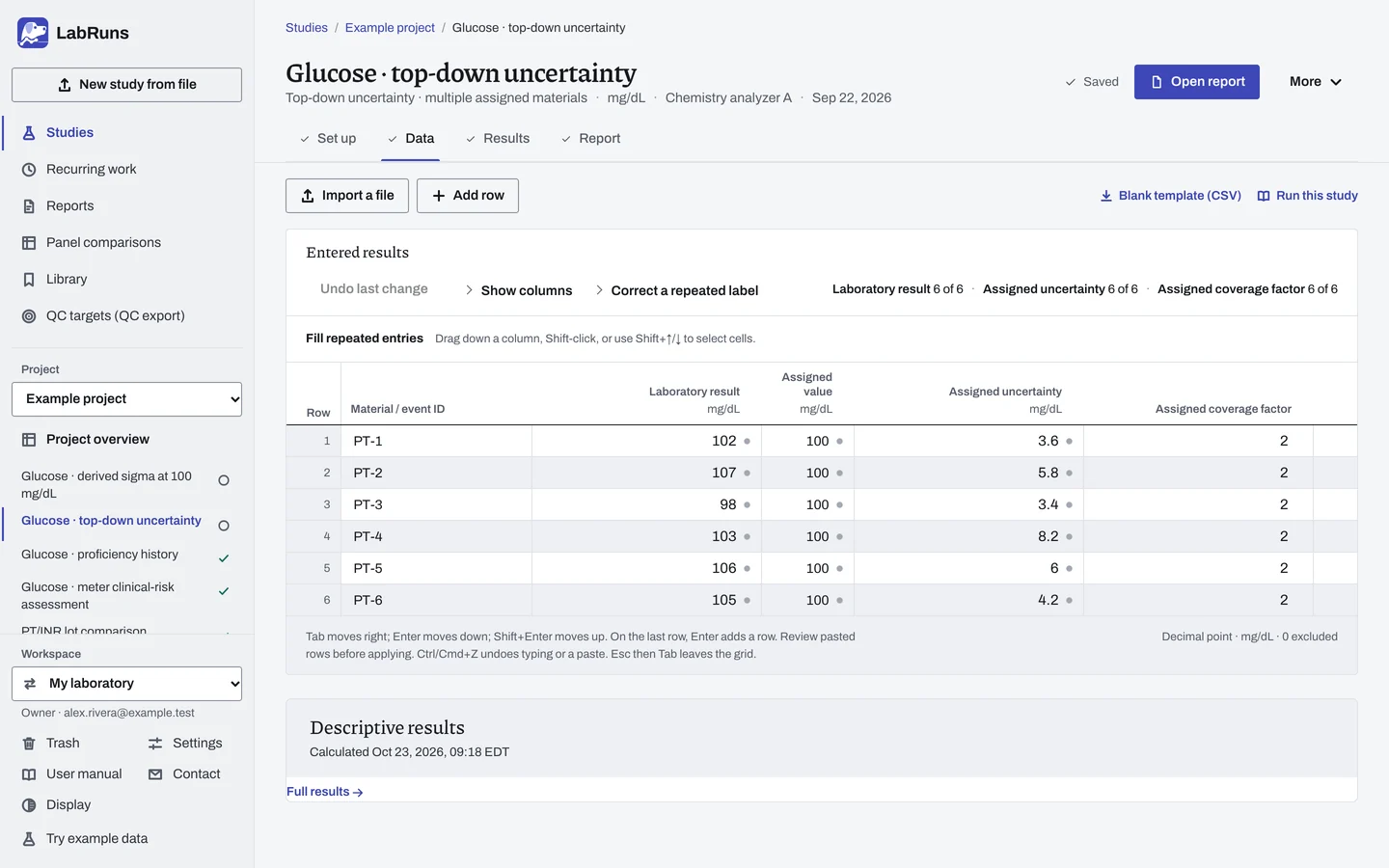
Enter your results. Enter coded material/event ID, laboratory result, assigned value, assigned uncertainty and its coverage factor. In single-material mode, enter one mean per independent run and label the run. Keep measurements and assigned uncertainties in the study unit even when the calculation uses percent. For a ready-made file, use Blank template (CSV) on Data, or download the assigned-value uncertainty template.
Figure 2. Data for Glucose · top-down uncertainty. -
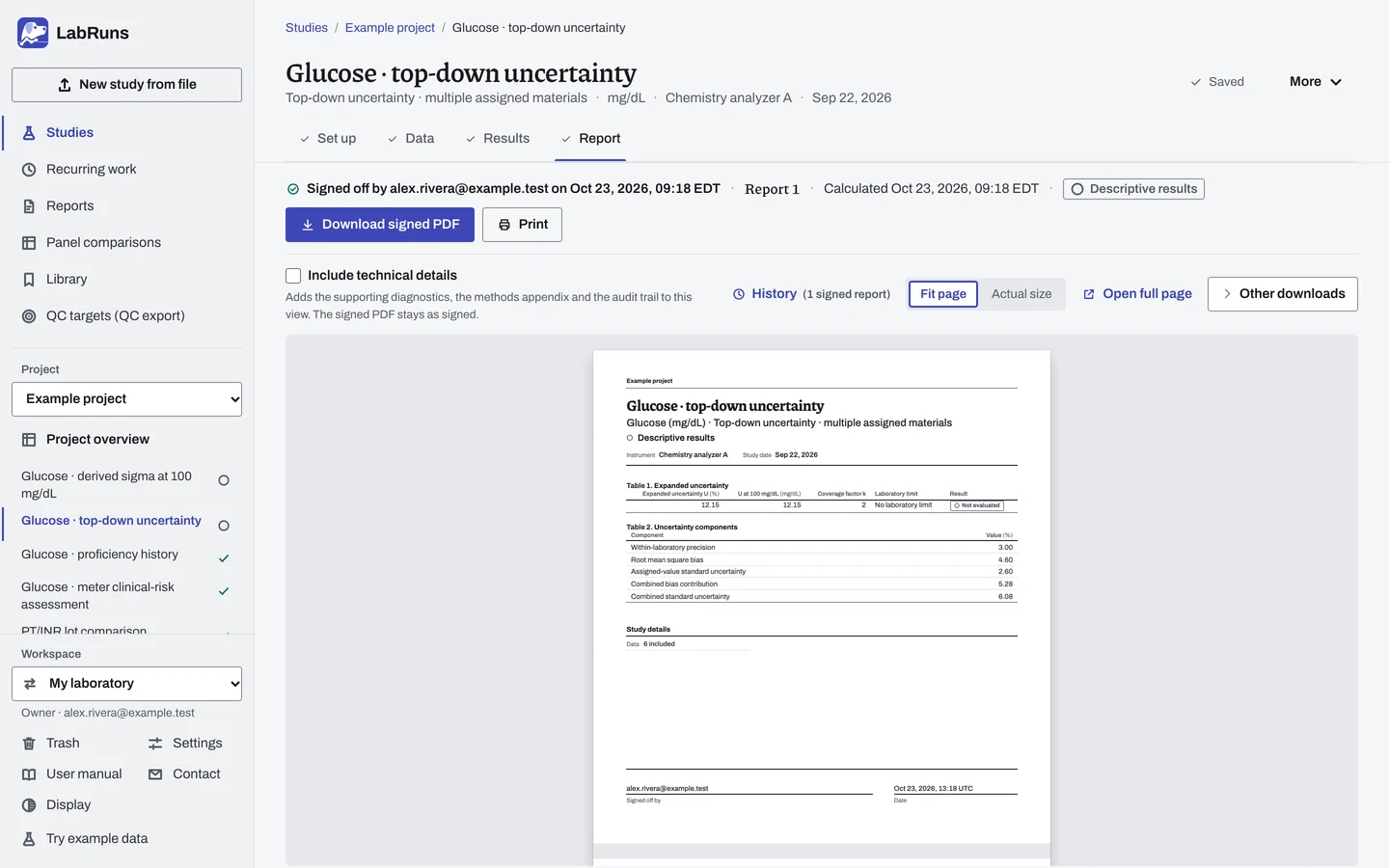
Calculate and check. Save the study, choose Calculate results, then check:
- Check material and run counts, the precision source, input units, applicable range and coverage factor.
- Read the separate precision, bias and assigned-value components and the expanded uncertainty. Review any changed-source finding before reporting.
Figure 3. Results for Glucose · top-down uncertainty. -
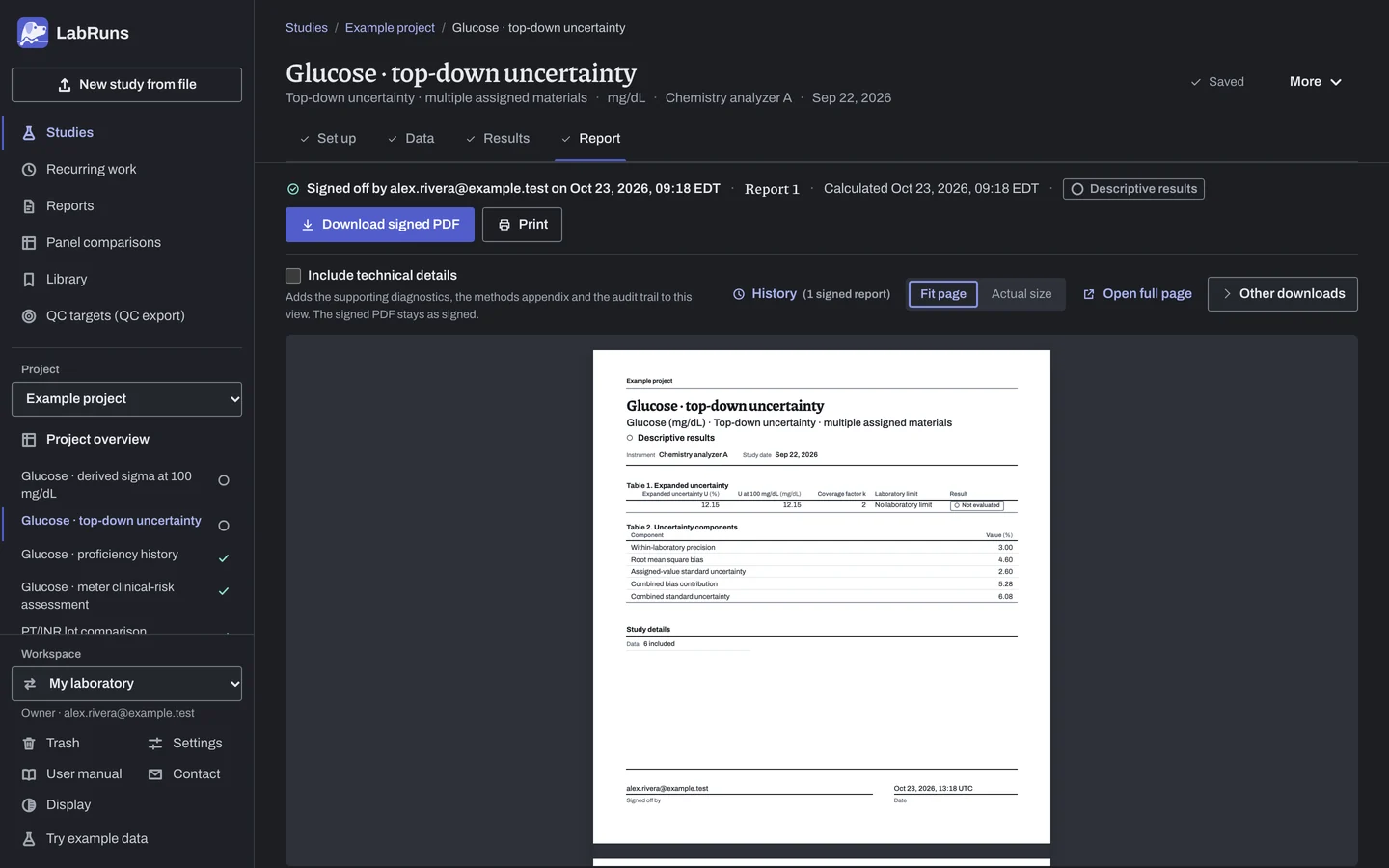
Report your decision. Open Report, look over the result and the study details, then download or print the report. Sign-off is optional.
Figure 4. Report for Glucose · top-down uncertainty.
Set up
Section titled “Set up”- Choose New study, select Measurement uncertainty under Summaries, enter Analyte and Unit, and choose Create study, or Create and import data if you already have results.
- On Set up, under Top-down uncertainty, choose Bias evidence: Multiple assigned materials or events, or One assigned material across independent runs.
- Choose the Calculation unit: Absolute in the study unit, or Percentage.
- Under Within-laboratory precision, enter the Within-laboratory SD (Within-laboratory CV (%) for Percentage) and, if needed, the Representative concentration. Or choose an estimate under Saved within-laboratory precision and choose Copy precision, which fills in both; the list shows calculated multi-day precision studies for this analyte and unit in the project.
- Under Range and coverage, check the Coverage factor and, if needed, enter Applicable range low, Applicable range high and an Expanded-uncertainty limit. See Settings.
- On Data, choose Import a file or Add row and enter one row per assigned material or event. For one assigned material, average the measurements within each run and enter one Run mean per row, each with its own Run ID. See Columns.
- Choose Calculate results. See Calculate results.
When a limit is not met
Section titled “When a limit is not met”- If the copied precision source has changed, copy the estimate again before relying on the limit decision.
- Check the precision source, input units, material or run counts, stated range and coverage factor.
- Review each uncertainty component: precision, bias and assigned value.
Common mistakes
Section titled “Common mistakes”- A peer-group SD entered as the assigned uncertainty: a peer-group SD is a different quantity. Enter the assigned value's stated uncertainty and its coverage factor.
- An expanded assigned uncertainty with coverage factor 1: enter the stated coverage factor. Use 1 only when the assigned uncertainty is already a standard uncertainty.
- Percentages typed for a percentage calculation: laboratory results, assigned values and assigned uncertainties stay in the study unit.
- A new assigned value or uncertainty under an existing ID: give it a distinct material or event ID.
- A copied precision value edited: editing the precision value, concentration or calculation unit clears its link. Copy it again to keep the source.