


Sigma metric
Run this study
Section titled “Run this study”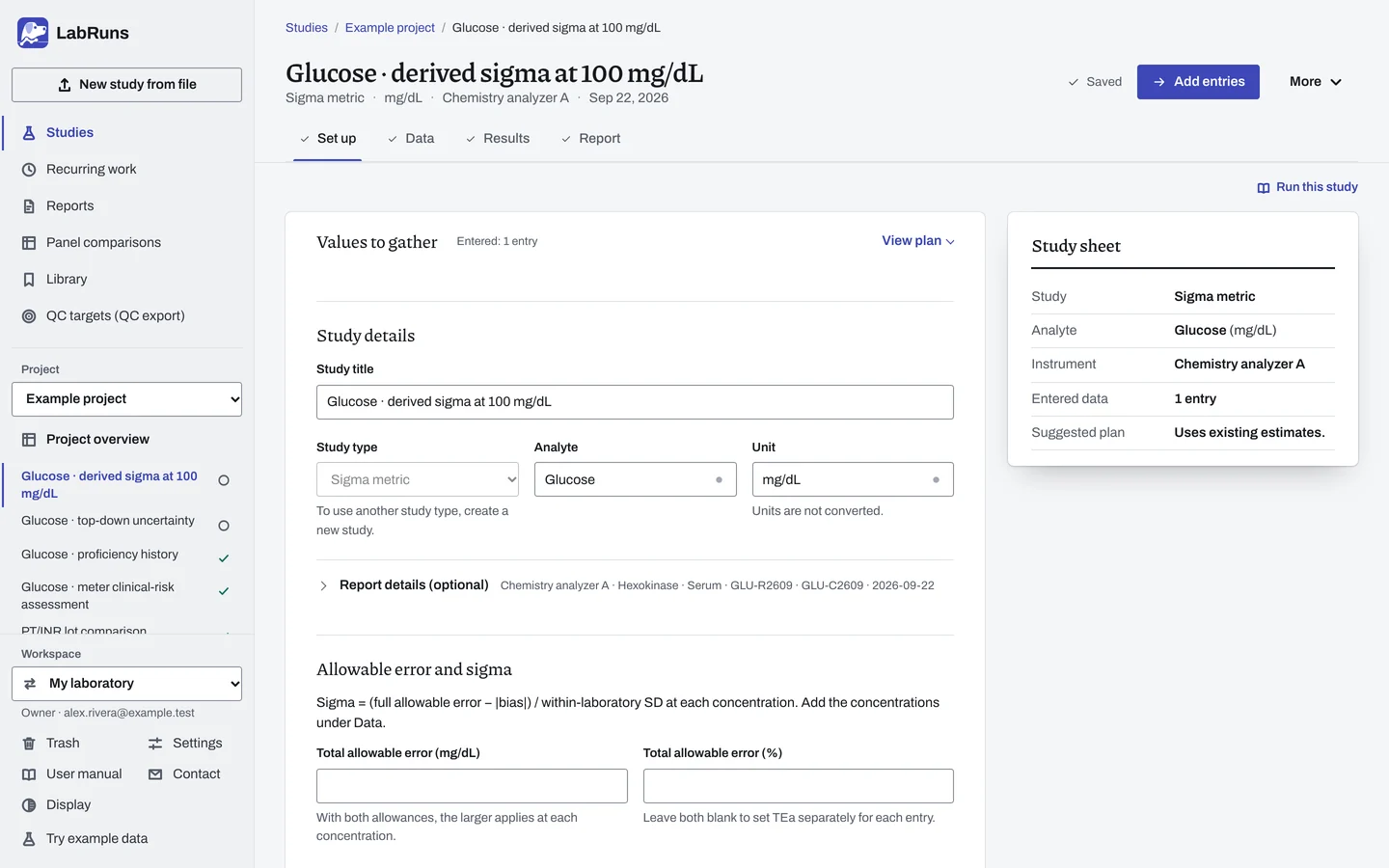
- Your question
-
What is sigma at each concentration, and which QC rules suit that performance?
- Prepare
-
A full allowable total error (TEa), copied from the analyte profile or entered as a study-unit allowance, a percentage, or both. An independent method-comparison fit, or a signed bias estimate at each concentration. Within-laboratory precision summaries across days and runs at concentrations spanning the range of interest.
- Suggested starting plan
-
- One complete entry for each concentration of interest (up to 20). Uses existing estimates.
Different TEa choices give different sigma values. Repeatability comes from one run and can overstate sigma.
- Calculation minimum
-
One complete entry gives one sigma value.
-
Decide before collecting. Create the study and fill these in on Set up:
- The concentrations relevant to your decisions and the full TEa.
- An optional minimum sigma; leave it blank for a descriptive workup.
- Whether SD or CV remains constant beyond each end of your measured precision range.
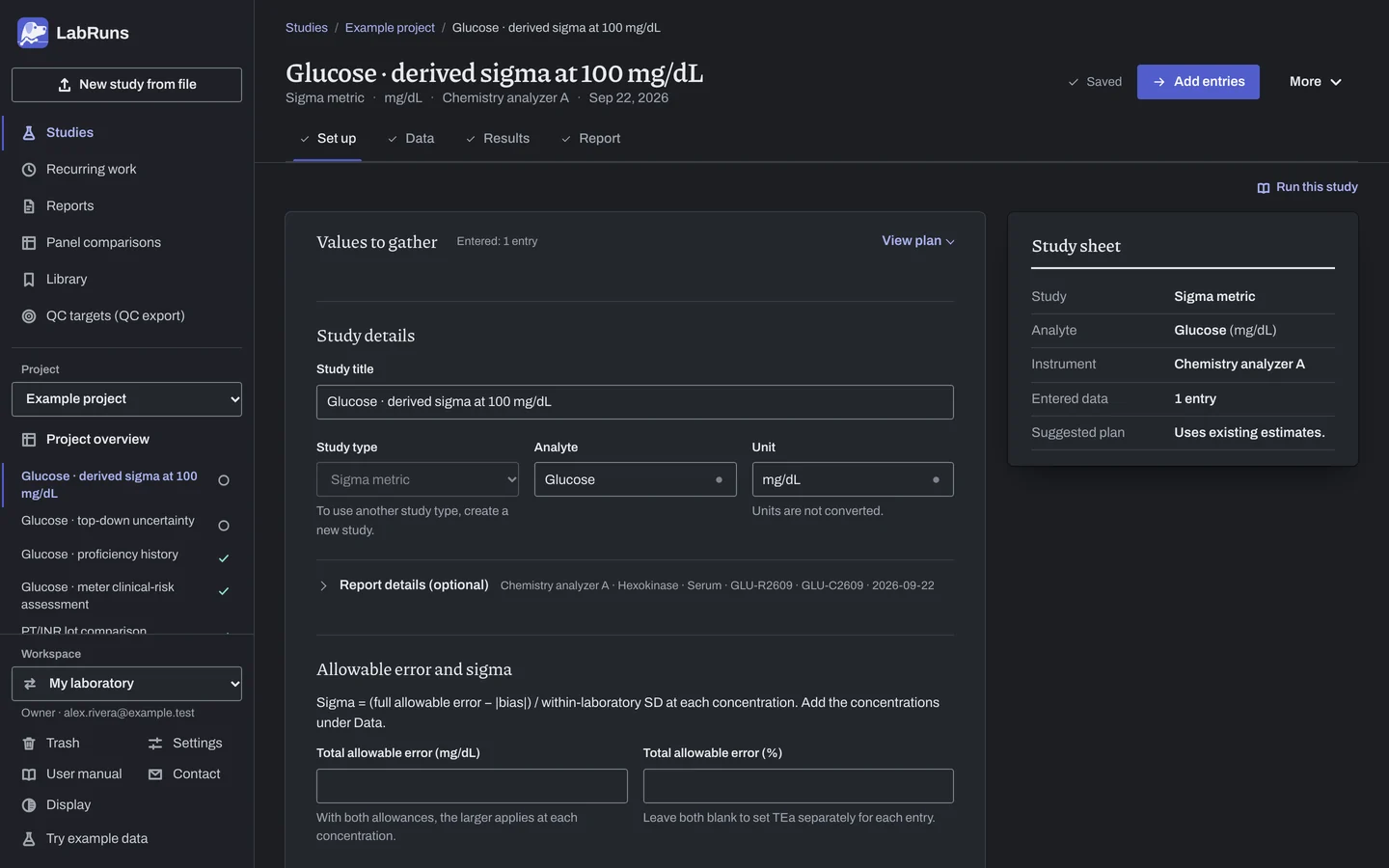
Figure 1. Set up for Glucose · derived sigma at 100 mg/dL. -
Gather the inputs. For each estimate, write down its concentration, its original unit and the study it came from.
-
Enter your results. Under Set up, copy a saved comparison fit and within-laboratory precision points or enter summaries. Under Data, add the concentrations. You can also enter TEa, bias and precision separately for each concentration.
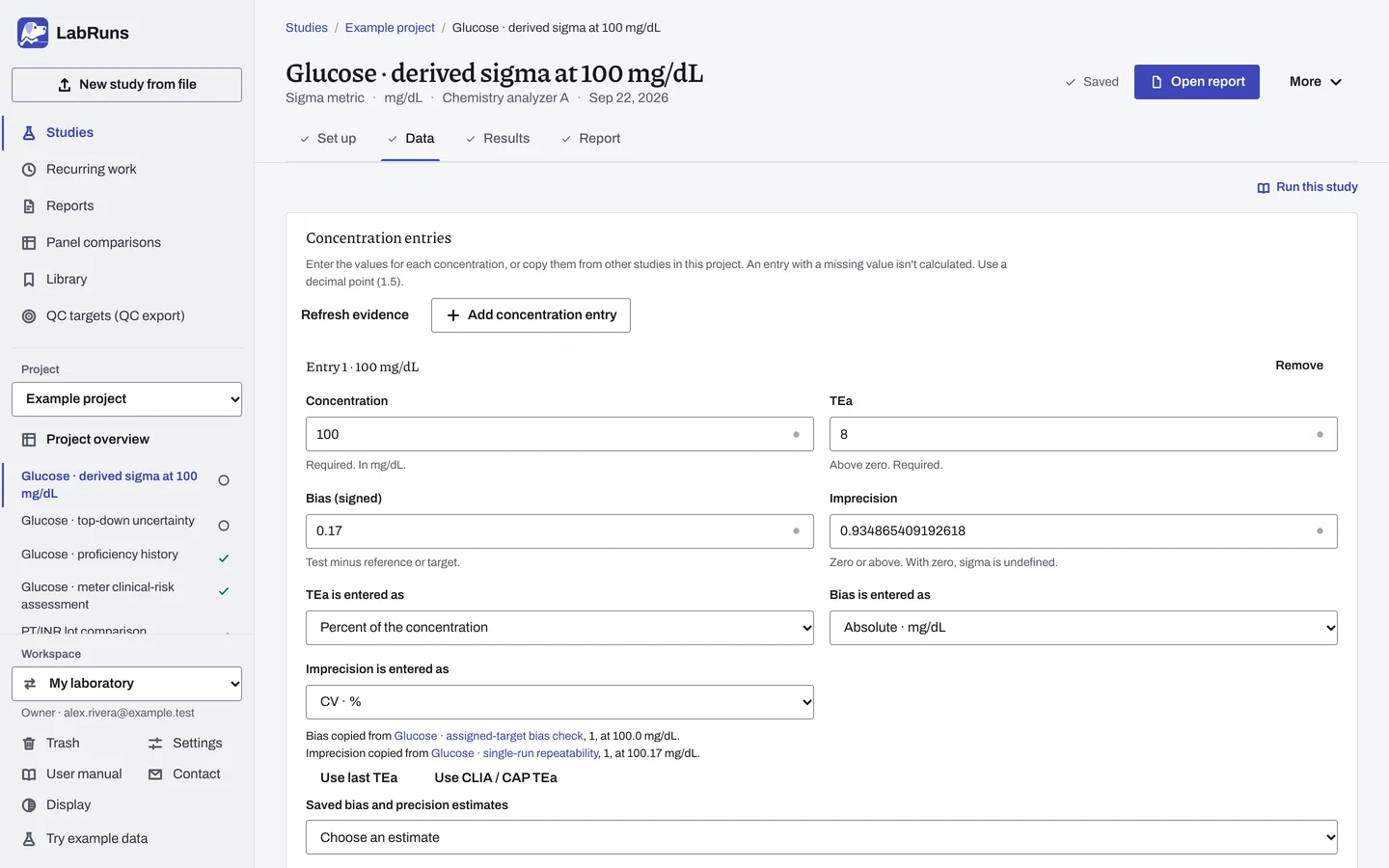
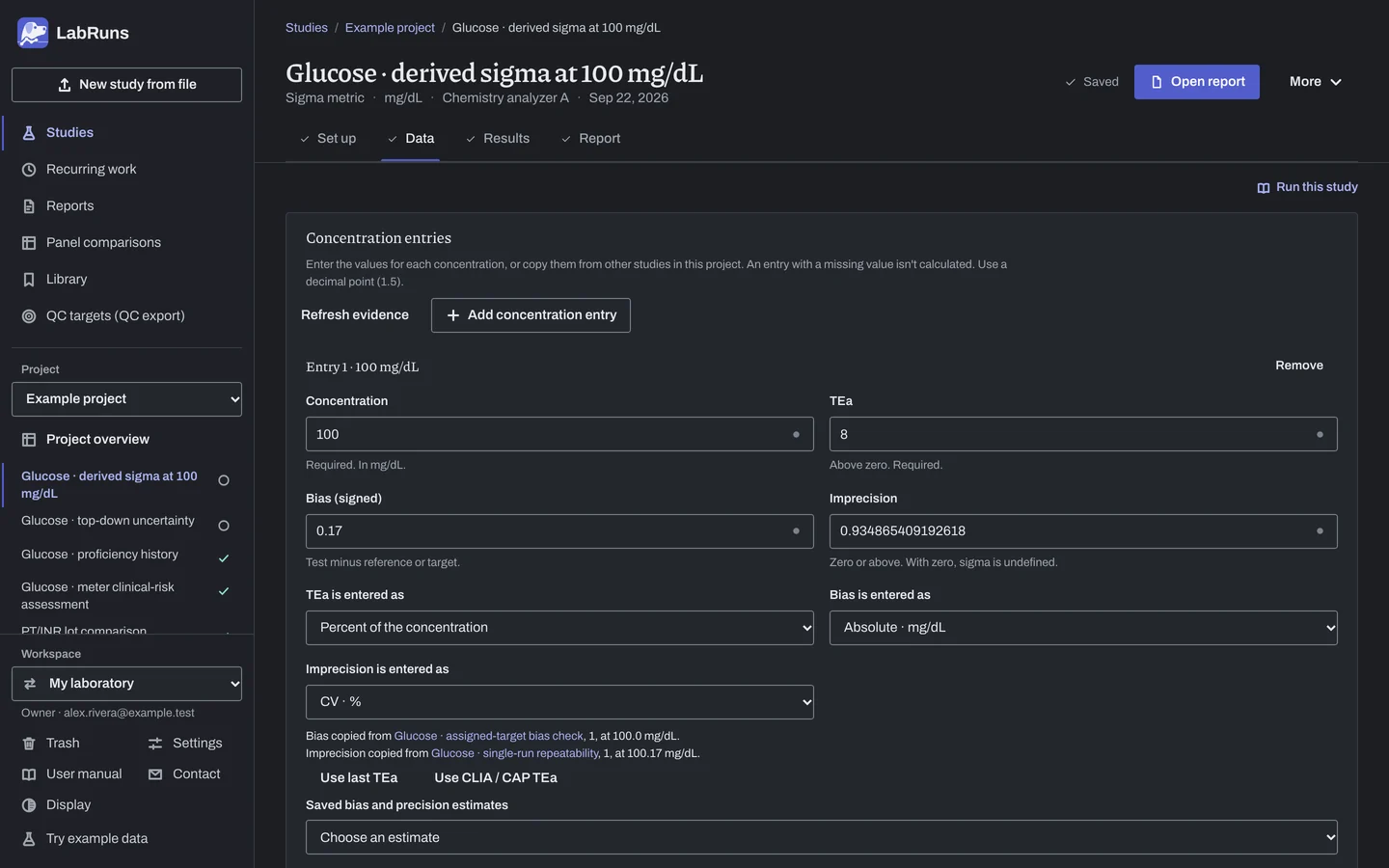
Figure 2. Data for Glucose · derived sigma at 100 mg/dL. -
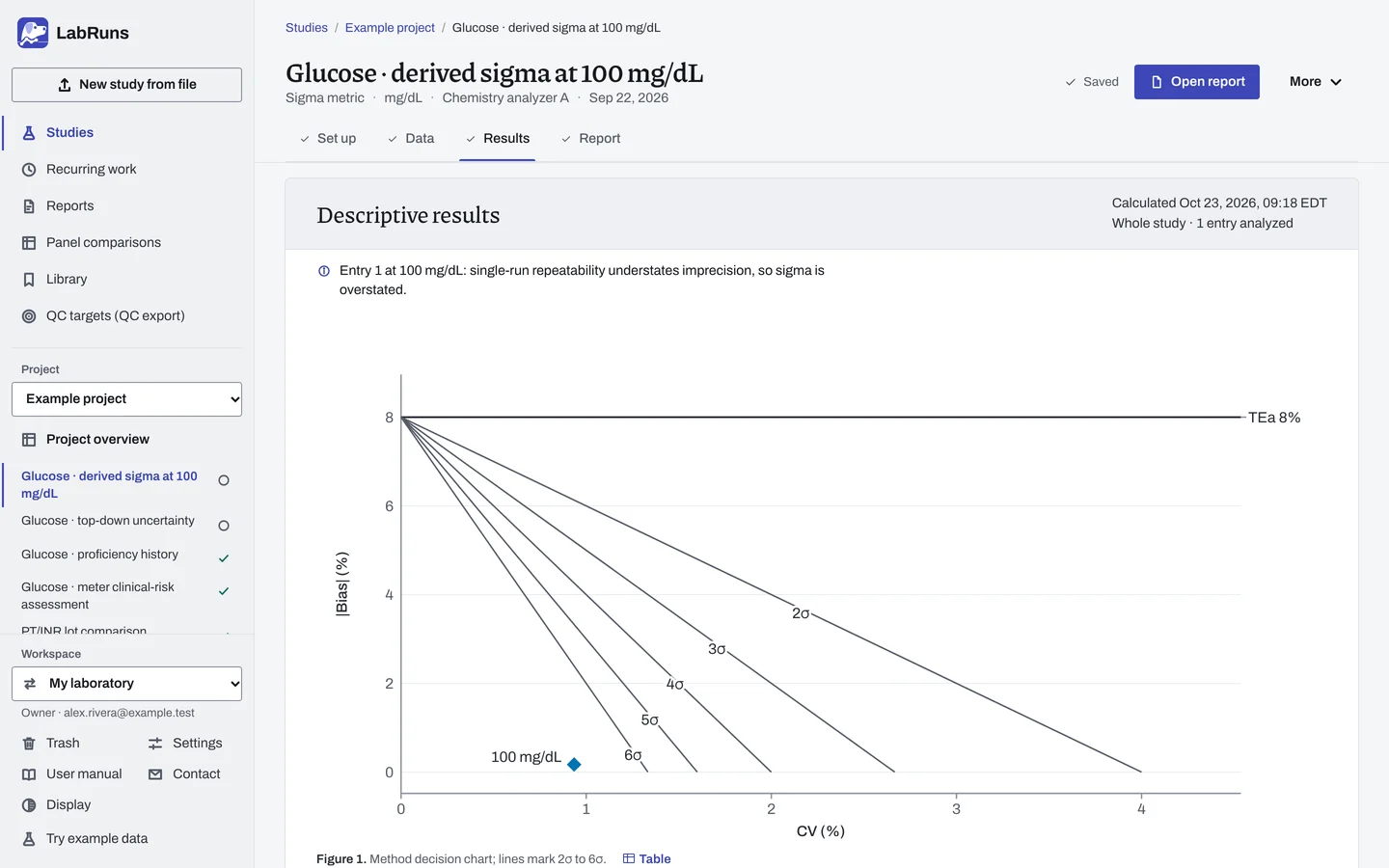
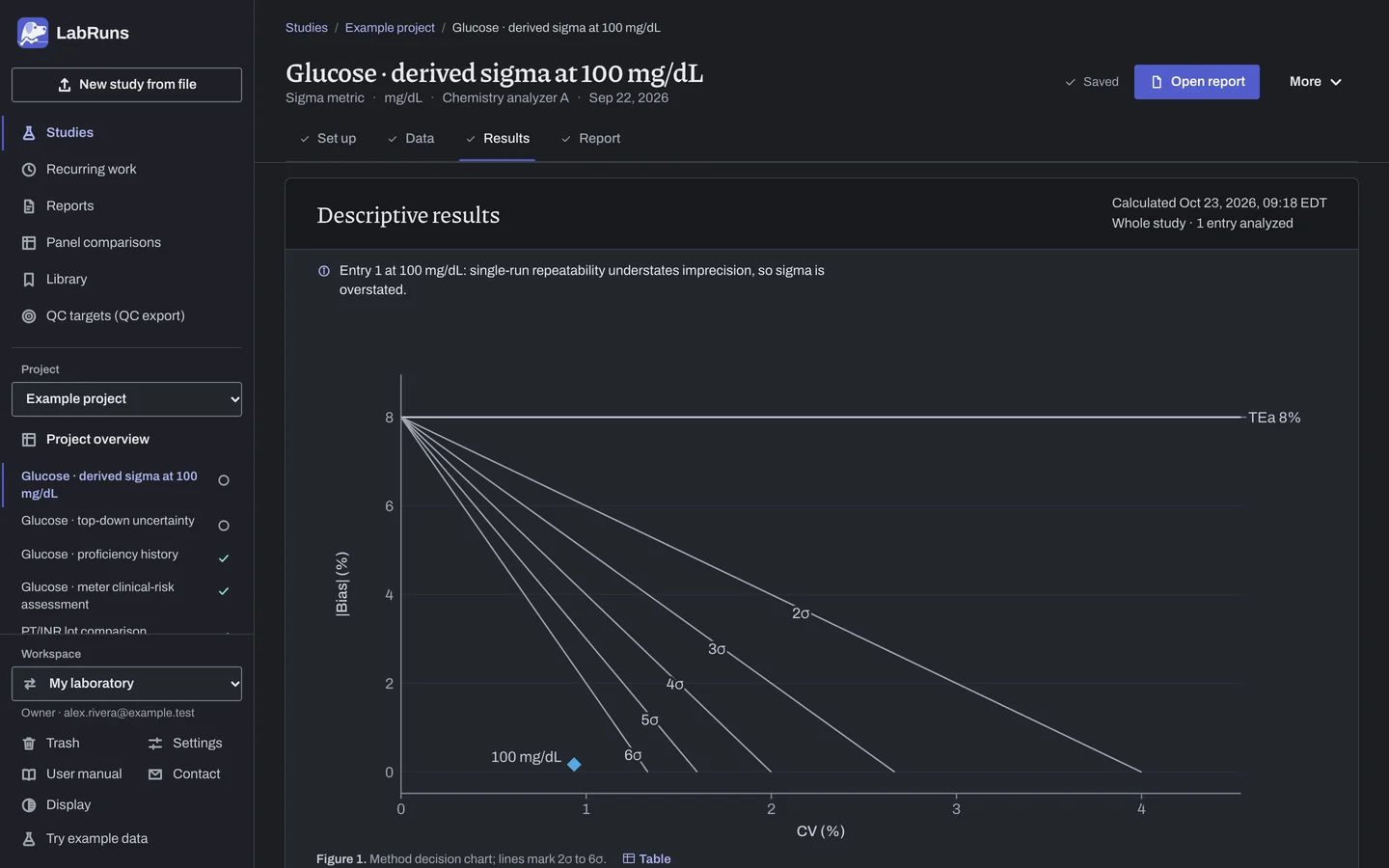
Calculate and check. Save the study, choose Calculate results, then check:
- The full allowance, bias, SD, sigma, descriptive grade and any minimum-sigma decision at each concentration.
- Any extrapolated or stale source evidence.
- The suggested QC rules and control measurements; verify their performance for the method and its clinical use.
Figure 3. Results for Glucose · derived sigma at 100 mg/dL. -
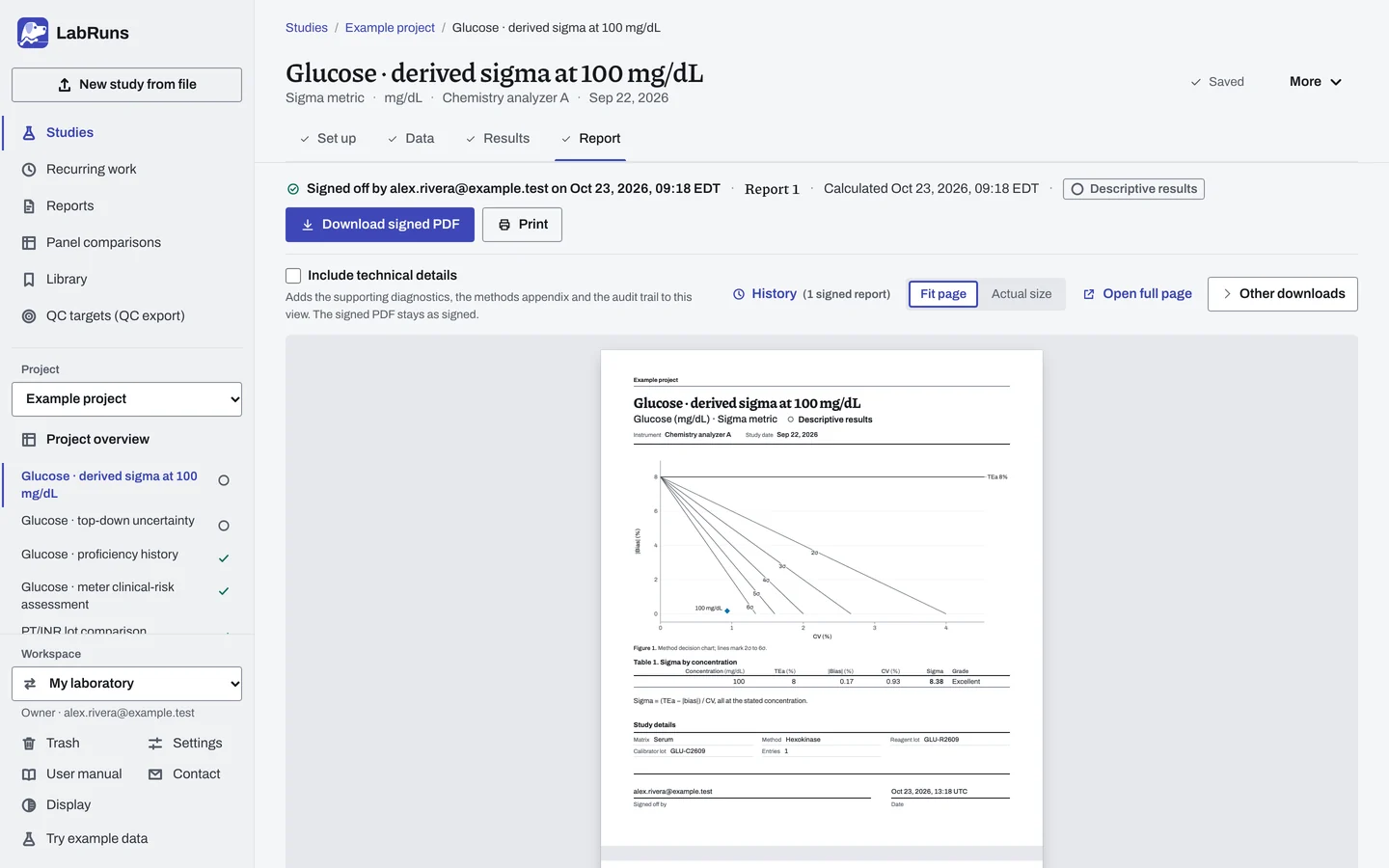
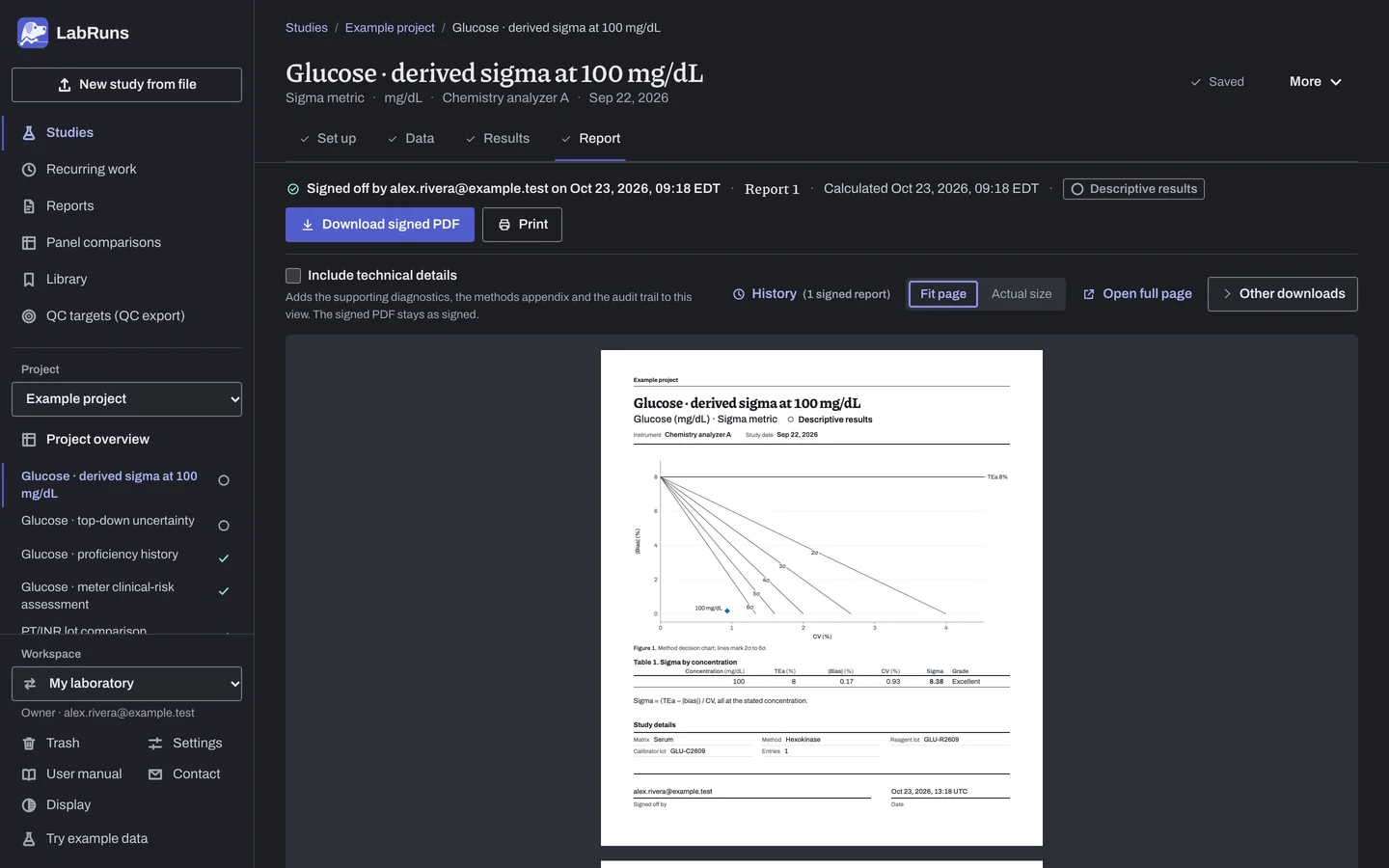
Report your decision. Open Report, look over the result and the study details, then download or print the report. Sign-off is optional.
Figure 4. Report for Glucose · derived sigma at 100 mg/dL.
Set up
Section titled “Set up”- Choose New study, select Sigma metric under Summaries, enter Analyte and Unit exactly as in the studies you want to copy from, and choose Create study. The study opens on Set up, where Values to gather lists what to bring.
- Under Allowable error and sigma, enter Total allowable error in the study unit, percent, or both, or leave both blank to enter TEa separately for each concentration. A study created from an analyzer profile already has it; check it. See Full allowable error.
- For a Met or Not met decision, enter a Minimum acceptable sigma.
- To work from bias and precision models, open Use saved studies or precision summaries under Bias and precision:
- choose a fit under Saved comparison fit, then Copy bias model, to copy the primary fit of an independent method comparison of the same analyte and unit in this project.
- tick estimates under Saved within-laboratory precision, then choose Copy selected precision points, to copy within-laboratory SDs from saved multi-day precision studies.
- or type the Comparison slope and Comparison intercept, enter one concentration, SD and outside-range model per line under Within-laboratory precision summaries (for example
100, 1.5, SD), and choose Use these models. Choose SD or CV as the outside-range model to match your established precision model.
- If the analyte has no true zero, choose Interval scale · no CV under Calculation settings → Measurement scale, and enter TEa, bias and SD in the study unit.
- Choose Add entries to go to Data, then Add concentration entry for each concentration. Enter the Concentration and whatever Set up does not supply: TEa, Bias (signed) or Imprecision, each with how it is entered (for example Imprecision is entered as). Use a decimal point. See Entry fields.
- To copy a value from another study into an entry, choose an estimate under Saved bias and precision estimates, then Copy selected estimate. Refresh evidence reloads the list. Where offered, Use CLIA / CAP TEa or Use last TEa fills in the TEa.
- Choose Calculate results. See Calculate results.
When a limit is not met
Section titled “When a limit is not met”- Check each entry's concentration, TEa, bias and imprecision in Derived sigma by concentration, with any reasons and flags.
- If Results out of date shows, a linked study changed after copying. Copy the value again and recalculate.
- Below 3 sigma, improve the analytical process and assess risk. The suggested QC rules do not establish adequate QC performance there.
Common mistakes
Section titled “Common mistakes”- Nothing offered to copy: give the other study exactly the same analyte and unit text, and calculate it.
- An entry reads Not computed: fill in the missing concentration, TEa, bias or imprecision; on an interval scale, enter TEa, bias and SD in the study unit. The entry lists the reason.
- Sigma reads Undefined: the imprecision is 0. Enter the measured SD or CV.
- A copied value edited by hand: editing removes its link to the source study. Copy it again to keep the link.
- Sign-off refused: a linked value is out of date. Copy it again and recalculate.