


Reference interval establishment
Run this study
Section titled “Run this study”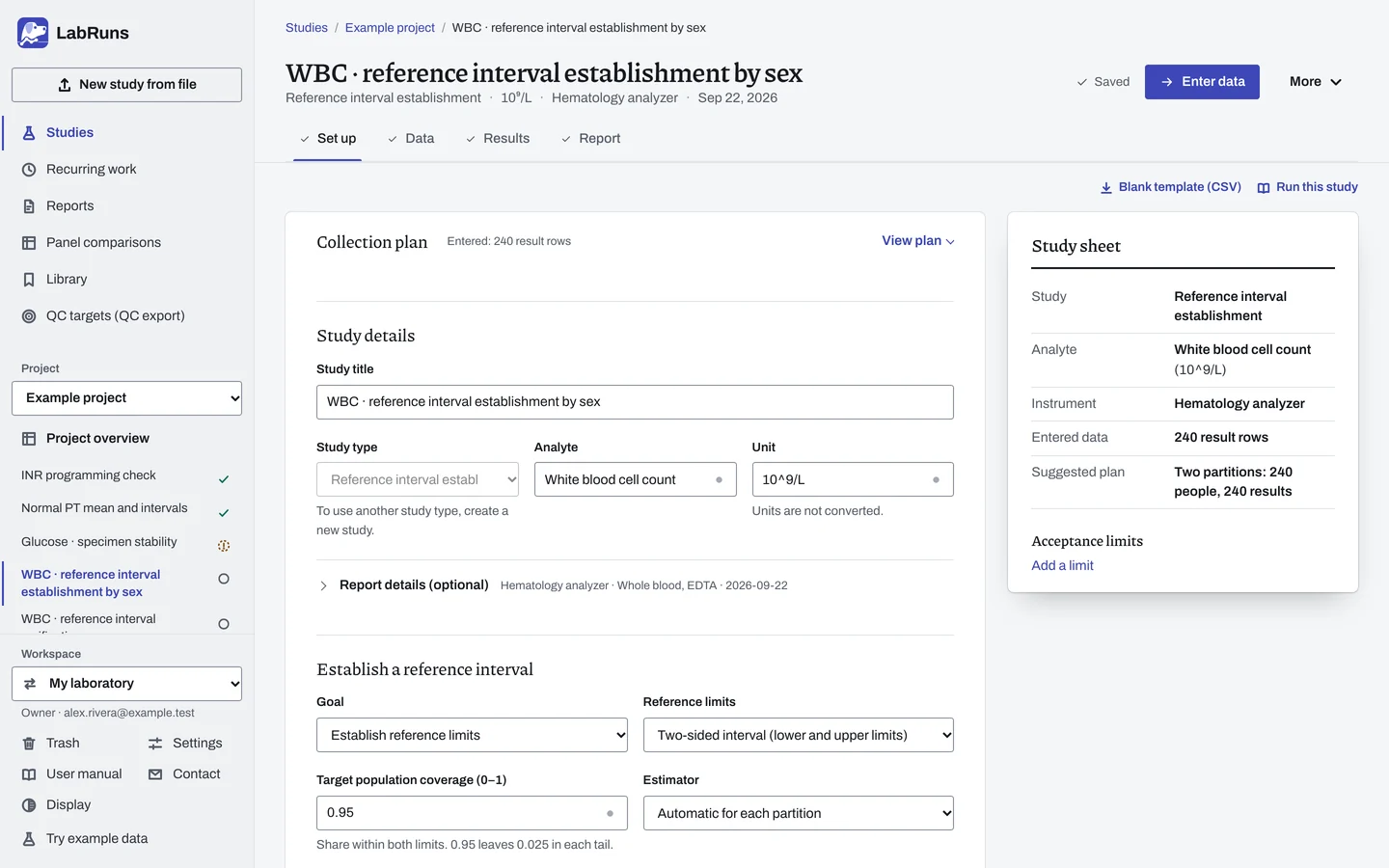
- Your question
-
What are the reference limits for a clearly defined healthy population, measured with your method?
- Prepare
-
A defined population, eligibility rules, and preparation and collection conditions. Independent eligible subjects, each with one coded ID. Any partitions, for example by sex.
- Suggested starting plan
-
- At least 120 different eligible subjects per partition, 1 result each. Two partitions: 240 people, 240 results.
This plan uses the default two-sided 95% nonparametric interval, with 90% confidence on each limit. Unstable tail estimates may need more subjects. It follows Horowitz's reference-interval guidance.
- Calculation minimum
-
Two-sided 95% nonparametric limits need 39 subjects for endpoints. With 119 subjects per partition, they also have 90% confidence intervals. Automatic selection can use a supported distribution model with 20 to 119 subjects. See Minimum subject counts on the study reference page for each method.
-
Decide before collecting. Create the study and fill these in on Set up:
- Two-sided or one-sided limits, population coverage, estimator and confidence.
- Partitions, if any.
- Any criteria for the limits.
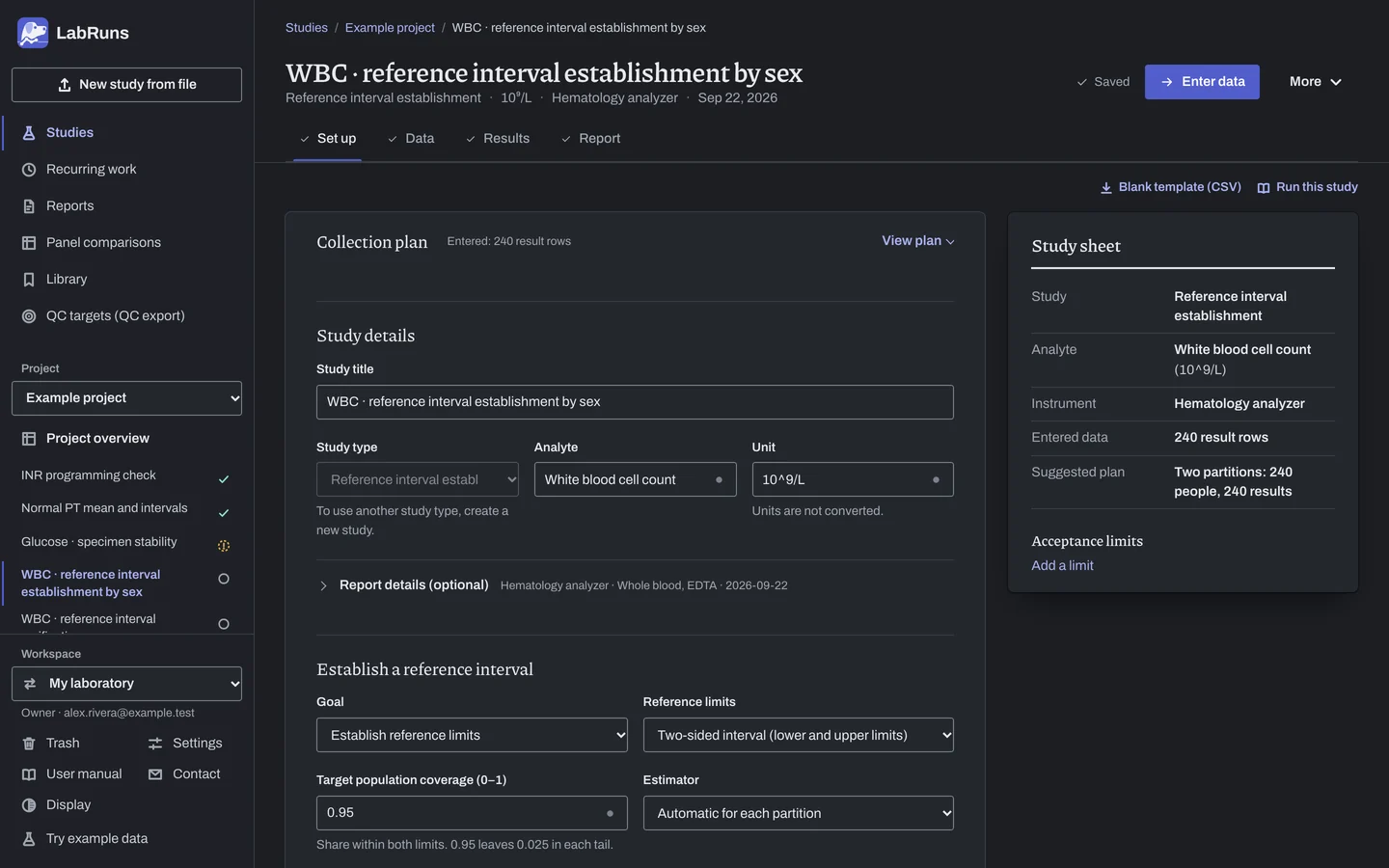
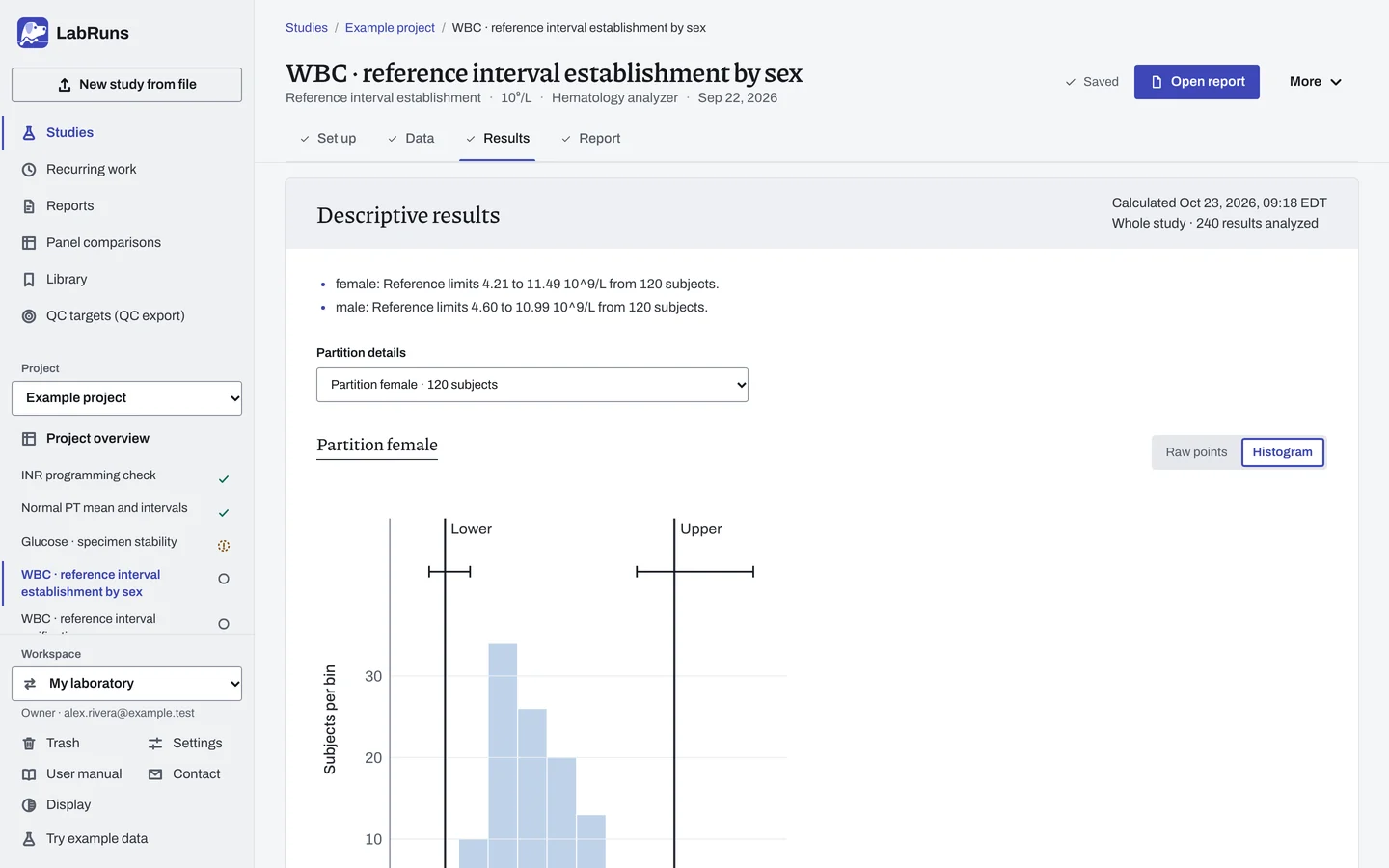
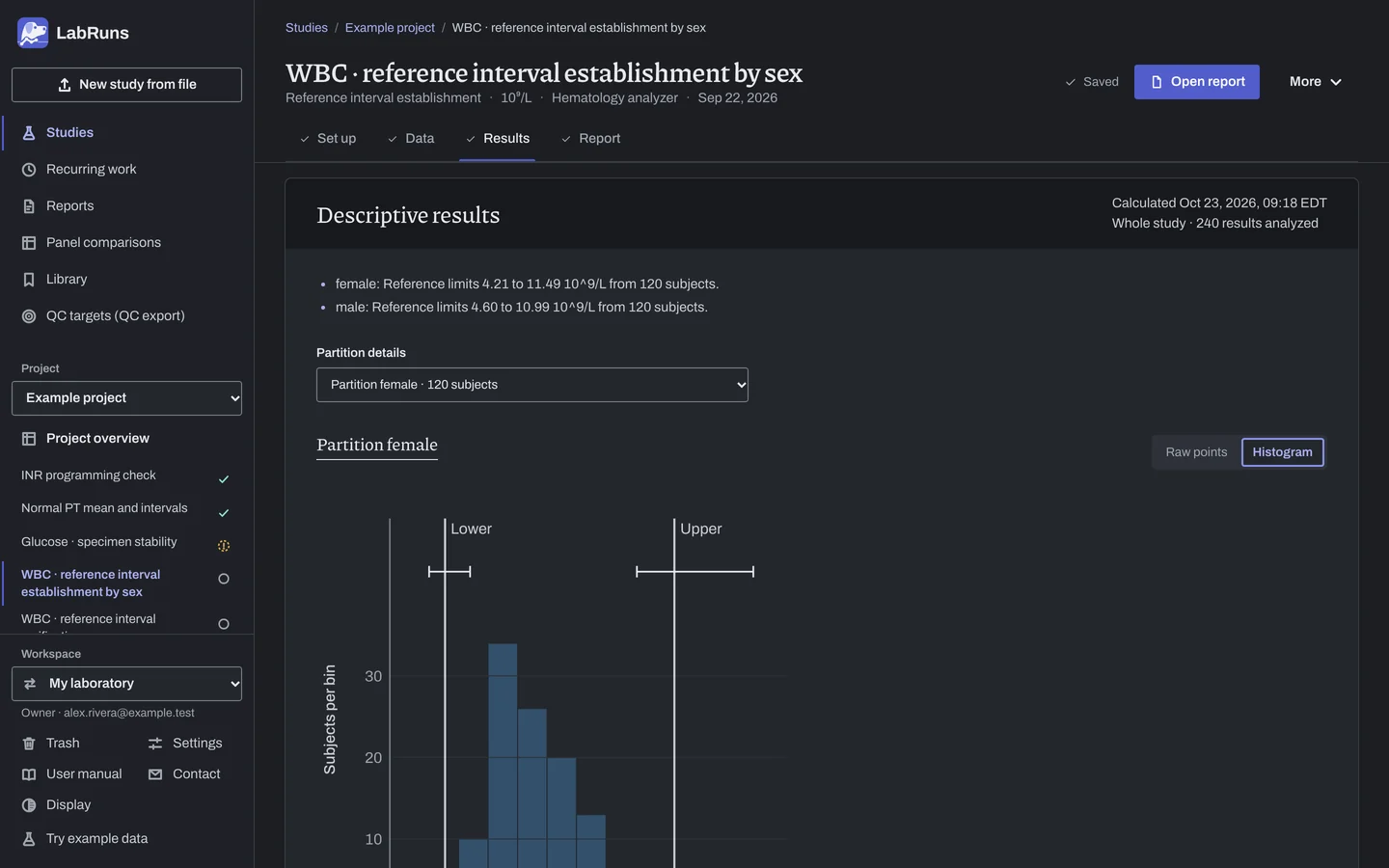
Figure 1. Set up for WBC · reference interval establishment by sex. -
Collect and record. Collect the results as planned above and label each one with the specimen or material, level, day, run and replicate your design tracks.
-
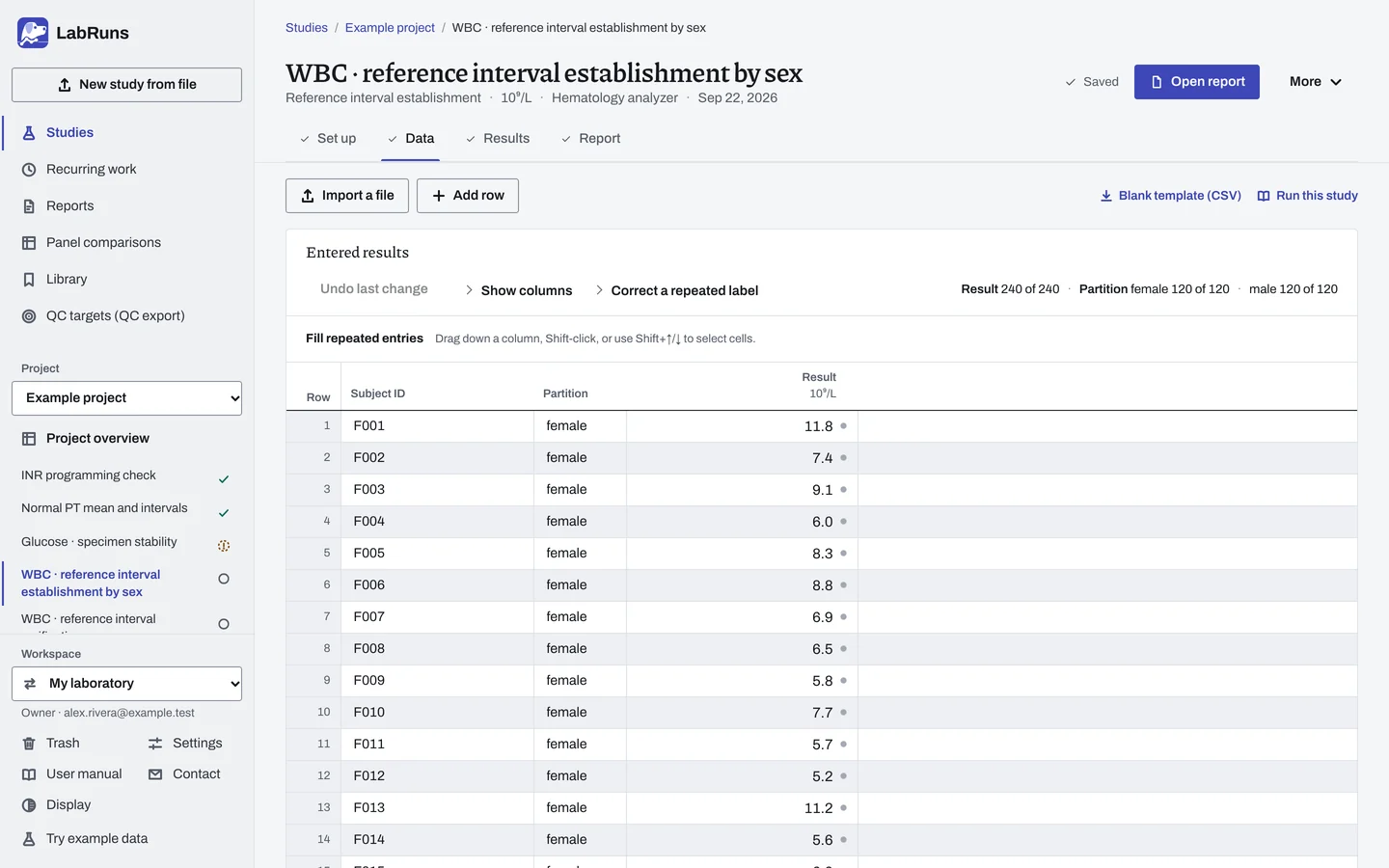
Enter your results. Enter subject ID, partition and result. Enter extra draws under the same person's ID. For a ready-made file, use Blank template (CSV) on Data, or download the example file.
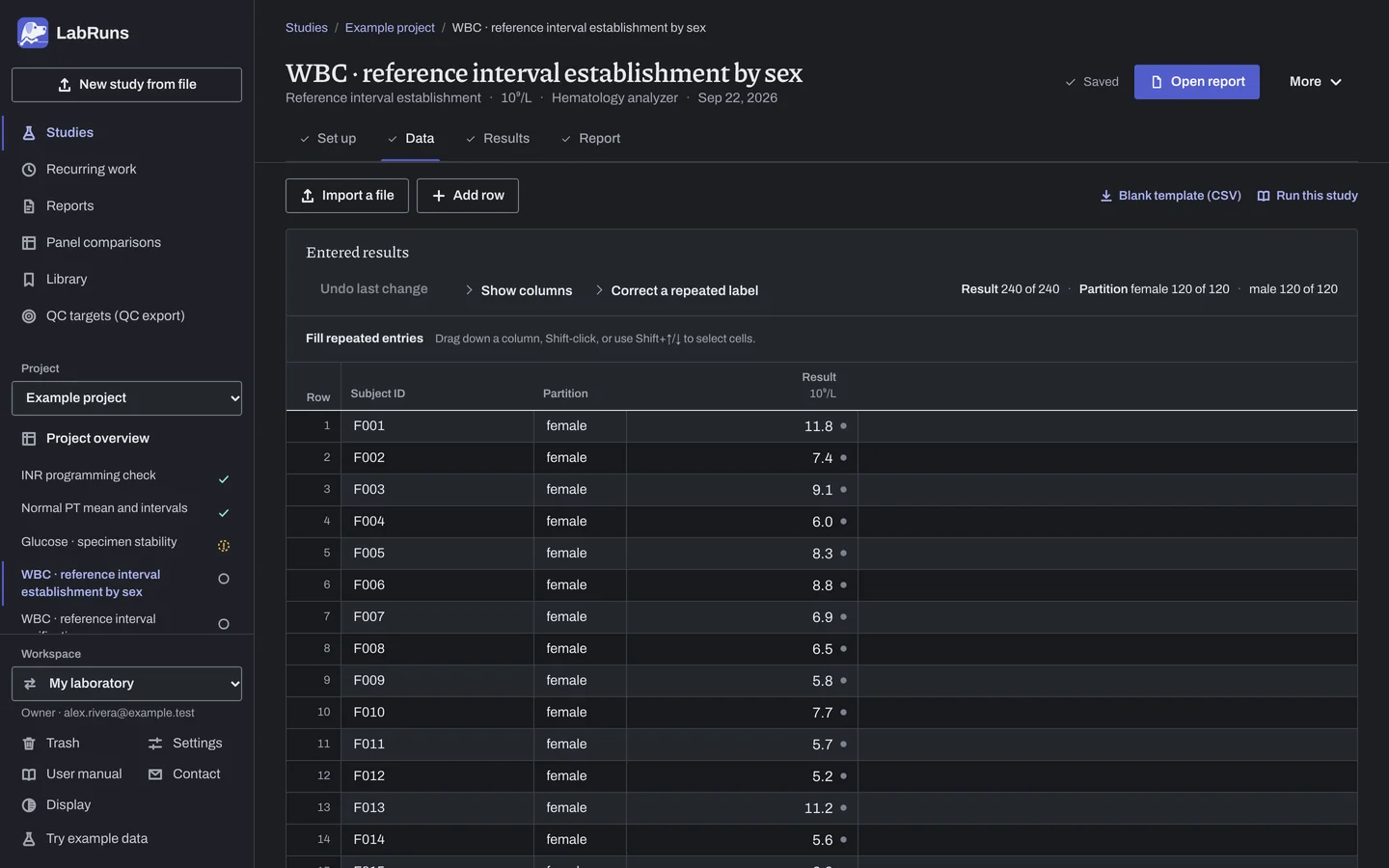
Figure 2. Data for WBC · reference interval establishment by sex. -
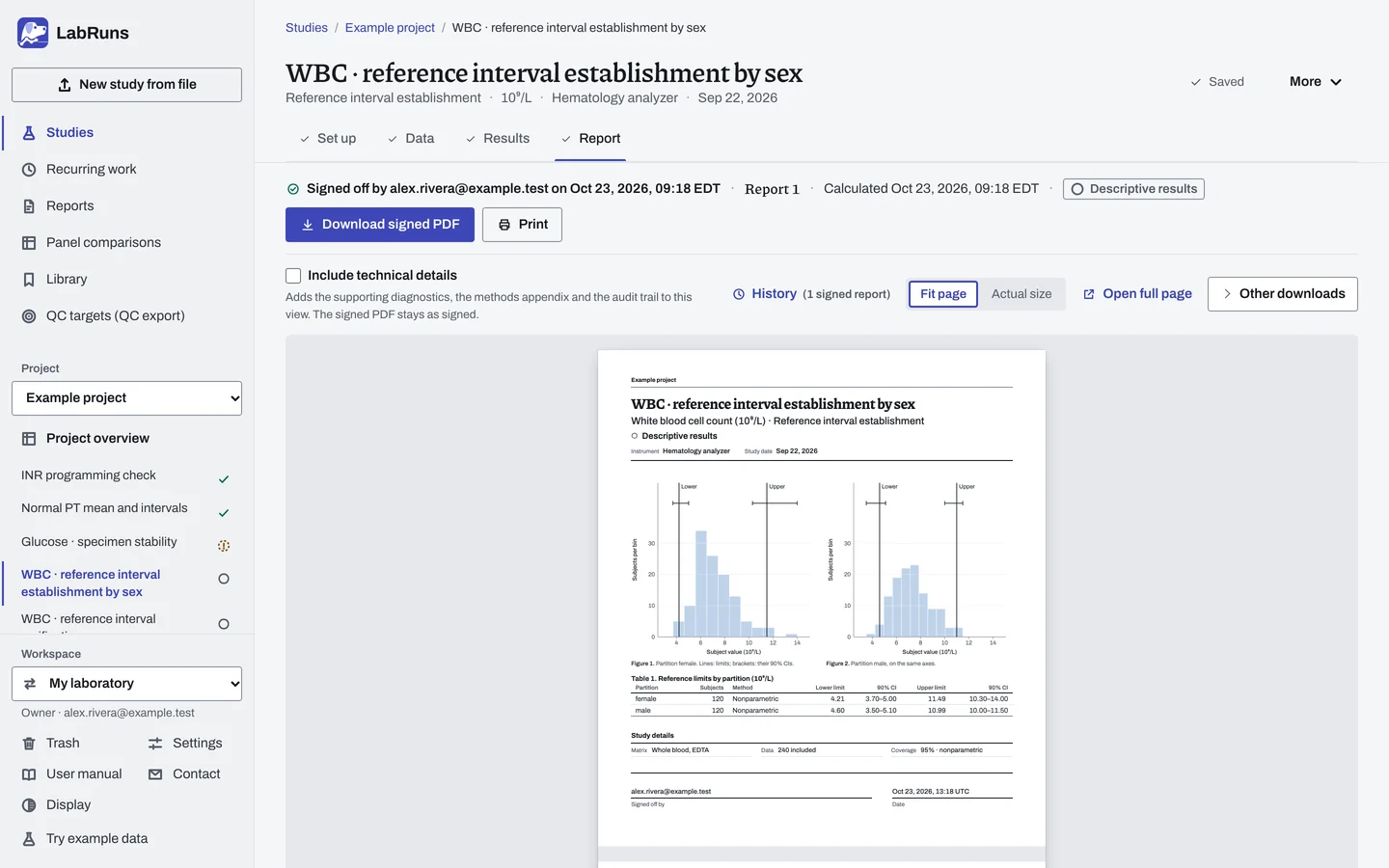
Calculate and check. Save the study, choose Calculate results, then check:
- The count and distribution in each partition.
- Lower and upper limits with their confidence intervals. A wide interval means the limit is poorly defined.
- The selected estimator and, with automatic selection, its normality diagnostic. Check the distribution plot alongside the diagnostic.
Figure 3. Results for WBC · reference interval establishment by sex. -
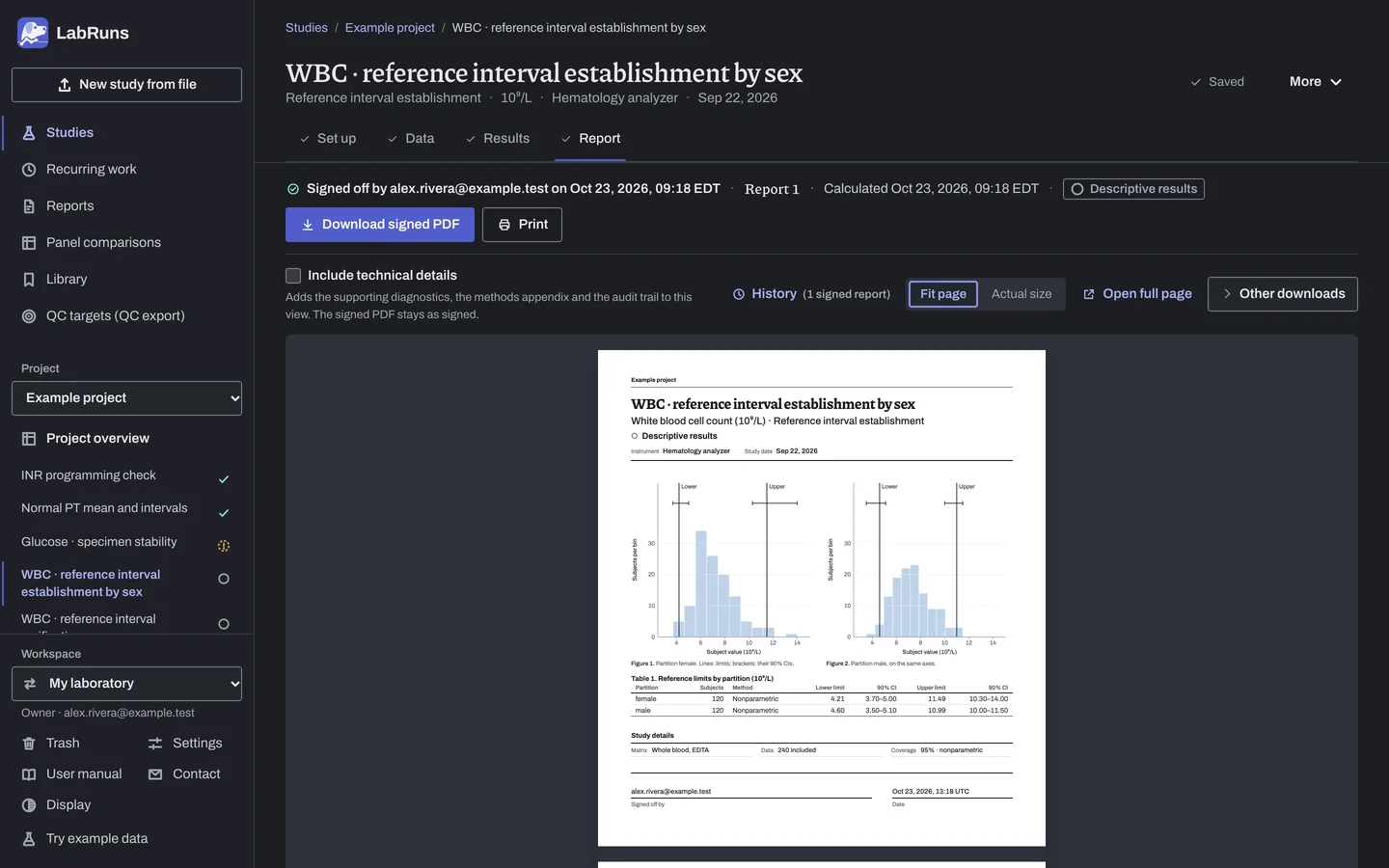
Report your decision. Open Report, look over the result and the study details, then download or print the report. Sign-off is optional.
Figure 4. Report for WBC · reference interval establishment by sex.
Set up
Section titled “Set up”- In your project choose New study. Under Study type, select Establish a reference interval under Reference intervals.
- Choose Reference limits: two-sided, one-sided lower or one-sided upper.
- Enter Analyte and Unit. Choose Create study, or Create and import data if you already have results.
- Most new limits need no acceptance limit. To add one, on Set up, under Acceptance limits, choose Enter your own limit. Under What to check, choose Lower reference limit or Upper reference limit, then enter a Lower limit, an Upper limit or both. See Acceptance limits.
- Check Target population coverage (0–1) and choose the Estimator. See Settings.
- Check Confidence level in Calculation settings.
- On Data, enter one row per draw with the coded Subject ID, the Partition if you use partitions, and the Result, or choose Import a file (see Importing and mapping). To type into blank rows, set Partitions and Subjects per partition under Lay out the grid and choose Create entry rows. See Columns.
When a limit is not met
Section titled “When a limit is not met”- Every limit shows —: read the note under the table and collect more eligible subjects in that partition when needed. Use parametric or log-normal limits only when the distribution model fits the population and the observed data.
- Needs ≥ N subjects where a CI should be: the exact CI needs N subjects in that partition. Add subjects.
- Criteria not met: recheck the unit and the acceptance limit.
- Undecided: usually the reference limit wasn't calculated. Add subjects.
- Flags on values that move the limits: check the source records. If a subject doesn't belong, exclude the row with a reason and recalculate. See Correct or exclude a result.
Common mistakes
Section titled “Common mistakes”- Target population coverage confused with the confidence level. Coverage is the share of the healthy population inside the interval, for example
0.95. The confidence level, for example 90 %, is set under Calculation settings. See Coverage and confidence. - Analyte or unit left blank. Enter them before you calculate.
- One subject entered in two partitions. Put each subject in one partition.
- A cohort with no eligible subjects. Enter at least one included subject.
- Rows marked with errors. Correct them, or exclude the row with a reason.
- A censored value such as
<0.01in Result. Enter the exact reading from the original record if available; otherwise exclude the row with a reason.