


Interference
Run this study
Section titled “Run this study”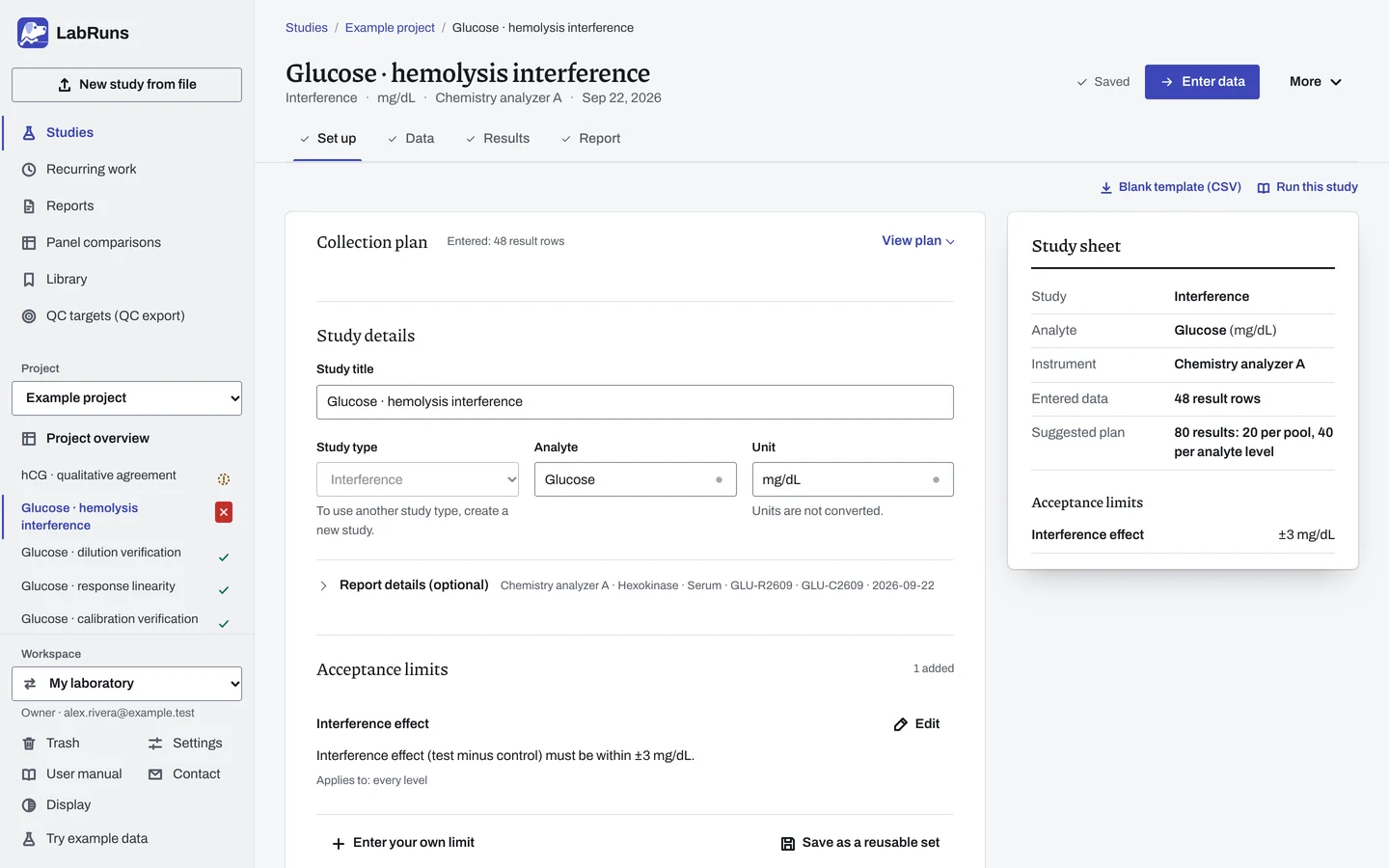
- Your question
-
Does an added substance shift results by more than you can accept?
- Prepare
-
Independently prepared specimen pools at analyte levels near decisions where a shift matters. The interfering substance, its preparation record and how its concentrations were assigned. The same solvent (vehicle) for the matched controls, with matched added volumes.
- Suggested starting plan
-
- 2 analyte levels × 2 independent pools per level × (1 control + 3 interferent concentrations) × 5 replicates. 80 results: 20 per pool, 40 per analyte level.
- With a neat base: Add an unmodified base for each pool in 5 replicates. 100 results.
Make the claimed maximum one of the three concentrations, with the others lower. The replication you need depends on your allowable effect and the assay's variability. For the control/test principle, see CLSI's explanation of paired interference studies.
- Calculation minimum
-
An interval needs two replicates of both control and test. Deciding a criterion needs two independent pools at each level and concentration.
-
Decide before collecting. Create the study and fill these in on Set up:
- The largest acceptable shift and its unit or percent scale.
- The interferent, its unit and the concentrations to test.
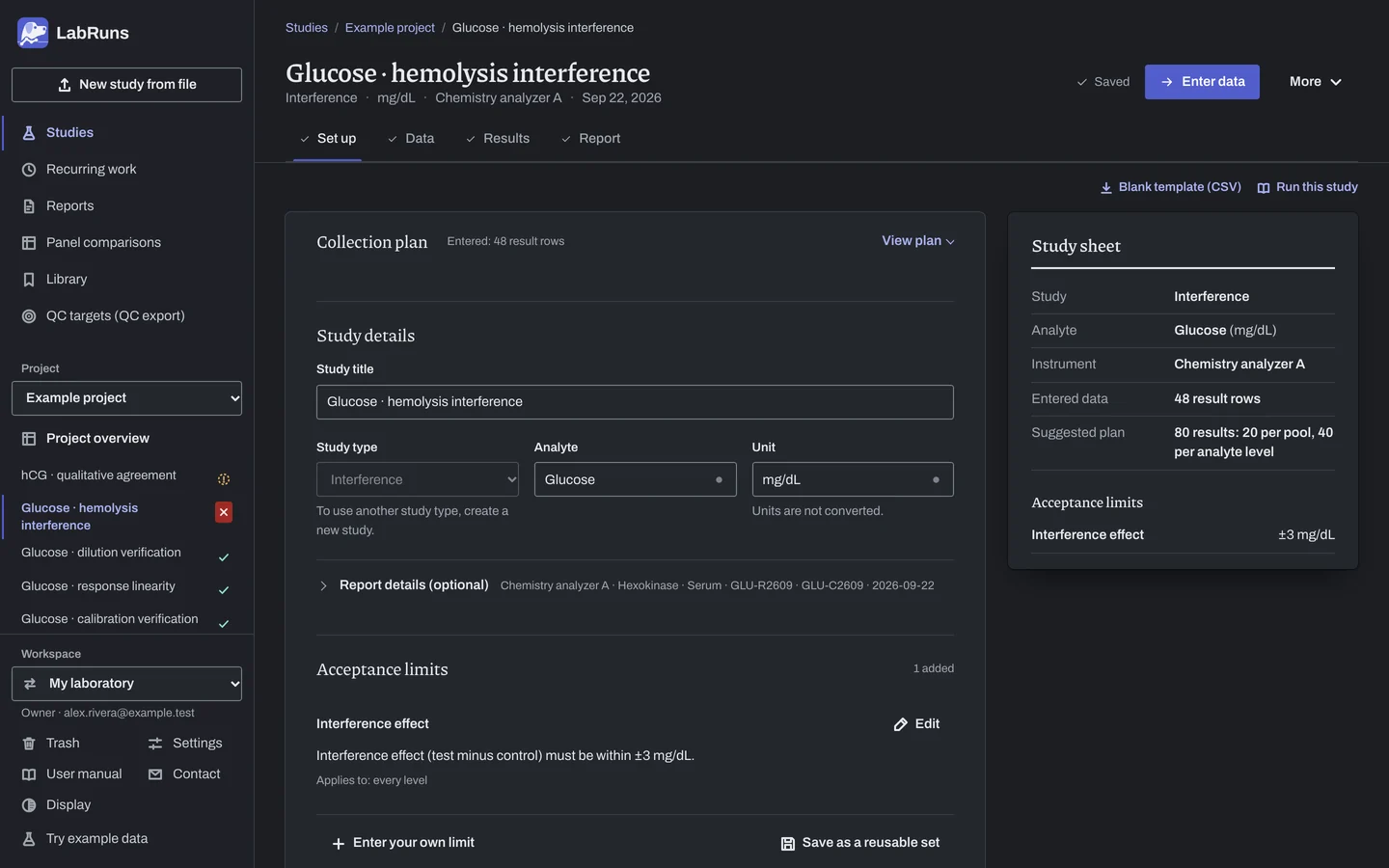
Figure 1. Set up for Glucose · hemolysis interference. -
Collect and record. Collect the results as planned above and label each one with the specimen or material, level, day, run and replicate your design tracks.
-
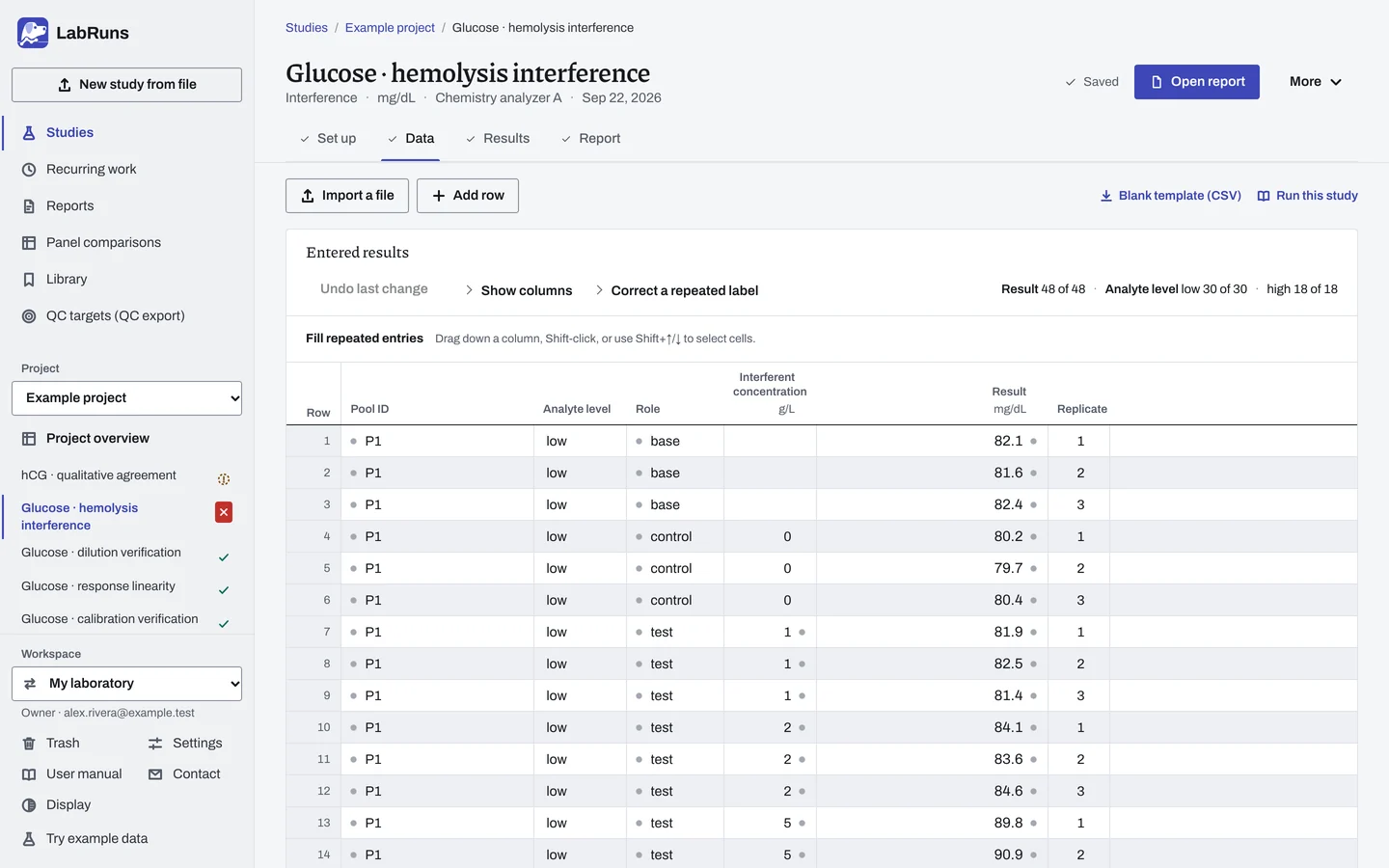
Enter your results. Enter pool, analyte level, role, interferent concentration, replicate and result. Give each separate preparation its own pool ID. For a ready-made file, use Blank template (CSV) on Data, or download the example file.
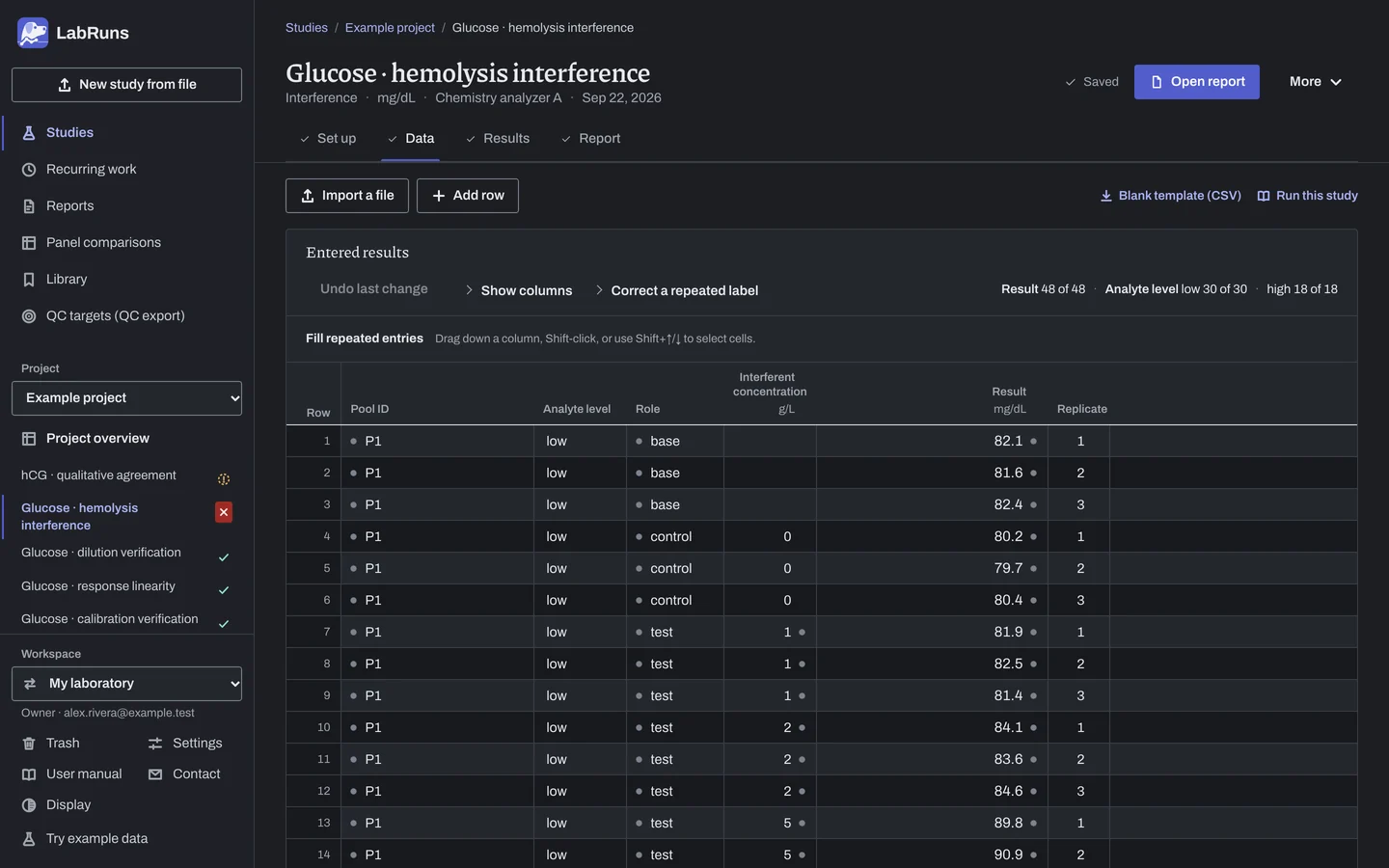
Figure 2. Data for Glucose · hemolysis interference. -
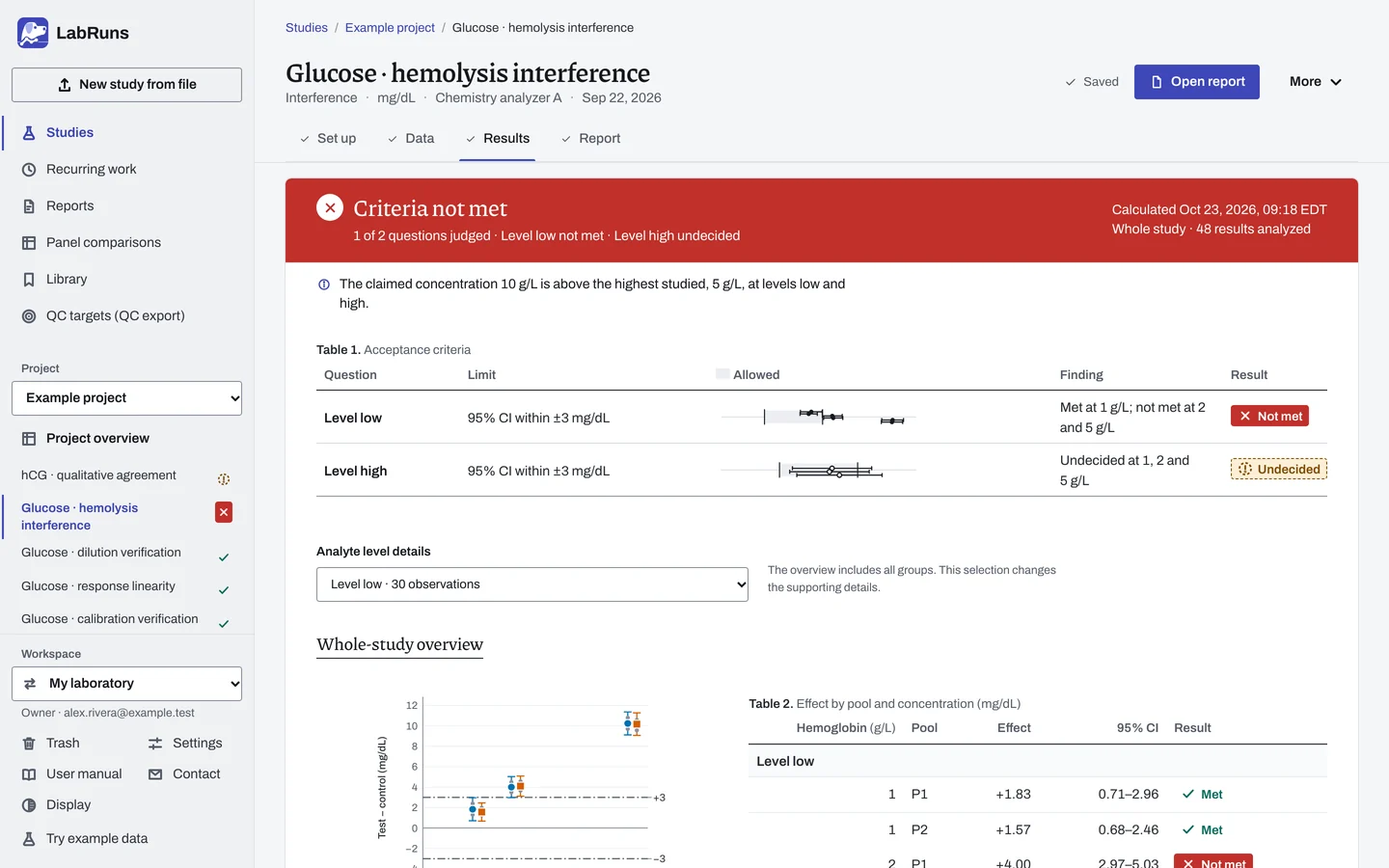
Calculate and check. Save the study, choose Calculate results, then check:
- Every pool and concentration.
- Whether each effect interval lies wholly inside your limit. An inconclusive interval needs more data.
- The vehicle effect, when you collected a base.
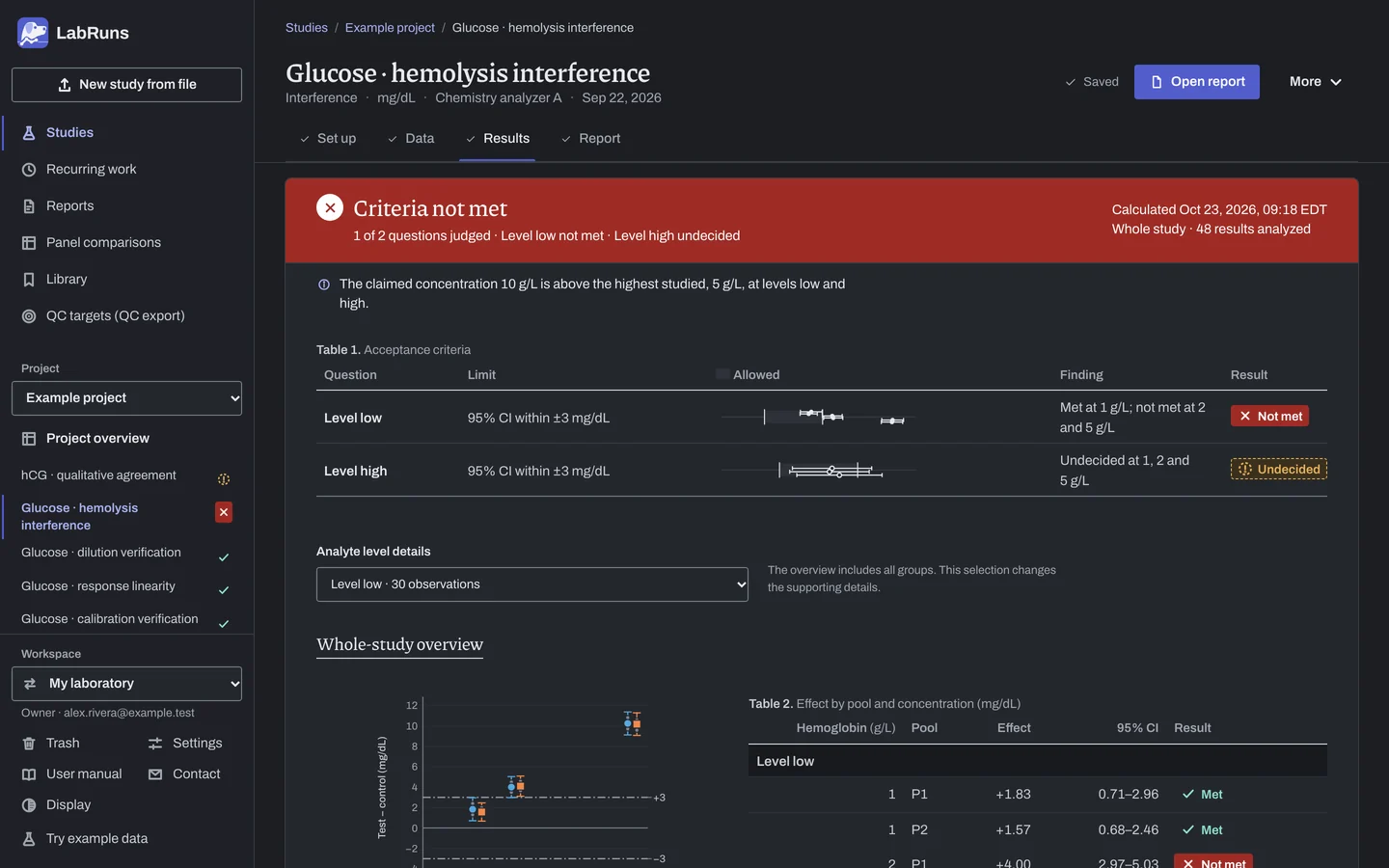
Figure 3. Results for Glucose · hemolysis interference. -
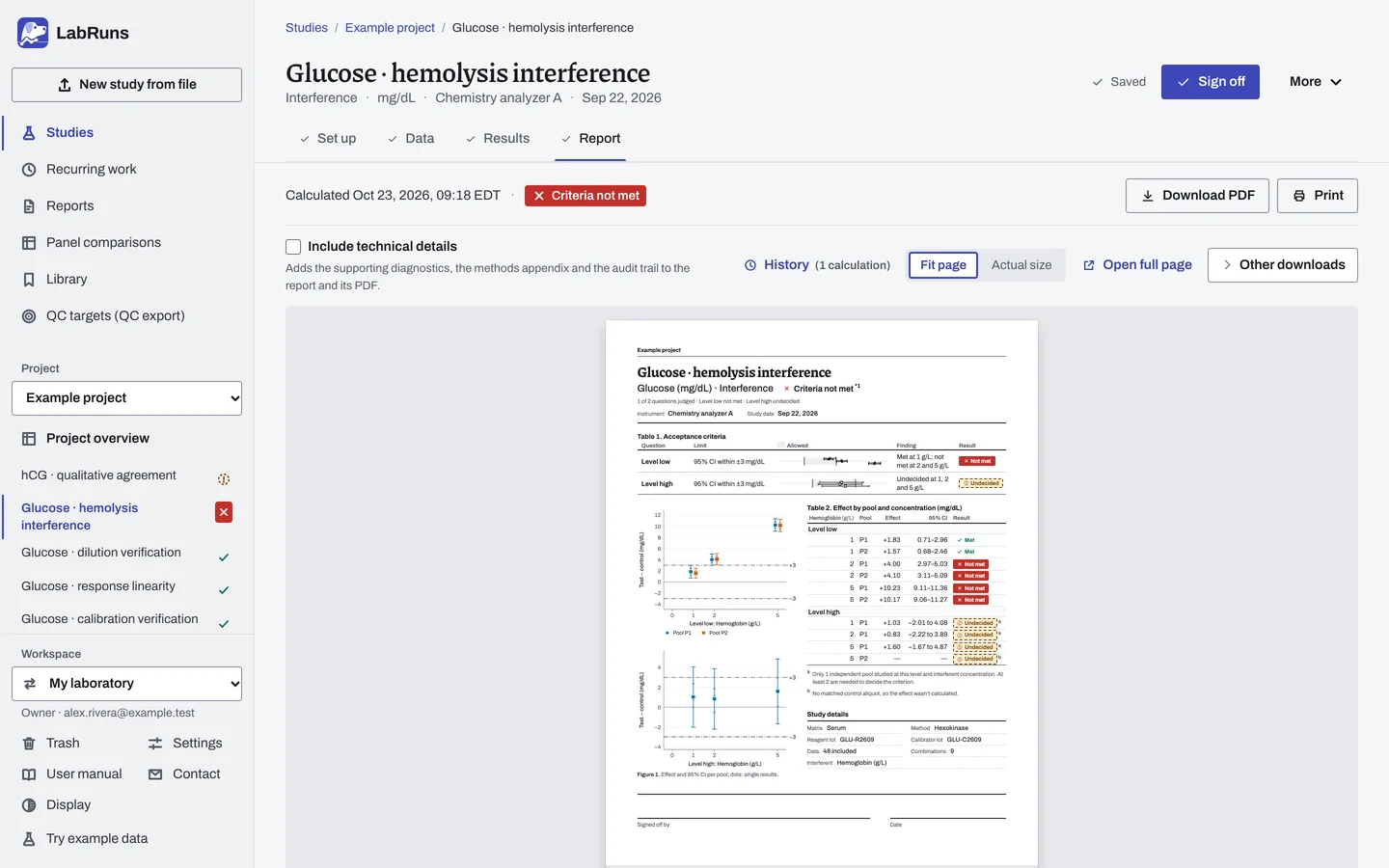
Report your decision. Open Report, look over the result and the study details, then download or print the report. Sign-off is optional.
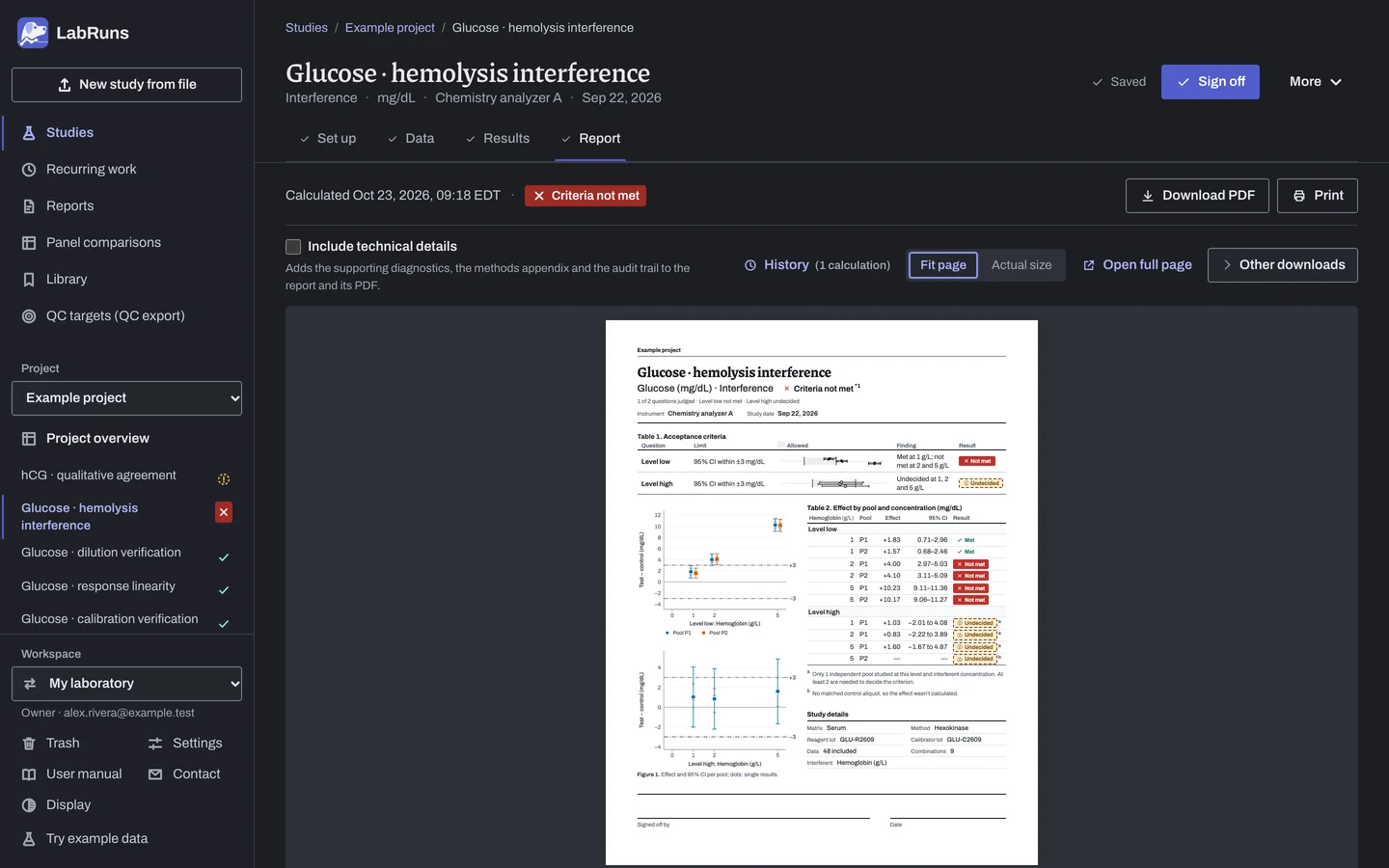
Figure 4. Report for Glucose · hemolysis interference.
Set up
Section titled “Set up”- Choose New study, select Interference under Sample and material effects, enter Interferent and Interferent concentration unit, then Analyte and Unit, and choose Create study, or Create and import data if you already have results.
- On Set up, under Acceptance limits, choose Enter your own limit, then Interference effect, and enter the largest acceptable effect in the study unit, as a percentage of each combination's control mean, or both. For a limit on the relative effect, choose Relative interference effect (%) under More statistics. See Set acceptance limits.
- Optionally, under Interference settings, enter the Claimed maximum interferent concentration.
- On Data, choose Import a file or Add row. For each pool and analyte level, enter one
controlaliquot (vehicle added, no interferent), onetestaliquot for each interferent concentration and, optionally, onebasealiquot (the neat specimen with nothing added), each with its replicates. Give each separate preparation its own Pool ID. See Importing and mapping and Columns.
Add concentrations or replicates later
Section titled “Add concentrations or replicates later”- Import only the new readings, and leave Replace the current rows unticked.
- Give each new replicate its own label.
When a limit is not met
Section titled “When a limit is not met”- Not met: recheck concentration, vehicle and pool IDs. If the result is confirmed, lower the claim or document the interference bias.
- Interval crosses the limit: add replicates to narrow the interval.
- No interval: give each aliquot at least 2 replicates.
- Undecided with one pool: prepare a second pool.
- Unmatched test aliquot: add its control.
- Claim flagged: test the claimed concentration or lower the claim.
Common mistakes
Section titled “Common mistakes”- Marked rows, such as a missing role, a test with no concentration, or a control or base with one. Enter the role; give each test its concentration, above 0, and leave control and base empty or
0. - A missing interfering substance or unit. Enter Interferent and Interferent concentration unit under Interference settings on Set up.
- Two controls for one pool and level, or a repeated replicate label within an aliquot. Enter a separate preparation under its own pool ID, and give each replicate its own label.
- A large vehicle effect. The vehicle itself moves the result. Fix the preparation.
- A censored result. Enter the exact reading from the original record if available; otherwise exclude it with a reason. See Handle missing and censored values.