


Calibration verification
Run this study
Section titled “Run this study”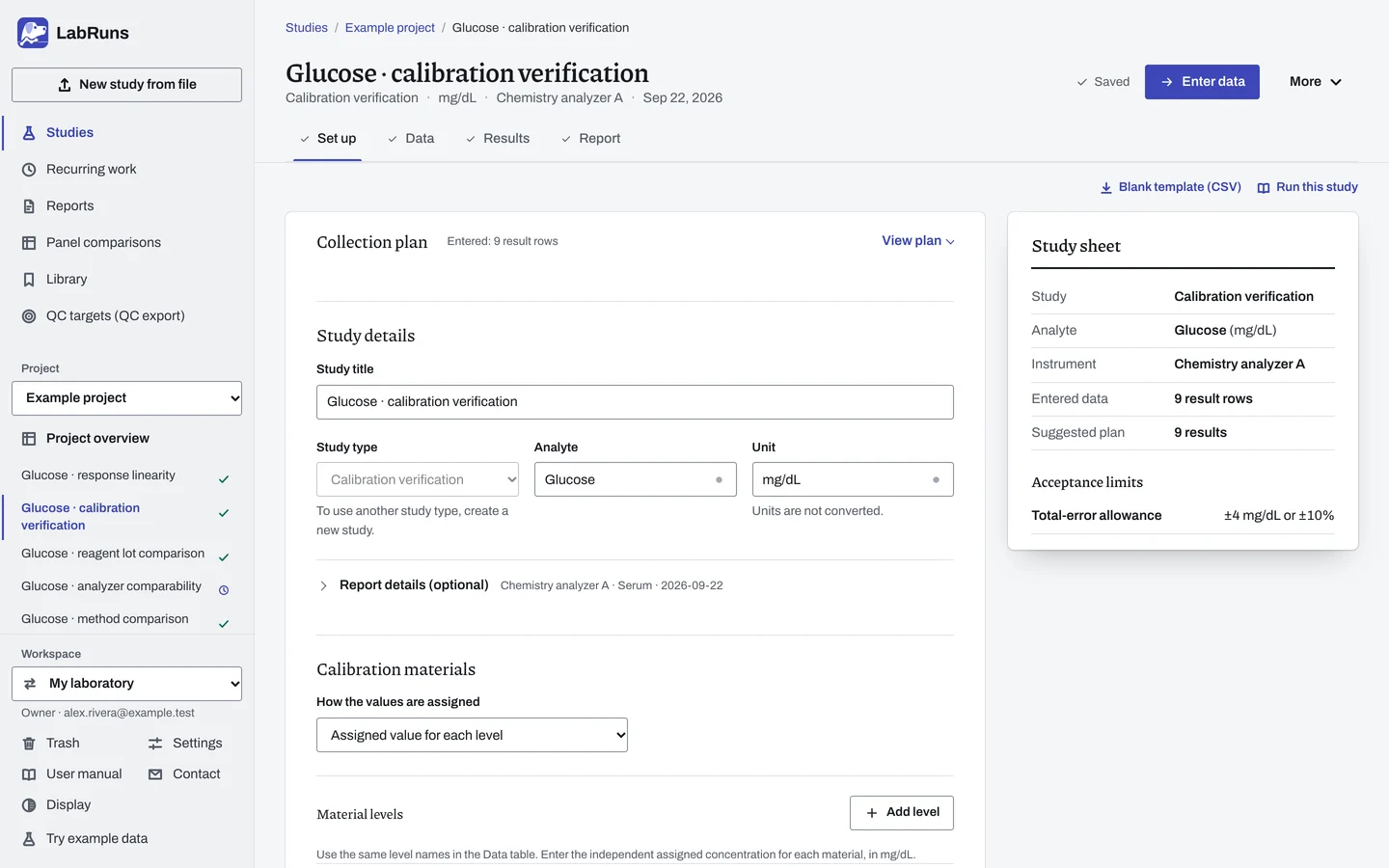
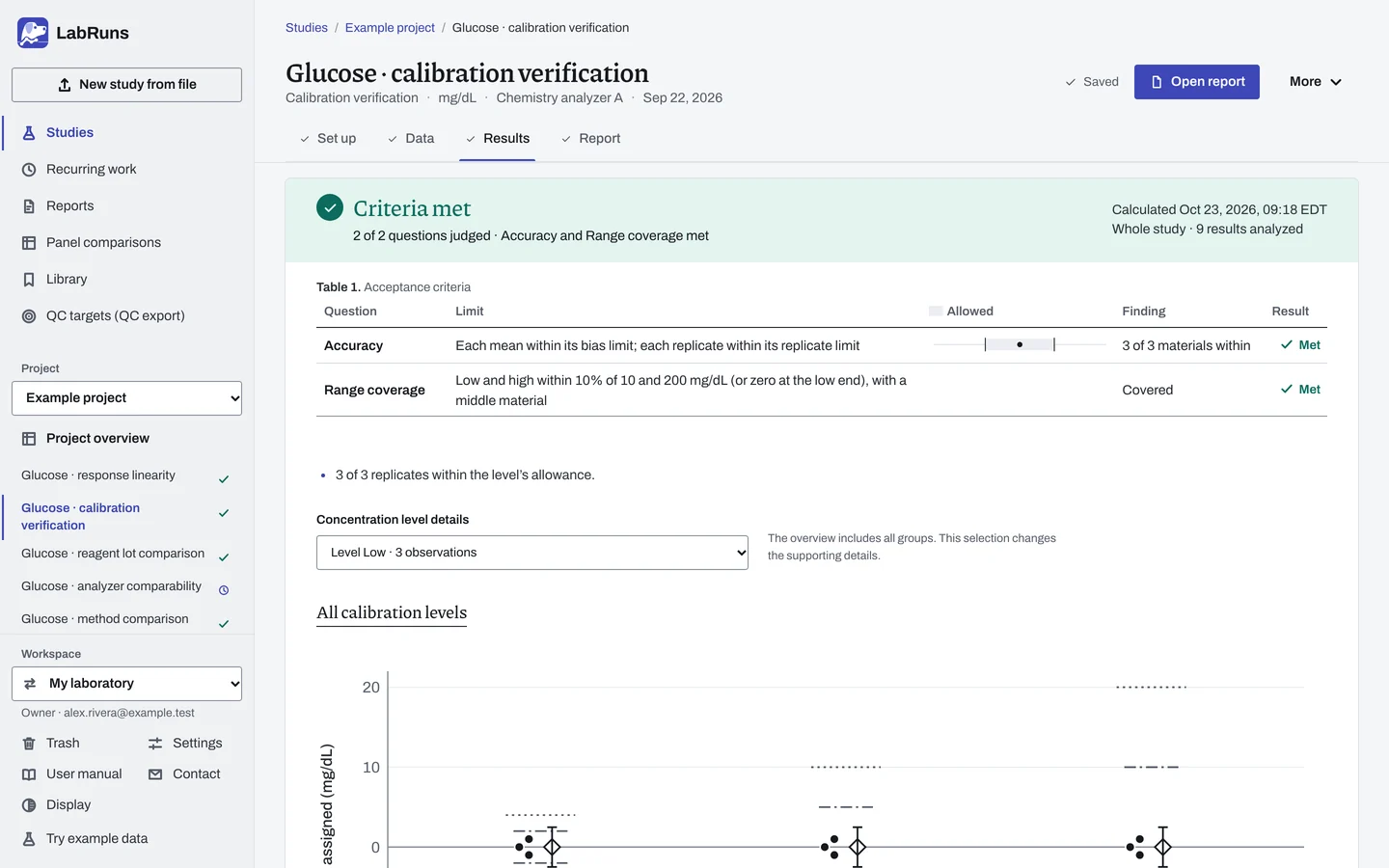
- Your question
-
Do independently assigned materials give acceptable results across the claimed measuring range?
- Prepare
-
Suitable low, middle and high materials covering the claimed range, with independent assigned values or target ranges for this method and unit. The kit or material lot and preparation instructions. For dilution or admixture work, use independently assigned anchor concentrations. Enough material for three measurements at each level in one run on one day. Add levels around important decision concentrations or across a wider range.
- Suggested starting plan
-
- 3 material levels × 1 day × 1 run × 3 replicates. 9 results.
The low, middle and high design follows the calibration-verification framework in 42 CFR 493.1255.
- Calculation minimum
-
Point accuracy checks need 3 different target concentrations with at least 1 result each. SD, confidence intervals and the optional precision index need at least 2 replicates per level.
-
Decide before collecting. Create the study and fill these in on Set up:
- The claimed lower and upper reportable limits and how close the endpoint materials must be. A blank proximity allowance uses 10%.
- For assigned values, the total-error allowance and its systematic-error share for means. Defaults are 50% for means and 25% for the optional precision index.
- For target ranges, the inclusive lower and upper limit for each material. Choose optional linearity only with independent assigned values.
Figure 1. Set up for Glucose · calibration verification. -
Collect and record. Collect the results as planned above and label each one with the specimen or material, level, day, run and replicate your design tracks.
-
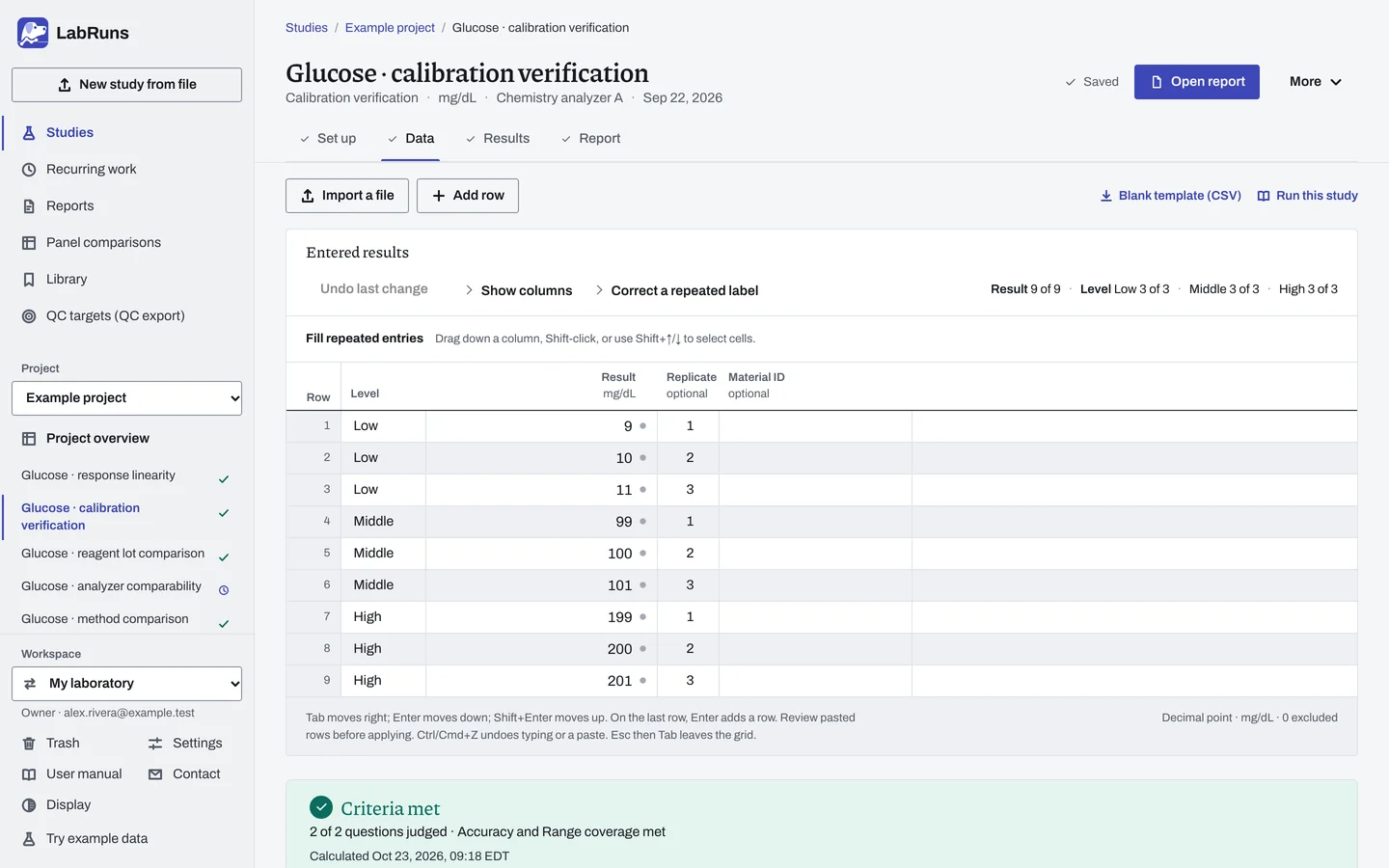
Enter your results. Set each material's level and assigned value or target range in Set up. Enter Level and Result on each Data row, one row per replicate, using the same level labels. For a ready-made file, use Blank template (CSV) on Data, or download the example file.
Figure 2. Data for Glucose · calibration verification. -
Calculate and check. Save the study, choose Calculate results, then check:
- The planned levels and replicates are present; review any corrections or exclusions.
- Review Accuracy and Range coverage separately. Every replicate is checked, including failed replicates whose level mean passes.
- The low and high endpoint windows and the interior material. Confirm that materials suit the method and intended range before reporting.
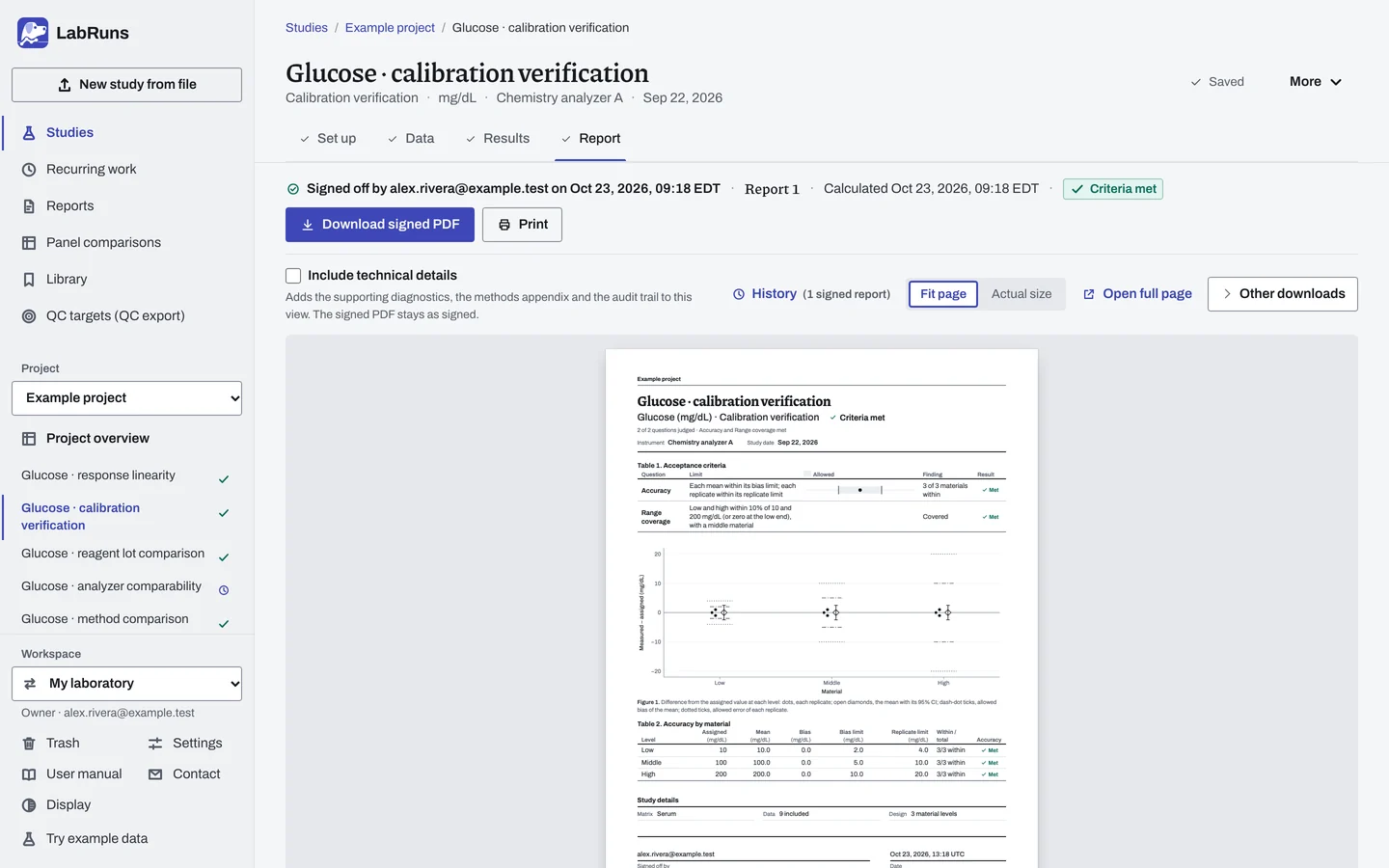
Figure 3. Results for Glucose · calibration verification. -
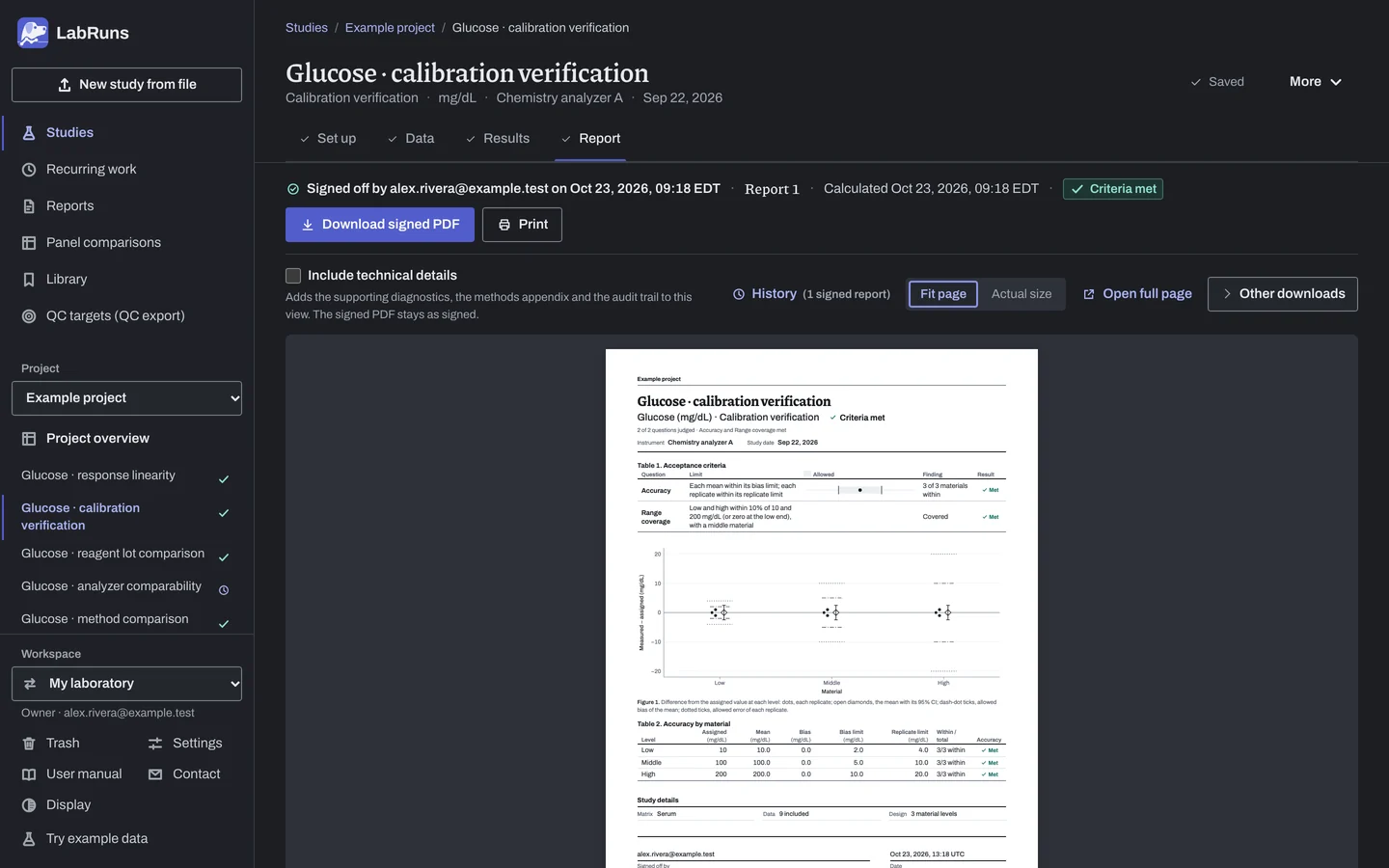
Report your decision. Open Report, look over the result and the study details, then download or print the report. Sign-off is optional.
Figure 4. Report for Glucose · calibration verification.
Set up
Section titled “Set up”- Choose New study, select Calibration verification under Measuring range, enter Analyte and Unit, and choose Create study, or Create and import data if you already have results.
- On Set up, under Calibration materials, choose How the values are assigned. See Settings.
- For Dilutions of an assigned high value, enter the Assigned concentration at 100% under Independent assigned anchors. For Admixtures between two assigned values or Equal steps between two assigned values, enter the Lower assigned concentration and Higher assigned concentration; leave the anchor percentages or level indexes blank to use the lowest and highest entered positions.
- Under Material levels, the rows start as Low, Middle and High. Rename them to your material levels and enter each one's assigned concentration, target range, preparation percentage or level index, as the choice above asks. Choose Add level for another material, or Remove for an unused row. Use the same level names on Data.
- Unless you chose Target range for each level, under Accuracy limits, enter the total-error allowance in the study unit, Total-error allowance (%), or both. Keep Share for mean bias (%) at 50% or change it. At an assigned zero, enter a study-unit allowance.
- Optionally, under Additional questions, tick Check linearity or Check the precision index. With the precision index, keep Share for random error (%) at 25% or change it.
- To check range coverage, open Claimed range and enter the Claimed lower reportable limit and Claimed upper reportable limit. Enter Endpoint proximity allowance (%), the endpoint proximity allowance in the study unit, or both, or leave both blank for 10%.
- On Data, under Lay out the grid, set Measurements per level and choose Create entry rows, then type each Result. Or choose Import a file; see Import a file. calibration_verification.csv is an entry template; to use its example measurements, set the levels Low, Middle and High to assigned values 10, 100 and 200 mg/dL.
When a limit is not met
Section titled “When a limit is not met”- Find what failed. Read Accuracy and Range coverage on the decision page, then each material's mean and replicate outcomes. A failed replicate fails accuracy even when its mean passes.
- Recheck the materials and targets. Check that each material suits the method and the intended range and was prepared and measured following the method's instructions for preparation and timing. Compare the level names, assigned values or target ranges and unit on Set up with the material records.
- Range coverage not met. A material outside an endpoint window cannot verify that endpoint, even when its accuracy is acceptable. Measure a material whose target falls inside the window; at the lower end, a zero or minimal material from 0 up to the lower limit also covers it.
Common mistakes
Section titled “Common mistakes”- Level names on Data that don't match Set up. Use the material level names from Material levels exactly.
- Measured results used as anchors. The anchors are independent assignments. For a series whose expected concentrations are derived from measured anchors, use Linearity with Calculate theoretical values.
- A percentage allowance only, at an assigned zero. Enter a study-unit allowance.
- One result at a level. It supports a direct point check, but has no SD, mean interval or precision index. Measure each level at least twice.
- An unreadable or missing result. Enter the original reading, or exclude the row with a reason. See Correct or exclude a result.