


Instrument comparison
Run this study
Section titled “Run this study”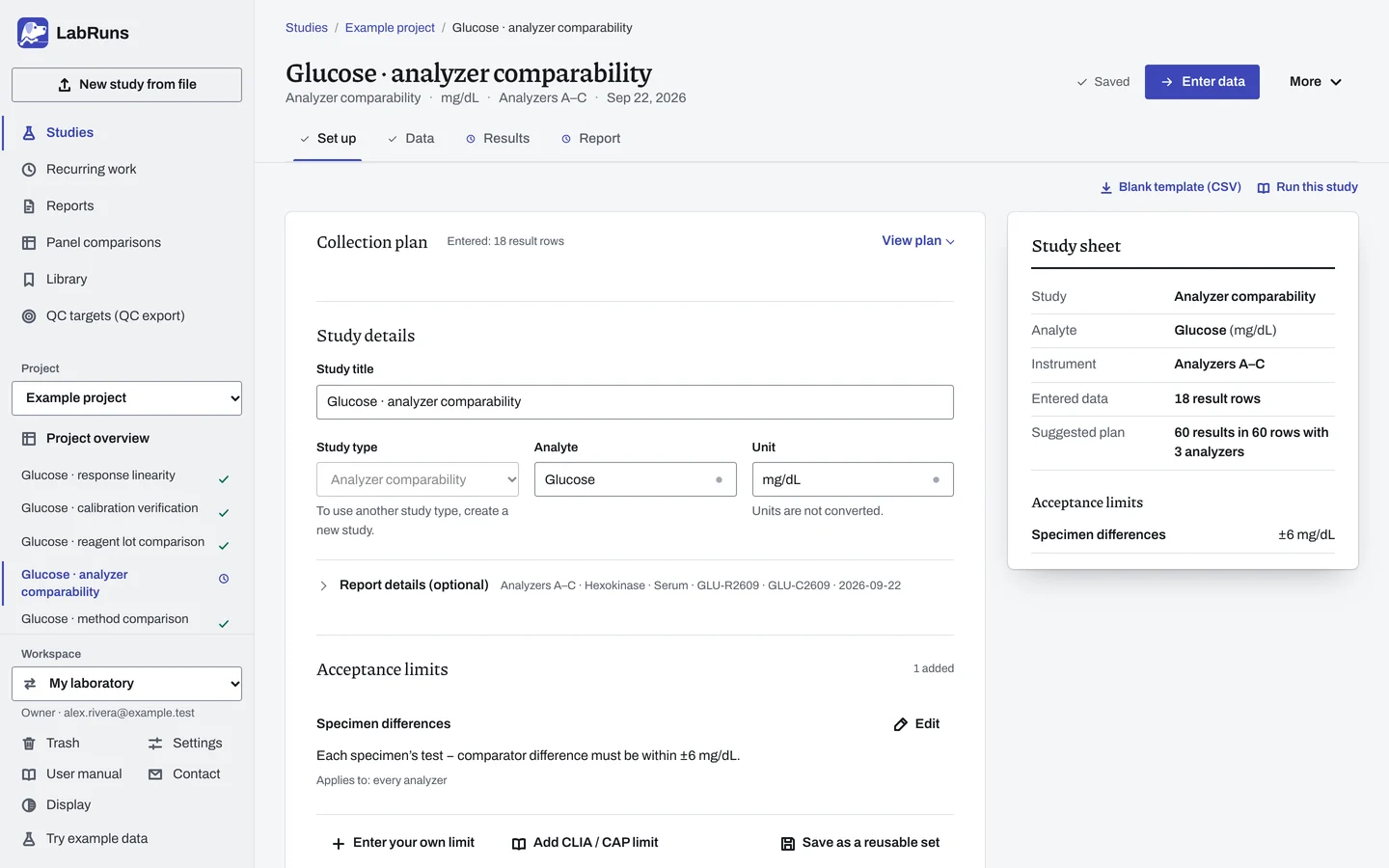
- Your question
-
Does each analyzer agree closely enough with your chosen reference analyzer on the same specimens?
- Prepare
-
Patient specimens covering the concentration groups you intend to use. Every analyzer, with routine QC and calibration checked. The documented specimen stability window, and consistent handling.
- Suggested starting plan
-
- 20 independent specimens, each measured once on every analyzer. 60 results in 60 rows with 3 analyzers.
Choose the count from the precision you need for the mean difference. For example, with a paired-difference SD of about 2 units, 20 specimens give a 95% interval of about ±0.94 units around the mean difference. Plan more for wider scatter or separate concentration groups. Calculated with the NIST mean-interval formula.
- Calculation minimum
-
Comparative-analyzer results on at least 2 specimens. For each analyzer, the specimen rule needs at least 5 specimens, with at least 95% within their allowable difference.
-
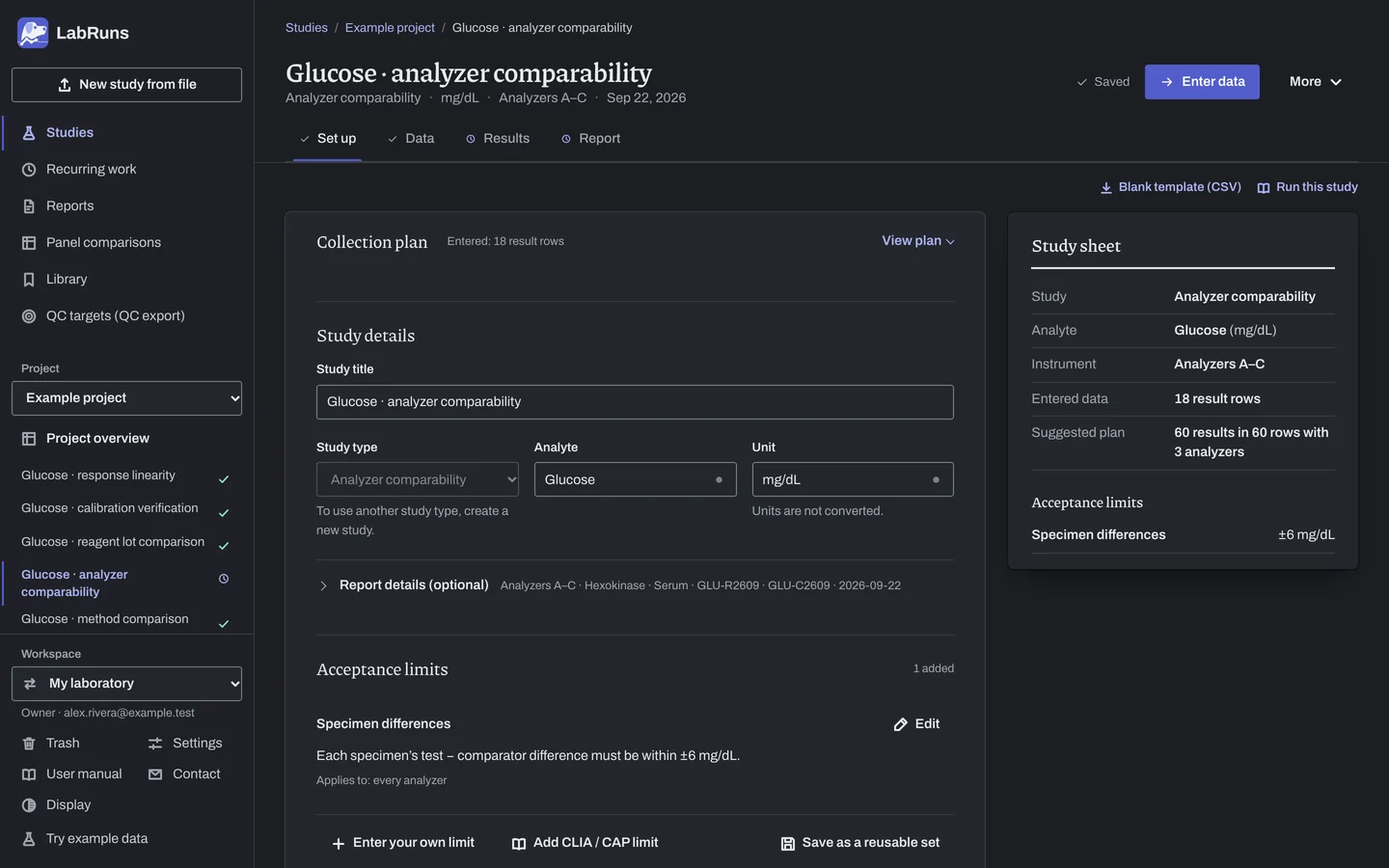
Decide before collecting. Create the study and fill these in on Set up:
- The reference analyzer and every other analyzer, named exactly as in your file.
- The allowable difference for each specimen.
- Concentration groups covering your intended use, with enough specimens in each.
Figure 1. Set up for Glucose · analyzer comparability. -
Collect and record. Collect the results as planned above and label each one with the specimen or material, level, day, run and replicate your design tracks.
-
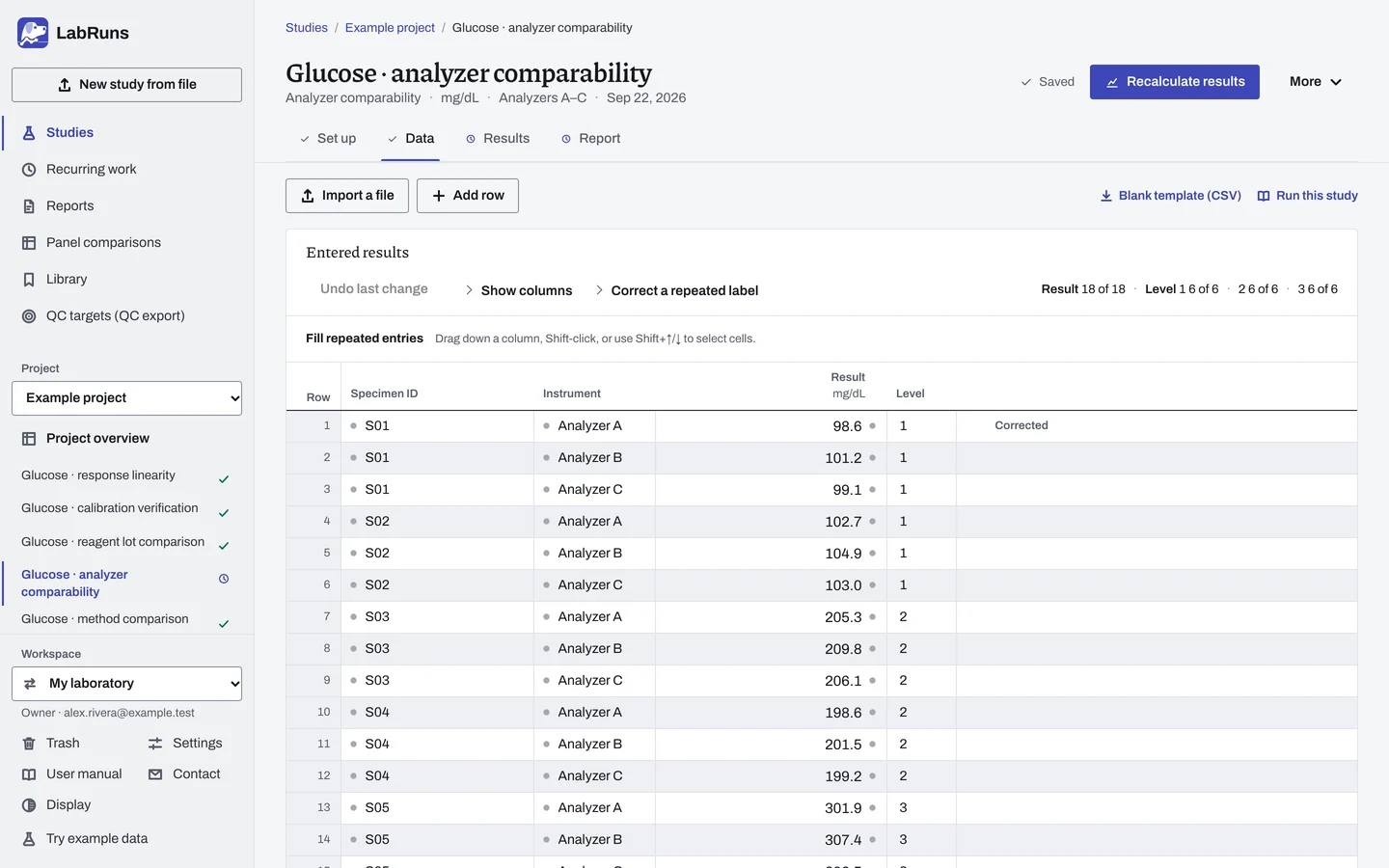
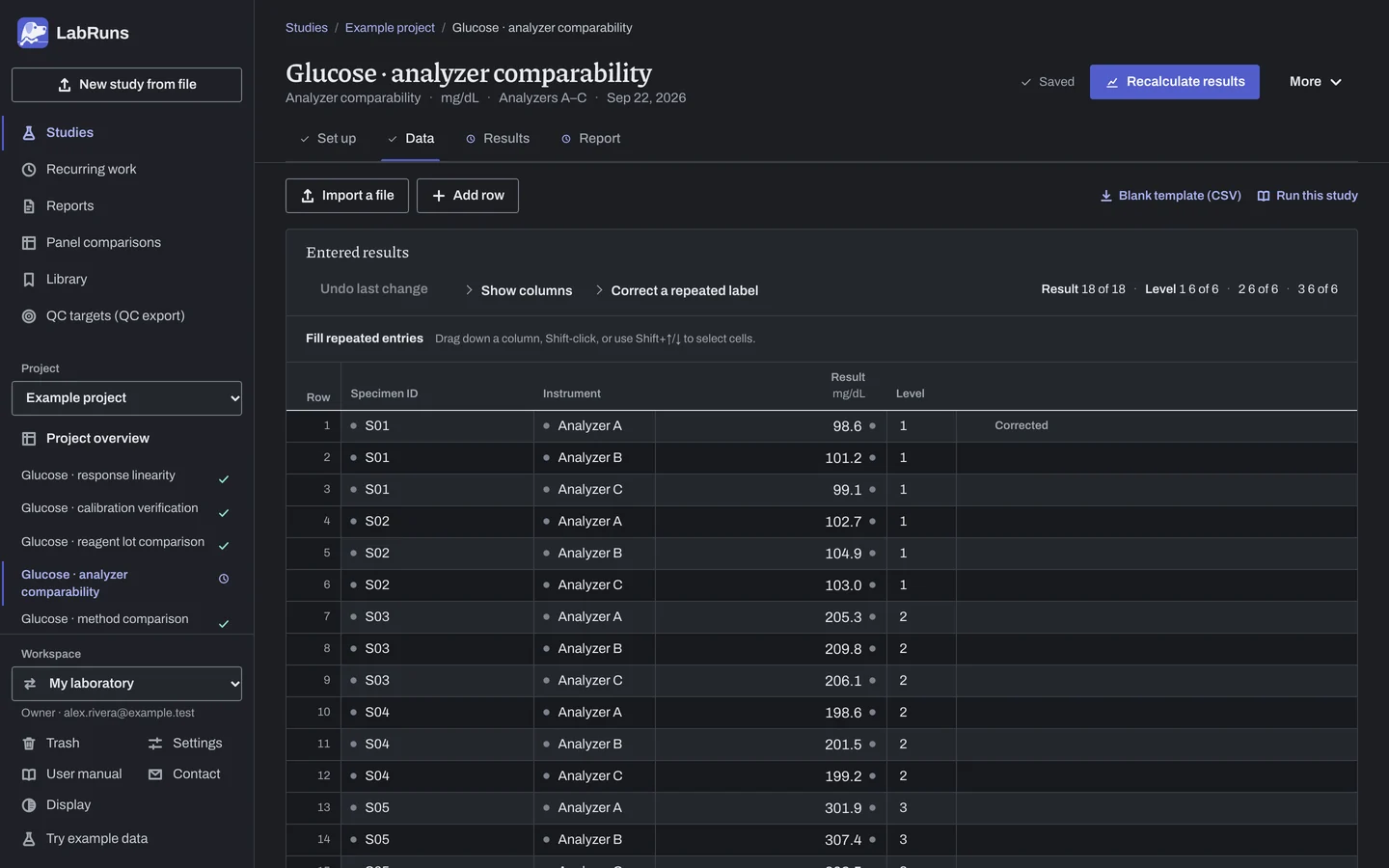
Enter your results. Enter one result per row with the specimen ID, analyzer name and concentration group. Keep repeats under the same ID. For a ready-made file, use Blank template (CSV) on Data, or download the example file.
Figure 2. Data for Glucose · analyzer comparability. -
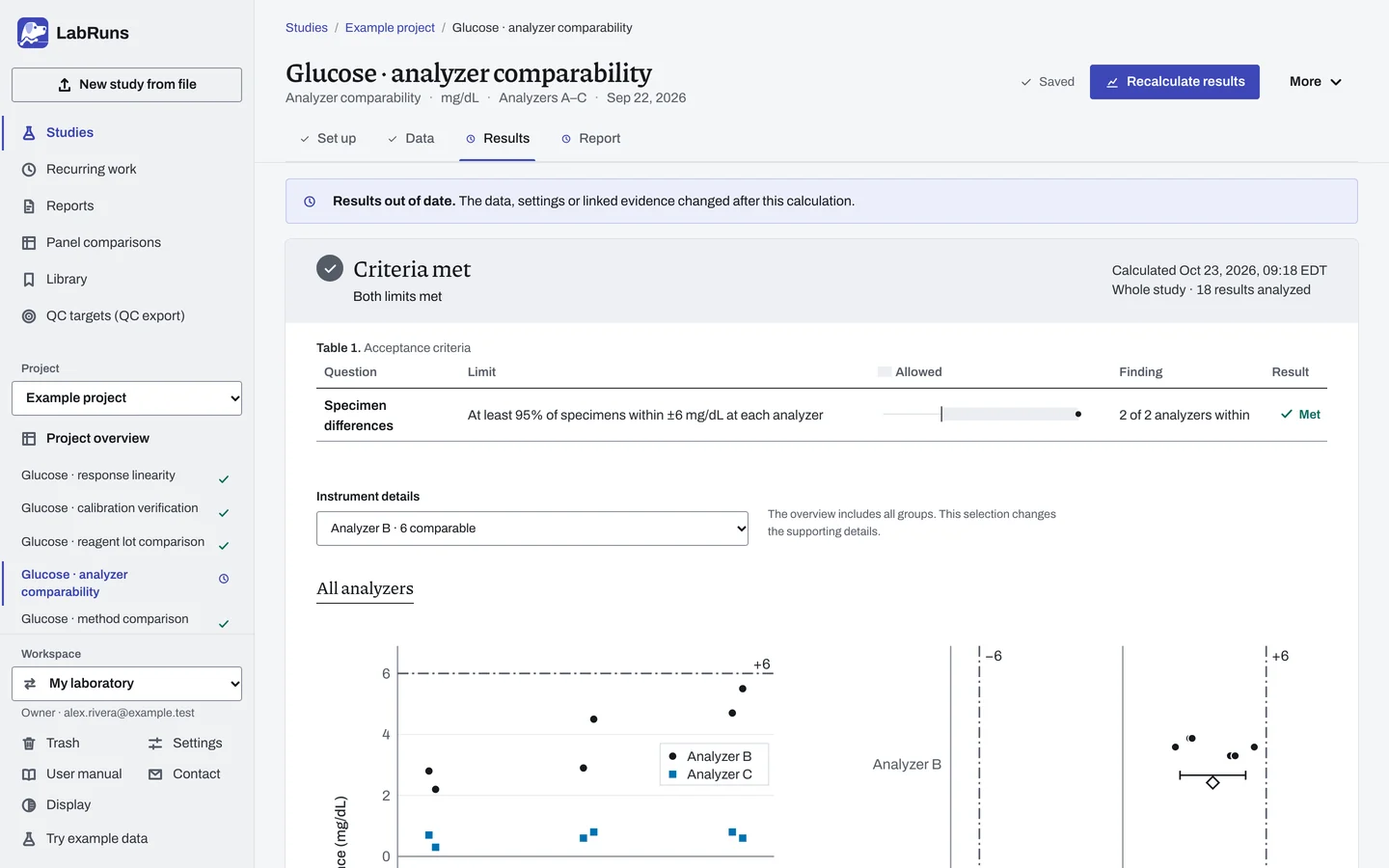
Calculate and check. Save the study, choose Calculate results, then check:
- Coverage of any claimed reportable range, based on the paired results on the reference axis.
- Your chosen reference analyzer, matched counts and missing results for each analyzer.
- Each specimen decision for each analyzer and whether the count within limits meets the 95% requirement.
- Concentration-group summaries and the mean difference.
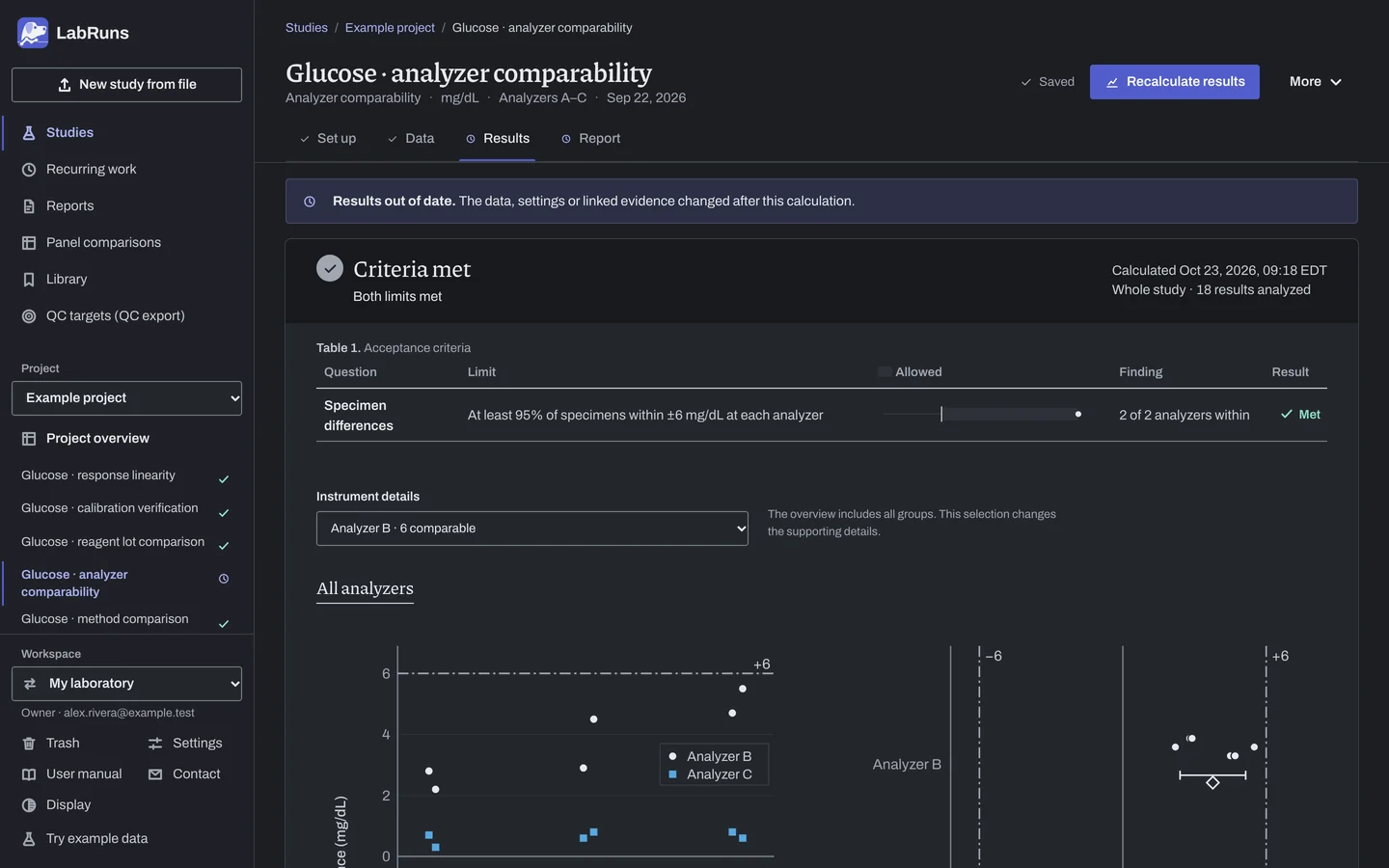
Figure 3. Results for Glucose · analyzer comparability. -
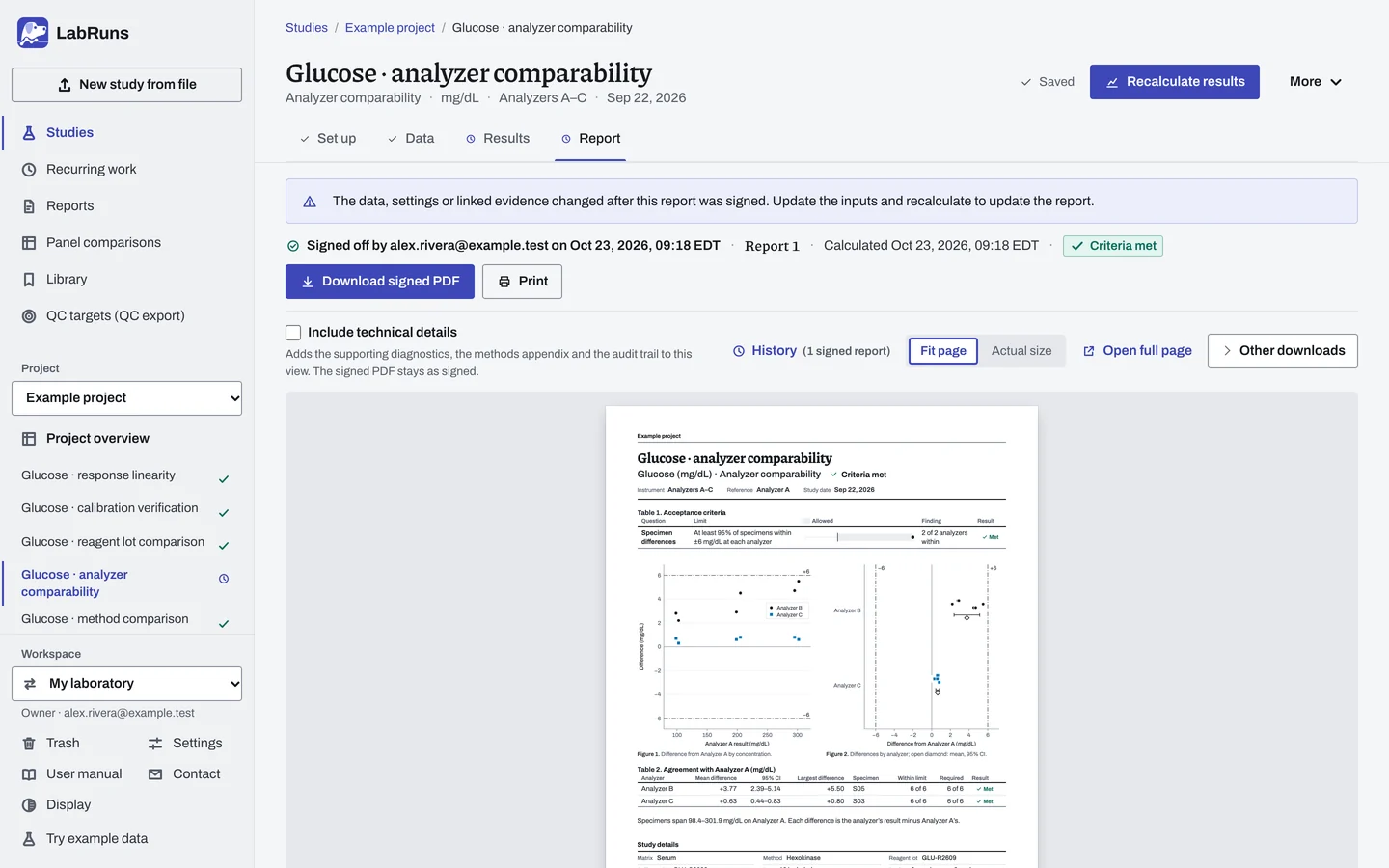
Report your decision. Open Report, look over the result and the study details, then download or print the report. Sign-off is optional.
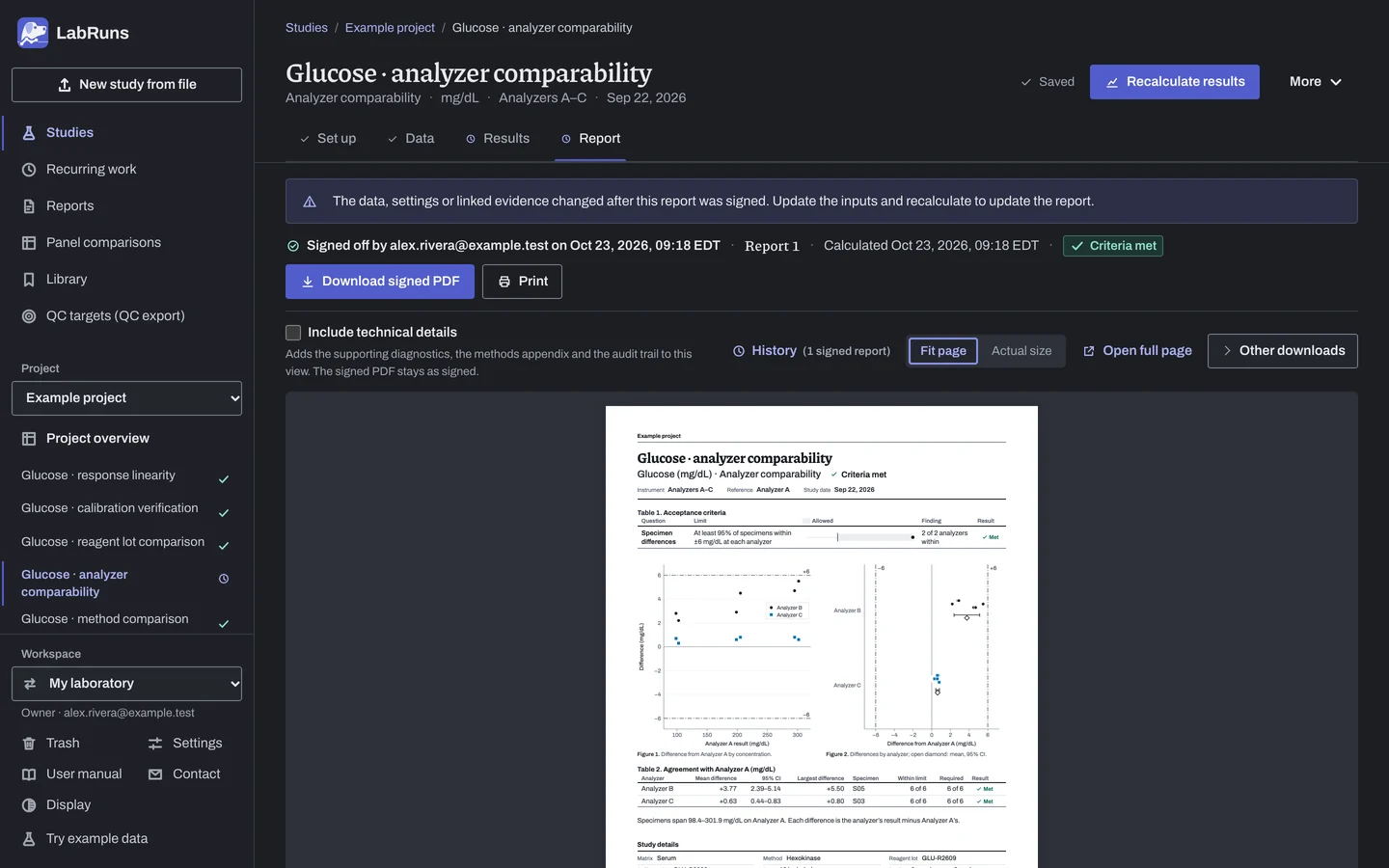
Figure 4. Report for Glucose · analyzer comparability.
Set up
Section titled “Set up”- Choose New study. Select Instrument comparison under Comparison and bias, fill in Reference analyzer, then enter Analyte and Unit. Choose Create study, or Create and import data if you already have results.
- On Set up, under Acceptance limits, choose Enter your own limit. Under What to limit, pick Specimen difference, then enter the limit in the study unit, as a percentage, or both (see both parts). Set Applies to to All analyzers, or pick one analyzer. For a limit on the mean difference, choose More statistics and pick Instrument bias vs reference analyzer under What to check. See Acceptance limits.
- Under Reference analyzer, check the Reference analyzer; once results are entered, you can choose any instrument in them.
- Optionally, under Reportable-range coverage (optional), enter the Claimed lower reportable limit and Claimed upper reportable limit.
- On Data, choose Import a file, or Add row and type or paste into the grid. Enter one row for each result, with the instrument names spelled the same on every row and one concentration level per specimen. See Columns.
- To compare two instruments other than the reference, create another study with one of them as the Reference analyzer.
When a limit is not met
Section titled “When a limit is not met”- Check for inconsistent instrument names, the wrong reference and typing errors. Look at the same things when an instrument shows warning signs: specimens outside their limit or not evaluated, a mean difference near your limit, wide limits of agreement, one large specimen difference, bias that climbs with concentration, or many missing results.
- If the data are right, remeasure, run QC on both instruments and recalculate.
- If the bias looks proportional, run a Method comparison of that instrument against the reference analyzer.
Common mistakes
Section titled “Common mistakes”- A specimen with more than one concentration level. The calculation stops. Use one level per specimen.
- Reference results for fewer than two specimens. The calculation stops. Add included reference results for a second specimen.
- A specimen with no result on one analyzer, for example a short sample. That analyzer stays Undecided. Enter the result, or keep the analyzer's row for that specimen and exclude it with the reason; the specimen then leaves that analyzer's count only.
- No specimen limit. Every analyzer stays Undecided. Add a limit for each specimen with Enter your own limit, then recalculate.
- Every limit shows Not applicable. Set Applies to to All analyzers or pick the analyzer from the list.
- An instrument name spelled two ways, for example
analyzer AforAnalyzer A. The instrument appears twice. Correct the Instrument column.