


Multi-day precision
Run this study
Section titled “Run this study”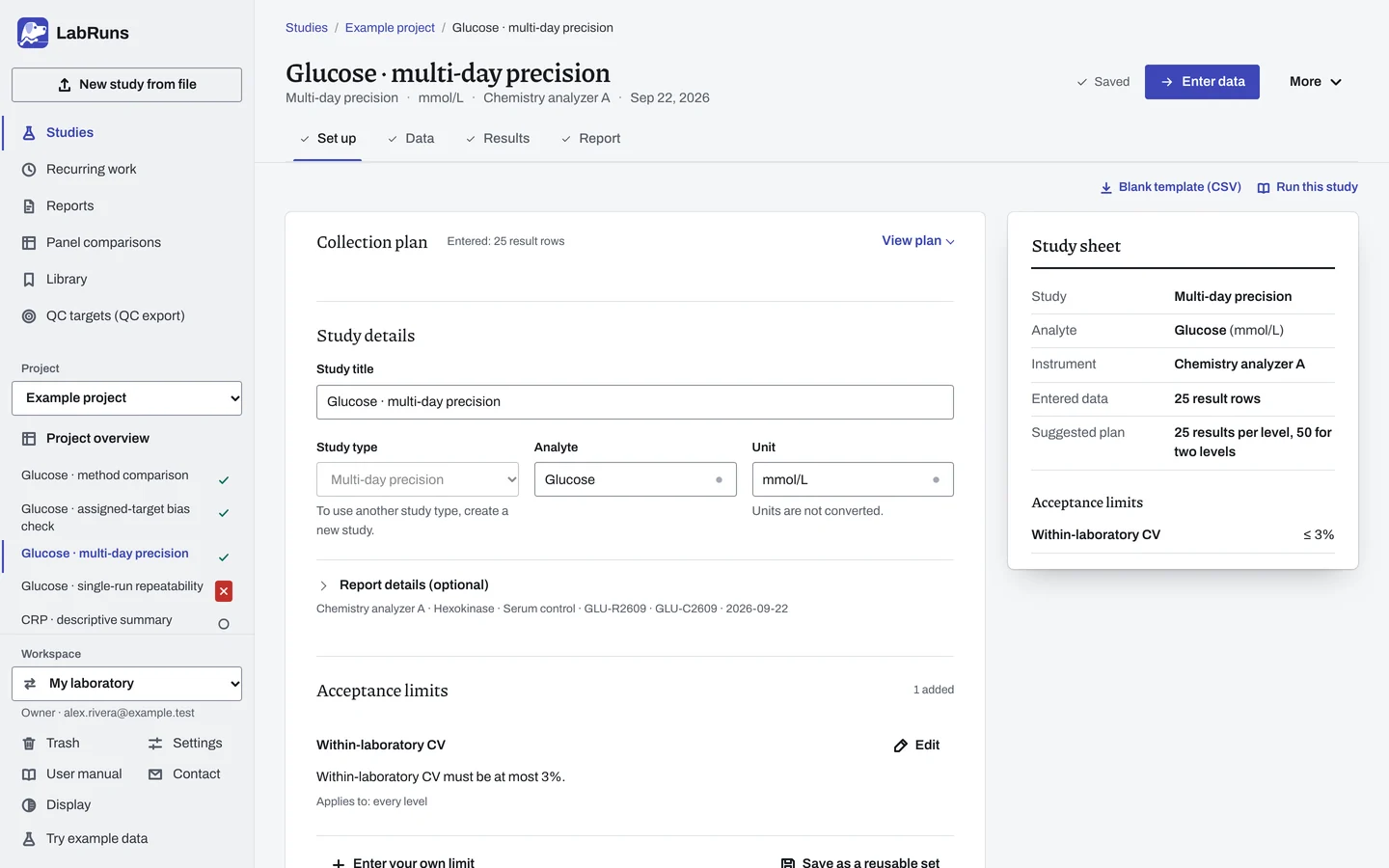
- Your question
-
How much variation will this method show across days and runs?
- Prepare
-
Two stable materials near relevant low and high decision concentrations. Enough of each material, stable for the whole collection period. Routine operating conditions with acceptable QC on every day.
- Suggested starting plan
-
- Short study: 5 days × 1 run per day × 5 replicates, per level. 25 results per level, 50 for two levels.
- Separate run and day effects: 20 days × 2 runs per day × 2 replicates, per level. 80 results per level, 160 for two levels.
One run a day combines run and day effects. Plan more runs a day to separate them. The short study follows the CLSI EP15-A3 (2014) design in CLSI's public precision implementation guide.
- Calculation minimum
-
Each level needs at least 2 days and at least one run with 2 replicates. Use one material per level. LabRuns calculates studies with unequal runs or replicates and notes the imbalance.
-
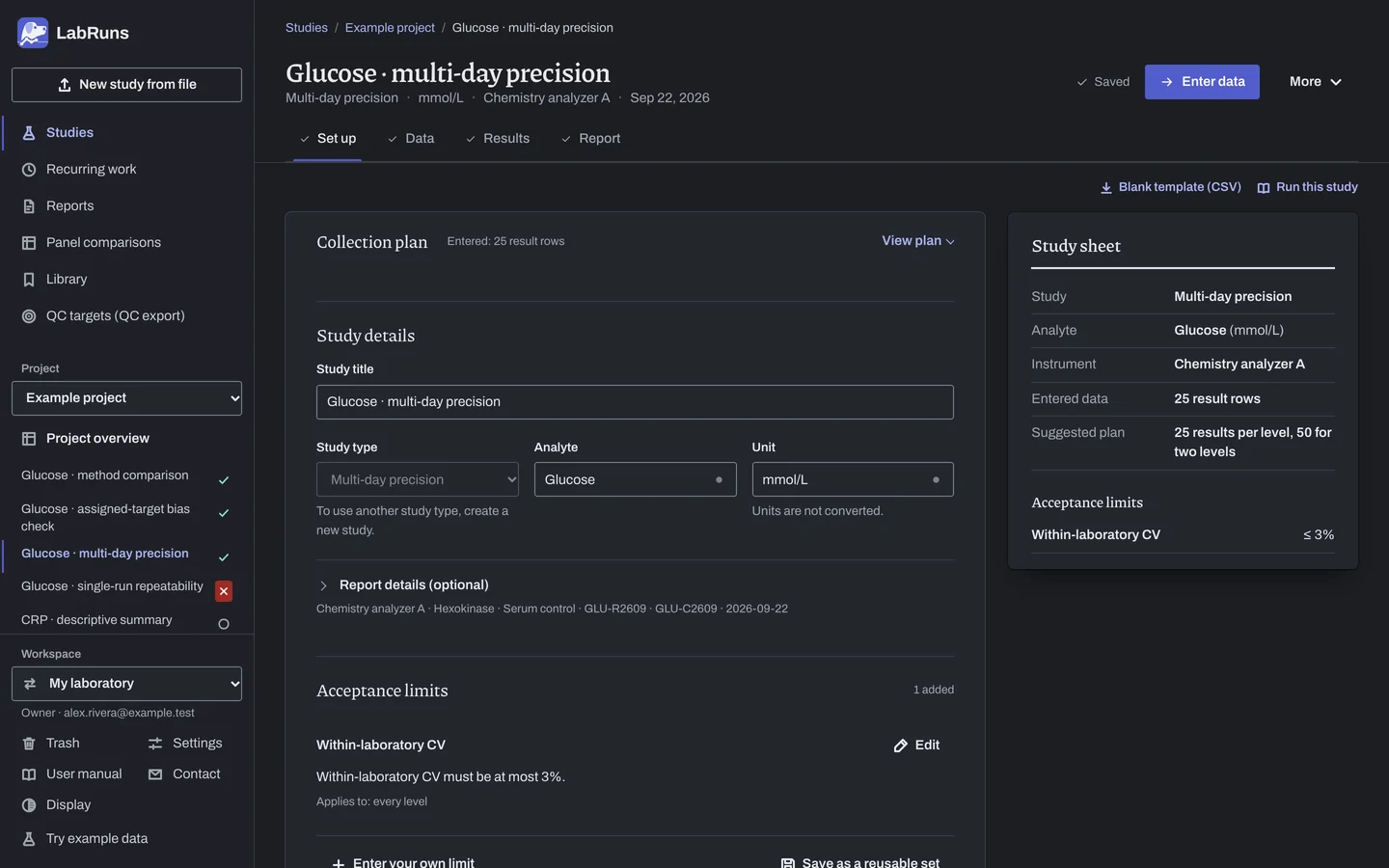
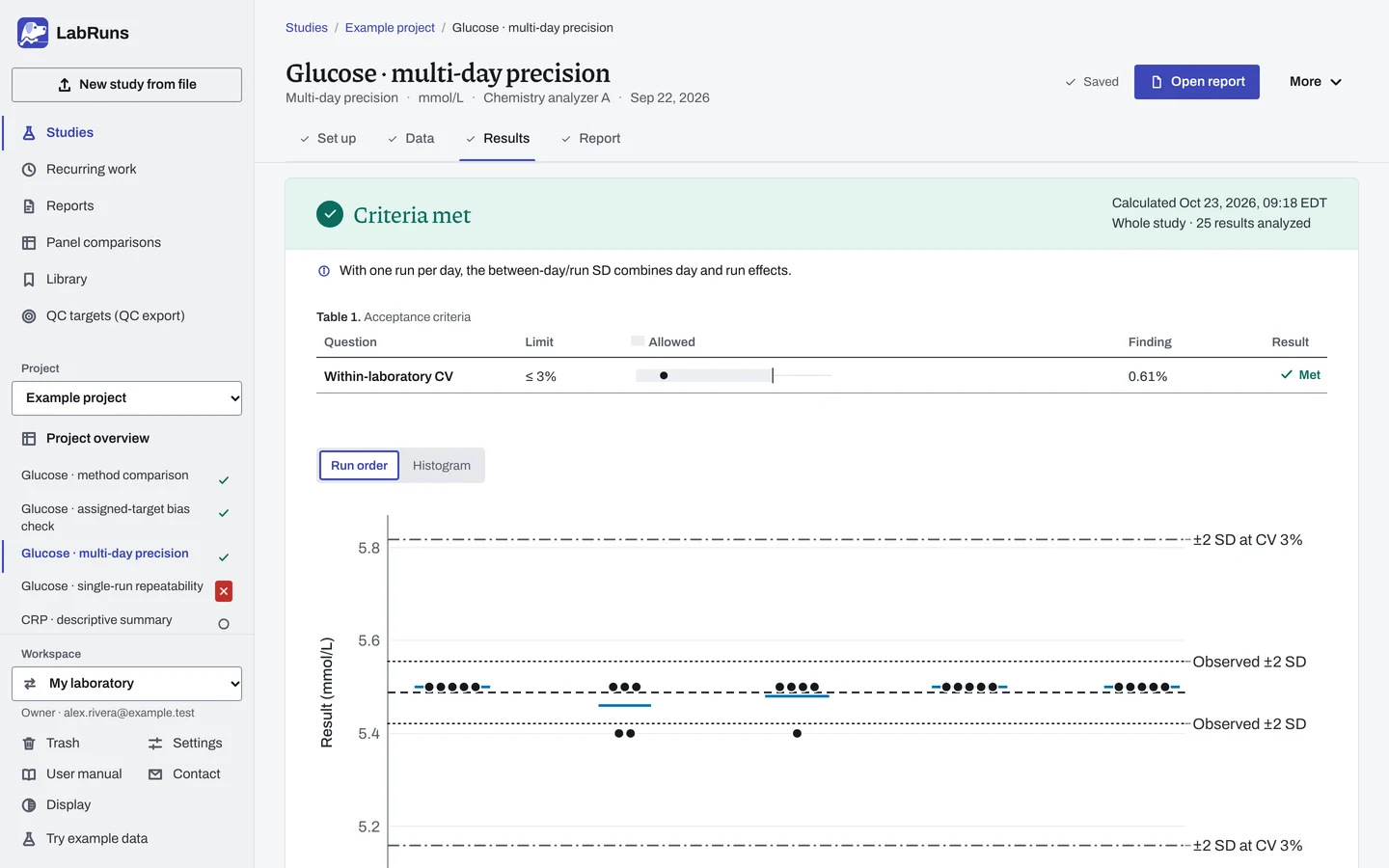
Decide before collecting. Create the study and fill these in on Set up:
- Your SD or CV limits. An SD allowance may combine an amount in the study unit with a percentage of the level mean. Check any copied profile limit.
- Choose the short or long collection design. If verifying a manufacturer claim, copy its concentration and repeatability or within-laboratory SD/CV; one-sided confidence is prefilled at 95%.
Figure 1. Set up for Glucose · multi-day precision. -
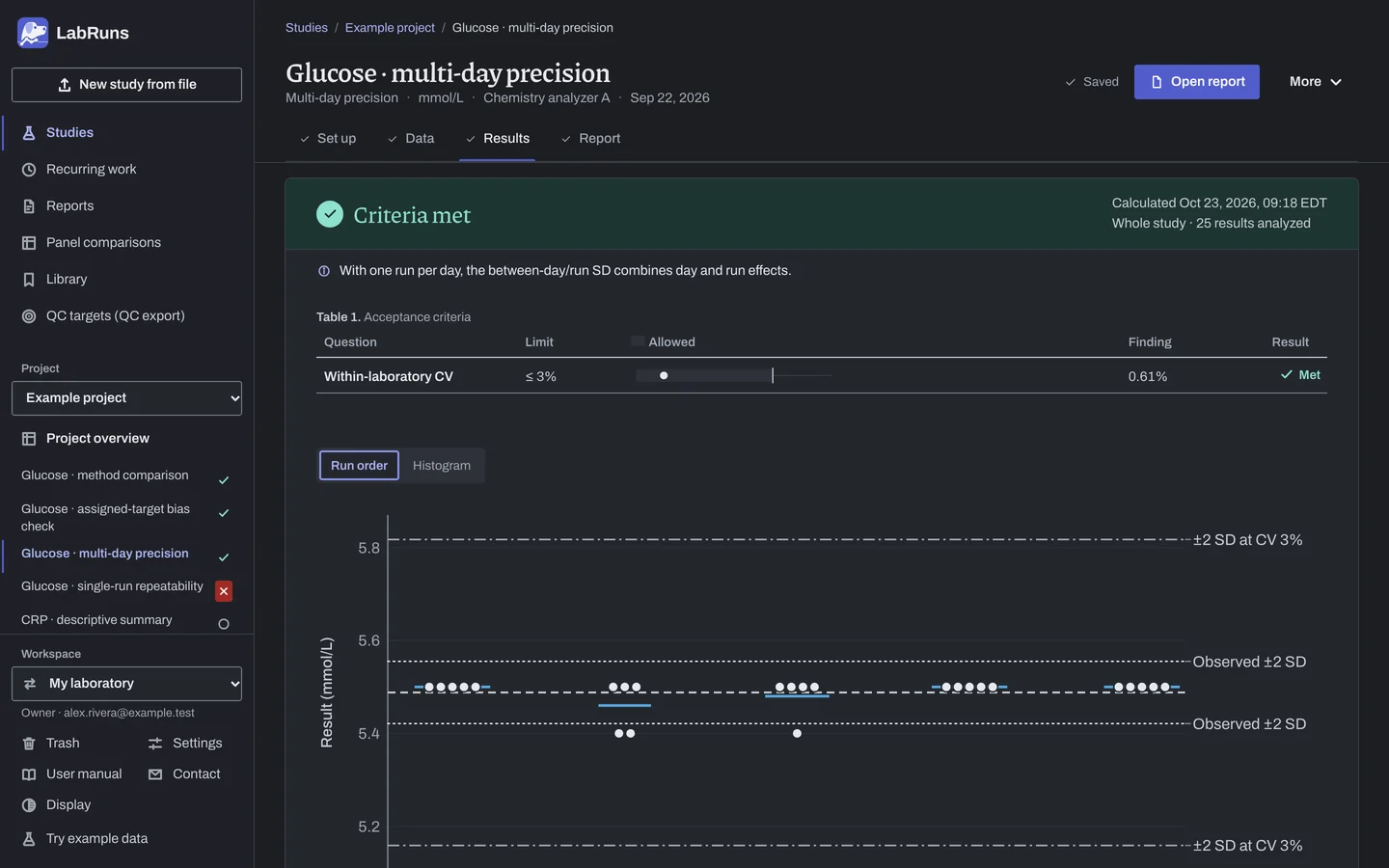
Collect and record. Collect the results as planned above and label each one with the specimen or material, level, day, run and replicate your design tracks.
-
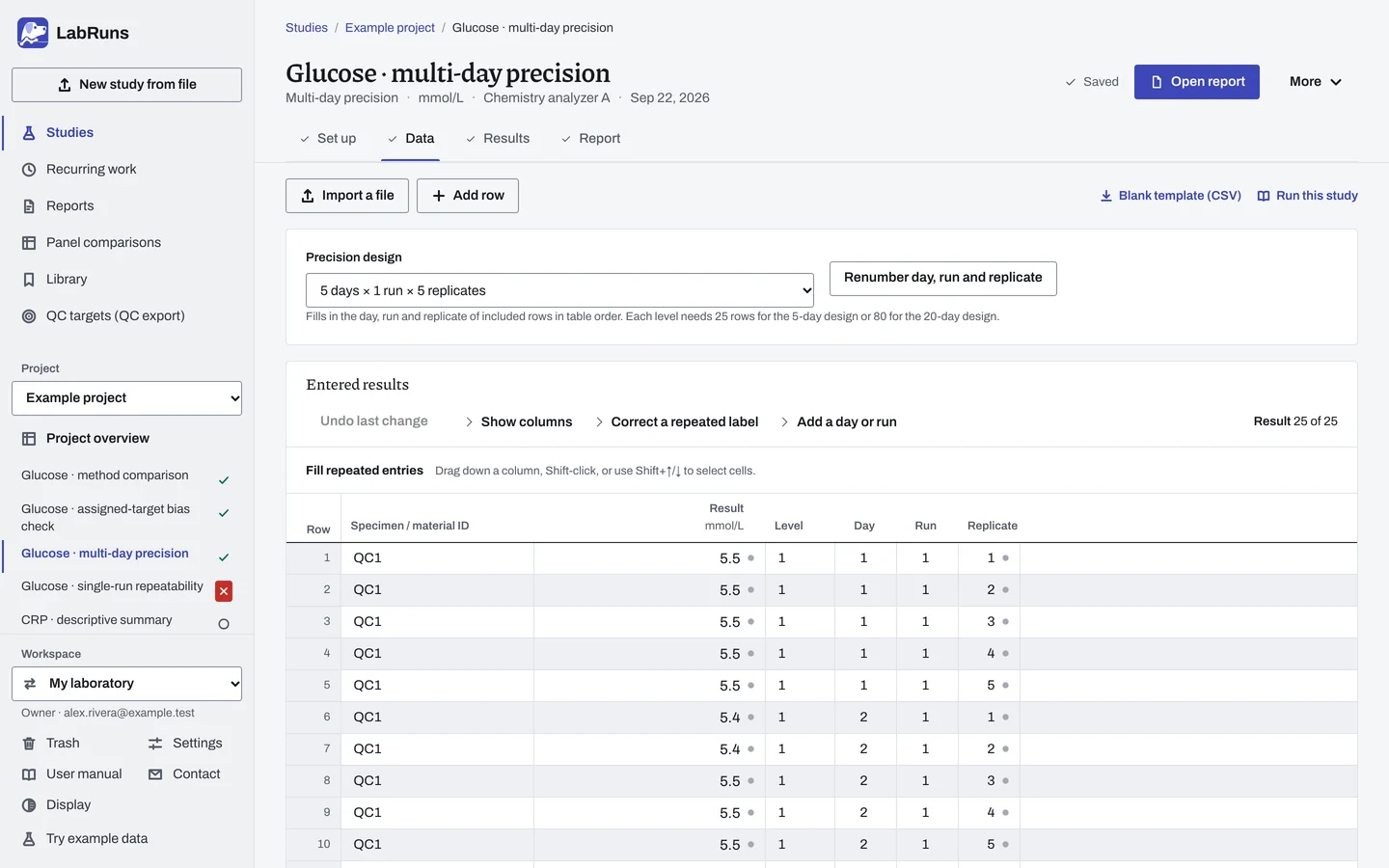
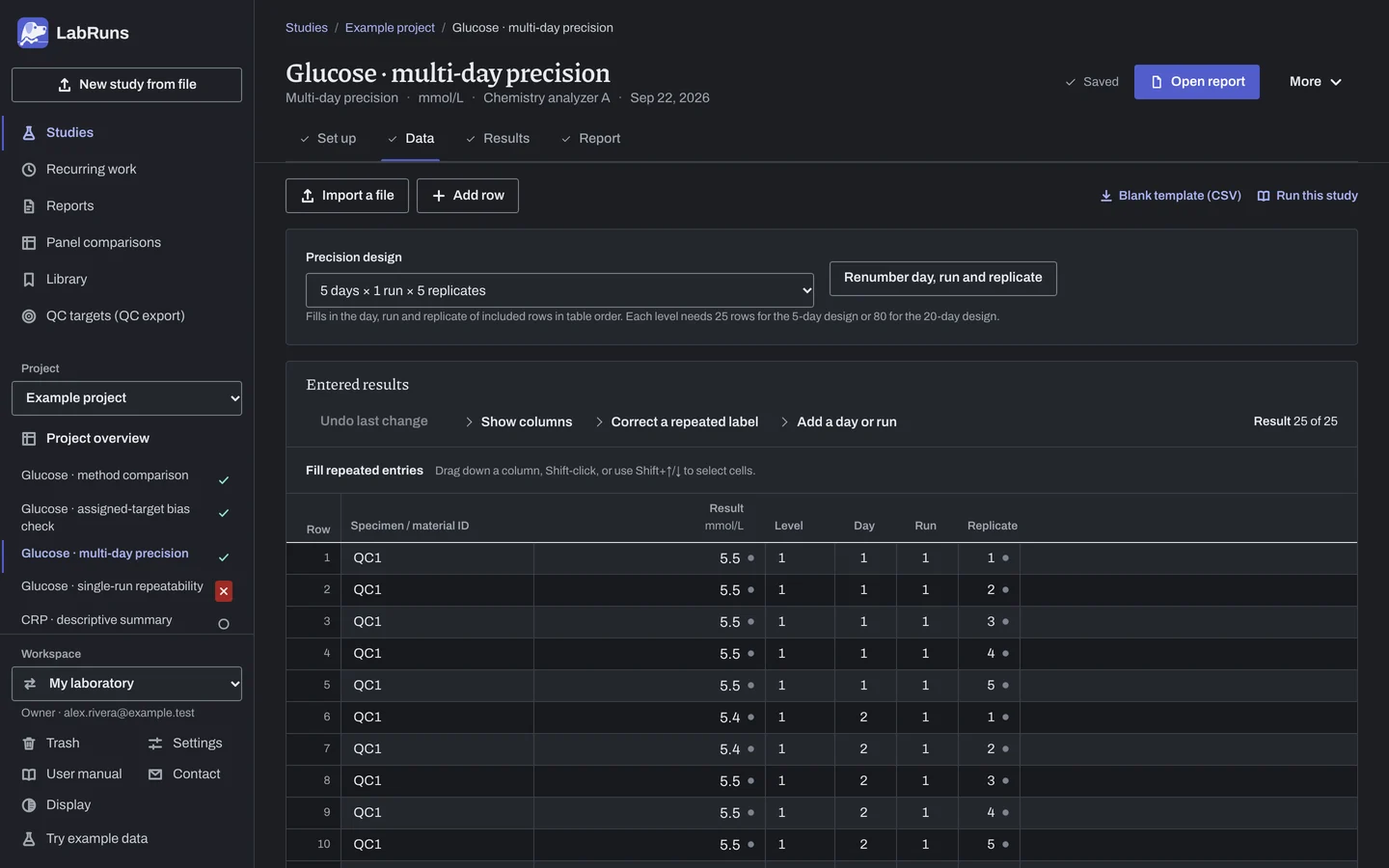
Enter your results. Choose Lay out the grid to fill material IDs, levels, days, runs and replicates from your counts, then enter the results. Choose Add a day or run to reuse an existing batch's labels and replicates with blank measurements. For a ready-made file, use Blank template (CSV) on Data, or download the example file.
Figure 2. Data for Glucose · multi-day precision. -
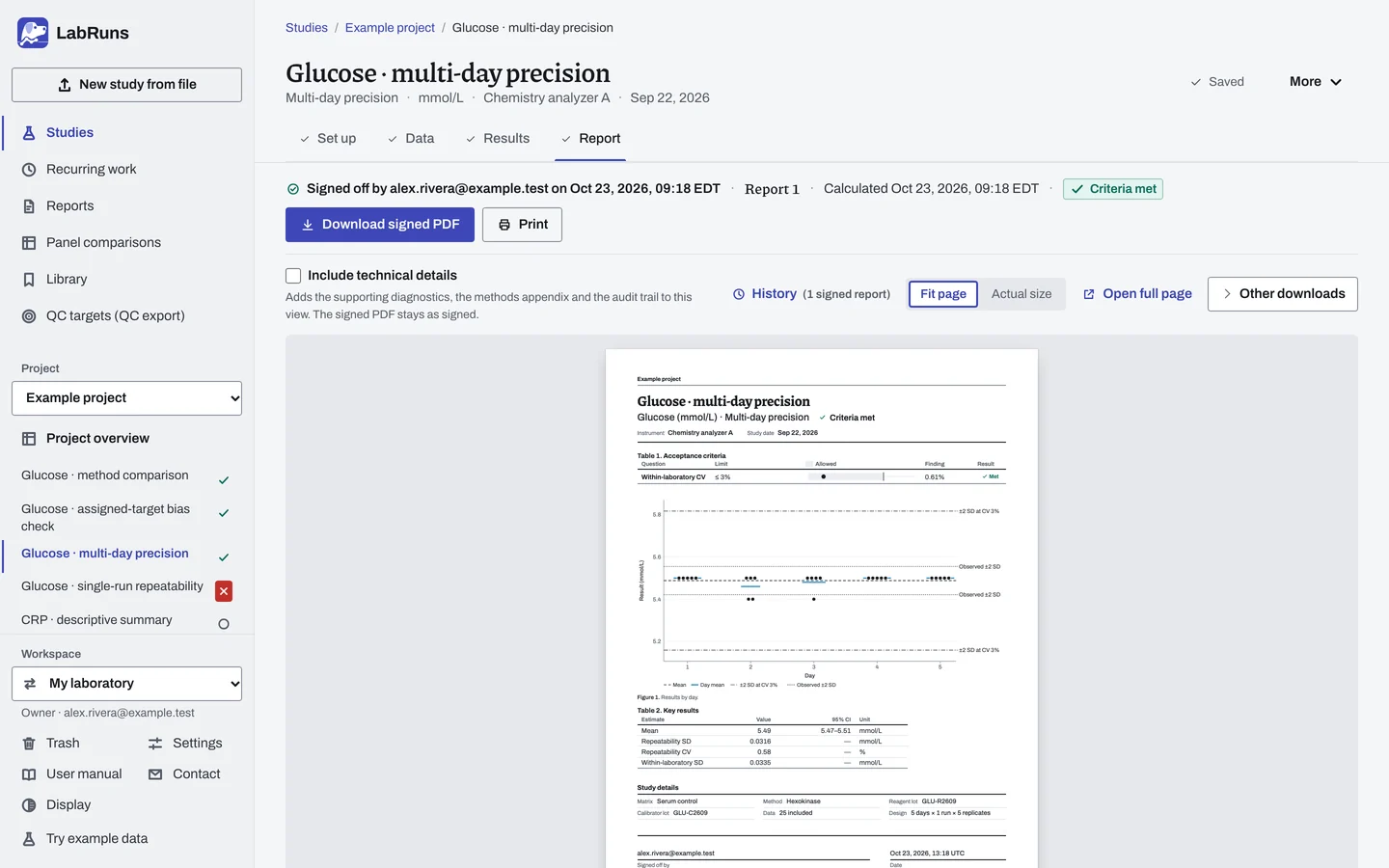
Calculate and check. Save the study, choose Calculate results, then check:
- The included days, runs and replicates match your collection record. Check day labels that differ only in capitalization; they count as separate days. Review the named short day or run if results were lost or excluded.
- Each precision component against your limits, and any separate manufacturer claim comparison.
Figure 3. Results for Glucose · multi-day precision. -
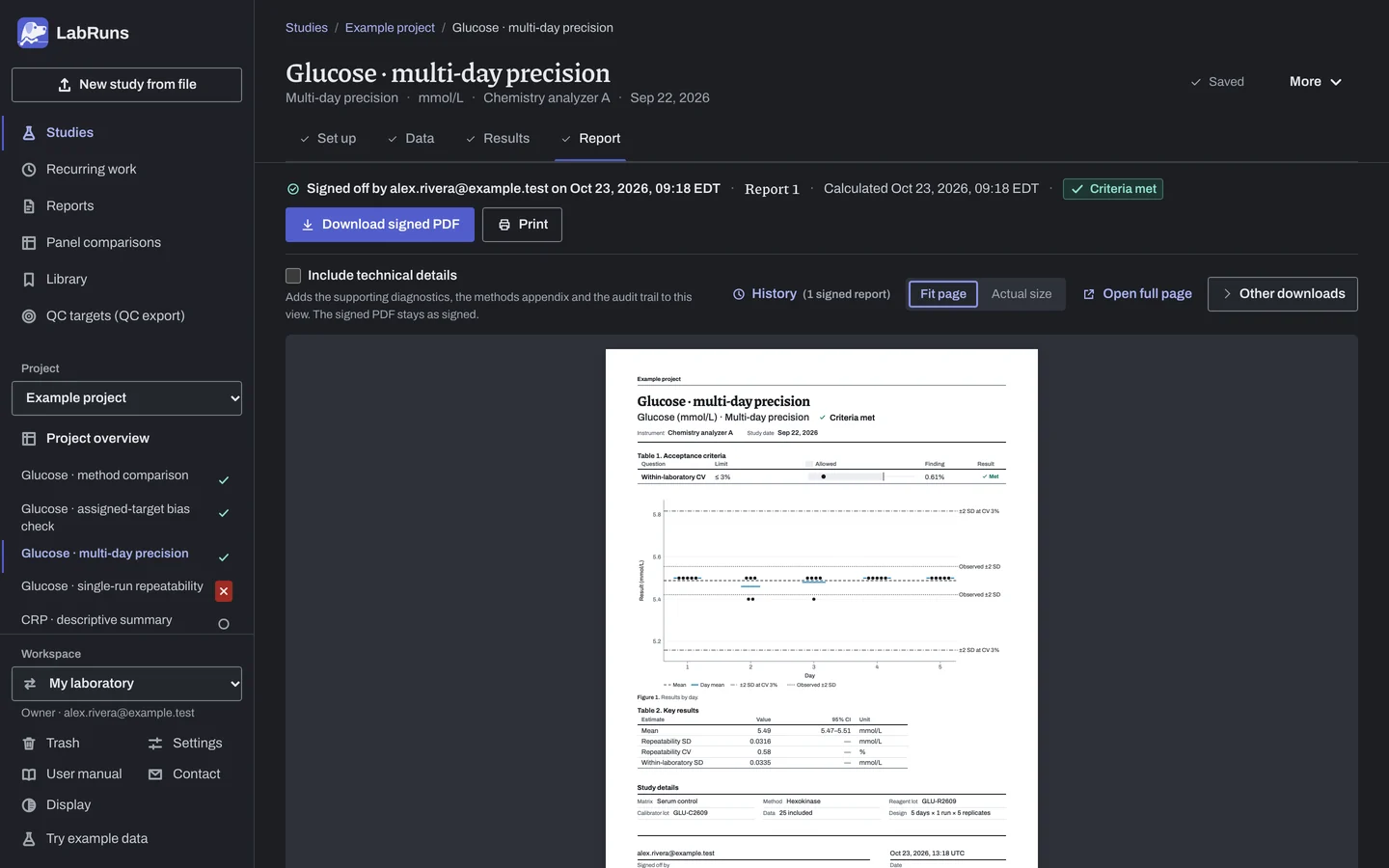
Report your decision. Open Report, look over the result and the study details, then download or print the report. Sign-off is optional.
Figure 4. Report for Glucose · multi-day precision.
See Precision verification in LabRuns for an overview of repeatability, multi-day precision, reports and saved records.
Set up
Section titled “Set up”- Choose New study, select Multi-day precision under Precision, enter Analyte and Unit, and choose Create study, or Create and import data if you already have results.
- On Set up, choose Enter your own limit under Acceptance limits and add your SD or CV limits. See Acceptance limits.
- Under Collection design, choose the Suggested design: 5 days × 1 run × 5 replicates or 20 days × 2 runs × 2 replicates. It sets the counts in Lay out the grid.
- To verify a manufacturer claim, open Manufacturer precision claims (optional) and choose Add claim. Enter the Level, choose Repeatability or Within-laboratory as the Precision component, and enter the Claim concentration and the Claimed SD or Or claimed CV (%). Add one claim for each level and component.
- On Data, choose Import a file or Add row, or, on an empty grid, check the counts under Lay out the grid, choose Create entry rows and type the results. See Import a file, Laying out the grid and Columns.
- If the rows' Day, Run and Replicate are empty or need replacing, for example after importing a file without them filled in, pick the design under Precision design above Entered results and choose Renumber day, run and replicate, then Renumber rows, or Cancel to keep them. See Precision design.
- To continue collection, open Add a day or run, choose Add day or Add run under Collect, pick the day or run under Copy structure from, check the proposed row count and the New day or run label, and choose Add day or Add run. See Adding a day or run.
- For a censored value such as
<5, enter the exact reading from the original record if available; otherwise exclude it with a reason. See Handle missing and censored values. - Choose Calculate results. See Calculate results.
- If you entered a manufacturer claim, review the claim concentration against the measured material mean.
When a limit is not met
Section titled “When a limit is not met”- Recheck day, run and replicate IDs, decimals and the decimal convention. A study note names any day or run that is short.
- Find the largest variance component. For between-day variation, check calibration, reagent lot, operator or temperature changes. For repeatability, check pipetting, mixing or the control material.
- Look in Results by day for one day's mean far from the others.
Common mistakes
Section titled “Common mistakes”- Two control lots in one level: give each material its own level.
- Day numbers restart for each level: that's fine. Days are matched within a level.
- Only one day, or no run with two replicates: collect at least a second day and at least one run of two replicates.
- A row without its day, run or replicate: fill them in, or use Renumber day, run and replicate.
- A replicate ID used twice in one run: give each replicate its own ID within the run.
- A Between-run SD (within days) limit with one run per day: it stays Undecided. Plan two or more runs a day to separate run and day effects.
- A CV limit on an interval scale: it stays Undecided. Use an SD limit in the measurement unit.