


Repeatability
Run this study
Section titled “Run this study”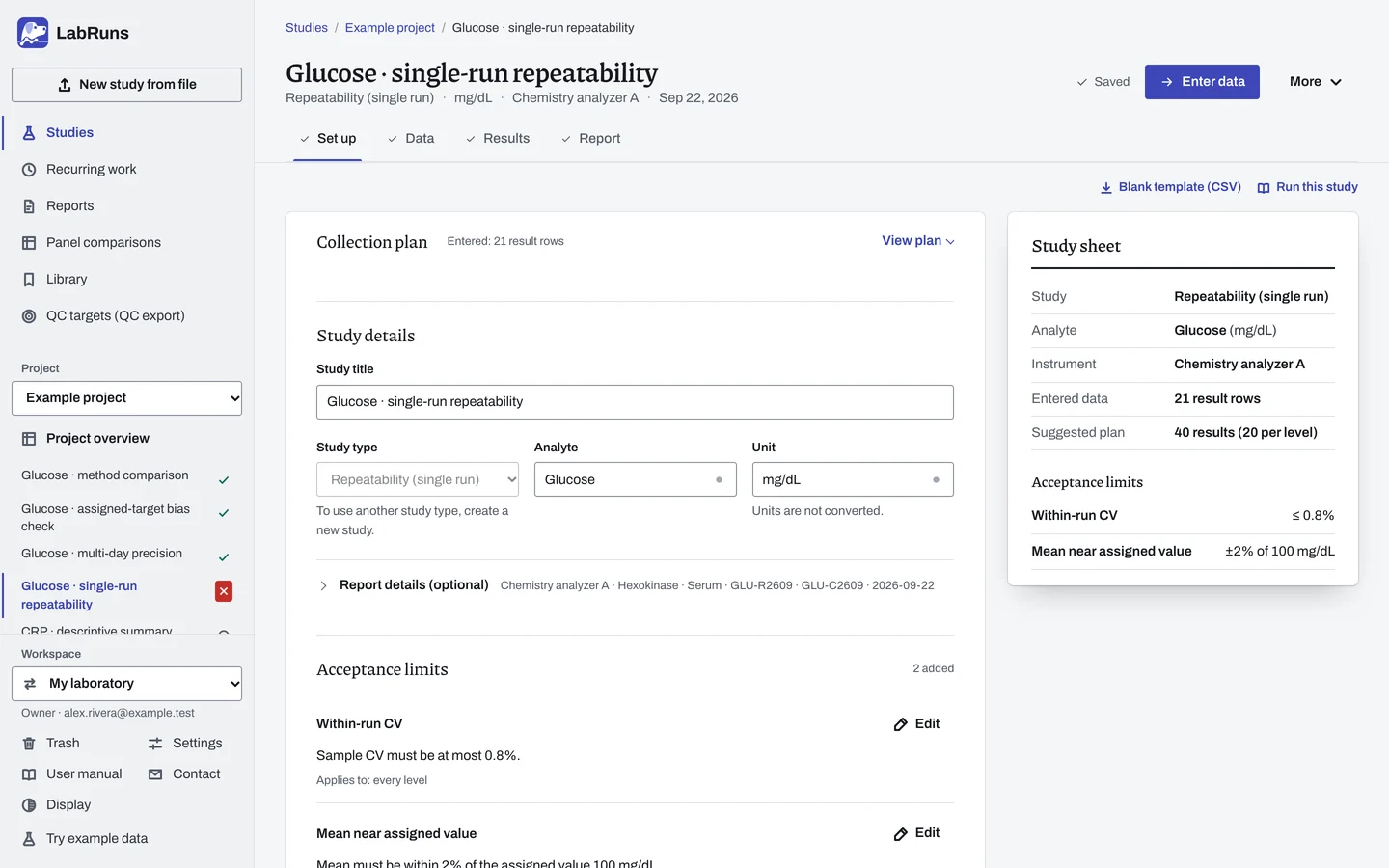
- Your question
-
How much do repeated measurements of one material vary within a run?
- Prepare
-
Two stable materials: one near a low decision concentration, one near a high one. Enough volume for 20 measurements of each material. Acceptable routine calibration and QC for the run.
- Suggested starting plan
-
- 2 materials × 20 measurements, in one run on one day. 40 results (20 per level).
Add levels for other clinical decision concentrations. This plan follows the single-run design in Chesher's 2008 review of assay precision.
- Calculation minimum
-
Deciding a criterion needs two replicates per level. Use one material, one day and one run per level.
-
Decide before collecting. Create the study and fill these in on Set up:
- Your SD or CV limits. An SD allowance may combine an amount in the study unit with a percentage of the level mean. Check any copied profile limit.
- If verifying a manufacturer repeatability claim, copy its concentration and SD or CV. One-sided confidence is prefilled at 95%.
Figure 1. Set up for Glucose · single-run repeatability. -
Collect and record. Collect the results as planned above and label each one with the specimen or material, level, day, run and replicate your design tracks.
-
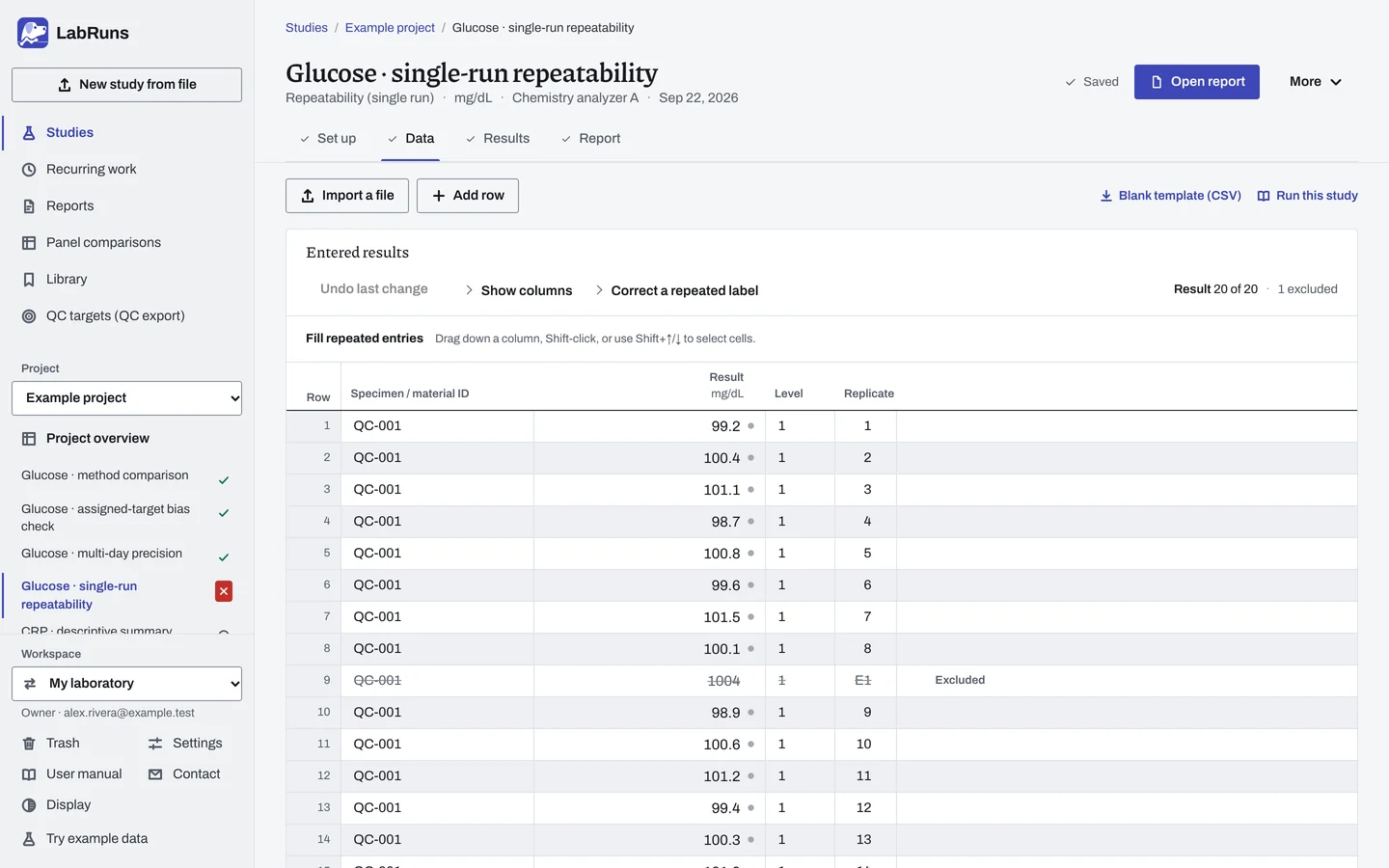
Enter your results. Enter each result with its level. Type the material ID once per level, on its first row; saving fills it in on the rest. For a ready-made file, use Blank template (CSV) on Data, or download the example file.
Figure 2. Data for Glucose · single-run repeatability. -
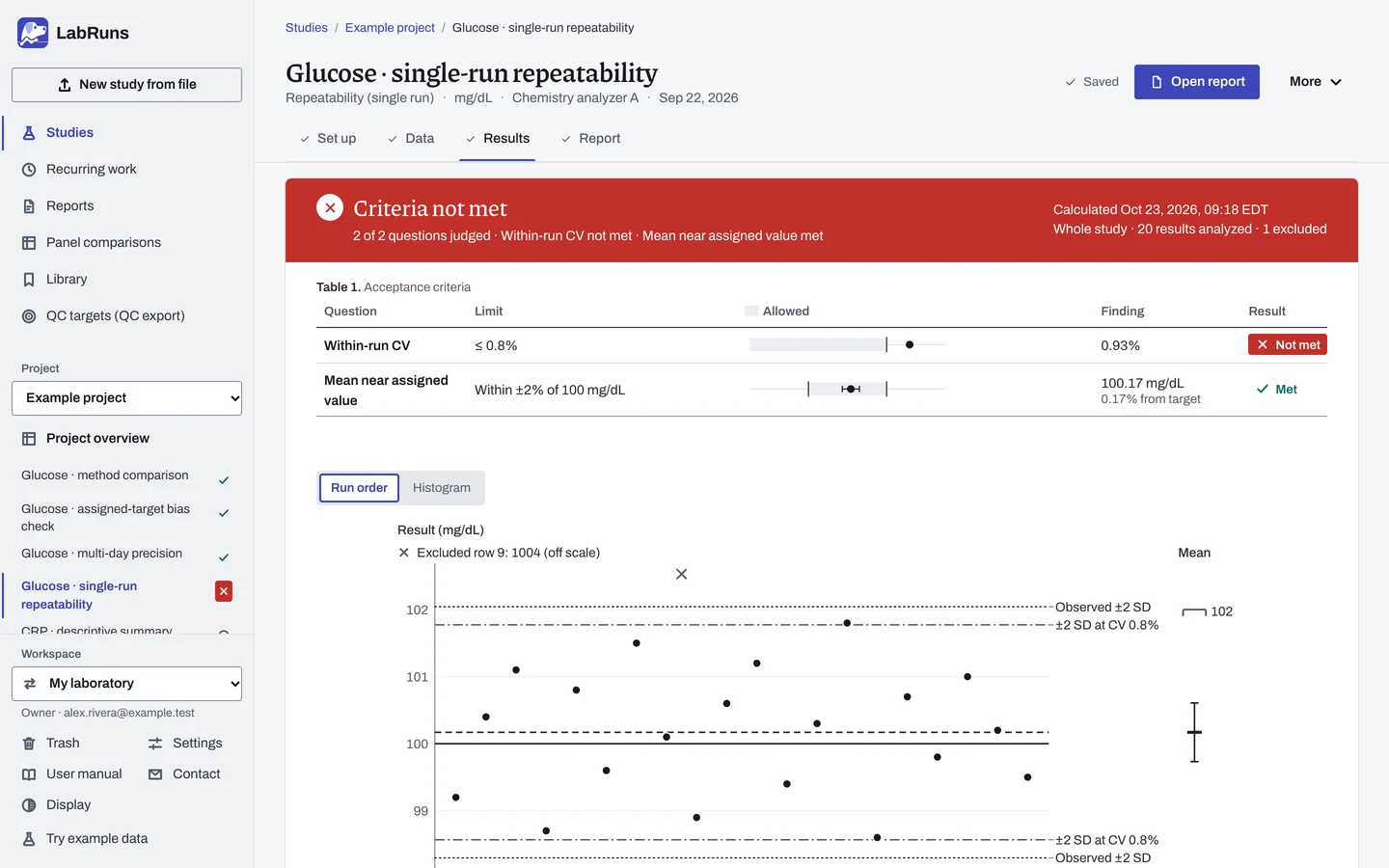
Calculate and check. Save the study, choose Calculate results, then check:
- Each level has the planned number of included results.
- Repeatability SD/CV against your limit and any separate manufacturer claim comparison.
- The sequence plot shows no drift.
- Investigate unusual readings before correcting or excluding them.
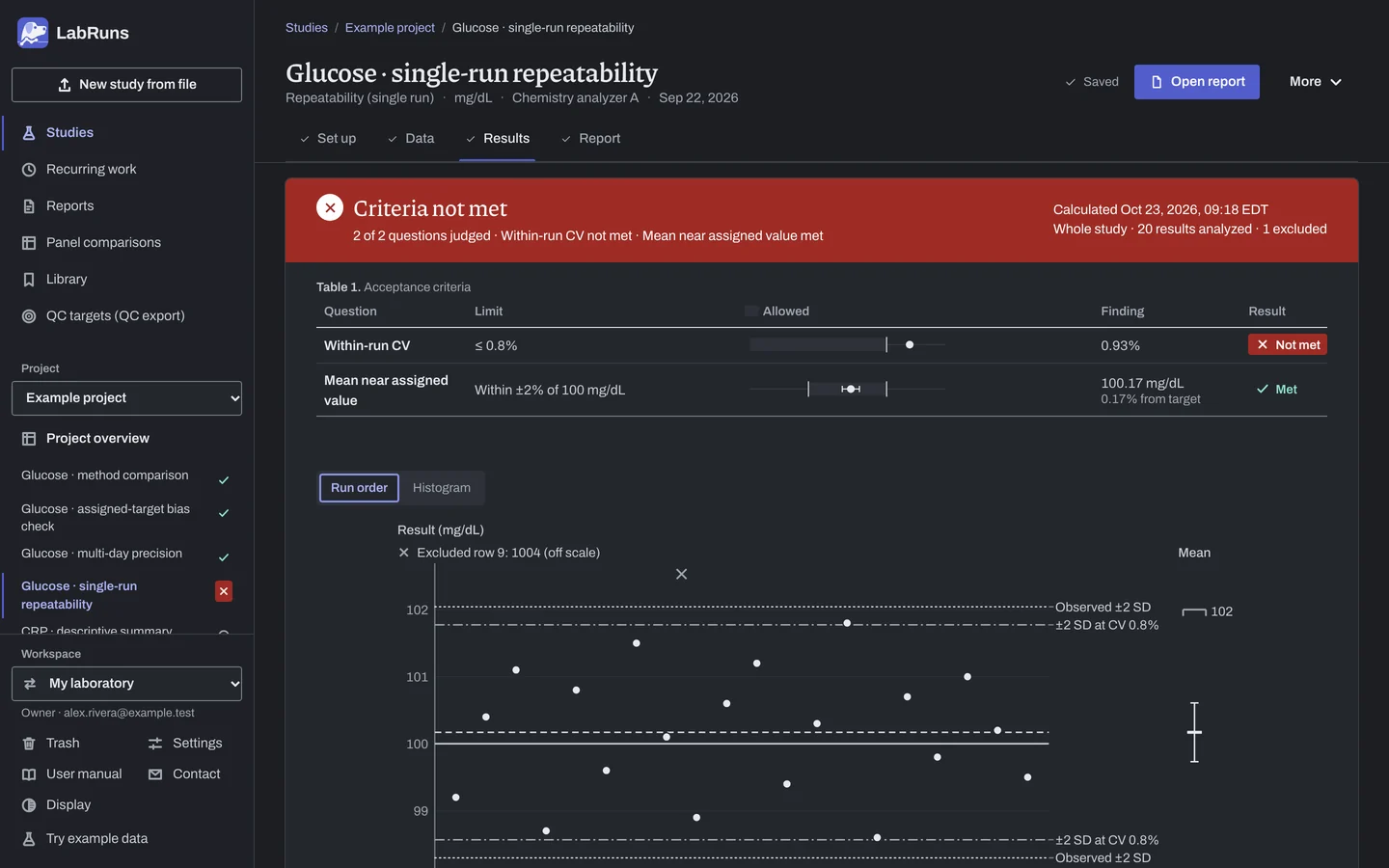
Figure 3. Results for Glucose · single-run repeatability. -
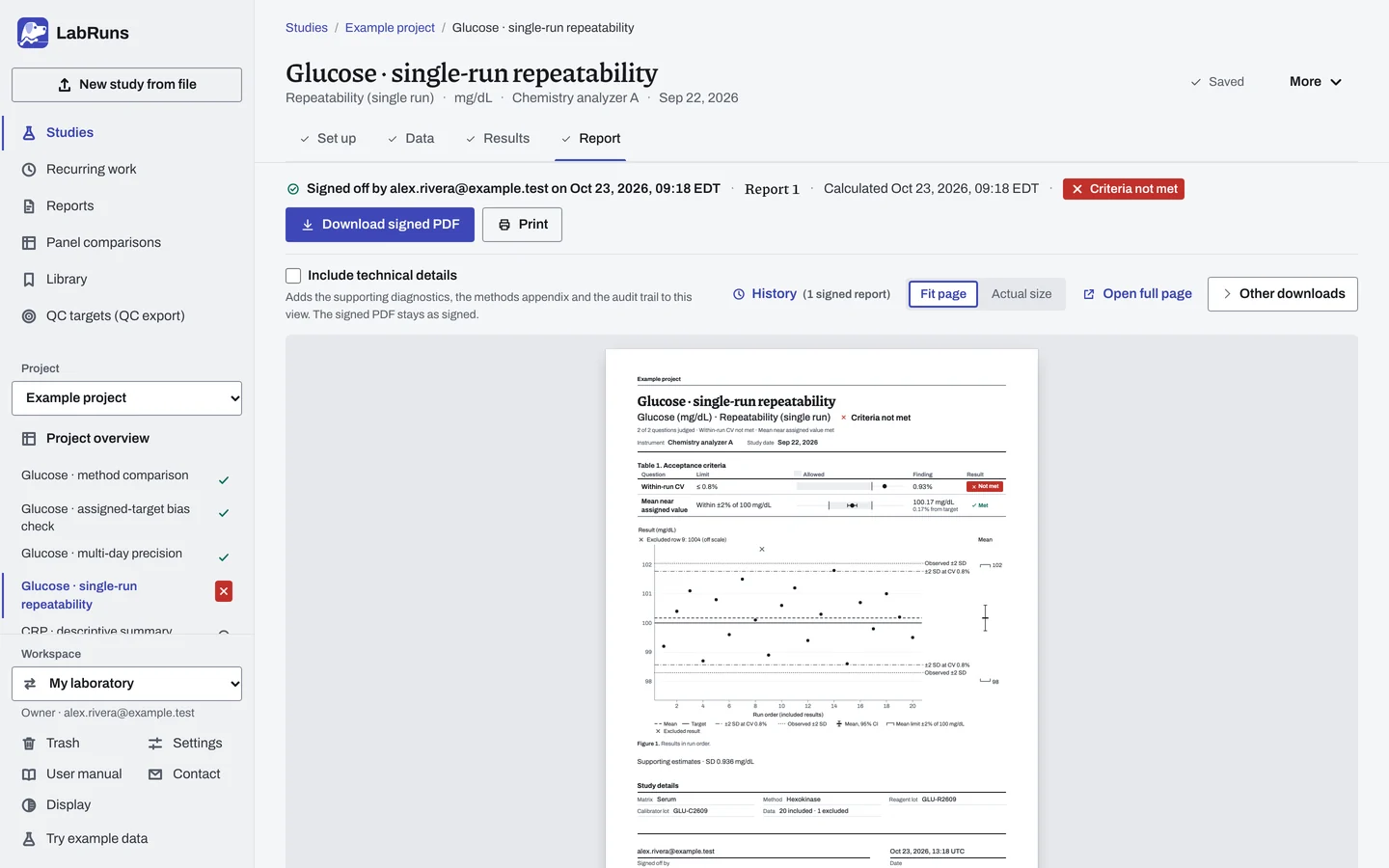
Report your decision. Open Report, look over the result and the study details, then download or print the report. Sign-off is optional.
Figure 4. Report for Glucose · single-run repeatability.
Set up
Section titled “Set up”- Choose New study, select Repeatability under Precision, enter Analyte and Unit, and choose Create study, or Create and import data if you already have results.
- On Set up, choose Enter your own limit under Acceptance limits and add your SD or CV limit. See Acceptance limits.
- To verify a manufacturer repeatability claim, open Manufacturer precision claims (optional) and choose Add claim. Enter the Level, the Claim concentration and the Claimed SD or Or claimed CV (%). Add one claim for each level.
- On Data, choose Import a file or Add row, or, on an empty grid, set Materials (levels) and Measurements per material under Lay out the grid, choose Create entry rows and type the results. See Import a file and Laying out the grid. Give each material its own level. See Columns.
- For a censored value such as
<5, enter the exact reading from the original record if available; otherwise exclude the row with a reason. See Handle missing and censored values. - Choose Calculate results. See Calculate results.
When a limit is not met
Section titled “When a limit is not met”- Recheck data entry for typos, a column assigned to the wrong field or the wrong decimal separator. One stray value, like the excluded
1004in the example, shifts the mean and SD a lot. - Look at the results plot. A steady trend within the run points to drift.
- If the spread is real, that is the finding. Check pipetting, reagent age, temperature drift or the control material, fix the cause and re-run.
Common mistakes
Section titled “Common mistakes”- Two materials in one level, or an imported level spread over several days or runs: give each material its own level, or use Multi-day precision.
- A replicate number used twice in one level: give each replicate its own number within the level.
- A marked row: correct a blank or non-numeric result, fill in a missing level, or give an exclusion its reason. For a method that reports negative results, tick Permit negative results under Calculation settings.
- Blank analyte or unit: fill in both on Set up.
- A CV limit on an interval scale: it stays Undecided. Use an SD limit in the measurement unit.